 ProMapRanker
Best AI-Powered Presentation Tools in 2026

Key takeaways
- Gamma gives the fastest route from a short prompt to a presentable deck, and it has a free plan with a limited credit allowance.
- Beautiful.ai suits teams that want layouts to stay consistent, since its Smart Slides adjust the design as content changes.
- Pitch and Canva suit collaborative teams, while Plus AI and SlidesAI suit people who want AI inside tools they already use.
- Check export options before you pay, because PowerPoint export, branding removal, and AI credit limits differ a lot between plans.
Quick comparison
| Pick | Great for | Pricing starts at | Free tier | |
|---|---|---|---|---|
 Gamma | Fast prompt-to-deck creation | $9 per month | Yes | Visit |
 Beautiful.ai | Consistent team decks | $14.50 per month | Free trial | Visit |
 Pitch | Team collaboration | $13 per month | Yes | Visit |
 Prezi | Non-linear, visual talks | $7 per month | Yes | Visit |
 Canva | All-round design and decks | $12 per month | Yes | Visit |
 SlidesAI | AI inside Google Slides | See website | Free trial | Visit |
 Plus AI | AI inside Slides and PowerPoint | $10 per month | Free trial | Visit |
 Presentations.ai | Business decks from text | $20 per month | Yes | Visit |
 Visme | Data-rich business decks | See website | Yes | Visit |
The best ai-powered presentation tools
We compared official pricing pages, feature pages, and export options for tools that turn prompts, outlines, or existing text into finished decks.
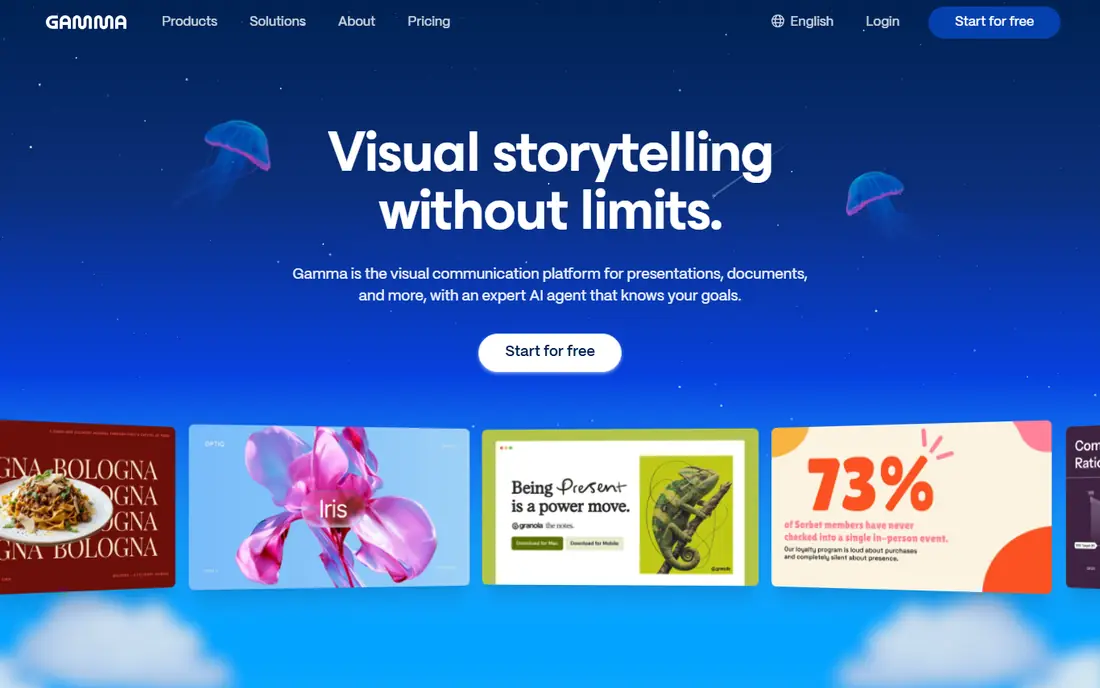
Gamma is our pick for most people who need a deck quickly. You type a prompt or paste an outline, and Gamma builds a structured deck with text and suggested visuals in minutes. The result is easy to share as a link, which suits remote teams and clients who read decks on their own time.
The catch is format. Gamma decks are built from cards rather than traditional slides, so a team that must deliver a strict PowerPoint file should check export behaviour on its plan first. Credit limits also matter for frequent users, since each generation uses credits and the free allowance does not refill.
- Quick first drafts from a prompt
- Card-based decks that also work as web pages
- Generous free starting credits
- Card format differs from classic slides
- Heavy AI use needs higher credit plans
- Fine layout control is limited
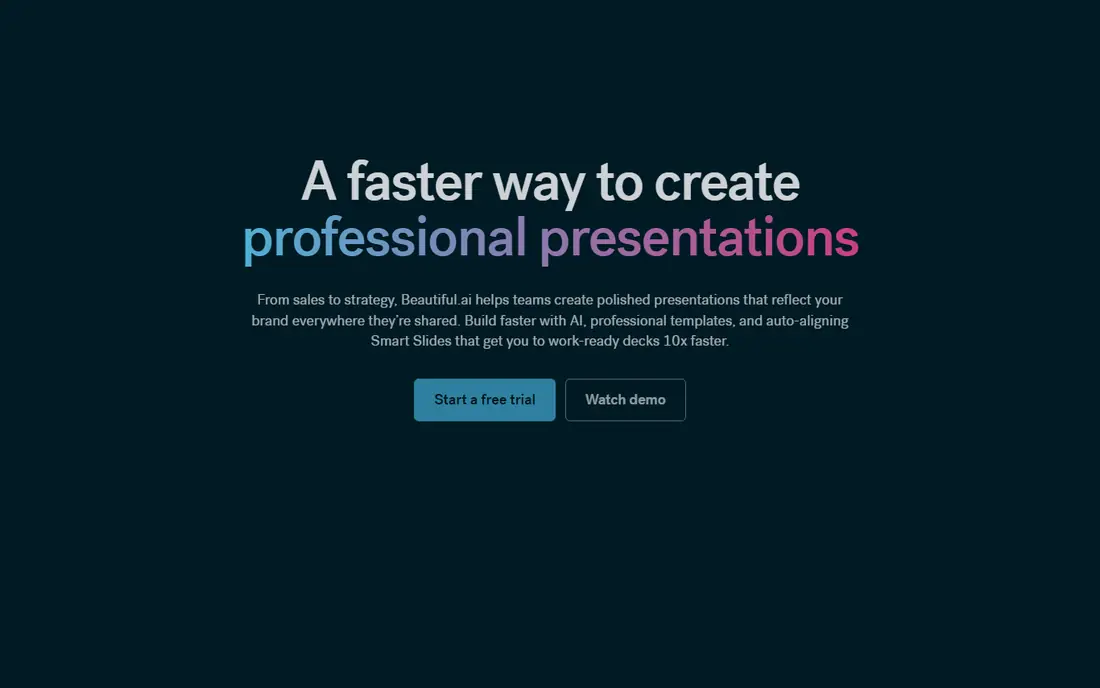
Beautiful.ai is built for people who want every deck to look tidy without hiring a designer. Its Smart Slides rearrange content when you add or remove text, so a long bullet list does not break the layout in the way it often does in a blank slide file. That discipline helps teams that share decks with clients.
The trade-off is control. If you want a slide to break the rules for effect, Beautiful.ai may push back. It is also a paid-first tool, so try the trial with a real deck before you commit, and confirm the annual price at checkout.
- Layouts adjust automatically as you edit
- Strong template library
- PowerPoint import and export on paid plans
- No permanent free plan
- Design rules can feel strict
- Monthly billing is much higher than annual billing
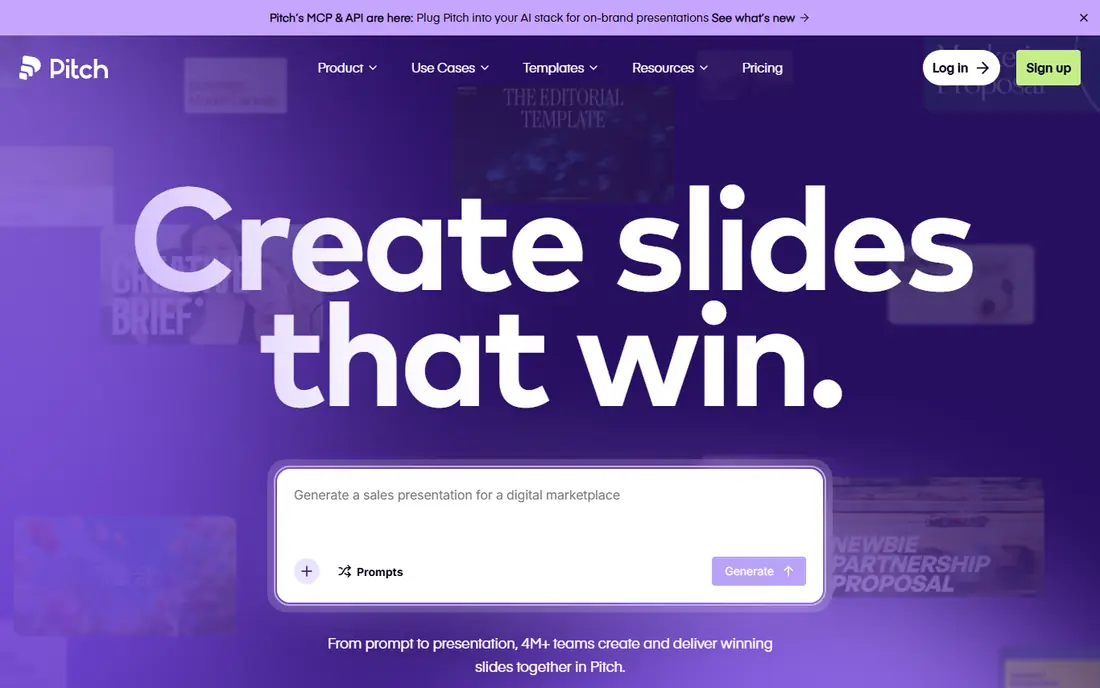
Pitch works well when several people build one deck together. Comments, status tracking, and shared workspaces keep the process tidy, and analytics show which slides get viewed. For a sales or marketing team, that feedback loop is more useful than a slightly prettier first draft.
AI is part of Pitch rather than the whole product. The free plan includes a small one-time AI credit allowance, so regular AI generation needs a paid plan. If your team already works in Pitch, that is a fair trade. If you only need one AI deck, a prompt-first tool may be cheaper.
- Unlimited presentations on the free plan
- Built-in analytics
- Templates and brand controls for teams
- AI credits are limited on lower plans
- PowerPoint export needs a paid plan
- Smaller template range than Canva
Prezi is the choice when a talk needs to feel like a guided tour rather than a slide-by-slide read. Its canvas lets you zoom from an overview into detail and back again, which can hold attention in a pitch or a lesson. AI features help with drafting and structure, though you still need to shape the story yourself.
This style is not right for formal board decks or documents that will be printed. It also takes practice to avoid motion that distracts from the message. For classroom talks, product demos, and conference sessions, it is a strong and affordable option.
- Distinct zooming presentation style
- AI help with structure and content
- Low paid entry price
- Zooming style does not suit every audience
- Classic slide workflows need adjustment
- Some features sit on higher plans
Canva suits small businesses that need more than decks. One subscription covers presentations, social posts, posters, and simple videos, and the template library means you rarely start from a blank page. Its AI tools can draft slides, write text, and generate images, though allowances vary by plan.
The honest catch is that Canva is a general design tool first. Its AI deck drafts are useful starting points, but a specialist tool may produce a tighter narrative structure. If you already pay for Canva Pro, though, its presentation tools are a strong reason to stay.
- Huge template and asset library
- Presentations, social graphics, and documents in one place
- Easy PowerPoint export
- AI allowances are capped on the free plan
- Advanced AI features may need add-ons
- Design depth is less than specialist tools
SlidesAI is for Google Slides users who do not want to learn a new app. You paste text or an outline, choose a theme, and it builds a slide deck inside Slides, where you can then edit freely. That matters when your team, school, or client already lives in Google Workspace.
Because it works inside Slides, the result looks like a normal Slides deck rather than a web page. The downside is that a vague outline gives a vague deck, so spend a few minutes writing a clear structure first. Check the current plan limits before a large project, since slide and generation limits differ.
- Works inside Google Slides
- Turns text or outlines into slides quickly
- Keeps your existing Google workflow
- Output quality depends on the input text
- Design options are narrower than full design tools
- Pricing varies by plan
Plus AI suits people who must deliver a real Slides or PowerPoint file. Instead of exporting from a separate app, you generate and edit inside the presentation tool your company already uses. You can adjust the outline before it builds slides, which gives more control over the story than a one-shot prompt.
The trial is the right way to test it, since there is no free plan to fall back on. Try it on a real deck, check how it handles your template and fonts, and confirm that the output matches your house style before paying for a team.
- AI generation inside Google Slides and PowerPoint
- Outline editing before generation
- Useful for existing decks
- No permanent free plan
- Needs a Google or Microsoft account workflow
- Heavy use may need a higher plan
Presentations.ai aims at professionals who write reports, proposals, and internal updates. You provide text or a topic, and it builds a deck with a clear structure, charts, and consistent styling. For busy managers, that saves the blank-page stage of deck building.
The price is higher than Gamma or Pitch at entry level, so it makes most sense when you produce business decks every week. If you only need a deck now and then, the free starter plan is worth testing first, with attention to its credit and slide limits.
- Turns text into structured business decks
- Templates aimed at corporate use
- Free starter plan to test
- Higher entry price than some rivals
- Template style can feel corporate
- Advanced features sit on higher tiers
Visme is a good fit when a deck must carry numbers clearly. Its chart and infographic tools let you build data visuals inside the deck, rather than pasting screenshots from a spreadsheet tool. That keeps numbers editable and the design consistent.
It is broader than a pure AI deck maker, which is both a strength and a weakness. You get more design tools, but you also need time to learn them. Check the current pricing page for the plan that includes the AI and brand features you need, since the free plan is limited.
- Charts, infographics, and data widgets built in
- Brand kit controls
- Presentations plus documents and graphics
- Learning curve for data widgets
- Best features need paid plans
- AI features vary by plan
How we picked these
We compared official pricing pages, feature pages, and export details for tools that were live and working in October 2026. We left out tools whose presentation product had shut down, and we favoured tools with a clear AI drafting feature, a usable free plan or trial, and a real export or sharing route. Prices shown are annual-billing entry prices where a vendor publishes them, and we wrote See website where pricing was not clearly published at the time of checking.
What to check before you pay
Start with the deliverable. If the final file must be a PowerPoint deck, pick a tool with reliable PowerPoint export on the plan you will actually buy, not just on the top tier. If a link is fine, a web-native tool like Gamma or Pitch may be faster and easier to share.
Next, count your AI use. Credit limits decide the real cost for frequent users, so estimate how many decks you will generate each month and compare that with each plan allowance. A cheap plan with a small credit pool can cost more than a mid-tier plan once you buy extra credits.
Finally, test with a real deck. Use the free plan or trial to build something you actually need to present, then check fonts, images, charts, and export quality. A tool that looks good in a demo can still struggle with your template, your data, or your brand colours.
Frequently asked questions
What are the best ai-powered presentation tools for beginners?
Gamma and Canva are the easiest starting points, since both offer free plans, templates, and a short path from a prompt to a finished deck. SlidesAI is also simple if you already use Google Slides. Try a free plan first and build a real deck before paying.
Are there free ai-powered presentation tools?
Yes. Gamma, Pitch, Prezi, Canva, Presentations.ai, and Visme all offer free plans, though AI credits and export options are limited on those plans. Beautiful.ai and Plus AI offer trials instead of permanent free plans, so check trial length before you start a project.
Which tool is best for PowerPoint files?
Plus AI and SlidesAI work inside PowerPoint or Google Slides, which keeps the file in a familiar format. Beautiful.ai and Canva also export to PowerPoint on paid plans. If PowerPoint is a must, test export with your template before committing.
Do AI presentation tools replace a designer?
They replace the blank-page stage and basic layout work, but they do not replace judgment about story, audience, and brand. Use AI for a first draft, then edit the structure, check every fact, and adjust visuals for your audience.
What are the top ai-powered presentation software reviews saying about credits?
Reviews and vendor pages agree that credits are the main hidden limit. Free plans give a small allowance, paid plans give a monthly allowance, and heavy users may need a higher tier. Compare monthly credit allowances, not just the headline price.
Sources
See where you really rank - block by block
ProMapRanker scans Google Maps across a grid of your service area. Simple monthly plans from $19, white-label on every plan.
Start freeKeep reading
 wpforms alternatives
Best WPForms Alternatives in 2026
We compare 9 wpforms alternatives for WordPress forms, with free and paid options, current pricing notes, and honest limits for small business sites in 2026.
Read → windows task scheduler alternatives
Best Windows Task Scheduler Alternatives in 2026
Looking for Windows Task Scheduler alternatives? We compare 9 schedulers for Windows and cross-platform work, from free tools to enterprise automation.
Read → which ai video service is best
Which AI Video Service Is Best in 2026
which ai video service is best? We compare 10 legitimate AI video services on price, avatars, editing and output quality to help you pick the right tool.
Read →