 ProMapRanker
Best AI-Powered CMS Platforms in 2026

Personalized enterprise digital experiences · Pricing starts at: See website
Direct answer
Sitecore leads the list, best for personalized enterprise digital experiences. Listed starting prices: Sanity from $15 per seat a month, Storyblok from $99.00 per month and Webflow from $15 a month. Look at Sanity for structured content for agents and apps, and at Storyblok for headless CMS with visual editing. The other 3 tools in the list cover narrower or pricier cases.
This ProMapRanker guide covers 6 AI-Powered CMS platforms. Each profile lists a starting price, free plan details, strengths and drawbacks, so you can drop poor fits quickly.
Key takeaways
- Top of the list is Sitecore, which targets personalized enterprise digital experiences.
- One limit worth knowing about Storyblok: needs developer setup for some uses.
- For the cheapest start, look at Sanity: $15 per seat per month.
- Adobe Experience Manager suits integrated enterprise content and assets.
- Free plans exist at 2 of 6 tools (Sanity, Webflow).
Quick comparison
| Pick | Great for | Pricing starts at | Free tier | |
|---|---|---|---|---|
| Sitecore | Personalized enterprise digital experiences | See website | Not stated | Visit |
 Sanity | Structured content for agents and apps | $15 per seat a month | Yes | Visit |
 Storyblok | Headless CMS with visual editing | $99.00 per month | Free trial | Visit |
 Drupal | Open source, highly structured content | See website | Not stated | Visit |
 Webflow | Visual site building with built-in CMS | $15 a month | Yes | Visit |
 Adobe Experience Manager | Integrated enterprise content and assets | See website | Not stated | Visit |
The best AI-Powered CMS platforms
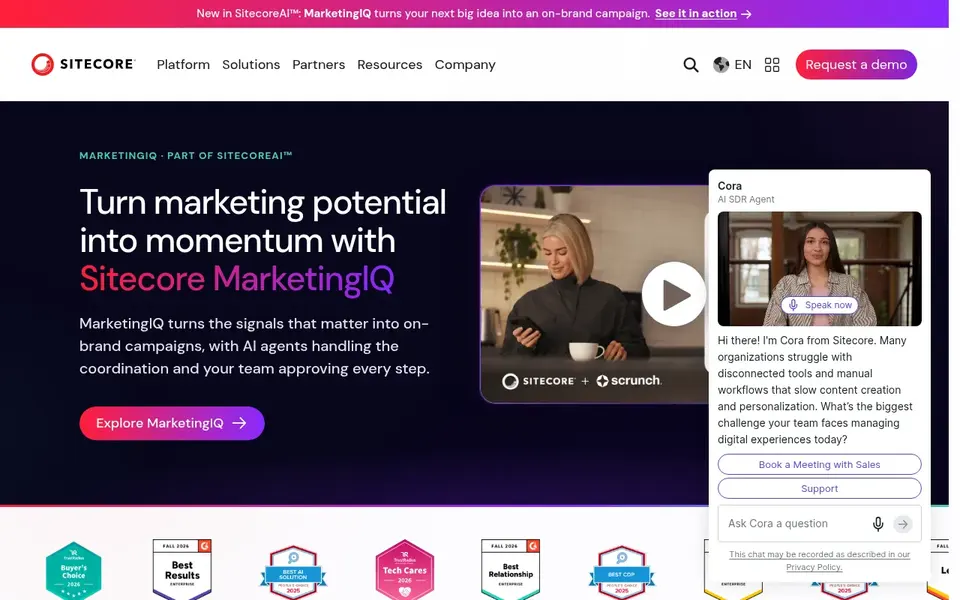
Where Sitecore fits: personalized enterprise digital experiences. Organizations with large content estates, several brands and dedicated digital teams are the natural fit, particularly where personalization and analytics are central instead of optional.
Points against: Heavy for straightforward content sites.
As for the details, if your goal is a quick marketing site or a light headless CMS, a more straightforward product will likely serve you better. Sitecore shows no starting price here, so confirm the cost on the vendor site. Free options: Not stated. Highlights: AI-powered experience positioning.
- Links content
- Data and personalization
- Complicated to implement and operate
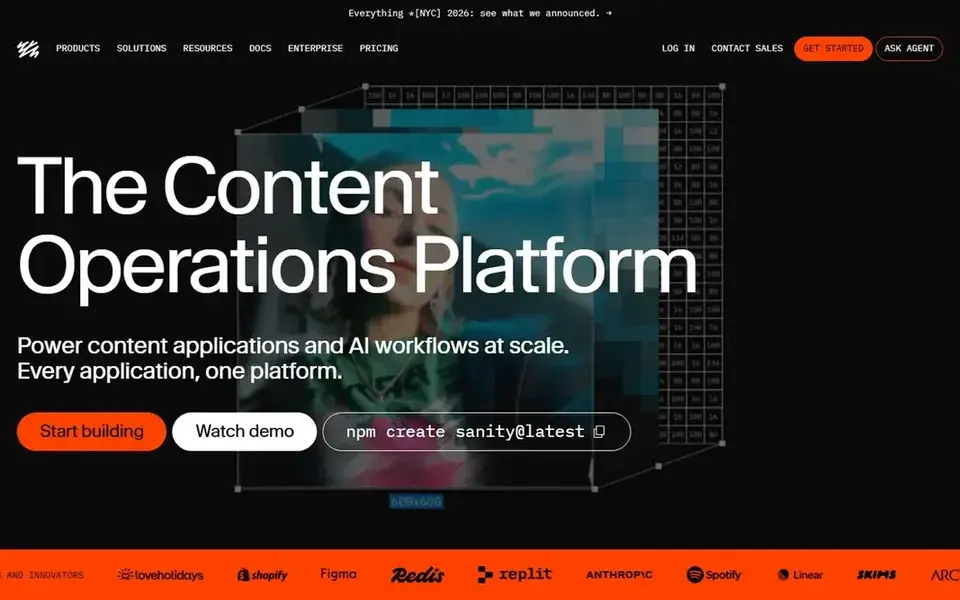
Where Sanity fits: structured content for agents and apps. Sanity leans toward developers and content architects, so marketing teams expecting a ready-made site builder may need more setup. It is a content product, not a hosting or design suite.
Its focus is structured content that can be reused across digital products, which suits organizations treating content as data that feeds several experiences. On top of that, consider a combined product if you want publishing and hosting in one place, and choose Sanity when structured, reusable content across numerous applications is the core requirement. Starting cost for Sanity: $15 per seat per month. You can start on Sanity without paying.
Points against: Developer-oriented configuration.
- Content operating system positioning
- Structured content model
- Not a turnkey marketing site builder
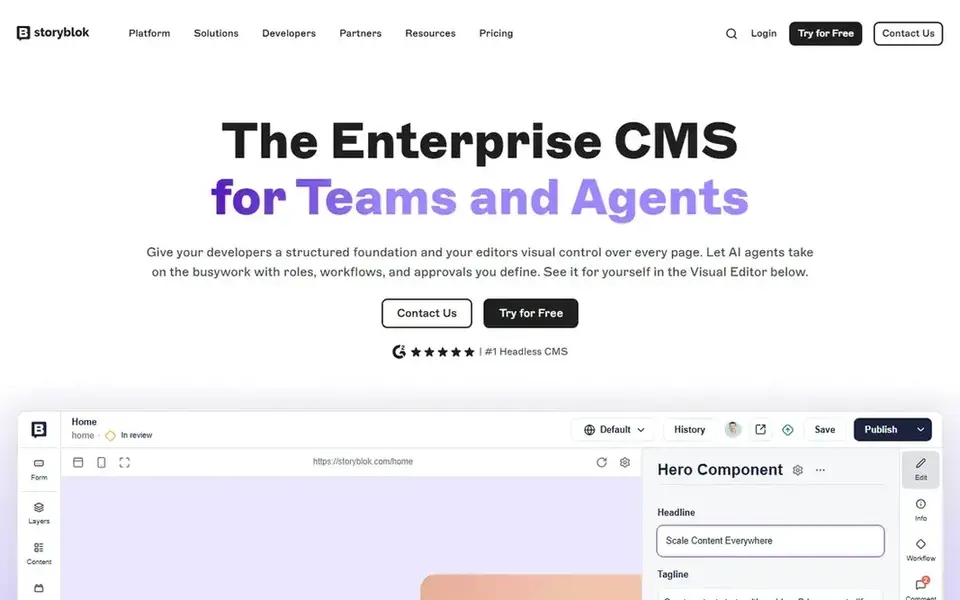
Storyblok is aimed squarely at headless CMS with visual editing. Choose Storyblok when the priority is a clean headless model with visual editing for non-technical editors.
The main drawbacks: Needs developer setup for some uses.
Storyblok is a content layer instead of a complete site-building and hosting suite, so teams still need their own frontend and infrastructure. Storyblok starts at: $99.00 per month. Free options: Free trial.
- Separates content from presentation
- Aims to speed value from content
- Not a full hosting or design suite
Drupal is designed for open source, highly structured content. If you want AI features presented from day one with minimal setup, a vendor-packaged system may be quicker to adopt.
Pricing for Drupal is not stated here, so ask the vendor for current figures. Free access: Not stated.
Drawbacks to consider: Steeper ramp-up time.
- Adaptable content modeling
- Solid editorial and access control choices
- AI features rely on added modules
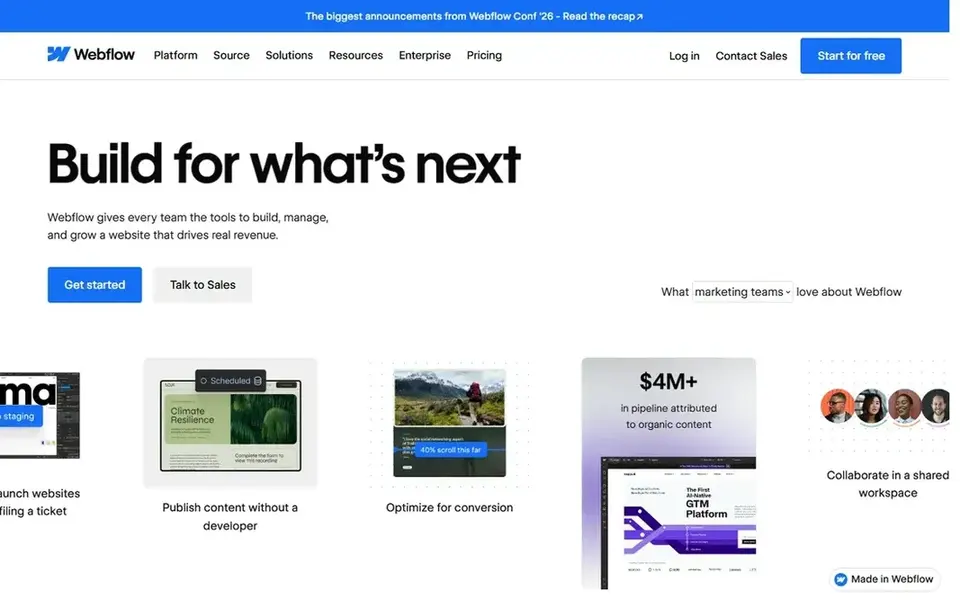
Pick Webflow if this describes you: visual site building with built-in CMS. It performs well when visual control and speed to publish matter more than deep backend customization.
What works well: Design.
Since the system centers on a visual builder and hosted infrastructure, teams with heavy custom application logic or strict code-level control may find it limiting. What you pay to start with Webflow: $15 per month. You can start on Webflow without paying. What to check first: Visual model can constrain complicated builds.
- CMS and hosting in one platform
- Enterprise-grade security choices
- Less suited to completely custom codebases
Adobe Experience Manager
Great for: Integrated enterprise content and assets
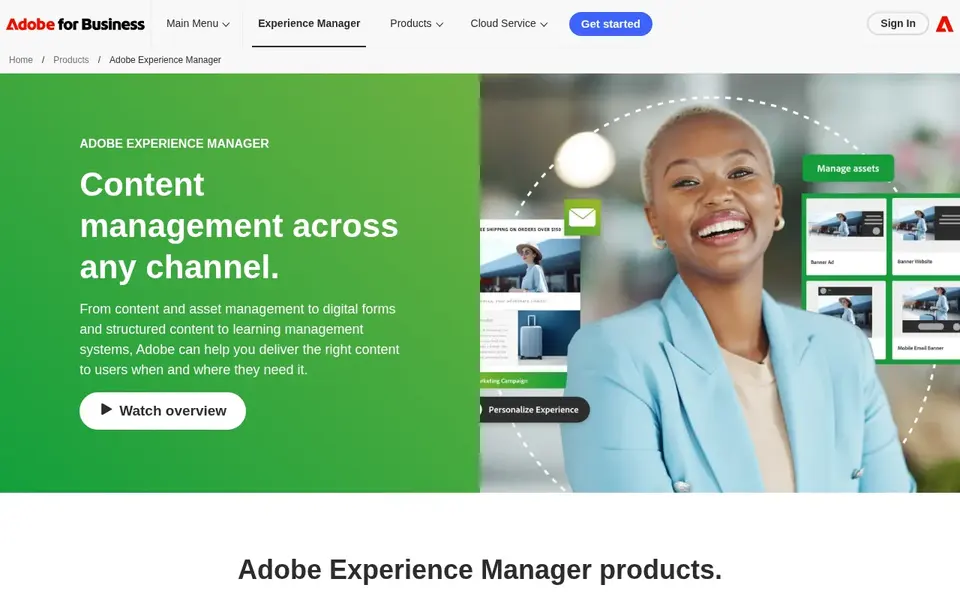
For integrated enterprise content and assets, Adobe Experience Manager is a natural candidate. It suits large brands that require to run content and assets together and coordinate experiences across channels.
Pricing for Adobe Experience Manager is not stated here, so ask the vendor for current figures. Free access: Not stated.
Drawbacks to consider: Enterprise-scale complexity.
- Supports digital enrollment workflows
- Combines asset management and CMS
- Needs specialist implementation
How we chose
For each of the 6 tools we noted price, free plan or trial, fit for AI-Powered CMS platforms and the main limit, using vendor pages and documentation. Where a price is missing, the vendor does not list one publicly or ties it to a quote. Always confirm before budgeting. The ranking is editorial: typical fit first, then clear pricing, then free access. If your needs are unusual, read the profiles rather than relying on position.
Things to verify first
- Ask Sitecore, Drupal and Adobe Experience Manager for a written quote, since no starting price is shown.
- Check what the free option really includes: Sanity and Webflow offer a free plan, and usage caps differ.
- Take the trial from Storyblok and push a live task through it before you pay.
- Read the limits listed for Sitecore first: complicated to implement and operate.
- Ask Sanity which support channels and response times come with the plan you would buy.
- Work out what Sitecore costs with your real seat count, add-ons and usage, not just the entry price.
Frequently asked questions
Which options for AI-Powered CMS platforms have a free plan?
Sanity and Webflow offer a free plan in this list. Free plans usually cap users, projects or features, so check the limits on the vendor page. One other tool offers a trial instead. All 6 picks in this AI-Powered CMS platforms comparison list a starting price, free plan details and the main limits on their cards above.
Can I try these options before paying?
Often, yes. Sanity and Webflow have a free plan and Storyblok offers a free trial. Use your own data and a real task during the test, and check what the free tier or trial limits before you rely on it. For the full picture, the cards above cover all 6 entries of this AI-Powered CMS platforms list, including price, free plan and limits.
How are the tools for AI-Powered CMS platforms ordered?
Sitecore sits first and Adobe Experience Manager last because the order follows typical fit for AI-Powered CMS platforms, then price clarity and free access. It is a judgement call, so read each profile for fit and limits.
What makes a CMS AI-powered?
Check which specific features a system documents instead of assuming the label includes everything. The tools here range from visual builders to enterprise experience products.
Is Sitecore the right pick for everyone comparing AI-Powered CMS platforms?
No single tool suits every team. Sitecore comes first because it fits personalized enterprise digital experiences, while Sanity suits structured content for agents and apps and Storyblok suits headless CMS with visual editing. Match the tool to your own size, budget and workflow before deciding.
Sources
See where you really rank - block by block
ProMapRanker scans Google Maps across a grid of your service area. Simple monthly plans from $19, white-label on every plan.
Start freeBrowse all guides
← 6 Best AI WordPress Hosting Platforms for 2026AI WordPress Developers Software in 2026: Top 6 Compared →
 best ai website change monitoring software
Best AI Website Change Monitoring Software (2026)
Weighing the best AI website change monitoring software? We lined up 5 products by cost, free access and fit. Concise write-ups of every option. Clear verdicts.
Read → best evals platform that supports self-hosting
Best Evals Platform That Supports Self-Hosting in 2026
Best evals platform that supports self-hosting: 5 contenders ranked by fit, with entry costs and free tiers. Read the caveats before you buy. Prices checked.
Read → best ai website monitoring software
AI Website Monitoring Software in 2026: Top 5 Compared
Shortlisting the best AI website monitoring software? 5 products compared on cost, free access and ideal buyer. Verdicts stay brief and factual. Decide faster.
Read → best chat tool for website
Best Chat Tool for Website in 2026
Best chat tool for website owners compared, with live chat, AI agents, free plans, and pricing for small stores, SaaS teams, and support teams of all sizes.
Read → top software localization platform
Top Software Localization Platform in 2026
Compare the top software localization platform options for apps and websites, from string management and machine translation to reviewer workflows and pricing.
Read → best web hosting services for small business
Best Web Hosting Services for Small Business in 2026
We compared the best web hosting services for small business on price, speed, support and renewals, from budget shared hosting to managed WordPress in 2026.
Read →More in Websites & Hosting · All guides A to Z by date · Latest guides