 ProMapRanker
Best Chat Tool for Website in 2026

Key takeaways
- Intercom is the strongest AI-first pick for SaaS teams, but per-seat plus per-resolution pricing can climb fast.
- LiveChat and Freshchat suit dedicated support teams, with Freshchat offering a free plan for up to 10 agents in current guides.
- Tidio and Crisp are the best value picks for small stores, with free plans and flat or low monthly pricing.
- tawk.to is the only serious free option with unlimited agents, though branding stays unless you pay to remove it.
- HubSpot live chat is free for teams already on HubSpot CRM, while Zendesk chat fits teams already inside Zendesk Suite.
Quick comparison
| Pick | Great for | Pricing starts at | Free tier | |
|---|---|---|---|---|
 Intercom | AI-first support teams | $29 per seat per month | Free trial | Visit |
 Zendesk | Chat inside Zendesk Suite | See website | Free trial | Visit |
 LiveChat | Dedicated chat teams | $19 per month | Free trial | Visit |
 Tidio | Small online stores | $29 per month | Yes | Visit |
 Crisp | Flat workspace pricing | $45 per month | Yes | Visit |
 Freshchat | Free plan for small teams | $19 per agent per month | Yes | Visit |
 HubSpot | Free CRM-native chat | Free | Yes | Visit |
 tawk.to | Free unlimited agents | Free | Yes | Visit |
 Olark | Simple human chat | $29 per agent per month | Free trial | Visit |
The best chat tools for websites
We compared official pricing pages and current 2026 guides for the best chat software for websites, website chat apps, and website chat tools. The list below covers live chat widgets, shared inboxes, and AI agents, so you can match the tool to your team size, ticket volume, and existing CRM or help desk.
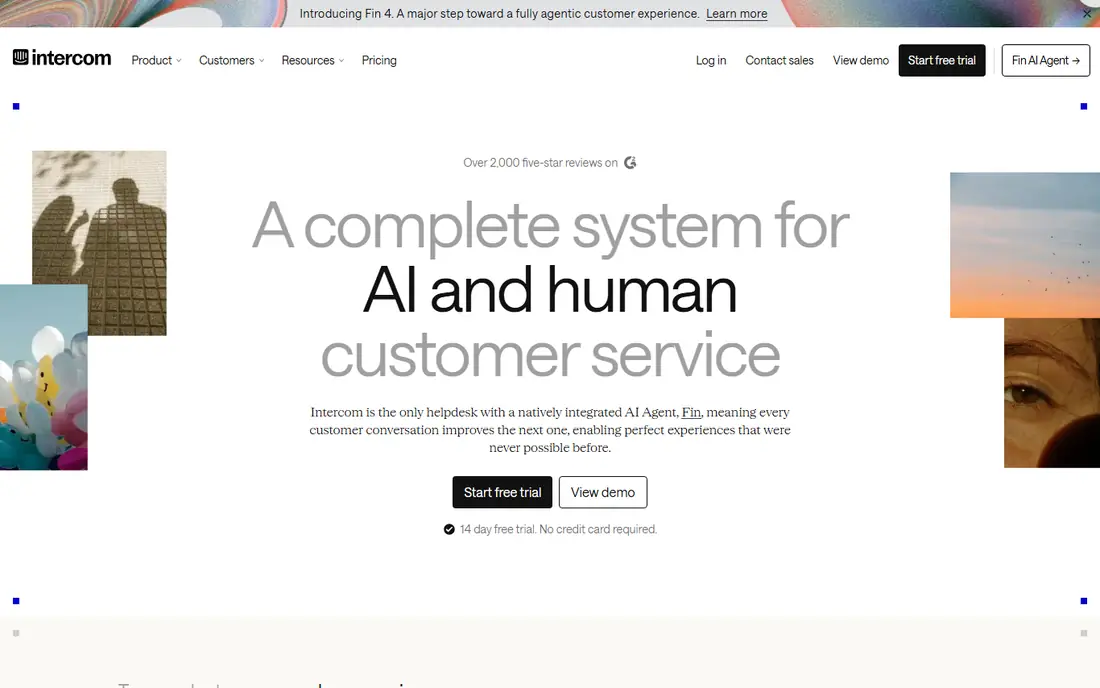
Intercom is the product many SaaS teams measure this category against. It combines a website chat widget, a shared inbox, a knowledge hub, and Fin, its AI agent, on one conversation record. Current guides list seats from $29 per month, plus $0.99 per Fin resolution, which means a high-volume team can see costs rise even with a small agent count.
That completeness is also the risk. If you mainly need a simple chat bubble for a lean team, half this list will do the job for less. If you want AI to resolve routine questions, hand off cleanly to humans, and improve from every conversation, Intercom remains the strongest AI-first website chat software here.
- Fin AI agent plus shared inbox and knowledge hub in one system
- Deep integrations
- Strong automation
- Fin bills per resolved conversation on top of seats
- Total cost grows fast with volume
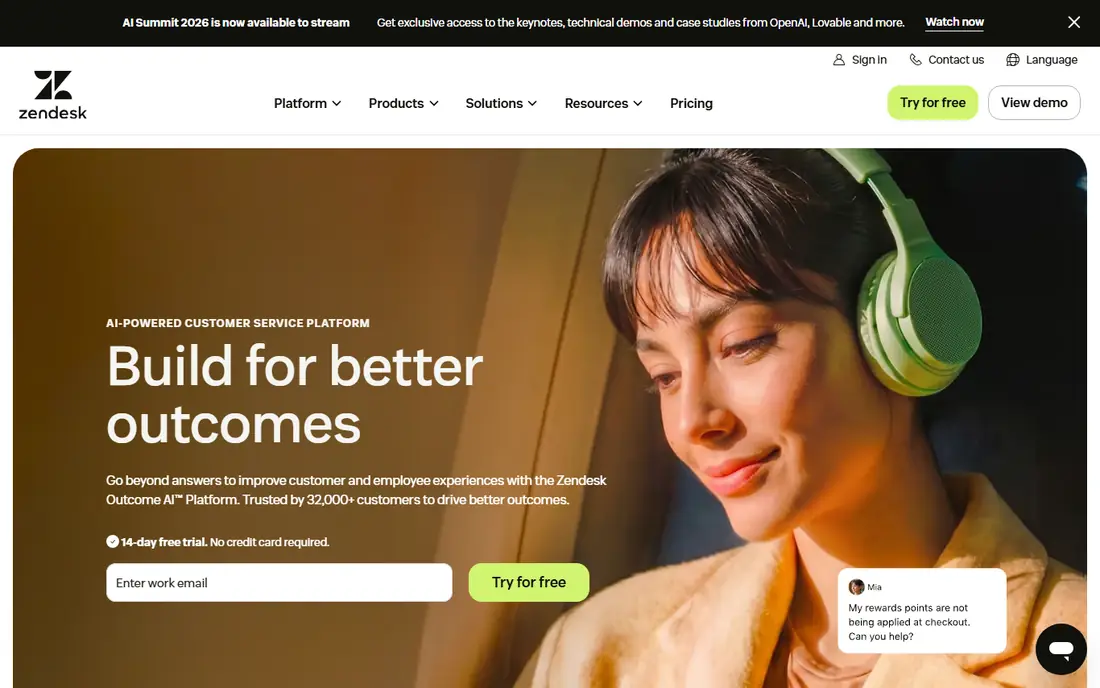
Zendesk suits support teams that already use Zendesk for email and tickets and want website chat in the same queue. Agents can move from chat to ticket without switching tools, use macros for common answers, and report on chat, email, and social channels together. Current guides place Suite Team, the first tier that includes chat in full, near $55 per agent per month when billed yearly, so confirm the current tier before you buy.
For a small site that only needs a chat bubble, Zendesk is more system than you need. For a growing support operation that wants one queue, one customer record, and strong reporting, Zendesk chat is a natural extension of a help desk you may already run.
- Chat inside a full omnichannel help desk
- Strong ticketing, macros, and reporting
- Large integration library
- Chat sits in Suite plans, not the cheapest support tier
- Setup can feel heavy for small teams
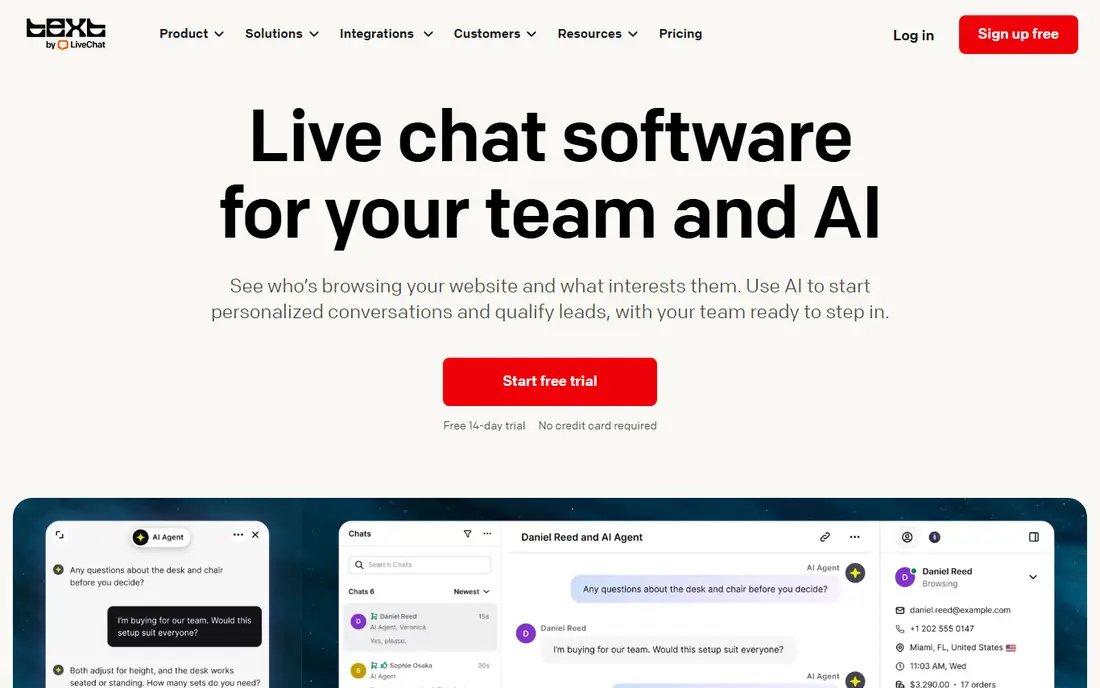
LiveChat keeps the focus on chat itself, with a fast widget, agent apps, canned responses, and chat routing for sales and support teams. Current guides list Starter from $19 per month when billed yearly, with higher tiers for multi-agent use and longer chat history. That clarity suits ecommerce teams that tie chat to carts, product questions, and checkout help.
The trade-off is scope. LiveChat does not bundle a full help desk, so email ticketing needs a separate product. If chat is your main channel and you want a polished, dedicated tool rather than a suite, LiveChat is one of the best website chat tools in this list.
- Focused chat widget and agent app
- Good for sales and support chats
- Clear per-agent pricing
- No free plan, only a trial
- Ticketing and help desk tools are separate products
Tidio is built for small online stores that want live chat plus a simple AI agent without enterprise pricing. The free plan covers basic chat, while current guides list paid plans from $29 per month, with Lyro AI available as an add-on from about $39 per month. Shopify integration, visitor tracking, and canned replies help small teams answer product and shipping questions fast.
Conversation limits are the detail to check. Starter plans cap billable conversations, so a busy store can outgrow the entry tier quickly. For a small store with modest chat volume that wants free chat plus an affordable AI option, Tidio is a strong value pick.
- Free plan available
- Lyro AI agent add-on
- Strong Shopify and ecommerce integrations
- Starter plan limits billable conversations
- AI agent costs extra
Crisp stands out for teams with many agents, since it charges per workspace rather than per seat. Current guides list a free plan for up to 2 seats, with paid plans from $45 per month for a workspace, and higher tiers for more seats and automation. That model keeps costs predictable as you add agents, which is rare in this category.
Automation, routing, and unlimited AI features sit on higher tiers, so a team that needs advanced workflows may need the Essentials or Plus plan. For startups and small teams that want a clean shared inbox, a website chat widget, and predictable pricing, Crisp is the best budget pick here.
- Flat per-workspace pricing instead of per-seat billing
- Free plan for up to 2 seats
- Shared inbox and knowledge base
- Automation and routing sit on higher tiers
- AI credits are capped on lower plans
Freshchat, part of Freshworks, offers one of the most generous free plans in this category, with current guides listing free use for up to 10 agents. Paid Growth plans start near $19 per agent per month when billed yearly, adding more channels, routing, and automation. That makes Freshchat a natural pick for small teams that want to start free and grow inside Freshworks.
The free plan will not cover advanced routing, multiple service levels, or AI copilot features, which sit on higher tiers. Teams outside Freshworks may also prefer a standalone chat tool. For a small team that wants a real free plan with room to grow, Freshchat is hard to beat.
- Free plan for up to 10 agents in current guides
- WhatsApp and Messenger channels
- Freshworks integrations
- Advanced routing and AI copilot sit on higher tiers
- Interface favors Freshworks users
HubSpot live chat is free for teams already using HubSpot CRM, which makes it the easiest pick for HubSpot users. Chats attach to contact records, so sales and support teams see past conversations, deals, and tickets in one place. Free bots can route visitors and collect details, while paid Service Hub plans add advanced automation and AI features.
Free chat carries HubSpot branding, and the most advanced service tools need a paid plan. Teams not on HubSpot may find setup heavier than a standalone widget. If your CRM is already HubSpot, starting with its free chat tool costs nothing and keeps customer data in one system.
- Live chat free forever in HubSpot CRM
- Conversations tied to contact records
- Bots on free and paid plans
- Free chat carries HubSpot branding
- Advanced service features need paid Service Hub plans
tawk.to is the only tool here that offers unlimited agents and chats for free. You can add as many agents as you need, use a knowledge base, and manage tickets without a monthly seat bill. Current guides list branding removal from about $29 per month, with AI Assist as a paid add-on from a similar level.
The free widget shows tawk.to branding, which may not suit premium brands. Free support is also lighter than paid rivals. For a small business, charity, or side project that needs real live chat at zero monthly cost, tawk.to is the clearest free option in this list.
- Free with unlimited agents and chats
- Knowledge base and ticketing included
- Low-cost branding removal
- Branding stays on the free widget
- AI assist costs extra
- Support is community-led for free users
Olark keeps website chat simple and human. The widget is easy to install, agents get a clean chat view, and co-browsing lets an agent guide a visitor through a page when needed. Current guides list plans from $29 per agent per month, with a separate AI Website Agent plan listed near $400 per month when billed yearly.
That AI price makes Olark a human-first pick, not an AI-first pick. Small teams that want a straightforward chat tool without suite complexity will like Olark, while teams that want AI at a low entry price should look at Tidio or Intercom instead. For simple, reliable human chat, Olark still earns its place.
- Simple human-first chat widget
- Co-browsing for guided help
- Easy setup
- No free plan beyond a trial
- AI agent is a separate high-priced plan in current guides
How we picked these
We compared official pricing pages and current 2026 guides for website chat tools that are actively maintained and available to US businesses. We favored tools with a real free plan or trial, a website widget that installs without heavy development, and a distinct pricing model or audience. Tools that were discontinued, lacked a current pricing page, or duplicated another pick without a clear difference were left out.
What to check before you choose
Start with volume and team size. A free plan from Freshchat, Crisp, HubSpot, Tidio, or tawk.to suits a small team with modest chat volume. A per-seat tool such as Intercom, Zendesk, LiveChat, or Olark suits a larger team that needs routing, reporting, and a shared queue. Count expected monthly conversations, not just agents, since AI and conversation limits often drive the real bill.
Check your existing stack next. HubSpot users should start with HubSpot chat, Zendesk users with Zendesk chat, and Freshworks users with Freshchat, since keeping conversations in one system saves time. Shopify stores should favor Tidio, LiveChat, or Crisp for ecommerce integrations. If you use none of those systems, Crisp or tawk.to offer the simplest independent start.
AI agents and hidden costs
AI pricing is where most teams get surprised. Intercom Fin bills per resolution, Tidio Lyro is an add-on, and Crisp AI credits are capped on lower tiers. Ask how a resolution is counted, what happens when you hit a cap, and whether human handoff keeps full conversation context. Test the AI on your top ten questions before you commit to a volume-based plan.
Setup, branding, and mobile replies
Check widget customization, branding rules, and mobile agent apps before you buy. Free plans often carry vendor branding, which is fine for many small sites but not for premium brands. Make sure agents can reply from mobile, set away messages, and route chats by page, since a chat widget that no one answers quickly hurts more than no widget at all.
Frequently asked questions
What is the best chat tool for a website?
Intercom is the best AI-first pick for SaaS teams, LiveChat suits dedicated chat teams, and Crisp or tawk.to suit small teams on a budget. The best choice depends on team size, chat volume, and your existing CRM or help desk setup.
What is the best free website chat app?
tawk.to offers free unlimited agents and chats, while Freshchat offers a free plan for up to 10 agents and HubSpot offers free live chat inside its CRM. Crisp and Tidio also offer useful free plans for small teams.
What is the best chat software for websites for small business?
Crisp and Tidio are strong small-business picks, thanks to free plans and predictable pricing. HubSpot chat is best if you already use HubSpot CRM, and tawk.to is best if you need unlimited agents for free.
How much does website chat software cost?
Prices here range from free at tawk.to and HubSpot to $19 per month at LiveChat, $29 at Tidio and Intercom seats, and $45 at Crisp workspaces. AI add-ons and per-resolution fees can raise the total, so check conversation limits before you buy.
Does website chat help sales?
Yes, when it is staffed and fast. Live chat helps visitors ask product, shipping, and checkout questions without leaving the page, which can lift conversion for stores and SaaS sites. Slow or unanswered chat has the opposite effect, so set clear reply hours.
Can AI answer website chats?
Yes. Intercom Fin, Tidio Lyro, and other AI agents can answer routine questions from your help content and hand off to humans when needed. Check how resolutions are billed and test the AI on real questions before you rely on it.
Sources
See where you really rank - block by block
ProMapRanker scans Google Maps across a grid of your service area. Simple monthly plans from $19, white-label on every plan.
Start freeKeep reading
 best birdwatching app
Best Birdwatching App in 2026
Best birdwatching app picks for 2026: nine free and paid apps for bird ID by sight and sound, checklists, hotspots, and finding birds near you for all birders.
Read → best bird identification app
Best Bird Identification Apps in 2026
Find the best bird identification app for photos, songs and calls. We compare 9 bird apps, including Merlin, BirdNET and Audubon, to help you choose today.
Read → best binaural beats app
Best Binaural Beats App in 2026
We compared the best binaural beats app options for focus, sleep and relaxation, with free tiers, headphone use and honest limits for each app listed here.
Read →