 ProMapRanker
Best Binaural Beats App in 2026

Key takeaways
- Binaural beats need headphones, because each ear must hear a slightly different tone for the effect to be perceived.
- Binaural Beats Therapy and myNoise are strong free starting points, while Brain.fm and Endel offer more polished, paid sound design.
- Pzizz and Sleep Jar suit sleep and nap routines, while Momental and BrainWave suit listeners who want to mix their own sessions.
- This is general information only, not medical advice, and these apps do not treat sleep disorders, anxiety or any health condition.
- Try a free app first, keep volume low, and stop using an app if it disturbs your sleep or causes discomfort.
Quick comparison
| Pick | Great for | Pricing starts at | Free tier | |
|---|---|---|---|---|
 Brain.fm | Focus and work sessions | $14.99 per month | Free trial | Visit |
 Pzizz | Sleep and nap sessions | See website | Yes | Visit |
 Endel | Adaptive soundscapes | See website | Free trial | Visit |
 myNoise | Deep sound customization | Free | Yes | Visit |
 Binaural Beats Therapy | Free binaural beats on Android | Free | Yes | Visit |
 BrainWave | Budget binaural programs | See website | No | Visit |
 Momental | Free mixing of frequencies and sounds | Free | Yes | Visit |
 Sleep Jar | Large sleep sound library | $2.99 per month | Yes | Visit |
The best binaural beats app
Binaural beats play two slightly different tones, one in each ear, and the listener perceives a third pulsing beat. The apps below offer those tones alongside nature sounds, timers and sleep features, and they differ mainly in control, price and how much you can customize a session. This is general information only, not medical advice, and no app on this list should be used as a treatment for a health condition.
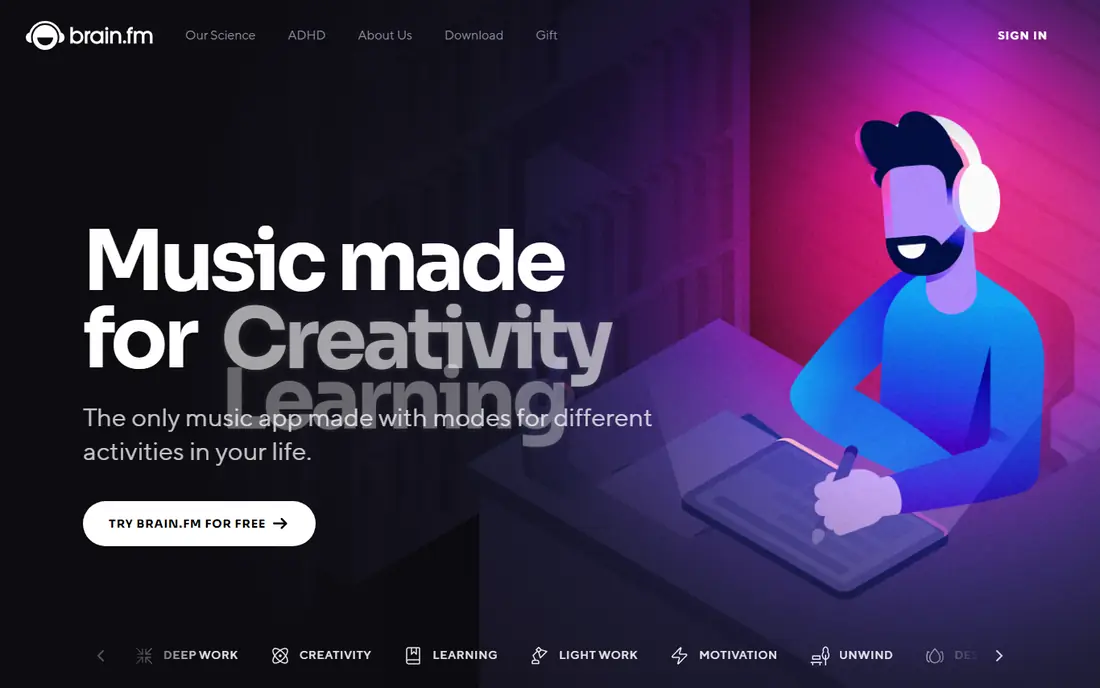
Brain.fm is included here because many people searching for binaural beats apps end up comparing it, but it is worth stating the difference plainly. Brain.fm says it uses patented modulation in its music, rather than classic two-tone binaural beats, and it does not require headphones for its effect in the same way. That makes it a focus-music app with a similar goal, rather than a pure binaural beats generator.
For work sessions, that design has practical advantages. You choose a mode such as Deep Work or Light Work, set a timer, and the music stays in the background without lyrics or sudden changes. The monthly price is $14.99, or $99.99 per year, and a free trial lets you test whether the style suits your work. If you specifically want to set exact binaural frequencies, a generator app below will fit better.
- Task-based audio for focus, sleep, relaxation and meditation
- Built-in timers for work sessions
- Works on web, iOS, Android and desktop
- Not classic binaural beats, it uses its own audio modulation
- No permanent free tier after the trial
- Yearly plan is cheaper but requires upfront payment
Pzizz is built around sleep and naps, rather than general sound mixing. Its sessions combine music, voice and sound design into a timed sequence that ends as you drift off, which suits listeners who want to press play and not adjust settings. Nap lengths and sleep sequences are the core, and the app is designed to be used in bed with headphones or a speaker nearby.
The free tier gives a taste of that structure, but the fuller library and offline features sit behind a subscription whose price varies by store and region, so check the offer in your app store before comparing it with a flat web price. If you want precise frequency control, Pzizz will feel too guided. If you want a ready-made sleep routine, it is one of the most focused options here.
- Purpose-built sleep and nap sessions
- Combines beats, music and voice guidance
- Sleep timer and offline options on paid plans
- Pricing varies by app store and region
- Free tier is limited
- Less control over exact frequencies than a generator
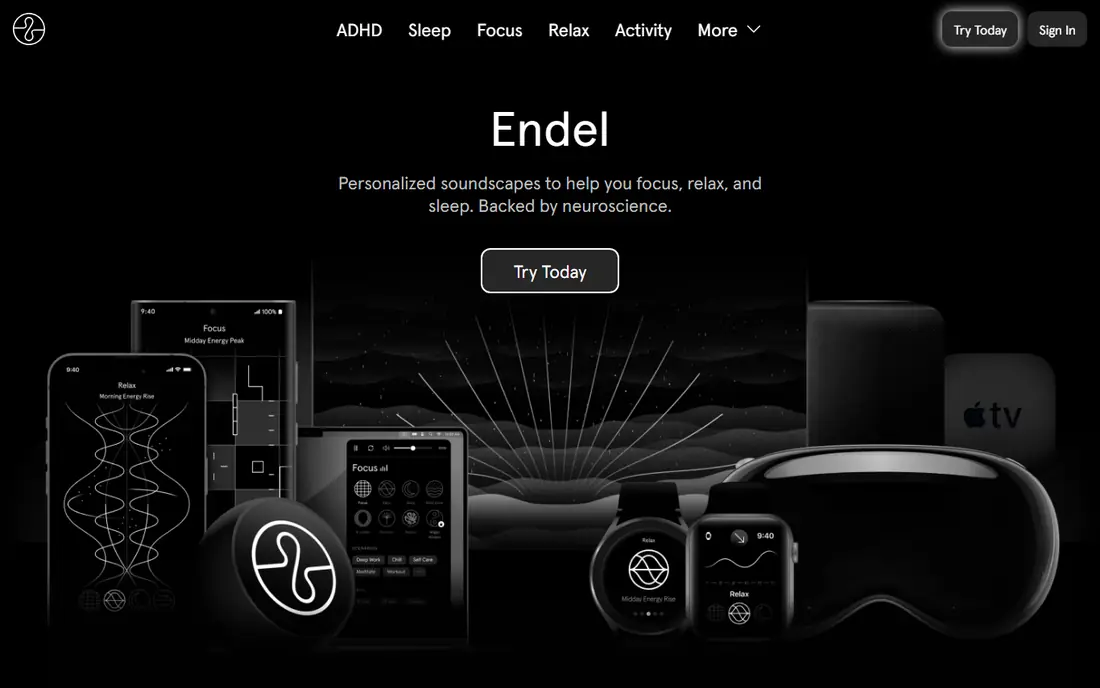
Endel generates soundscapes that adapt to time of day, weather, heart rate where available, and the activity you choose, such as focus, relax or sleep. That adaptive approach suits listeners who do not want to pick tones or build a mix, and who prefer a sound that shifts gently instead of looping the same track. The app works across phones, desktop and several smart devices, so a session can follow you from work to bedtime.
The trade-off is control. Endel does not let you set a specific binaural beat frequency in the way a generator does, and its price varies by region and store, so check the current offer before you subscribe. If you like hands-off sound and a polished interface, Endel is a strong choice. If you want to dial in a delta, theta or alpha program yourself, choose a generator instead.
- Adaptive sound that changes with time of day and activity
- Clean design across iOS, Android and desktop
- Focus, relax and sleep modes
- No single universal price across stores
- Limited control over exact binaural frequencies
- Subscription needed for full access
myNoise is the pick for listeners who want to shape sound precisely. Its generators let you adjust individual frequency bands with sliders, save custom mixes, and combine noise colors, nature sounds and tones into a personal session. That control is useful if you already know which kind of background sound helps you work or rest, and you want to fine-tune it rather than accept a preset.
The interface is more technical than a typical sleep app, and new users may need a few sessions to learn the sliders and presets. The web version is free, with optional donations and extra features, and mobile apps offer similar generators with in-app options. For a free, flexible starting point, myNoise is hard to beat, especially if you like to experiment.
- Fine-grained control over sound bands and mix
- Large library of noise and nature generators
- Free to use with optional donations and extra features
- Interface can feel technical at first
- Binaural features sit among many other generators
- Mobile app experience varies by device
Binaural Beats Therapy is a straightforward Android app that plays binaural programs for relaxation, focus and sleep without a subscription or a complex setup. You pick a program, put on headphones, and listen. That simplicity is the appeal, especially for listeners who do not want an account, a trial or a library of unrelated features.
The limits are clear. It is Android only, its design is basic, and it is not updated as often as larger apps. It also offers less mixing and fewer nature sounds than myNoise or Momental. For a free, no-fuss introduction to binaural beats on Android, it is still a practical first download, and you can move to a paid app later if you want more control.
- Free and straightforward binaural programs
- Covers relaxation, focus and sleep presets
- Simple interface with no complex setup
- Android only
- Updates are infrequent
- Design is basic compared with paid apps
BrainWave generates binaural beats in real time, so a session can run as long as you want without looping a short recording. Its presets cover the commonly used ranges, from delta and theta through alpha, beta and gamma, and you can choose a ready-made program or adjust the session to your preference. That real-time generation suits long work or rest sessions where a loop would become noticeable.
It is a paid app, so there is no free tier to test it first, and its platform coverage is narrower than the larger apps on this list. Check the current app store listing for your device and price before buying, since store prices vary. For listeners who want a dedicated, budget-priced binaural generator, BrainWave remains a relevant option.
- Real-time binaural generation rather than fixed recordings
- Presets from delta through gamma ranges
- Long, uninterrupted sessions
- Paid app with no free tier
- IOS focus may limit Android users
- Interface is functional rather than polished
Momental is a free app that lets you mix binaural and other frequencies with noise colors and nature sounds in one session, without an account to get started. That mixer approach suits listeners who want both a tone and a background sound, such as rain or brown noise, and who want to adjust the balance themselves. The free start makes it easy to test whether mixing helps your focus or wind-down routine.
As a newer app, Momental has a smaller library than established sleep apps, and its feature set may change as it develops. That is a fair trade for a free tool with no paywall friction at the start. If you want a large guided sleep library, Pzizz or Sleep Jar will offer more content. If you want a free mixer, Momental is a strong first try.
- Free mixing of binaural and other frequencies with noise and nature sounds
- No account needed to start
- Available on iOS and Android
- Newer and smaller than the large sleep apps
- Library is smaller than Pzizz or Sleep Jar
- Some features may change as the app grows
Sleep Jar suits listeners who want variety at bedtime, with a large library of sounds, stories, meditations and journeys alongside its binaural beats option. That breadth helps if you rotate sounds nightly or share the app with a partner who prefers a different sound. The Premium price of $2.99 per month, or $19.99 per year as listed in recent coverage, is low compared with larger subscription apps.
The binaural side is thinner than in a dedicated generator, with a single binaural sound in the free setup and custom mixing behind Premium. That matters if binaural beats are your main need rather than one sound among many. For a general sleep sound library with a binaural option included, Sleep Jar offers good value for a low monthly cost.
- Very large library of sleep sounds, stories and meditations
- Includes binaural beats among many sounds
- Low monthly price for Premium
- Only one binaural beats sound on the free setup
- Custom mixing requires Premium
- Library size can make browsing slow
How we picked these
We compared official app pages, app store listings and recent binaural app comparisons, and we favored apps that are available in October 2026, that actually offer binaural tones or closely related functional audio, and that cover distinct needs: free generators, sleep routines, focus music and sound mixing. We wrote See website where app store pricing varies by region, and we kept published prices where a vendor or recent coverage lists them clearly.
What to check before you choose
Start with headphones, since binaural beats only work as intended when each ear hears its own tone. Use a comfortable pair, keep the volume low enough that you can still hear your surroundings if needed, and use a sleep timer so the sound does not run all night unless you want it to. If you use a speaker instead of headphones, you will hear the tones, but you will not get the binaural effect.
Match the app to the routine
For work, a focus app such as Brain.fm or a mixer such as myNoise may suit you better than a sleep app. For bedtime, a sleep routine app such as Pzizz or Sleep Jar is more useful than a frequency generator. For precise control, a generator such as BrainWave or Binaural Beats Therapy is the better fit. Choose by the time of day you will actually use it.
Keep expectations plain
Research on binaural beats is mixed, and individual response varies. Some listeners find the sounds help them settle into work or rest, while others notice no difference. Treat these apps as background sound tools, not as treatments, and talk to a clinician if sleep problems, anxiety or another health concern persists. This article is general information only, not medical advice.
Try free before you pay
Start with a free app or trial, use it for a week in the same routine, and judge it by whether you actually press play. A subscription you forget to use is wasted money, however good the library looks. Check the renewal terms and cancellation steps in your app store before a trial ends.
Frequently asked questions
What is the best binaural beats app for sleep?
Pzizz and Sleep Jar are strong for sleep routines, because they offer timed sessions and large sound libraries. If you want precise binaural control at bedtime, pair a sleep routine with a generator such as BrainWave or myNoise and use a sleep timer.
What is the best app for binaural beats for focus?
Brain.fm suits focus work with task-based music and timers, though it uses its own modulation rather than classic binaural tones. For classic binaural focus sessions, myNoise, Momental and BrainWave offer more direct frequency control.
Are there best binaural beats apps that are free?
Yes. Binaural Beats Therapy is free on Android, myNoise is free on the web with optional extra features, and Momental is free to start on iOS and Android. Free tiers vary, so check whether mixing, offline use or full libraries need a paid plan.
Do binaural beats work without headphones?
No, not as binaural beats. The effect depends on each ear hearing a different tone, so headphones or earbuds are needed. On a speaker, you will hear sound, but the two tones will mix in the air before they reach your ears.
Are binaural beats safe?
For most listeners at low volume, binaural beats apps are simply sound playback, but keep volume low, avoid listening while driving if the sound makes you drowsy, and stop if you feel discomfort. This is general information only, not medical advice, and these apps do not treat any health condition.
Sources
See where you really rank - block by block
ProMapRanker scans Google Maps across a grid of your service area. Simple monthly plans from $19, white-label on every plan.
Start freeKeep reading
 best chat tool for website
Best Chat Tool for Website in 2026
Best chat tool for website owners compared, with live chat, AI agents, free plans, and pricing for small stores, SaaS teams, and support teams of all sizes.
Read → best birdwatching app
Best Birdwatching App in 2026
Best birdwatching app picks for 2026: nine free and paid apps for bird ID by sight and sound, checklists, hotspots, and finding birds near you for all birders.
Read → best bird identification app
Best Bird Identification Apps in 2026
Find the best bird identification app for photos, songs and calls. We compare 9 bird apps, including Merlin, BirdNET and Audubon, to help you choose today.
Read →