 ProMapRanker
Comparing 6 AI Platforms for Creating React Web Apps in 2026
Direct answer
For non-developers building React apps, Lovable is where this list starts. Listed starting prices: Lovable from $25/month, Emergent from $20/month and Base44 from $16/month. For a different need, Emergent covers web and mobile apps from prompts and Base44 covers full React apps with backend and auth. The remaining 3 options are covered below with prices and limits.
ProMapRanker compared 6 AI platforms for creating react web apps. The goal is a practical shortlist: published prices, free plan facts, best-fit use cases and honest limits for every entry.
Key takeaways
- Lovable takes the first slot, best suited to non-developers building React apps.
- What to know about Base44 first: free plan is restricted to 25 message credits a month and 5 apps.
- Starting prices begin at $10 per user/month with GitHub Copilot.
- For developers editing React code in an IDE, GitHub Copilot is worth a look.
- 6 out of 6 tools include a free plan, among them Lovable, Emergent, Base44 and v0.
Quick comparison
| Pick | Great for | Pricing starts at | Free tier | |
|---|---|---|---|---|
 Lovable | Non-developers building React apps | $25/month | Yes | Visit |
 Emergent | Web and mobile apps from prompts | $20/month (billed annually) | Yes | Visit |
 Base44 | Full React apps with backend and auth | $16/month (billed yearly) | Yes | Visit |
 v0 | React and Next.js interfaces | $30 per user/month | Yes | Visit |
 Bolt.new | Full-stack React apps in the browser | $25/month | Yes | Visit |
 GitHub Copilot | Developers editing React code in an IDE | $10 per user/month | Yes | Visit |
The 6 tools in detail
Lovable makes the most sense for non-developers building React apps. Pro begins at $25 a month for 100 monthly credits, and Business opens at $50 a month for the same 100 credits, with SSO and admin controls added.
What to check first: Build cost varies by task complexity.
Entry price for Lovable: $25/month. Lovable has a free plan.
- Plans are priced per workspace with unlimited members
- Builds a React front end with Lovable Cloud backend
- Business costs $50 a month for the same 100 credits as Pro
In short, Emergent is for web and mobile apps from prompts. Emergent is an AI builder that builds web and mobile apps from prompts, with access to advanced models and one-click LLM integration for apps that require AI features inside the product.
Limits to weigh: The $20 level bundles only 100 credits per month.
The credit count is the key limit, since 100 credits a month can go quick on a large app with numerous revisions. Emergent starts at: $20/month. Emergent includes a free tier.
- Builds web and mobile experiences with one-click LLM integration
- Free plan bundles 10 monthly credits
- Bigger builds need the $200 level with 750 credits
Base44 serves full React apps with backend and auth. It is pitched at builders who want a complete product, not just a set of pages, and it bundles a visual editor, multi-user editing, and integrations with tools for example Gmail, Slack, Notion, and Google Drive.
Starting cost for Base44: $16/month. A free plan is available with Base44.
Honest limits: higher levels are needed for heavy building.
- Free plan contains core features
- Comes with auth, database, analytics
- Free plan is restricted to 25 message credits per month and 5 apps
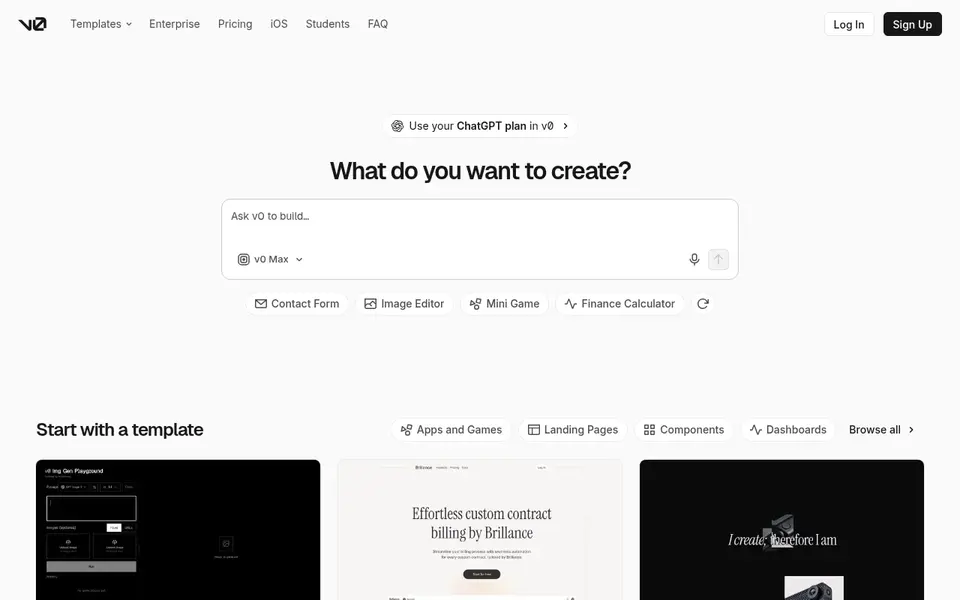
v0 is a good fit for React and Next.js interfaces. v0 by Vercel turns a written prompt into React components and full pages, with a preview that updates as you ask for changes.
Where it falls short: Credit use varies by model and task size.
Price to start with v0: $30 per user/month. You can start on v0 without paying.
- Creates React and Next.js code with a live preview
- Deploys straight to Vercel
- Hosting on Vercel is billed separately from v0
Choose Bolt.new for full-stack React apps in the browser. It can produce pages, components, routing, and a backend connection, and it displays the code beside the preview. For everyday use, teams costs $30 per member a month.
The main drawbacks: free plan has a 300K daily token limit.
For everyday use, you can also start from a Figma file or a GitHub repository. As for the details, Pro costs $25 per month when billed monthly, or $18 a month when billed annually, and begins at 10M tokens a month with no daily limit and custom do Entry price for Bolt.new: $25/month. Bolt.new includes a free tier.
- Contains hosting and custom domains on Pro
- Runs a full React project in the browser with no install
- Token use rises with project size since files sync with each prompt
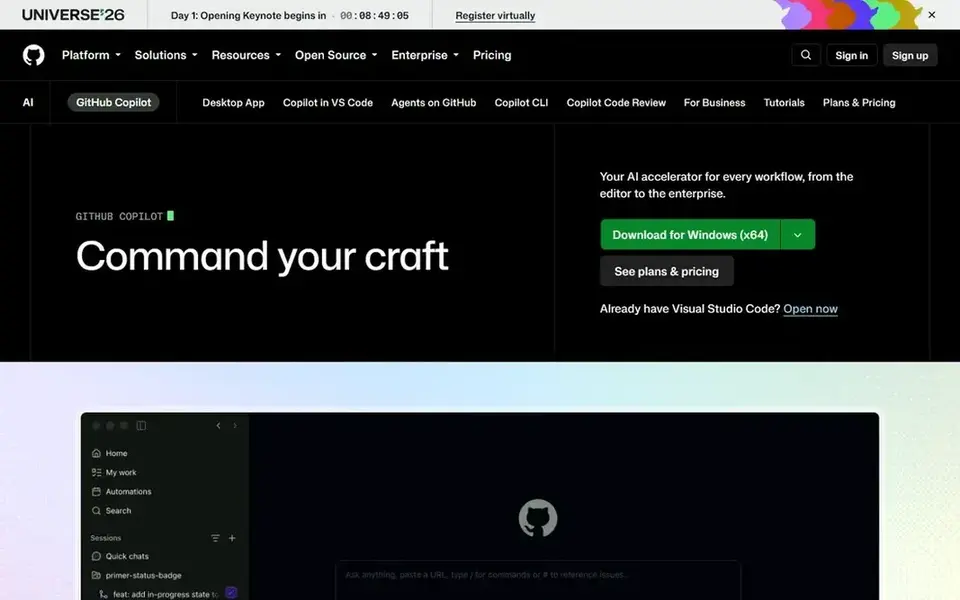
For developers editing React code in an IDE, GitHub Copilot is a natural candidate. One AI credit equals $0.01, and the cost of an interaction relies on the model and the size of the task. Agent mode can work across files, follow custom instructions, and build a pull request, whereas chat can explain a component, suggest a fix, or plan a refactor.
It works in VS Code, Visual Studio, JetBrains IDEs, Xcode, and other editors. Also, the free plan costs $0 and comes with restricted chat and agent use, with 2,000 completions a month. On cost, GitHub Copilot starts like this: $10 per user/month. GitHub Copilot offers a free plan.
Limits to weigh: Agent and chat use draws on GitHub AI Credits.
- Free plan comes with restricted chat and agent use
- Works inside VS Code and other editors with agent mode
- Individual plan data may be used for model training except when you opt out
How these tools were picked
For each of the 6 tools we noted price, free plan or trial, fit for AI platforms for creating react web apps and the main limit, using vendor pages and documentation. Treat prices as a snapshot: vendors change plans often, so check the vendor site for the figure that applies today. Position on the page reflects fit for a typical buyer first, with price clarity and free access breaking ties. Treat it as a guide, not a ruling.
What to confirm before you sign up
- Check the vendor page for the current price: GitHub Copilot starts at $10 per user/month here, and seats or billing terms can move it.
- Read the fine print on the free plans from Lovable, Emergent, Base44 and others; seat, project and feature caps differ.
- Before choosing Lovable, weigh its main limit: build cost varies by task complexity.
- Get the contract term, renewal terms and any onboarding fees from v0 in writing.
- Test how quickly Emergent answers a pre-sales question; it hints at how support will feel later.
Frequently asked questions
Can I try these options before paying?
Often, yes. Lovable, Emergent, Base44 and others have a free plan. Use your own data and a real task during the test, and check what the free tier or trial limits before you rely on it.
Do these tools publish their prices?
Yes. Every tool from Lovable to GitHub Copilot shows a starting price, though seats, add-ons and billing terms still change the final cost.
Which options for AI platforms for creating react web apps have a free plan?
6 of the 6 tools have a free plan, including Lovable, Emergent, Base44 and v0. Free plans usually cap users, projects or features, so check the limits on the vendor page.
Which AI system is best for creating React web apps?
Lovable is the pick this page puts first, mainly for non-developers building React apps. If your situation differs, Emergent suits web and mobile apps from prompts, and Base44 suits full React apps with backend and auth. Compare price and limits before you decide.
Is Lovable the right pick for everyone comparing AI platforms for creating react web apps?
No single tool suits every team. Lovable comes first because it fits non-developers building React apps, while Emergent suits web and mobile apps from prompts and Base44 suits full React apps with backend and auth. Match the tool to your own size, budget and workflow before deciding.
Sources
See where you really rank - block by block
ProMapRanker scans Google Maps across a grid of your service area. Simple monthly plans from $19, white-label on every plan.
Start freeBrowse all guides
← AI Outbound Calling Platforms: 7 Options Compared in 2026AI Powered Dam Platforms for Enterprise: Best Picks of 2026 →
 best ai churn prediction software
AI Churn Prediction Software: 6 Options Compared in 2026
Best AI churn prediction software in 2026: 6 contenders with entry costs and free tiers. Limits and pricing notes included. Current for November 2026.
Read → vapi ai alternatives
Vapi AI Alternatives in 2026: Prices and Free Plans
Vapi AI alternatives, compared. 7 tools with published prices, free plans and limits. Every pick gets a straight assessment. Last reviewed November 2026.
Read → best platforms to evaluate ai agent performance
Best Platforms to Evaluate AI Agent Performance in 2026
Best platforms to evaluate AI agent performance: 8 contenders ranked by fit, with entry costs and free tiers. Limits and pricing notes included. Clear verdicts.
Read → best ai detection tool
Best AI Detection Tool in 2026
We compared the best ai detection tool options for teachers, editors, and publishers, covering accuracy limits, false positives, pricing, and free plans.
Read → best bot detection and mitigation software
Best Bot Detection and Mitigation Software in 2026
We compared the best bot detection and mitigation software for stopping credential stuffing, scraping, and scalping bots on websites, mobile apps, and APIs.
Read → best ai avatar app
Best AI Avatar App in 2026: 8 Apps Compared
Best ai avatar app picks for creative portraits and profile photos, with prices, styles, and a plain consent note on using only photos you may use today.
Read →More in AI Tools · All guides A to Z by date · Latest guides