 ProMapRanker
Best AI Detection Tool in 2026

Key takeaways
- No detector is proof on its own, because false positives happen and results vary by text type, length, and model.
- GPTZero suits education with sentence-level detail, while Originality.ai suits publishers who also need plagiarism checks.
- Copyleaks and Turnitin fit larger organisations, but Turnitin is sold to institutions rather than to individual buyers.
- Treat every score as a review signal, then read the text, check sources, and ask the author before acting on a result.
Quick comparison
| Pick | Great for | Pricing starts at | Free tier | |
|---|---|---|---|---|
 GPTZero GPTZero | Education | Free | Yes | Visit |
 Originality.ai Originality.ai | Publishers | $14.95 per month | No | Visit |
 Copyleaks Copyleaks | Enterprise teams | $16.99 per month | No | Visit |
 Turnitin Turnitin | Institutions | See website | No | Visit |
 Winston AI Winston AI | Academic checks | $12 per month | No | Visit |
 ZeroGPT ZeroGPT | Quick free checks | Free | Yes | Visit |
 Sapling Sapling | API workflows | Free | Yes | Visit |
 Pangram Pangram | Low false positives | Free | Yes | Visit |
The best ai detection tools
AI detectors look for patterns that often appear in machine-written text, such as predictable word choices and even sentence rhythm. That approach can flag useful cases, but it can also flag clear human writing, especially short, formal, or translated text. We compared official feature pages, pricing, and public reviews to show what each tool does well and where it falls short.
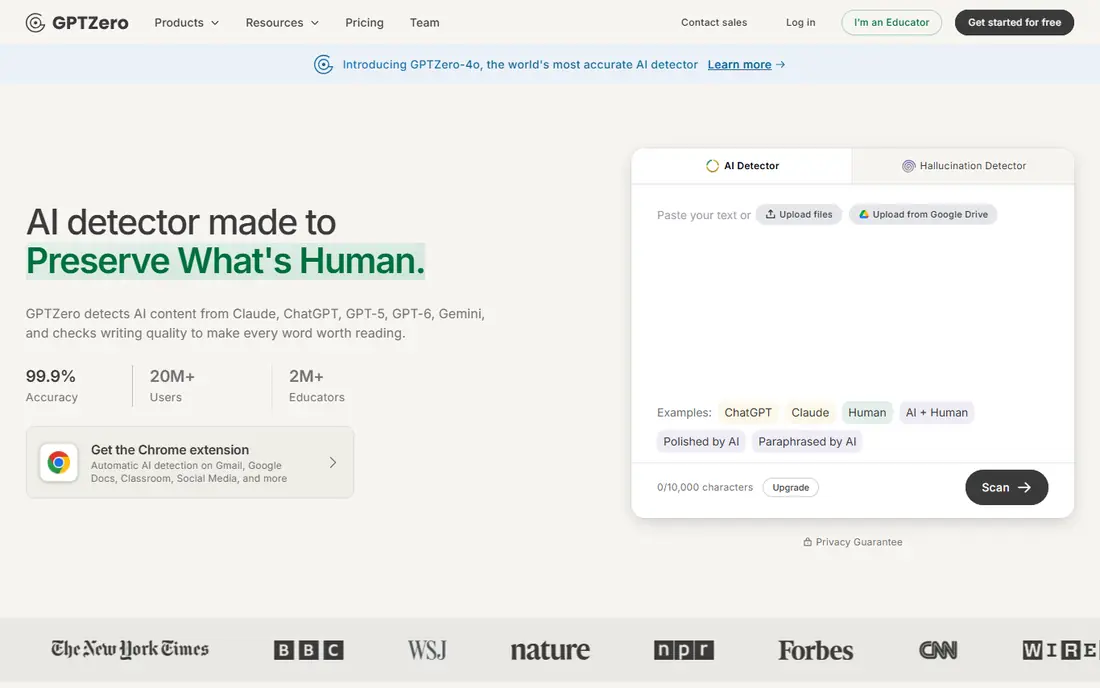
GPTZero became well known in education because it explains its verdicts rather than giving only a single score. Sentence-level highlighting shows which passages look machine-like, so a teacher can read those sections closely instead of judging a whole essay on one number. Integrations with classroom tools and document editors help schools fit checks into work they already do.
The free plan covers a monthly word allowance, which suits occasional checks but not a whole class set every week. Paid plans add volume and team features, and costs climb for heavy use. Even with those tools, GPTZero should support a conversation about authorship, not replace it, because no detector can prove who wrote a text.
- Sentence-level highlighting
- Free monthly word allowance
- Classroom and document integrations
- Free allowance is limited
- Premium pricing rises with volume
- Results still need human review
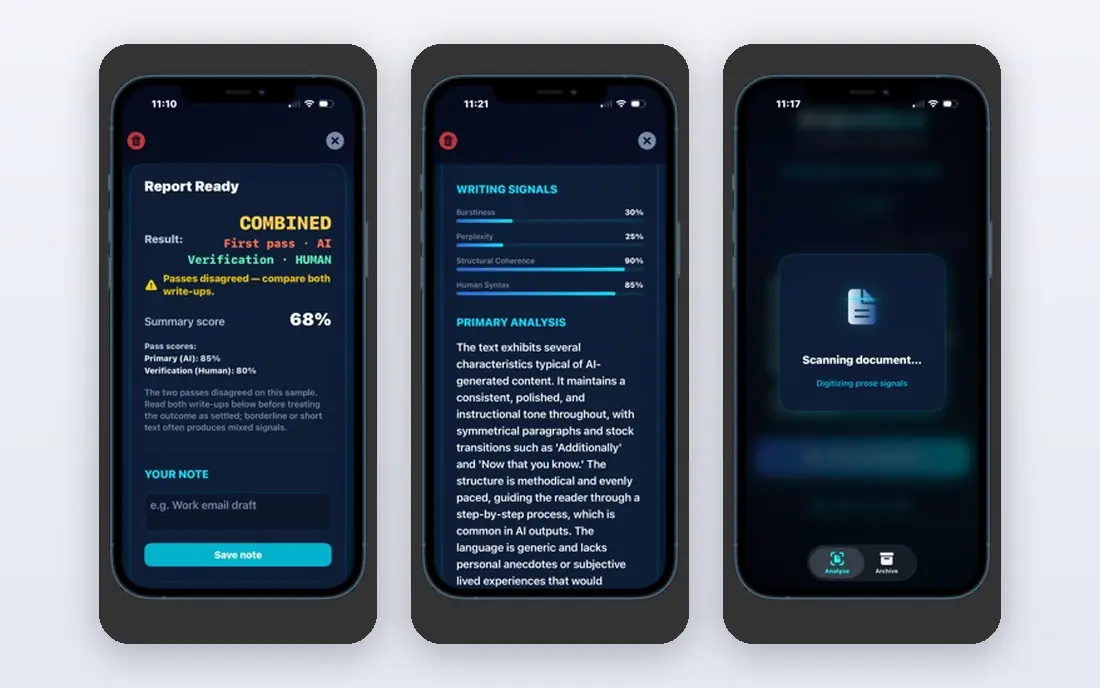
Originality.ai targets publishers, agencies, and site owners who check freelance work at scale. Pairing AI detection with plagiarism checking in one report saves a second tool, and site scanning helps editors review many pages without pasting text one by one. That workflow focus is why it appears so often in content teams.
There is no ongoing free plan, so new users should test with a paid plan or trial terms before committing. Results also vary: marketing copy, technical writing, and heavily edited text do not behave the same way. Treat Originality.ai as a quality-control screen, then keep a human editor in the loop for final decisions.
- Combines AI detection with plagiarism checks
- Built for publishing workflows
- Team and site scanning options
- No ongoing free plan
- Accuracy varies by content type
- Credit and word limits need checking
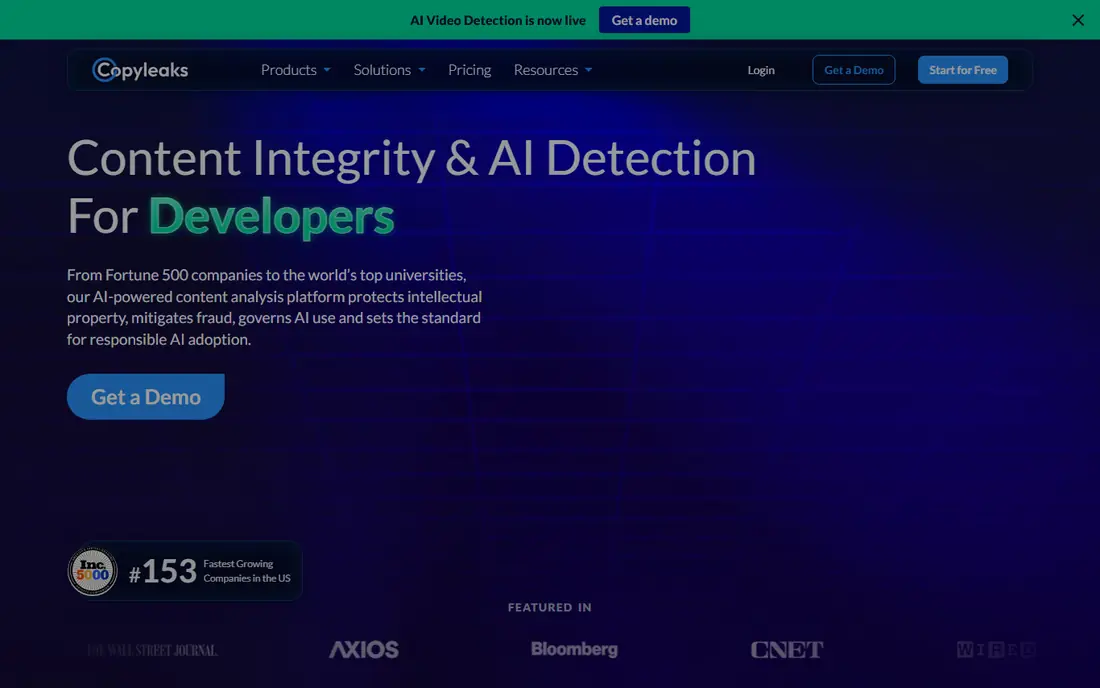
Copyleaks suits organisations that need detection across languages, departments, and learning systems. Its platform pairs AI detection with plagiarism tools, and integrations with common learning platforms help schools and training teams run checks inside existing systems. That breadth makes it a practical choice for larger buyers.
Smaller users may find the pricing and plan structure harder to compare than a simple consumer tool. Free access is limited, so casual users should not expect unlimited checks. For an enterprise that needs audit trails, roles, and multi-language coverage, Copyleaks offers a more complete package than a free web checker.
- Wide language support
- Plagiarism and AI checks together
- Learning platform integrations
- Pricing varies by plan and volume
- Interface can feel business-focused
- Free checks are limited
Turnitin is the institutional standard in this list, and that status is both its strength and its limit. Schools and universities use it inside assignment workflows, with reporting designed for academic integrity processes rather than casual curiosity. Its AI writing report gives sentence-level detail that staff can review alongside the original submission.
Individual writers, freelancers, and small teams generally cannot buy Turnitin directly, and pricing is quoted to institutions. That makes it irrelevant for a solo buyer, however strong its reports may be. If your school already provides it, use it within its rules. If not, pick a tool from this list that sells to individuals.
- Deep academic integrity workflow
- Sentence-level reporting
- Widely used by schools and universities
- Sold to institutions, not individuals
- Pricing is by quote
- Students cannot usually buy it directly
Winston AI positions itself as a straightforward checker for teachers and academic teams. Reports aim to be readable, with plagiarism checking alongside AI detection, so staff do not need two separate tools for a routine review. Document handling covers common file types used in coursework.
The main drawback is access: free use is limited, and buyers should confirm the current plan before paying, since pricing pages in this market change often. Winston AI also lacks the classroom footprint of Turnitin or GPTZero. It still works well as a second opinion tool when a first score looks uncertain.
- Clear reports for educators
- Plagiarism checks included
- Document and image checks
- Free access is only a limited trial
- Pricing and plan names change
- Smaller brand than GPTZero
ZeroGPT is the tool many people try first because it is free and fast. Paste text, get a score, and move on. That simplicity suits a quick sanity check on a short passage, especially when you only want to know whether a text deserves a closer read.
Independent comparisons have often rated its accuracy below the paid leaders, and false positives appear more often on formal or repetitive text. It also lacks the team, integration, and audit features that schools and publishers need. Use ZeroGPT as a first pass, never as the only evidence for a serious accusation.
- Free to try with no account friction for basic checks
- Simple interface
- Fast results
- Higher false positive risk in independent comparisons
- Fewer team features
- Limited depth in free reports
Sapling fits teams that want detection inside another product, such as a customer support tool or a content platform. Its API lets developers send text for checking without forcing staff to paste into a separate website. A browser extension also helps reviewers check text as they read it online.
Non-technical users may find less polish here than in GPTZero or Originality.ai, and the paid plan costs more than a simple consumer checker. The free tier caps each check by characters, so long documents need splitting. For a product team, those limits are manageable. For a lone teacher, a classroom-focused tool is simpler.
- API for developers
- Browser extension
- Free checks up to a character limit
- Paid plan is pricier than consumer checkers
- Interface is plainer
- Best value needs technical setup
Pangram markets itself on keeping false positives low, which is the right priority when a wrong flag can harm a student or a writer. Its free daily allowance lets users test that claim on their own text, and integrations with document and email tools help reviewers check work where it already lives. That focus makes it worth a look for careful teams.
Higher paid tiers are not cheap, and Pangram does not yet carry the institutional weight of Turnitin. Like every detector, it still struggles with short texts, heavily edited AI drafts, and formulaic human writing. Use it as part of a fair review process, with clear rules about what a score can and cannot decide.
- Free daily word allowance
- Focus on false positive control
- Integrations with docs and email tools
- Paid plans cost more at higher tiers
- Newer brand than Turnitin
- Results still vary by text type
How we picked these
We compared official feature pages, pricing pages, privacy policies, and public reviews for AI detection tools that are available in October 2026. We kept tools with a clear detection product, a current website, and a use case in education, publishing, or enterprise review. Where a price could not be verified on the vendor site, we wrote See website rather than guessing. We did not claim hands-on testing, and we did not repeat vendor accuracy claims as settled fact, because independent results often differ.
How to use an AI detector fairly
Start by choosing the right text length. Very short passages give detectors little to work with, so a score on a paragraph or a social post means far less than a score on a long essay. Check the whole document, look at sentence-level flags, and compare the result with a second tool when the stakes are high. A single score should never decide a grade, a job, or a freelance payment.
Next, set rules before you check anything. Decide who sees results, how authors can respond, and what other evidence matters, such as drafts, notes, and sources. Tell students or writers that detection is a review aid, not a verdict, and give them a chance to explain their process. That approach protects honest writers whose formal style or translated English triggers a false flag.
Finally, protect privacy. Detection tools process the text you upload, so avoid pasting confidential, medical, or unpublished work into a free checker without reading its data policy. For school or company use, prefer a tool with clear retention rules and institutional controls. A fair process matters more than a slightly higher claimed accuracy figure, and it keeps trust intact when a result is disputed.
Frequently asked questions
What is the best ai detection tool overall?
There is no single winner, because education, publishing, and enterprise teams need different features. GPTZero suits teachers who want sentence detail, Originality.ai suits publishers who also need plagiarism checks, and Turnitin suits institutions that already use it. Pick by workflow and budget, then test on your own documents.
What is the best ai detection software for publishers?
Originality.ai and Copyleaks both suit publishers, thanks to combined plagiarism checks and bulk or site-level workflows. Originality.ai is simpler for smaller content teams, while Copyleaks fits larger organisations with multi-language needs. Both still need human editors to make final calls.
Are free AI detectors reliable?
Free detectors can give a useful first signal, but they are not reliable enough to settle a serious dispute on their own. Short texts, edited drafts, and formal writing all raise error rates. Use a free tool to decide whether a closer human read is needed, and use a second tool when the outcome matters.
Can AI detectors detect paraphrased or edited AI text?
Detection gets harder after heavy editing, paraphrasing, or human rewriting, and some tools handle it better than others. No tool in this list can guarantee detection of a well-edited hybrid text. That is why drafts, revision history, and source checks matter alongside any score.
Why do human texts sometimes get flagged as AI?
Detectors look for predictable patterns, and some human writing is naturally predictable, especially templates, formal reports, and text written in a second language. Short passages, repeated phrases, and standard structures can all push a score up. A flag should prompt a read of the text, not an automatic conclusion.
Sources
See where you really rank - block by block
ProMapRanker scans Google Maps across a grid of your service area. Simple monthly plans from $19, white-label on every plan.
Start freeKeep reading
 zeffy payment processor stripe alternatives
Zeffy and Stripe Alternatives for Nonprofits in 2026
Explore zeffy payment processor stripe alternatives for nonprofits. We compare 8 fundraising platforms on fees, donor tools, and nonprofit focus. Check fees.
Read → workday alternatives
Workday Alternatives in 2026
Workday alternatives compared: we review 8 HR and payroll platforms that replace Workday, with pricing, strengths and honest limits for each team size.
Read → what's the best weather app
What's the Best Weather App in 2026
Wondering what's the best weather app? We compare 10 free and paid apps for forecasts, radar, alerts, and Colorado mountain weather for everyday and storm use.
Read →