 ProMapRanker
Best AI Photo Colorization Tools in 2026

Key takeaways
- Palette.fm gives the most control over colour style, while MyHeritage suits family photos already stored in a genealogy account.
- Free previews are common, but full-resolution, watermark-free downloads usually need credits or a paid plan.
- AI colour is an educated guess, not a record of the original colours, so skin tones and clothing may differ from reality.
- For photos of people, only colourise images you own or have permission to use, and do not share altered photos of others without their consent.
Quick comparison
| Pick | Great for | Pricing starts at | Free tier | |
|---|---|---|---|---|
 Palette.fm | Style control and filters | $49 one-time | Yes | Visit |
 MyHeritage In Color | Family history photos | See website | Yes | Visit |
 Hotpot AI | Quick one-off colourisation | See website | Yes | Visit |
 VanceAI Photo Colorizer | Part of a wider photo suite | $4.95 one-time | Yes | Visit |
 ImageColorizer | Low-cost colourisation | $3.90 per month | Yes | Visit |
 Fotor AI Colorize | All-in-one photo editing | $3.33 per month | Yes | Visit |
 Cutout.Pro | Batch photo work | $5 per month | Yes | Visit |
 Colorize.cc | Simple one-click colour | $12 one-time | Yes | Visit |
 PicWish Photo Colorizer | Batch editing and colour | See website | Yes | Visit |
The best ai photo colorization tools
AI colorization adds plausible colour to a black-and-white photo. It cannot recover the true colours of a scene, since that information was never recorded, so treat every result as an interpretation. The tools below differ in style control, resolution, batch options, and price, which matters more than small differences in output quality.
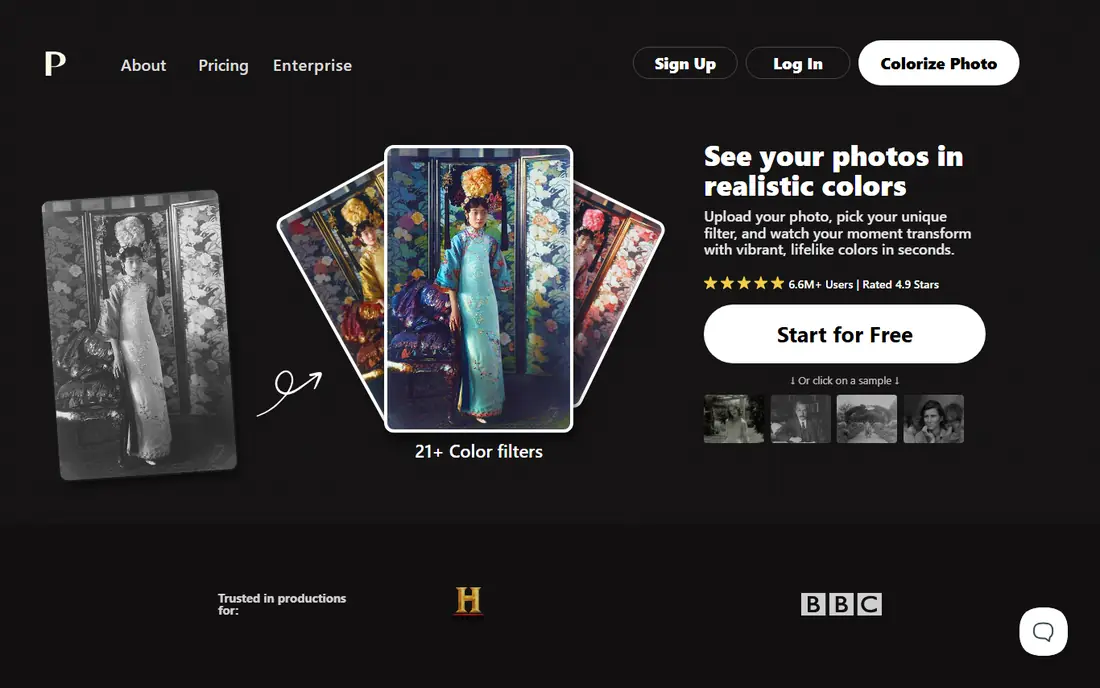
Palette.fm stands out because you can steer the result. More than 20 filters cover natural, vivid, and pastel looks, and text prompts let you adjust mood and lighting for a scene. That control helps when a first pass gives skin a flat tone or an outdoor scene looks too warm, since you can try another filter rather than accept the default.
The free tier is best for testing: previews are watermarked and capped at a low resolution. A one-time pack of 75 credits suits occasional users, while a yearly subscription suits larger archives. For a single cherished photo, Palette.fm is our first suggestion, because style choice matters more than raw speed.
- Many filters and prompt control
- Batch processing
- One-time credit option
- Free previews are watermarked and low resolution
- Credits can add up for large archives
MyHeritage In Color is built for family historians. It colourises portraits and group photos with a focus on natural-looking faces, and results sit beside the family tree and other photo tools in the same account. That context matters: a colourised portrait is more useful when it stays linked to names, dates, and relatives.
The limit is access. Free use covers a limited number of photos, and full use needs a paid membership, which is costly if you only want colourisation. If you already use MyHeritage for research, it is a natural pick. If not, a credit-based tool will cost less for a handful of photos.
- Tuned for faces and family portraits
- Fits genealogy workflows
- Simple one-click use
- Full access sits inside a paid membership
- Limited control over colour choices
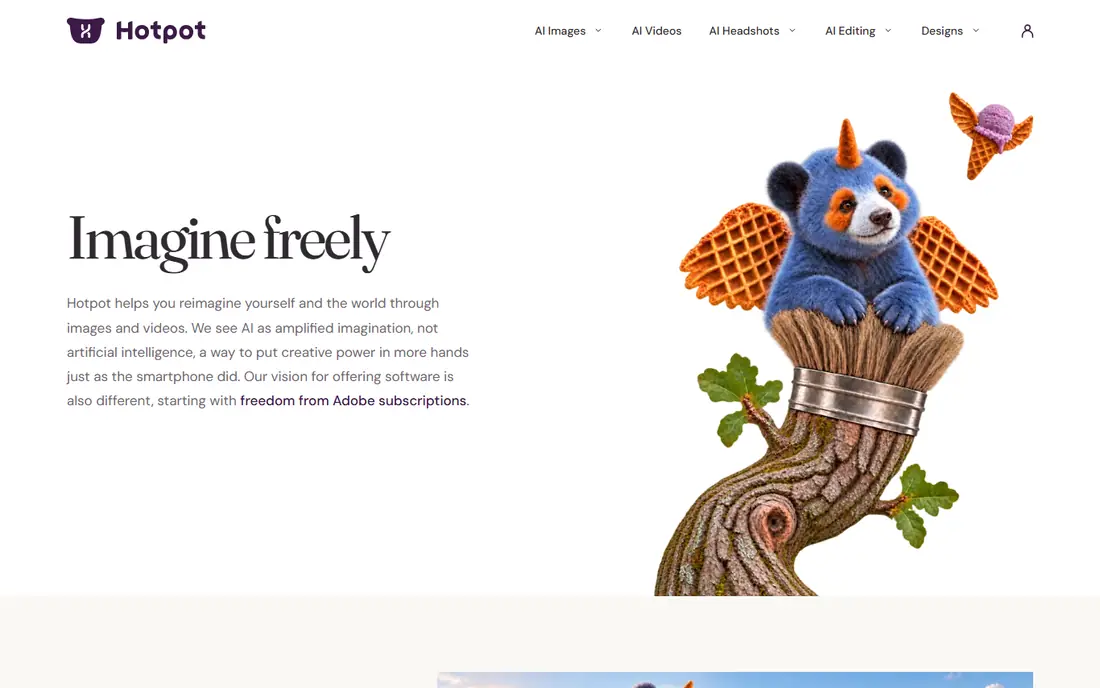
Hotpot AI suits a quick test: upload a photo, colourise it, and see whether the result is worth keeping. The interface is plain, which helps users who do not want to learn an editor just to colour one image. Credit packs let occasional users pay per image rather than take a subscription.
Resolution is the catch. Free results are small, and a print needs a paid credit and a higher-resolution download. Hotpot is a good first stop for curiosity, and a fair choice for social sharing, but check output size before planning a print.
- Fast and simple
- No account needed for basic use
- Credit packs for occasional use
- Free outputs are low resolution
- Fewer style controls than Palette.fm
VanceAI Photo Colorizer sits inside a wider suite that also upscales, sharpens, and denoises images. That matters for old scans, since a faded photo often needs cleanup before colour looks right. Credits work across the suite, so one purchase can cover colour, enhancement, and background work on the same archive.
The free allowance is small, only a few credits a month in recent listings, so testing a full archive needs a purchase. Pay-as-you-go credit packs start low, which suits occasional users. Pick VanceAI when your photos need repair and colour together, not colour alone.
- Shares credits across many photo tools
- Batch processing
- Enhancement options beside colour
- Free credits are few
- Subscription and credit pricing can confuse
ImageColorizer keeps the process simple: upload, colourise, and download. Monthly plans start low, and a free tier offers monthly credits for testing. It also offers scratch removal and retouching, which helps scanned prints that carry marks and dust beside faded tones.
It gives less control than Palette.fm, so a tricky photo may need a second tool for a better result. For a budget project with many straightforward photos, such as outdoor and street scenes, the low price and simple flow make it a sensible choice.
- Low entry price
- Simple workflow
- Scratch repair and retouch options
- Style control is limited
- Output quality varies by photo type
Fotor AI Colorize suits users who will also crop, retouch, and design with the same photo. The editor covers everyday fixes, collages, and social graphics, so a colourised photo can move straight into a birthday slideshow or a family post. Paid plans are priced monthly at a low level when billed yearly.
Colour alone is not Fotor's strongest selling point, and free users face limits on colour use. If you already edit photos in Fotor, adding colour there saves a second subscription. If colour is the only job, a dedicated tool gives more control.
- Full photo editor beside colour
- Templates and batch options
- Low monthly cost
- Colour is one feature among many
- Free plan limits colour use
Cutout.Pro is a practical pick for archives. Batch processing lets you colour many photos without uploading one at a time, and the same suite handles background removal, enhancement, and passport-style photos. Credit plans start low, which suits a project with a clear number of images.
The colour model is competent rather than exceptional, so a prized portrait may still deserve a pass in Palette.fm or MyHeritage. For volume work where good enough is the goal, Cutout.Pro saves time and keeps costs predictable.
- Batch processing
- Background removal and enhancement in one suite
- Credit plans
- Colour quality varies
- Credits are needed for full-resolution downloads
Colorize.cc does one job with little fuss. Upload a photo, run colourisation, and download the result. A low one-time price appeals to users who dislike subscriptions and only need a handful of photos coloured. The free tier lets you test the style before paying.
The simplicity is also the limit. There is little room to fix a colour that looks wrong, and no wider editor for repair work. Colorize.cc fits a user who wants a fast, cheap result and accepts the AI's first guess.
- Very simple workflow
- Low one-time price
- No subscription needed for basic use
- Few editing options
- Less control over final colours
PicWish Photo Colorizer suits creators who already clean up product or social photos in PicWish. Batch tools speed up a set of images, and background removal and enhancement sit beside colour in one workflow. Free daily enhancements let new users test the service before paying.
Because PicWish prices by plan and credits, check the plan that covers colour at the resolution you need. For a dedicated colour project, Palette.fm or MyHeritage may give a better portrait result, but for mixed photo work PicWish is a useful all-rounder.
- Batch enhancement and colour
- Background tools in the same app
- Free daily enhancements
- Pricing varies by plan and credits
- Colour is part of a larger suite
How we picked these
We compared vendor pages, pricing listings, and current 2026 colorizer comparisons, and required each tool to offer a live AI colorization feature in October 2026. We favoured tools with a free preview or free credits, clear pricing, and a real colour feature, not just a filter. We note where a price could not be confirmed on the vendor page and show See website instead of guessing.
What to check before you colour a photo
Start with scan quality. A clean, high-resolution scan gives the AI more detail to work with, while a blurry phone photo of a print often produces muddy skin and odd clothing colours. Repair major damage first, then colour, since colour over a tear or crease can look worse than the original.
Check output size before you pay. Free previews are often small and watermarked, and a print needs a full-resolution download. If you plan to print, test one paid download first and check skin tones and backgrounds at full size.
Consent and honesty with photos of people
Only colourise photos you own or have permission to use. Do not alter or share photos of other people without their consent, and do not present an AI-coloured photo as proof of what someone wore or looked like, since the colours are guessed. For historical photos, a short caption that says colours were added by AI keeps the record honest.
Frequently asked questions
What is the best AI tool for photo colorization?
Palette.fm is our pick for most people, thanks to filters and prompt control that let you fix a poor first result. MyHeritage suits family portraits, while Hotpot and Colorize.cc suit quick, low-cost tests.
Are AI colorization colours accurate?
No, AI colours are plausible guesses based on patterns in training images, not the original colours. Skin, clothing, and sky tones can differ from reality, so treat results as an interpretation rather than a restored record.
Is there a free AI photo colorizer?
Yes, most tools here offer free previews or free credits, including Palette.fm, Hotpot, ImageColorizer, and Colorize.cc. Full-resolution, watermark-free downloads usually need credits or a paid plan.
Can I colorize many photos at once?
Yes, Palette.fm, VanceAI, Cutout.Pro, and PicWish offer batch processing. Check credit costs per image before starting a large archive, since batch work can use credits faster than expected.
What resolution should I use for printing?
Use the highest resolution the tool offers for prints, and test one paid download first. Free previews are often capped at a few hundred pixels, which looks soft when printed at any reasonable size.
Do I need permission to colorize a photo of someone?
You should only colourise photos you own or have permission to use, and you should not share altered photos of others without their consent. For public historical images, check copyright and archive rules before publishing a coloured version.
Sources
See where you really rank - block by block
ProMapRanker scans Google Maps across a grid of your service area. Simple monthly plans from $19, white-label on every plan.
Start freeKeep reading
 wpforms alternatives
Best WPForms Alternatives in 2026
We compare 9 wpforms alternatives for WordPress forms, with free and paid options, current pricing notes, and honest limits for small business sites in 2026.
Read → windows task scheduler alternatives
Best Windows Task Scheduler Alternatives in 2026
Looking for Windows Task Scheduler alternatives? We compare 9 schedulers for Windows and cross-platform work, from free tools to enterprise automation.
Read → which ai video service is best
Which AI Video Service Is Best in 2026
which ai video service is best? We compare 10 legitimate AI video services on price, avatars, editing and output quality to help you pick the right tool.
Read →