 ProMapRanker
Best AI Personalized Learning Tools in 2026


Guided school tutoring · Pricing starts at: $4 per month
Key takeaways
- Khan Academy with Khanmigo is the lowest cost guided tutor on this list, at 4 dollars per month for learners, while the core Khan Academy lessons stay free.
- Duolingo, Quizlet and Memrise suit short daily practice, while IXL and DreamBox Learning suit structured school practice with progress tracking.
- Brilliant and Coursera suit older learners who want problem solving and courses, rather than school homework help.
- Personalized does not mean unsupervised, so parents and teachers should check AI answers, progress reports and account controls before relying on a tool for graded work.
Quick comparison
| Pick | Great for | Pricing starts at | Free tier | |
|---|---|---|---|---|
| Khan Academy with Khanmigo | Guided school tutoring | $4 per month | Yes | Visit |
 Duolingo | Daily language practice | See website | Yes | Visit |
 Quizlet | Flashcards and study sets | See website | Yes | Visit |
 IXL | School skills practice | $9.95 per month | No | Visit |
 DreamBox Learning | Adaptive math for younger learners | See website | No | Visit |
 Brilliant | Problem solving in math and science | See website | Yes | Visit |
 Coursera | Structured courses and certificates | See website | Yes | Visit |
 Memrise | Language listening and recall | See website | Yes | Visit |
The best ai personalized learning tools
We compared tools that adapt to a learner, not tools that only play the same lesson to everyone. Each pick below has a clear audience, a concrete strength and a limit worth knowing before you pay.
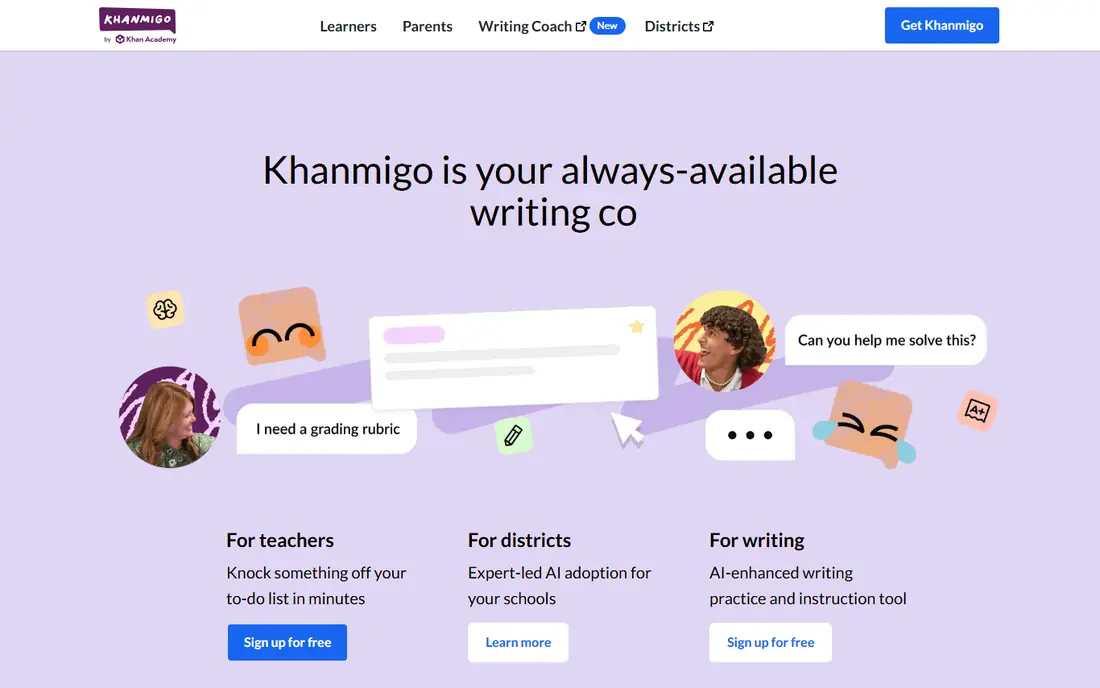
Khanmigo sits inside Khan Academy, so a learner can move from a video or practice set into a tutoring conversation about the same topic. The tutor is built to ask questions and guide reasoning, which fits students who need help working through a problem rather than a quick answer. For families, the price is hard to beat, and the core Khan Academy lessons remain free even without Khanmigo.
The limits matter for planning. A parent or guardian must sign up for learners under 18, and learner purchases require a United States address. Schools need a district arrangement for student access, so a single teacher account does not solve classroom access. Use Khanmigo as legitimate study help: ask it to explain a step, check your reasoning or suggest practice, and keep your own work original for graded assignments.
- Guided tutoring that prompts rather than handing over answers
- Wide school subject coverage
- Low learner price
- Learner plans are limited to the United States
- Teacher access does not grant full student tutoring access
Duolingo works best as a habit builder. Lessons are short, the app adjusts difficulty as you answer, and spaced review brings back words and grammar you are close to forgetting. For a beginner, that steady repetition matters more than a long textbook chapter, and the free plan is enough to test whether you will actually open the app each day.
The catch is depth. Duolingo can build vocabulary and basic sentences, but it will not replace conversation practice, reading real texts or a teacher for advanced grammar. Some languages have far more content than others, so check the course for your language before committing to a paid plan. Treat it as one part of language learning, with speaking and listening practice alongside it.
- Short lessons that fit a daily habit
- Adaptive difficulty and review
- Large language catalog
- Free version includes ads and limited hearts on some paths
- Depth varies by language
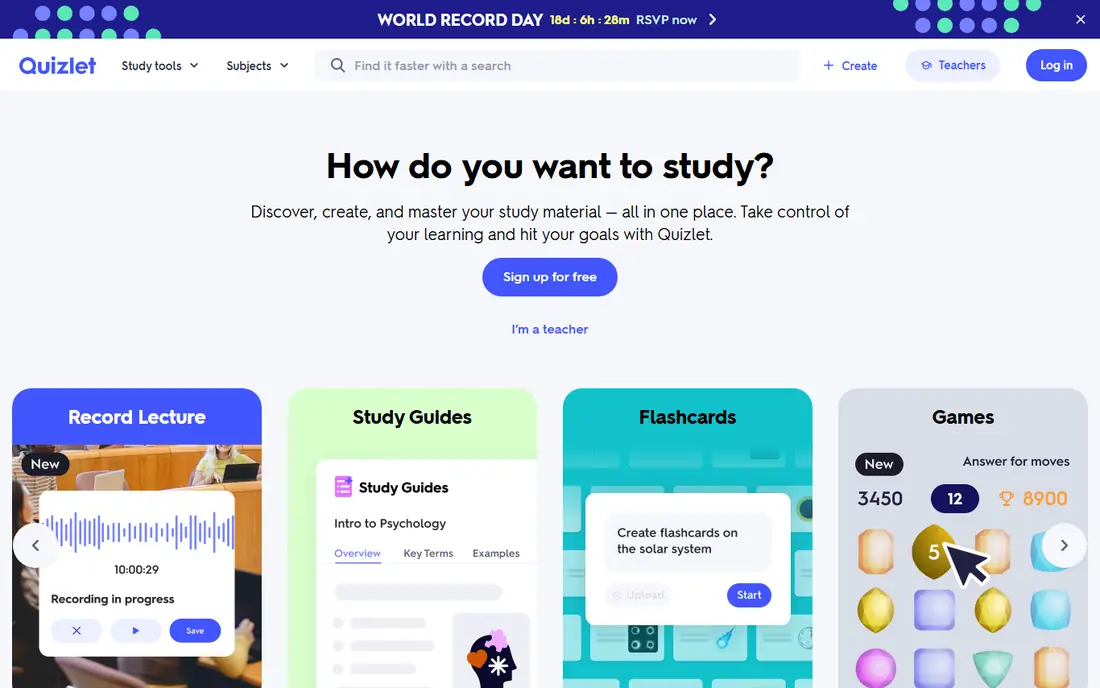
Quizlet is the most practical pick for memorizing terms, definitions and facts. Its learn mode focuses on cards you miss, which saves time compared with flipping through a full deck in order. Students can also build their own sets from class notes, which forces a useful first pass through the material before practice even starts.
Quality control is the main risk. A popular set can still contain errors, so check a set against your textbook or class notes before trusting it for an exam. The free plan covers core flashcards well, while paid features add more study modes and offline access. For academic integrity, use Quizlet to test recall of material you have studied, not to copy answers into assessed work.
- Huge library of user and publisher study sets
- Learn modes adapt to mistakes
- Quick to use on phone or web
- Quality varies across user-made sets
- Some advanced study features sit behind a paid plan
IXL suits families and schools that want clear coverage of school skills, from early math to high school topics and language arts. The diagnostic helps place a learner, and the reports show which skills are strong, shaky or untouched. That structure helps parents see progress without guessing from a single test score.
The trade-off is style. IXL is practice heavy, and learners who want video lessons or open discussion may find it dry. At 9.95 dollars per month for one subject on a family plan, the cost adds up if you need several subjects, so check the multi-subject price on the IXL site before you buy. It works best when a learner does short, regular sessions and a parent or teacher reviews the skill plan.
- Very broad skill coverage by grade and subject
- Detailed diagnostics and progress reports
- Practice adapts to correct and incorrect answers
- No free plan for families
- Practice can feel repetitive for some learners
DreamBox Learning is built for younger learners who need math practice that changes as they play. If a child answers quickly and correctly, the work gets harder. If a child struggles, the program offers different representations and support before moving on. That adaptive loop is the reason it fits elementary and middle school math better than a fixed worksheet set.
Parents should still stay involved. Reports help, but they do not replace talking through a hard concept or checking that a child understands why an answer works. Pricing varies by school and family plan, so use the DreamBox site to confirm the current plan for your situation. It is a strong supplement to classroom teaching, not a replacement for a teacher.
- Math lessons adapt in real time to how a child answers
- Game style lessons keep younger learners engaged
- Teacher and parent reports
- Focus is mainly math and reading related programs vary by offering
- Pricing is not fully public for all plans
Brilliant suits learners who like figuring things out. Lessons are built around interactive problems, with short explanations between steps, so you learn by doing rather than watching. That approach works well for algebra, probability, logic and basic computer science, where practice and feedback matter more than memorization.
It is not the best pick for a student who needs help with tonight's school assignment in history or English. The catalog is focused, and the free plan only opens a sample of content. If you enjoy puzzles and want to build thinking skills over time, Brilliant is a good second tool next to a school focused platform. If you need broad school coverage, start with Khan Academy or IXL instead.
- Interactive problems instead of long lectures
- Paths for math, science and computing
- Good fit for curious older learners
- Not a school homework tutor
- Less coverage of humanities and languages
Coursera fits adult learners and older students who want a course with a clear syllabus, videos, readings and graded work. Some courses can be audited for free, while paid enrollment adds graded assignments and certificates. That structure helps when you want to learn a job skill, such as data analysis or programming, in a set order rather than jumping between short videos.
Personalization here means recommended courses and progress tracking, not a tutor that adapts every question to you in real time. You will need to manage your own pace, and certificate value depends on the provider and the field, so check how employers in your area view a given certificate before paying. For school age learners, check age and enrollment rules on the Coursera site first.
- Courses from universities and companies
- Structured paths with assessments
- Certificates on many paid courses
- Personalization is lighter than a tutor
- Deadlines and pacing need self discipline
Memrise stands out for listening. Many courses include short video clips of native speakers, which helps learners hear natural speed, accent and phrasing instead of only reading words. Spaced repetition then brings vocabulary back at intervals, which supports long term recall better than cramming a list once.
Grammar is the weaker side. Memrise teaches phrases and words well, but learners who want clear grammar explanations will need a textbook, a course or a tutor as well. The free plan is enough to test the style and the language you want. For best results, pair Memrise listening practice with speaking practice, even if that speaking practice is simply repeating phrases aloud and recording yourself.
- Video clips from native speakers on many courses
- Spaced repetition for vocabulary
- Useful for travel phrases
- Grammar teaching is lighter than a full course
- Content depth varies by language
How we picked these
We compared official feature pages, pricing pages and app store listings, and we kept only tools that are live in October 2026 and adapt content to the learner in a clear way. We favored tools with a free plan or a low entry price, a defined audience and public progress or reporting features. We left out tools that only generate text or video without a learning path, and we did not list any tool as tested in person, because our comparison is based on published product information.
What to check before you pay for a learning tool
Start with the learner, not the feature list. A tool for a seven year old learning math needs different controls, session length and reporting than a tool for an adult learning data skills. Check the age range, the subjects covered and whether a parent or teacher can view progress. If the tool cannot show what a learner practiced and where they struggled, personalization is only a claim.
Match the tool to the goal
Use a tutor style tool for homework support, a practice tool for skill gaps, and a course platform for a certificate or a job skill. Mixing those jobs leads to disappointment, because a flashcard app will not teach a full course and a course platform will not answer a homework question step by step. Write down one goal for the next month, such as finishing a math unit or holding a basic conversation, and pick the tool that serves that goal first.
Check cost, controls and academic rules
Compare the monthly price, the annual price and what the free plan actually includes, including ads, limits and offline access. Check privacy controls, chat history access and whether a school account changes the rules. For school work, use AI tools for explanations, practice and feedback, and submit only your own work. If a school or college has an AI policy, follow that policy, and ask a teacher when a use is unclear.
Frequently asked questions
What are the best ai personalized learning platforms for school students?
Khan Academy with Khanmigo, IXL and DreamBox Learning are the strongest school focused picks here, because they map to grades and subjects and report progress. Duolingo and Quizlet help with languages and recall, while Brilliant suits older students who want problem solving.
Are these tools free?
Khan Academy lessons, Duolingo, Quizlet, Brilliant and Memrise all offer free access to at least part of their content, and Coursera allows auditing on some courses. Khanmigo, IXL and DreamBox Learning require payment for full learner access, so check the current pricing page before you commit.
Can AI learning tools replace a teacher?
No, and they should not be used that way for graded work. A teacher explains, checks understanding, manages a class and spots problems a score cannot show. Use AI tools for extra practice, explanations and feedback, and bring hard questions back to a teacher.
Which tool is best for language learning?
Duolingo suits daily practice and habit building, while Memrise suits listening and vocabulary recall. For grammar and conversation, add a course, a tutor or regular speaking practice, because neither app alone covers full fluency.
Is it okay to use AI help for homework?
Use AI help to understand a concept, work through an example or check your reasoning, and write the final answer yourself. Copying AI output into homework or an exam can break school rules and leaves gaps in learning that show up later.
Sources
See where you really rank - block by block
ProMapRanker scans Google Maps across a grid of your service area. Simple monthly plans from $19, white-label on every plan.
Start freeKeep reading
 wpforms alternatives
Best WPForms Alternatives in 2026
We compare 9 wpforms alternatives for WordPress forms, with free and paid options, current pricing notes, and honest limits for small business sites in 2026.
Read → windows task scheduler alternatives
Best Windows Task Scheduler Alternatives in 2026
Looking for Windows Task Scheduler alternatives? We compare 9 schedulers for Windows and cross-platform work, from free tools to enterprise automation.
Read → which ai video service is best
Which AI Video Service Is Best in 2026
which ai video service is best? We compare 10 legitimate AI video services on price, avatars, editing and output quality to help you pick the right tool.
Read →