 ProMapRanker
Best AI Headshot App in 2026: 9 Apps Compared

Key takeaways
- HeadshotPro is our pick for most individuals and teams because it balances price, photo count and consistent professional styles.
- Aragon AI is the best choice when realism and a single convincing hero shot matter most.
- BetterPic is best for print-ready 4K files on every tier, with human editing options.
- Try It On AI and similar budget tools suit a quick, low-cost refresh, but likeness can be less consistent.
- Upload varied, clear photos of yourself, since input quality shapes the result more than any single setting.
Quick comparison
| Pick | Great for | Pricing starts at | Free tier | |
|---|---|---|---|---|
 HeadshotPro HeadshotPro | Individuals and teams | See website | No | Visit |
 Aragon AI Aragon AI | Realistic single headshots | See website | No | Visit |
 Secta AI Secta AI | Large batches and variety | See website | No | Visit |
 BetterPic BetterPic | 4K files and human edits | See website | No | Visit |
 ProPhotos ProPhotos | Classic corporate styling | See website | No | Visit |
 Dreamwave Dreamwave | One-photo workflow | See website | No | Visit |
 Headshots by Magic Studio Headshots by Magic Studio | Preview before paying | See website | No | Visit |
 ProfilePicture.AI ProfilePicture.AI | Varied profile pictures | See website | No | Visit |
 AI SuitUp AI SuitUp | Affordable large packs | See website | No | Visit |
The best AI headshot apps
AI headshot tools turn a set of your own photos into studio-style portraits, without booking a photographer. They differ on price, photo count, turnaround, resolution and how much editing help you get. These nine tools are still available in October 2026, and each suits a different need, from a single LinkedIn photo to a full team page.
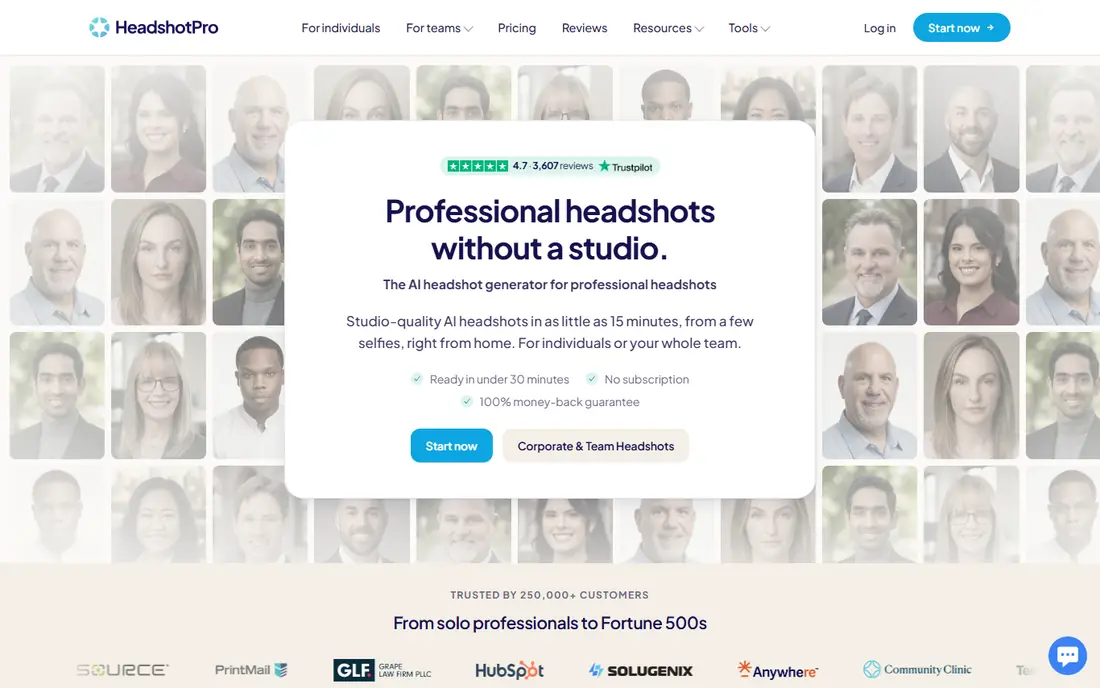
HeadshotPro is a safe all-round pick. Individuals upload photos, pick styles and get a set of professional headshots, while teams can invite staff, keep styles consistent and download a full set for a company page. That team workflow is a real advantage, since a staff page with mixed styles looks untidy.
The creative range is more corporate than artistic, so people who want bold or fashion-style portraits may prefer another tool. Top resolution also sits on higher tiers, so check pixel size before you buy if you need print files. For LinkedIn, resumes and company bios, HeadshotPro covers the job well.
- Consistent styles for teams
- Good photo count per session
- Clear commercial use options
- Creative range is narrower than some rivals
- Higher tiers needed for top resolution
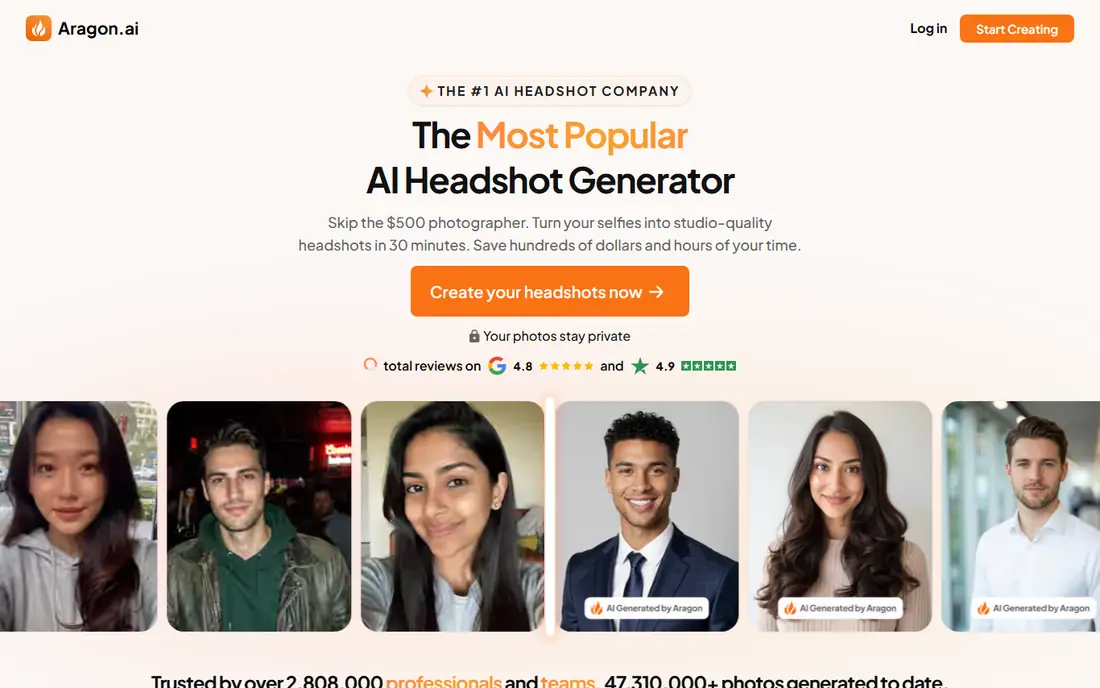
Aragon AI is the realism pick on this list. It trains on your uploaded photos and returns portraits with believable skin texture, lighting and backgrounds, which matters on LinkedIn where an overly smooth photo can undermine trust. Its editing tools also let you adjust a result rather than starting over.
The price is per session, so refreshing headshots often will cost more than a subscription-style tool. It is also built mainly for individuals rather than large teams. If your goal is one excellent profile photo that looks like a studio shot, Aragon AI is hard to beat.
- Natural-looking results
- Strong editing tools
- Good for a single hero shot
- Priced per session, so frequent refreshes add up
- Less suited to large team batches
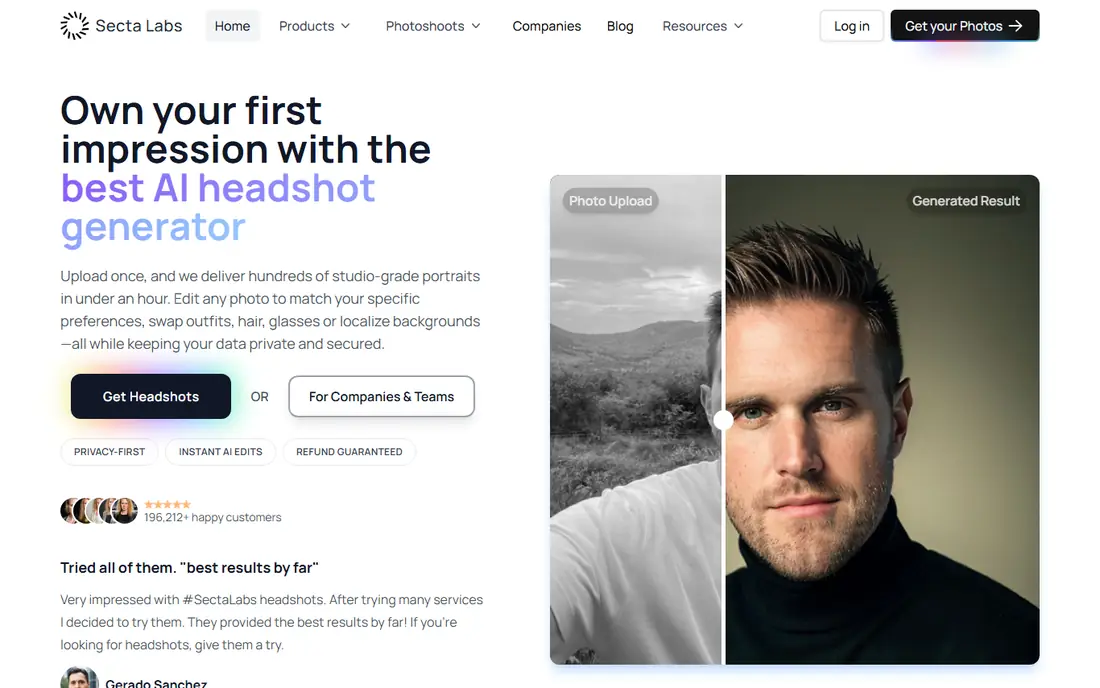
Secta AI gives you volume. A single session can return hundreds of portraits across outfits, backgrounds and styles, plus a remix mode that restyles a photo you like. That range suits people who want to test many looks before picking one, or who need several photos for different platforms.
Volume is also the drawback. Sorting through hundreds of images takes time, and not every image will look equally like you. If you want a small, curated set, a tool with fewer, higher-quality outputs may suit you better. If you want choice, Secta AI delivers it.
- Very large photo batches
- Remix options for new looks
- Good for testing many styles
- Large batches need time to review
- Likeness can vary across hundreds of images
BetterPic is the print-ready pick. It offers 4K output on every tier, which matters if you need a headshot for a conference program, a book jacket or a large team page. Human editing options also help when an AI result is close but needs a fix that automatic tools miss, such as a collar or background detail.
The cheapest tier covers only one style and fewer photos, so most buyers will need a higher tier for variety. Turnaround is also measured in hours rather than minutes. For a polished, print-ready result with editing support, BetterPic is worth the wait.
- 4K output on all tiers
- Human editing options
- Commercial license on higher tiers
- Fewer photos on the cheapest tier
- Turnaround can be slower than instant tools
ProPhotos focuses on classic corporate headshots: suits, blazers, neutral backgrounds and clean lighting. That focus suits job seekers, consultants and executives who need a formal photo rather than a creative portrait. The session flow is simple, and turnaround is usually fast.
Creative variety is narrower, so people who want casual, outdoor or artistic styles may prefer Secta AI or ProfilePicture.AI. Check revision and refund terms before you buy, since policies differ across tools. For a traditional professional headshot, ProPhotos is a dependable choice.
- Formal suit and blazer looks
- Fast turnaround
- Straightforward session flow
- Less creative variety than some rivals
- Refund and revision terms need checking
Dreamwave stands out because it can start from a single photo, rather than asking for a dozen uploads. That makes it the easiest tool to try if you do not have many good photos of yourself handy. Results are often natural-looking, with a range of outfits and backgrounds from that one starting image.
A single photo also limits what the model can learn about your face, so likeness can vary more than with trained-model tools that use many inputs. Check the refund policy before you buy, since some Dreamwave purchases are final sale. For a fast, low-effort refresh, Dreamwave is a practical option.
- Starts from a single photo
- Natural-looking portraits
- Simple to use
- Single-photo input can limit likeness
- Final sale terms need checking
Headshots by Magic Studio reduces the main risk of AI headshots: paying for a set you do not like. You can preview results before paying for the full pack, which helps if you are unsure how well the tool will capture your likeness. Turnaround is fast, and the model trains on your own photos for better consistency.
The price is higher than budget packs, and top resolution sits on higher tiers. If you already trust AI headshots and just want the cheapest pack, another tool may be better. If you want to check likeness before committing, Magic Studio is the safest buy here.
- See results before paying in full
- Fast turnaround
- Trained model from your photos
- Higher price than budget tools
- Resolution varies by pack
ProfilePicture.AI is the variety pick. It covers professional headshots alongside casual, creative and social styles, so you can get a LinkedIn photo and a set of social profile pictures from one tool. That breadth suits creators, freelancers and anyone who manages several online profiles.
Formal corporate quality is less consistent than Aragon AI or HeadshotPro, and some styles will suit you better than others. Use it when you want range across platforms. Use a corporate-focused tool when you need one flawless formal headshot.
- Wide style range
- Good for social and dating profiles as well as work
- Easy session flow
- Less focused on formal corporate headshots
- Quality varies by style
AI SuitUp is the budget large-pack option. It offers many headshots for a lower price than premium tools, with a focus on suit and formal styles that suit job seekers and LinkedIn users. The buying flow is simple, and turnaround is usually measured in hours.
Quality varies more than with trained-model leaders, so you may need to sort through the pack to find the best shots. Editing tools are also lighter. If budget matters most and you are happy to pick the best few from a large set, AI SuitUp is a sensible choice.
- Large photo packs at a lower price
- Good suit and formal styles
- Simple buying flow
- Likeness and quality can vary
- Fewer editing tools than premium rivals
How we picked these
We compared official pricing pages, feature descriptions and public reviews for AI headshot tools still available in October 2026, favoring tools with clear photo counts, turnaround times and commercial use terms. We included realism leaders, team tools, budget packs and preview-before-pay options, since buyers weigh those factors differently. We did not claim hands-on testing of every tool; this comparison rests on published features, pricing and public documentation. Prices are per session for most tools, so check the current pack price before you buy.
How to get a headshot that actually looks like you
Input photos matter more than settings. Upload clear, varied photos with different angles, lighting and expressions, and avoid sunglasses, heavy filters or group shots where your face is small. Use recent photos that match your current hair and style, since an old set will produce a headshot that looks like a past version of you.
Choosing styles and resolution
Pick styles that match where the photo will appear. A LinkedIn headshot should be clean, well-lit and formal enough for your industry. A company team page needs consistent backgrounds and crops across staff. For print, check resolution and file size before you buy, since some packs offer web-size files on lower tiers.
Privacy and likeness
Read the privacy policy before you upload photos, especially for team use. Check how long your photos and trained model are kept, whether data is used for training other models, and how to request deletion. Avoid uploading photos of other people without permission, and do not use an AI headshot to misrepresent your appearance in a formal ID or verification context.
When to hire a photographer instead
AI headshots suit profile photos, resumes and team pages. A human photographer is still better for press photos, book covers, executive portraits and any image where exact likeness and editorial control matter. If you need a photo that will be printed large or used for years, a short studio session may be worth the extra cost.
Frequently asked questions
What is the best AI headshot app?
HeadshotPro is our pick for most people, with consistent styles for individuals and teams. Aragon AI is best for realism and a single hero shot, BetterPic is best for 4K files, and Magic Studio is best if you want to preview results before paying.
What are the best AI headshot apps for LinkedIn?
Aragon AI, HeadshotPro, ProPhotos and BetterPic all suit LinkedIn well, with formal styles and clean backgrounds. Choose Aragon AI for realism, HeadshotPro for team consistency, ProPhotos for classic corporate looks, and BetterPic for print-ready files.
How much does an AI headshot cost?
Most tools charge per session, with entry packs often in the range of about 20 to 60 dollars, depending on photo count and resolution. Check the current pack price on the vendor site, since prices and pack sizes change, and confirm what resolution and license are included.
Do AI headshots look real?
The best tools can look very convincing at profile size, especially when trained on many clear photos of you. Results vary by tool, input photos and style, so preview options and revision terms matter. For large print or press use, a human photographer still gives more control.
How many photos do I need to upload?
Most trained-model tools ask for about six to twelve clear photos, while Dreamwave can start from one. Varied angles, lighting and expressions help the model learn your face better than a set of near-identical selfies.
Can I use AI headshots for my whole team?
Yes, with tools such as HeadshotPro that offer team workflows and consistent styles. Get consent from each team member before uploading their photos, check data deletion terms, and keep backgrounds and crops consistent across the team page.
Sources
See where you really rank - block by block
ProMapRanker scans Google Maps across a grid of your service area. Simple monthly plans from $19, white-label on every plan.
Start freeKeep reading
 free kahoot alternatives
Free Kahoot Alternatives in 2026
We compared free Kahoot alternatives for classrooms, training and large groups, checking free plans, player limits and game modes to help you pick a tool.
Read → best website build apps
Best Website Build Apps in 2026
Compare the best website build apps in 2026 for service businesses, stores, and portfolios, from Wix and Squarespace to Webflow today, with full pricing.
Read → best tools for content creation and social media management
Best Tools for Content Creation and Social Media Management in 2026
We compared the best tools for content creation and social media management, checking scheduling, design, video and pricing for creators and small teams.
Read →