 ProMapRanker
Best AI Grading Tools for Teachers in 2026


Grouping and grading problem sets · Pricing starts at: See website
Key takeaways
- CoGrader and EssayGrader are our picks for essay-heavy subjects because both centre on rubrics and editable feedback.
- Gradescope suits maths, science, and problem sets where answers need grouping rather than essay comments.
- Brisk Teaching and MagicSchool AI fit teachers who want grading help inside tools they already use every day.
- Class Companion and Eduaide.AI are worth a look for structured feedback cycles and standards-aligned comments.
Quick comparison
| Pick | Great for | Pricing starts at | Free tier | |
|---|---|---|---|---|
| Gradescope | Grouping and grading problem sets | See website | Free trial | Visit |
 CoGrader | Rubric-based essay grading and feedback | $15 per month | Yes | Visit |
 EssayGrader | Affordable essay grading for individuals | $6.99 per month | Yes | Visit |
 Class Companion | Structured feedback cycles for writing | See website | Yes | Visit |
 MagicSchool AI | All-purpose teacher toolkit with grading help | $12.99 per month | Yes | Visit |
 Brisk Teaching | Fast feedback inside Google Docs | Free | Yes | Visit |
 Eduaide.AI | Standards-aligned feedback and planning | See website | Yes | Visit |
 Fiveable | AP-focused grading with subject coverage | $29 per month | Free trial | Visit |
The best AI grading tools for teachers
These tools are best used as teacher assistance, not as a final judge. Teachers should review AI grades and feedback before finalising them, check borderline or unusual work closely, and keep the final decision with the teacher. The tools below help with drafting feedback, applying rubrics more evenly, and grouping similar answers, which can save time during heavy marking periods.
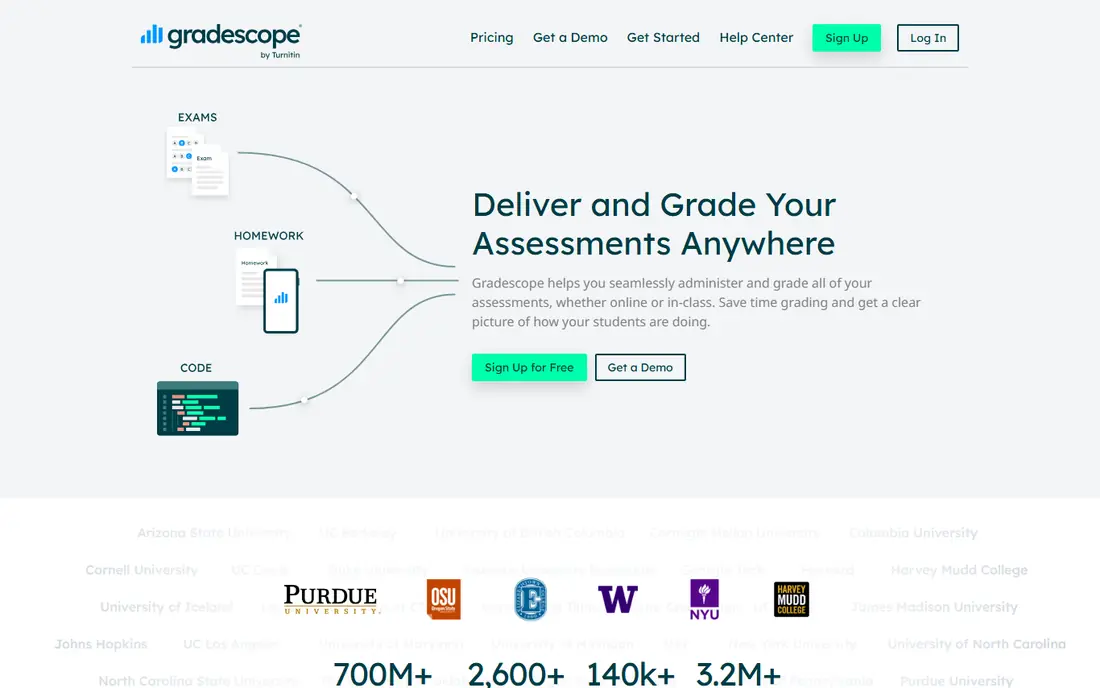
Teachers marking exams and problem sets. Its answer grouping, which improves consistency across a large class stands out in our comparison, and it is the reason this tool earns a place here. In practice, that strength matters most when you use the tool every week, not just during a trial, because habits and limits only become clear with regular use. A short trial on a real project tells you more than a feature list, so run one task end to end before you commit.
The honest catch is the institutional pricing, which is awkward for a solo teacher. That trade-off does not rule the tool out, but it should shape your trial: test the exact workflow you will rely on, check the limits on your likely plan, and confirm that support and reporting match how your team actually works. If that check passes, this is a solid choice for its stated audience.
- AI grouping puts similar answers together for faster, more even marking
- It works well for exams and problem sets
- Turnitin ownership supports academic integrity workflows
- Pricing is institutional and not published for individuals
- Essay feedback is less central than in dedicated essay graders
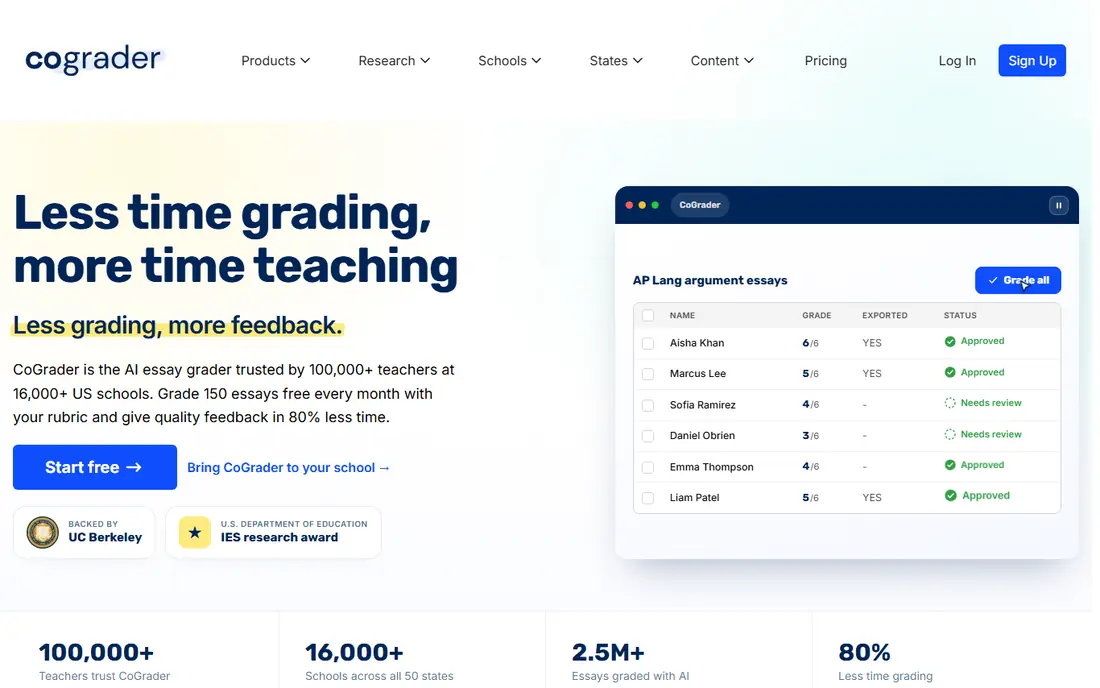
English and humanities teachers with heavy essay loads. Its rubric-first design, which keeps feedback tied to stated criteria stands out in our comparison, and it is the reason this tool earns a place here. In practice, that strength matters most when you use the tool every week, not just during a trial, because habits and limits only become clear with regular use. Compare it side by side with one rival on the same task, and the differences in fit usually become clear quickly.
The honest catch is the monthly grading cap on the individual plan. That trade-off does not rule the tool out, but it should shape your trial: test the exact workflow you will rely on, check the limits on your likely plan, and confirm that support and reporting match how your team actually works. If that check passes, this is a solid choice for its stated audience.
- Custom rubrics and state standards support
- Teachers can edit every score and comment before students see results
- Free tier offers 100 gradings per month
- Paid limits still apply per month on individual plans
- Stimulus materials such as graphs are not its strength
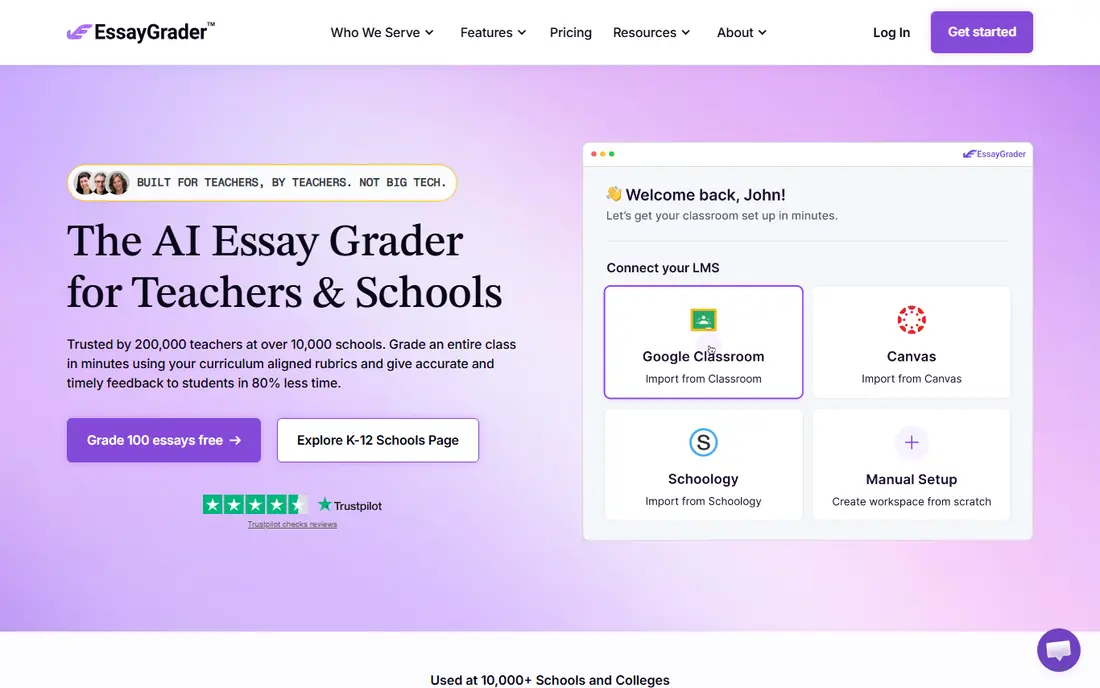
Solo teachers grading many essays on a budget. Its low starting price for individual teachers stands out in our comparison, and it is the reason this tool earns a place here. In practice, that strength matters most when you use the tool every week, not just during a trial, because habits and limits only become clear with regular use. Start with the free tier or trial where one exists, and judge the tool on a real task from your own work.
The honest catch is the volume limits that push heavy users to higher tiers. That trade-off does not rule the tool out, but it should shape your trial: test the exact workflow you will rely on, check the limits on your likely plan, and confirm that support and reporting match how your team actually works. If that check passes, this is a solid choice for its stated audience.
- Low entry price with a free tier
- Large rubric library
- Per-teacher pricing suits solo teachers better than per-student pricing
- Higher plans are needed for larger essay volumes
- Teachers must still review scores for nuance and fairness
Teachers who want feedback and revision, not just a score. Its feedback cycles, which support revision rather than one-shot marking stands out in our comparison, and it is the reason this tool earns a place here. In practice, that strength matters most when you use the tool every week, not just during a trial, because habits and limits only become clear with regular use. A short trial on a real project tells you more than a feature list, so run one task end to end before you commit.
The honest catch is the narrower scope compared with broader teacher platforms. That trade-off does not rule the tool out, but it should shape your trial: test the exact workflow you will rely on, check the limits on your likely plan, and confirm that support and reporting match how your team actually works. If that check passes, this is a solid choice for its stated audience.
- Assignment-focused feedback cycles help students revise
- Progress signals show where a class is struggling
- It is designed around classroom use
- Pricing for schools is quote-based
- It is narrower than an all-purpose teacher toolkit
Teachers who want one toolkit for planning and marking. Its breadth, which covers planning, feedback, and communication in one place stands out in our comparison, and it is the reason this tool earns a place here. In practice, that strength matters most when you use the tool every week, not just during a trial, because habits and limits only become clear with regular use. Compare it side by side with one rival on the same task, and the differences in fit usually become clear quickly.
The honest catch is the shallower grading depth compared with dedicated graders. That trade-off does not rule the tool out, but it should shape your trial: test the exact workflow you will rely on, check the limits on your likely plan, and confirm that support and reporting match how your team actually works. If that check passes, this is a solid choice for its stated audience.
- Large library of teacher tools beyond grading, including rubrics and feedback drafts
- Free tier lets teachers try core tools
- Education privacy controls are a stated focus
- Grading help is one part of a broad toolkit, so depth is less than a dedicated grader
- Usage limits apply on the free tier
Google Workspace teachers who mark in Docs. Its in-document workflow, which avoids switching tools mid-marking stands out in our comparison, and it is the reason this tool earns a place here. In practice, that strength matters most when you use the tool every week, not just during a trial, because habits and limits only become clear with regular use. Start with the free tier or trial where one exists, and judge the tool on a real task from your own work.
The honest catch is the Google-centred design, which suits other platforms less well. That trade-off does not rule the tool out, but it should shape your trial: test the exact workflow you will rely on, check the limits on your likely plan, and confirm that support and reporting match how your team actually works. If that check passes, this is a solid choice for its stated audience.
- Chrome extension works inside Docs and Slides where teachers already mark
- Feedback and rubric tools are close at hand
- Individual teacher use is free
- It is strongest in Google Workspace, so other platforms get less benefit
- It gives qualitative feedback rather than full scoring in some flows
Teachers who want feedback tied to standards. Its standards support, which helps keep comments consistent stands out in our comparison, and it is the reason this tool earns a place here. In practice, that strength matters most when you use the tool every week, not just during a trial, because habits and limits only become clear with regular use. A short trial on a real project tells you more than a feature list, so run one task end to end before you commit.
The honest catch is the small free allowance for regular use. That trade-off does not rule the tool out, but it should shape your trial: test the exact workflow you will rely on, check the limits on your likely plan, and confirm that support and reporting match how your team actually works. If that check passes, this is a solid choice for its stated audience.
- Feedback assistant and standards library support consistent comments
- Planning tools sit alongside grading help
- Free tier offers a small monthly allowance
- Individual pricing varies by source, so check the current page before budgeting
- Grading depth is less than dedicated essay tools
AP teachers grading practice responses. Its AP subject coverage, which is broader than general graders stands out in our comparison, and it is the reason this tool earns a place here. In practice, that strength matters most when you use the tool every week, not just during a trial, because habits and limits only become clear with regular use. Compare it side by side with one rival on the same task, and the differences in fit usually become clear quickly.
The honest catch is the higher price for teachers outside AP subjects. That trade-off does not rule the tool out, but it should shape your trial: test the exact workflow you will rely on, check the limits on your likely plan, and confirm that support and reporting match how your team actually works. If that check passes, this is a solid choice for its stated audience.
- Covers many AP subjects with rubric presets
- Stimulus-aware scoring is a stated strength for subjects with documents and data
- Teacher review remains central
- Higher monthly price than CoGrader or EssayGrader
- Free access covers only a few assignments
How we picked these
We compared official feature pages, pricing pages, and app store listings for each product, and we checked that each product is live and fits the topic. We gave weight to current pricing, free tiers, and the fit for a stated audience, rather than to marketing claims alone. Where a price was not published on the vendor's own page, we wrote See website instead of guessing a figure.
We also looked for honest trade-offs, including plan limits, missing features, and cases where a tool covers only part of a job. A tool that does one thing well can still be the right pick, as long as you know what it does not do. That is why each write-up names a catch alongside its strength, and why the buying guide below asks you to test your own workflow before paying.
How to choose an AI grading tool for your classroom
Start by naming the job in one sentence. If you cannot state what the tool must do in a normal week, you will compare features instead of outcomes, and the cheapest or best-known option will win by default. Write down the task, the people who will use it, and the result you need, then judge every shortlisted tool against that list.
Next, run a trial on a real task, not a demo task. Import or create the kind of work you handle every day, invite the people who will actually use it, and check reporting, exports, and support. Pay attention to plan limits, because a tool that works in a trial can still fail when volume rises or when a second team joins.
Finally, check total cost and exit options before you commit. Look at per-user or per-asset pricing, annual minimums, and add-ons, and confirm how you export your data if you leave. A tool with a clear price, a usable free tier or trial, and honest limits is usually a safer buy than a cheaper tool with hidden constraints.
Frequently asked questions
What AI grading tools are best for teachers?
CoGrader and EssayGrader lead for essay grading, Gradescope leads for problem sets, and Brisk Teaching leads for feedback inside Google Docs. The best pick follows the type of work you mark most.
Can AI grading replace teacher marking?
No. AI output should be reviewed, adjusted, and finalised by the teacher. It can draft feedback and apply a rubric, but it cannot replace professional judgment on nuance, context, or fairness.
Are AI grading tools safe for student data?
Check each vendor's privacy page for FERPA and COPPA statements, data retention, and if student work trains models. Prefer tools that state clearly that student data is not used for model training.
Do these tools work for maths and science?
Gradescope is the strongest here because it groups similar answers in problem sets. Essay graders can help with written science explanations, but they are not a substitute for checking working and method.
How much do AI grading tools cost?
Free tiers exist for CoGrader, EssayGrader, MagicSchool AI, and Brisk Teaching. Paid individual plans in this list range from about $6.99 to $29 per month, with school pricing by quote.
Sources
See where you really rank - block by block
ProMapRanker scans Google Maps across a grid of your service area. Simple monthly plans from $19, white-label on every plan.
Start freeKeep reading
 wpforms alternatives
Best WPForms Alternatives in 2026
We compare 9 wpforms alternatives for WordPress forms, with free and paid options, current pricing notes, and honest limits for small business sites in 2026.
Read → windows task scheduler alternatives
Best Windows Task Scheduler Alternatives in 2026
Looking for Windows Task Scheduler alternatives? We compare 9 schedulers for Windows and cross-platform work, from free tools to enterprise automation.
Read → which ai video service is best
Which AI Video Service Is Best in 2026
which ai video service is best? We compare 10 legitimate AI video services on price, avatars, editing and output quality to help you pick the right tool.
Read →