 ProMapRanker
Best AI Document Processing Tools in 2026

Key takeaways
- Rossum and ABBYY Vantage suit high volume finance and enterprise teams, while Nanonets and Docsumo suit smaller teams that need custom fields.
- Cloud APIs from Google, Amazon, and Microsoft charge per page and suit developers building their own workflows.
- Most tools meter by page or document, so total cost depends on volume and on how many documents need human review.
- Test with your worst documents first: scans, handwriting, and unusual layouts separate strong tools from weak ones.
Quick comparison
| Pick | Great for | Pricing starts at | Free tier | |
|---|---|---|---|---|
 Rossum | High volume invoice automation | See website | Free trial (14 days) | Visit |
 Nanonets | Custom extraction for small teams | $0.30 per extraction run | Free trial | Visit |
 ABBYY Vantage | Regulated enterprise documents | See website | Free trial | Visit |
 Google Document AI | Google Cloud developers | $10 per 1,000 pages | Yes | Visit |
 Amazon Textract | AWS teams | $10 per 1,000 pages | Yes | Visit |
 Azure AI Document Intelligence | Microsoft teams | $10 per 1,000 pages | Yes | Visit |
 Docsumo | Finance teams with review workflow | $179 per month | Free trial (14 days) | Visit |
 Hyperscience | High accuracy enterprise processing | See website | No | Visit |
 UiPath Document Understanding | Automation teams | See website | Free trial | Visit |
The best ai document processing tools
AI document processing, also called intelligent document processing, reads invoices, contracts, forms, and statements, and turns them into structured data. These nine cover packaged tools and cloud APIs.

Rossum is built for finance teams that process large invoice volumes and need a clean review step for exceptions. It extracts vendor, totals, line items, and tax without templates for each supplier, and it routes uncertain fields to a validation screen where staff can correct them. That combination matters, because straight through processing is only useful if the exceptions are easy to handle.
The main barrier is price. Rossum is quote based, and published comparisons put enterprise entry well above small business budgets. A team processing a few hundred invoices a month will likely find better value elsewhere. A team processing thousands, with ERP integration and audit needs, will find the validation workflow and accuracy controls worth the conversation.
- Strong validation screen for human review
- Template free extraction
- Good AP workflow features
- Quote based pricing puts it out of reach for small firms
- Implementation takes time
Nanonets lets smaller teams build custom extraction models for their own document types, from invoices to forms and IDs, without signing an enterprise deal. Pay as you go pricing starts at $0.30 per extraction run in published comparisons, with free credits to test, and the API makes it easy to feed results into accounting or operations tools. That flexibility is why it appeals to startups and mid-size teams with unusual documents.
The catch is cost control and workflow depth. Per run pricing can climb if documents are long or need repeated runs, and the built-in review and approval workflow is lighter than Rossum or Docsumo. Teams that need strong human review tooling should test that part carefully. Teams that mainly need accurate extraction through an API will find Nanonets a strong value.
- Custom models without enterprise contracts
- Pay as you go option
- API and workflow tools
- Per run pricing needs careful tracking
- Post extraction workflow is lighter than Rossum
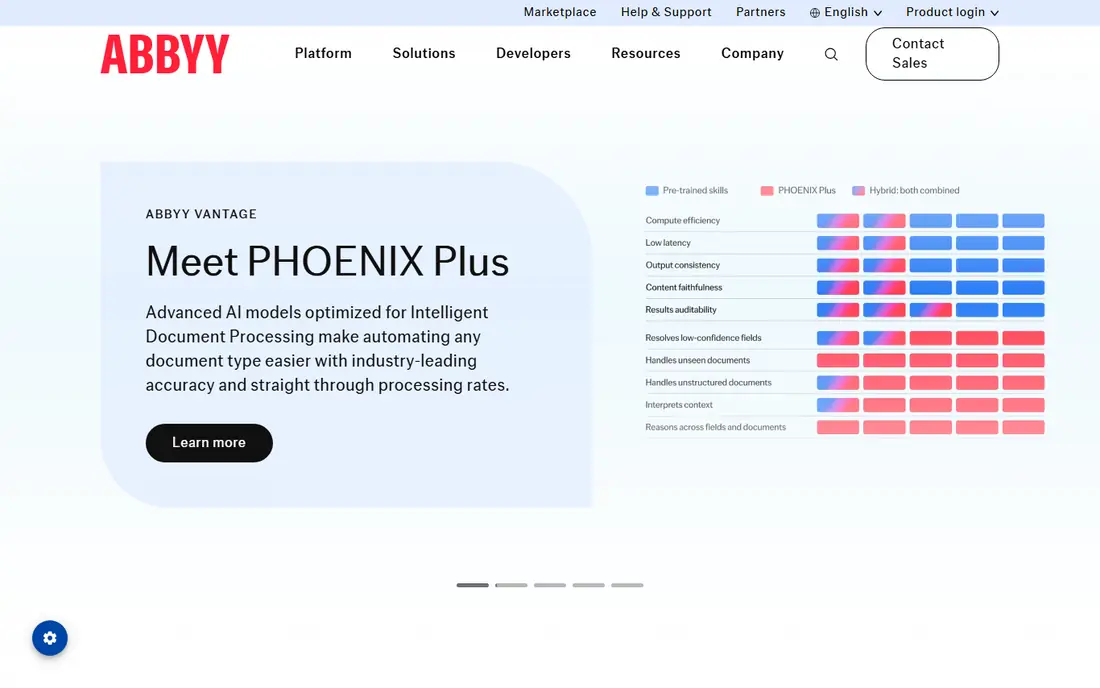
ABBYY Vantage is the enterprise choice for organizations that process many document types under audit and compliance pressure. Its OCR engine has decades of development behind it, and Vantage adds AI skills for classification and extraction, plus deployment options that include on premise setups for regulated environments. Banks, insurers, and large shared service centers are its natural audience.
The trade-off is cost and complexity. Pricing is quote based, and getting the best accuracy from Vantage takes tuning and specialist knowledge. Small teams should not start here. Large teams that need audit trails, deployment control, and consistent accuracy across messy document sets will find it one of the safest choices in this list.
- Mature OCR and extraction engine
- Wide document type coverage
- On premise and cloud options
- Quote based enterprise pricing
- Setup and tuning take specialist time
Google Document AI is a cloud API, not a packaged inbox tool. It offers prebuilt parsers for invoices, receipts, expense documents, and identity documents, plus custom processors for other types. Pricing for the invoice and expense parser is around $10 per 1,000 pages in published comparisons, with a free tier for limited use. That makes it cheap to test and easy to scale.
The catch is building the rest. Google gives extraction, but the team must build upload, review, approval, and export into its own application. That suits a product or engineering team that wants document extraction inside software it already builds. A finance team that wants a ready made inbox should choose Rossum, Docsumo, or Nanonets instead.
- Managed prebuilt parsers for invoices and receipts
- Usage based pricing
- Strong Google Cloud integration
- Developers must build the review screen and workflow
- Accuracy varies by document type
Amazon Textract extracts text, tables, and forms from documents, and its AnalyzeExpense feature is aimed at invoices and receipts. Published comparisons put AnalyzeExpense at around $10 per 1,000 pages for the first million pages, with a limited free tier. For a team already on AWS, Textract fits naturally into storage, queues, and downstream processing without a new vendor relationship.
Like Google Document AI, Textract is a building block. It does not provide a finance review screen, approval workflow, or ERP posting out of the box. Engineering teams that want control and usage based pricing will like it. Operations teams that want to upload documents and get clean books without code should look at the packaged tools in this list.
- AnalyzeExpense for invoices and receipts
- Table and form extraction
- Deep AWS integration
- Raw API output needs application work
- Pricing varies by feature and volume
Azure AI Document Intelligence, formerly Form Recognizer, offers prebuilt models for invoices, receipts, identity documents, and tax forms, plus custom models for other layouts. Published comparisons put prebuilt invoice and receipt processing at around $10 per 1,000 pages, with a free tier for limited use. Microsoft centered organizations benefit from integration with Azure storage, Power Automate, and Microsoft 365 tools.
The same API caveat applies. Azure returns structured data, but the team must build the review and approval experience around it, or pair it with Power Automate and other Microsoft tools. For a Microsoft shop with developers or Power Platform skills, that is a practical path. For a team that wants a finished product, a packaged tool will be faster to deploy.
- Prebuilt invoice and receipt models
- Custom extraction
- Strong Microsoft 365 and Azure integration
- Needs application building for full workflow
- Pricing depends on model type
Docsumo bundles extraction with a review workflow, so a finance team only touches documents the system flags as uncertain. It handles invoices, receipts, and bank statements well, and it offers an API for teams that want to feed results into accounting software. Published comparisons list a Starter plan at $179 per month for 1,000 pages, with a 14-day trial, though other sources list different tiers, so confirm the current plan before buying.
Docsumo sits between the raw APIs and the enterprise platforms. It costs more at entry than Nanonets pay as you go, but it gives a finished workflow that the APIs do not. Mid-size finance and operations teams that want extraction plus review in one product, without an enterprise contract, are its natural audience.
- Built-in review workflow for exceptions
- Good for invoices and bank statements
- API available
- Higher entry price than Nanonets pay as you go
- Some published prices differ by source
Hyperscience targets enterprises where accuracy and auditability matter more than a low entry price. It processes complex, varied documents, including handwritten and low quality scans, and it gives strong controls over human review, model training, and audit trails. That makes it a fit for insurance, finance, and government adjacent work where an extraction error has real cost.
The barrier is access. Hyperscience is quote based with no free plan, and it is designed for high volume programs. Small teams will not get value from it at their scale. Large teams that have tried simpler tools and hit accuracy or compliance limits should put Hyperscience on the shortlist alongside ABBYY Vantage.
- High accuracy on complex documents
- Strong human in the loop controls
- Enterprise deployment options
- Quote based pricing
- No free plan
- Best suited to large volumes
UiPath Document Understanding makes most sense for teams already running UiPath automation. Documents are classified and extracted, then the results flow straight into robots, approvals, and downstream systems without a separate integration project. That end to end path is valuable when document processing is one step in a larger process, such as onboarding, claims, or accounts payable.
Outside UiPath, the case is weaker. A team that does not already use UiPath will pay for an automation platform as well as a document tool, and a packaged tool such as Rossum or Docsumo may be simpler. For UiPath shops, though, Document Understanding turns documents into automation inputs with far less glue code than a standalone API would need.
- Documents feed directly into automation workflows
- Strong for RPA teams
- Broad UiPath ecosystem
- Best value only inside UiPath
- Pricing is quote based for larger use
How we picked these
We compared official product and pricing pages plus public reviews, and we weighted extraction accuracy on varied documents, review workflow quality, integration options, and pricing model. We excluded pure OCR tools with no AI extraction, and tools with no current product. Because most vendors meter by page or document, we report the pricing model alongside the price, and we mark quote based tools as See website rather than guessing a number.
How to test before you buy
Gather a test set that reflects real work: clean PDFs, phone photos, low quality scans, multi-page invoices, and your most unusual supplier layouts. Run the same set through two or three tools and measure accuracy on the fields that matter, such as totals, tax, and line items, not only on overall text. Check how exceptions are handled, since the review screen is where staff will spend their time.
Also check data handling. Documents often contain personal or financial data, so confirm retention, region, and security terms before uploading real files. Finally, price the full workflow, including review time and integration work, not only the per page fee. A cheap API with a slow review process can cost more than a pricier tool with a clean exception queue.
Frequently asked questions
What is the best rated ai document processing platform for invoices?
For high volume AP teams, Rossum is the most cited enterprise pick, while Nanonets and Docsumo suit smaller teams. Cloud APIs from Google, Amazon, and Microsoft suit developers. The best choice depends on volume, review needs, and whether the team wants a finished product or an API.
Do I need to train the tool on my documents?
It depends. Template free tools such as Rossum work on new supplier layouts without per supplier templates, while custom model tools such as Nanonets and Azure benefit from training samples. Prebuilt parsers for invoices and receipts work out of the box for standard layouts, with tuning for unusual ones.
How much does AI document processing cost?
Packaged tools range from pay as you go at $0.30 per run to $179 per month and up, while enterprise tools are quote based. Cloud APIs charge around $10 per 1,000 pages for invoice parsing. Total cost depends on volume, document length, and review time, so test with real volumes before committing.
Can these tools handle handwritten documents?
Some can, with varying accuracy. ABBYY Vantage and Hyperscience are stronger on handwriting and low quality scans than most, but no tool handles all handwriting well. Test with your own handwritten samples and measure field accuracy, rather than trusting a headline claim.
Is my document data safe with these tools?
Check each vendor's retention, encryption, and region terms before uploading sensitive documents. Enterprise tools offer stronger controls and on premise options, while cloud APIs follow the cloud provider's terms. Avoid uploading real personal or financial data during a trial until the terms are clear.
Sources
See where you really rank - block by block
ProMapRanker scans Google Maps across a grid of your service area. Simple monthly plans from $19, white-label on every plan.
Start freeKeep reading
 wpforms alternatives
Best WPForms Alternatives in 2026
We compare 9 wpforms alternatives for WordPress forms, with free and paid options, current pricing notes, and honest limits for small business sites in 2026.
Read → windows task scheduler alternatives
Best Windows Task Scheduler Alternatives in 2026
Looking for Windows Task Scheduler alternatives? We compare 9 schedulers for Windows and cross-platform work, from free tools to enterprise automation.
Read → which ai video service is best
Which AI Video Service Is Best in 2026
which ai video service is best? We compare 10 legitimate AI video services on price, avatars, editing and output quality to help you pick the right tool.
Read →