 ProMapRanker
AI Collaborative Whiteboard Software in 2026: Top 5 Compared

Strategy and innovation workshops · Pricing starts at: $9.99 per member per month
Direct answer
Mural comes first here, mainly for strategy and innovation workshops. Listed starting prices: Mural from $9.99 per member per month and Miro from $8 per member a month. Microsoft Whiteboard is better for teams already in Microsoft 365, and ClickUp Whiteboards is better for boards linked to tracked tasks. Details, prices and limits for the rest of the 5 tools are below.
ProMapRanker compared 5 tools for AI collaborative Whiteboard software. The goal is a practical shortlist: published prices, free plan facts, best-fit use cases and honest limits for every entry.
Key takeaways
- Mural is the opening pick, best for strategy and innovation workshops.
- For the cheapest start, look at Miro: $8 per member per month.
- 2 of 5 tools offer a free plan: Mural, Miro.
- Microsoft Whiteboard comes with a trade-off: fewer standalone planning features.
Quick comparison
| Pick | Great for | Pricing starts at | Free tier | |
|---|---|---|---|---|
| Mural | Strategy and innovation workshops | $9.99 per member per month | Yes | Visit |
 Microsoft Whiteboard | Teams already in Microsoft 365 | See website | Not stated | Visit |
 ClickUp Whiteboards | Boards linked to tracked tasks | See website | Not stated | Visit |
 Miro | AI-powered product development workspaces | $8 per member a month | Yes | Visit |
 Canva Whiteboards | Template-driven visual brainstorming | See website | Not stated | Visit |
The best AI collaborative Whiteboard software
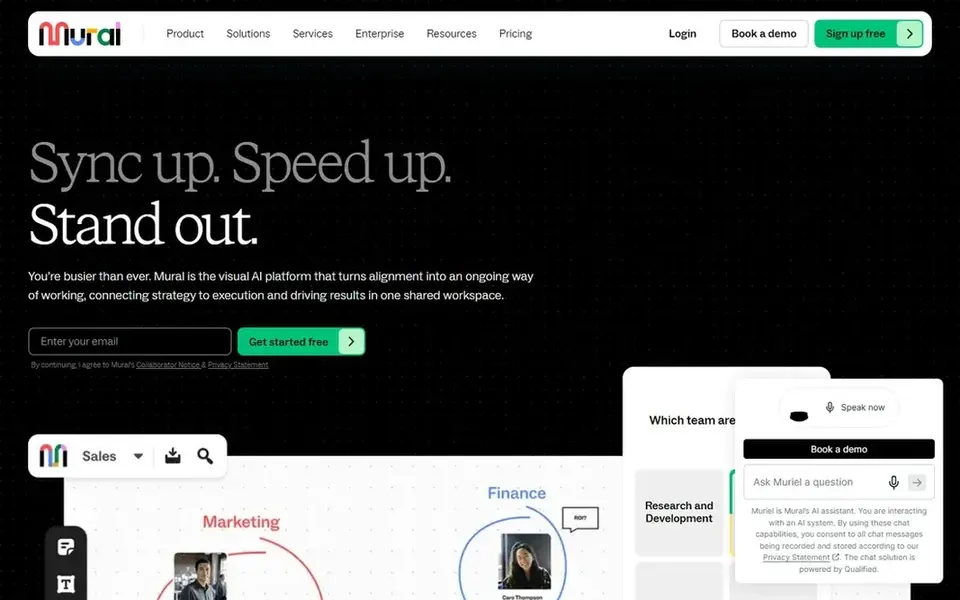
Mural is aimed squarely at strategy and innovation workshops. Mural is an AI-powered visual workspace positioned around boosting team collaboration and innovation.
Limits to weigh: Feature breadth needs onboarding.
Organizations that treat whiteboarding as a guided collaboration exercise instead of a freeform sketchpad tend to be the best fit. Starting cost for Mural: $9.99 per member per month. Mural has a free plan.
- AI-powered visual workspace
- Made for team collaboration
- Workshop focus may not suit every workflow
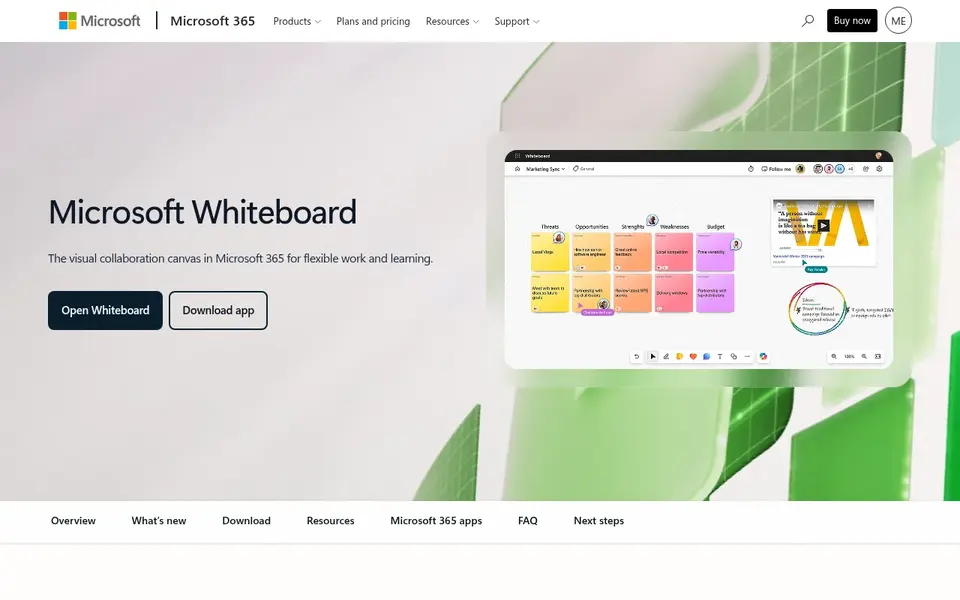
Pick Microsoft Whiteboard if this describes you: teams already in Microsoft 365. Microsoft Whiteboard is a digital online whiteboard app offering an intelligent infinite canvas made for creative collaboration, and it is included with Microsoft 365.
Also, since its strength is the Microsoft 365 connection, teams outside that ecosystem may not gain as much, and those needing advanced facilitation or task-linked boards should compare Mural or ClickUp Whiteboards. Meeting-heavy teams commonly use it as a straightforward shared space during discussions. Pricing for Microsoft Whiteboard is not stated here, so ask the vendor for current figures. Free plan details: Not stated.
Drawbacks to consider: Value relies on Microsoft ecosystem.
- Suits Microsoft 365 environments
- Designed for creative collaboration
- Fewer standalone planning features
ClickUp Whiteboards is designed for boards linked to tracked tasks. Confirm how boards and tasks link in your setup on the vendor site. From a buyer's view, ClickUp Whiteboards links flowcharts and process maps to tracked tasks.
So teams can plan visually and then execute from the same workspace. More specifically, if collaboration workshops are the priority, Mural or Miro may suit better. ClickUp Whiteboards shows no starting price here, so confirm the cost on the vendor site. Free options: Not stated.
Drawbacks to consider: Whiteboard is one part of a bigger suite.
- Links flowcharts to tasks
- Plan visually and execute in one place
- Setup can feel heavy for straightforward boards

Miro makes the most sense for AI-powered product development workspaces. Miro presents itself as an AI innovation workspace built to speed product development from ideation to launch.
Since Miro aims to handle many different workflows, smaller teams with straightforward brainstorming needs may find it more than they need. Beyond that, teams use it to align around a shared visual canvas, break down tool silos and move work toward shipping. The starting price for Miro: $8 per member per month. Miro has a free plan.
Where it is weaker: May overlap with lighter tools.
- Supports ideation through launch
- AI-powered visual system
- Large canvases can feel busy
Canva Whiteboards was built for template-driven visual brainstorming. Canva Whiteboards is an online whiteboard for live collaboration where teams can brainstorm, teach and work together using editable templates.
Check template and collaboration details on the vendor page. From a buyer's view, Canva Whiteboards is oriented toward creative and template-led collaboration instead of heavy process mapping or task execution. No starting price is listed for Canva Whiteboards here; confirm pricing on the vendor site. Trial and free access: Not stated.
The main drawbacks: Best within the Canva environment.
- Live collaboration
- Editable templates for boards
- Less depth for complicated process mapping
What went into this list
We compared the tools on published pricing, free plan or trial availability, feature coverage for AI collaborative Whiteboard software, and the limits each vendor documents. Prices and plan limits come from vendor pages and can change, so confirm them on the vendor site before you buy. The sequence is a judgement call: typical use case first, then pricing transparency, then free access. Use the profiles to check fit.
Before you commit
- Confirm the entry price on the vendor page. For Microsoft Whiteboard, ClickUp Whiteboards and Canva Whiteboards that means a quote rather than a fixed price.
- Look at free plan limits closely: Mural and Miro have one, and the caps decide whether it is usable for real work.
- Before choosing Mural, weigh its main limit: workshop focus may not suit every workflow.
- Ask Canva Whiteboards about contract length, onboarding fees and user minimums before you sign.
- Check how data leaves ClickUp Whiteboards: formats, limits and whether exports are available on every plan.
Frequently asked questions
Can I use these whiteboards for workshops and teaching?
Mural and Canva Whiteboards are both oriented toward guided collaboration and template-driven sessions, which does well for workshops and teaching. Microsoft Whiteboard is a practical choice for organizations already using Microsoft 365.
Which tool is a good match for product teams?
The first pick on this list is Mural, because it suits strategy and innovation workshops. Microsoft Whiteboard is better for teams already in Microsoft 365, and ClickUp Whiteboards for boards linked to tracked tasks. Check price and limits against your own needs before choosing.
Do these tools publish their prices?
Not all of them. Microsoft Whiteboard, ClickUp Whiteboards and Canva Whiteboards publish no starting price, so expect a quote request for those. The rest, Mural included, show a starting price, though seats and billing terms still change the final cost.
Which options for AI collaborative Whiteboard software have a free plan?
On this list, Mural and Miro include a free plan. Caps on seats, usage or features are common, so test the free plan against your real workload. For the full picture, the cards above cover all 5 entries of this AI collaborative Whiteboard software list, including price, free plan and limits.
Can I try these options before paying?
Often, yes. Mural and Miro have a free plan. Use your own data and a real task during the test, and check what the free tier or trial limits before you rely on it.
Do I need a separate task manager alongside a whiteboard?
Not always. ClickUp Whiteboards links flowcharts and process maps to tracked tasks within the same workspace, reducing the need for a separate tool.
Sources
See where you really rank - block by block
ProMapRanker scans Google Maps across a grid of your service area. Simple monthly plans from $19, white-label on every plan.
Start freeBrowse all guides
← Best AI Agent Builders Software for Remote Teams (2026)Best AI Handwritten Notes Software in 2026 →
 best tools for ai workflow management
Tools for AI Workflow Management: 6 Options Compared in 2026
Shortlisting the best tools for AI workflow management? 6 products compared on cost, free access and ideal buyer. Every profile names its biggest catch.
Read → best property tour scheduling software for agents
Best Property Tour Scheduling Software for Agents in 2026
Best property tour scheduling software for agents: 5 tools compared on price, free plans and fit. Costs and caveats sit beside each pick. Full profiles inside.
Read → best collaborative ai platforms
Best Collaborative AI Platforms (2026)
Comparing the best collaborative AI platforms? 6 contenders, each with entry cost, free tier and best-fit buyer. Pros and cons for every tool. Choose faster.
Read → best calendar app
Best Calendar App in 2026: 8 Apps Compared
Best calendar app picks for 2026: Google Calendar, Apple Calendar, Fantastical and more compared for scheduling, tasks, teams and cross-platform use. now.
Read → best software for scheduling for barbers
Best Software for Scheduling for Barbers in 2026
Compare the best software for scheduling for barbers in 2026. We review 9 barber booking apps for price, payments, reminders, and walk-in queues for US shops.
Read → moodle alternatives
Best Moodle Alternatives in 2026
Compare the best Moodle alternatives for schools, universities and training teams for 2026, with free tiers, pricing, course tools and honest trade-offs.
Read →More in Project Management & Productivity · All guides A to Z by date · Latest guides