 ProMapRanker
Best AI Budget App in 2026: 8 Apps Compared


Apple focused budgeting and forecasting · Pricing starts at: $13 per month
Key takeaways
- Copilot leads for Apple users, Monarch leads for couples, and Rocket Money leads for a free start.
- AI here means categorisation, forecasting and chat, not a promise to manage money for you.
- Most full syncing apps now need a subscription, while free tiers suit simple tracking.
- Check bank sync coverage for your banks before you pay, since coverage varies.
- This is general information only and is not financial advice.
Quick comparison
| Pick | Great for | Pricing starts at | Free tier | |
|---|---|---|---|---|
| Copilot Money | Apple focused budgeting and forecasting | $13 per month | No | Visit |
 Monarch Money | Couples and household budgeting | $14.99 per month | No | Visit |
 Rocket Money | Subscriptions and bill tracking | Free | Yes | Visit |
 Cleo | Chat based budgeting | Free | Yes | Visit |
 YNAB | Zero based budgeting discipline | $14.99 per month | No | Visit |
 Quicken Simplifi | Simple spending plans | See website | No | Visit |
 PocketGuard | Safe to spend number | Free | Yes | Visit |
 Empower | Free net worth dashboard | Free | Yes | Visit |
The best AI budget apps
These eight apps use AI style categorisation, forecasting or chat to help you track spending and save. This article is general information only and is not financial advice.
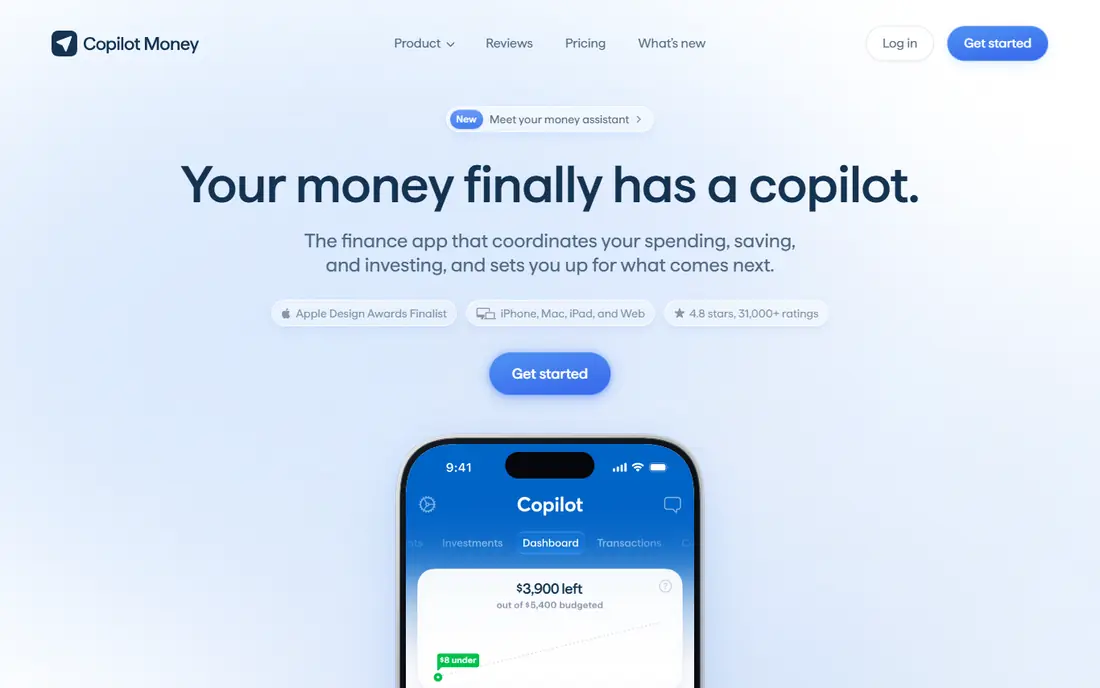
Copilot Money is the most polished budgeting app for Apple users. It syncs accounts, categorises transactions, forecasts cash flow and tracks investments in a clean interface. Anomaly alerts flag unusual charges, and recurring bill analysis helps you spot subscriptions you forgot. For iPhone and Mac users who want a full financial picture, it is hard to beat on design.
The limits are clear: there is no Android app, and there is no free tier, only a trial. At 13 dollars a month, or 95 dollars a year, it suits committed budgeters, not casual trackers. Choose Copilot if you live in the Apple world and you will open it weekly.
- Smart categorisation and cash flow forecasts
- Investment tracking
- Clean Apple design
- No Android app
- No free tier, only a trial
- Cost is high for simple budgeting
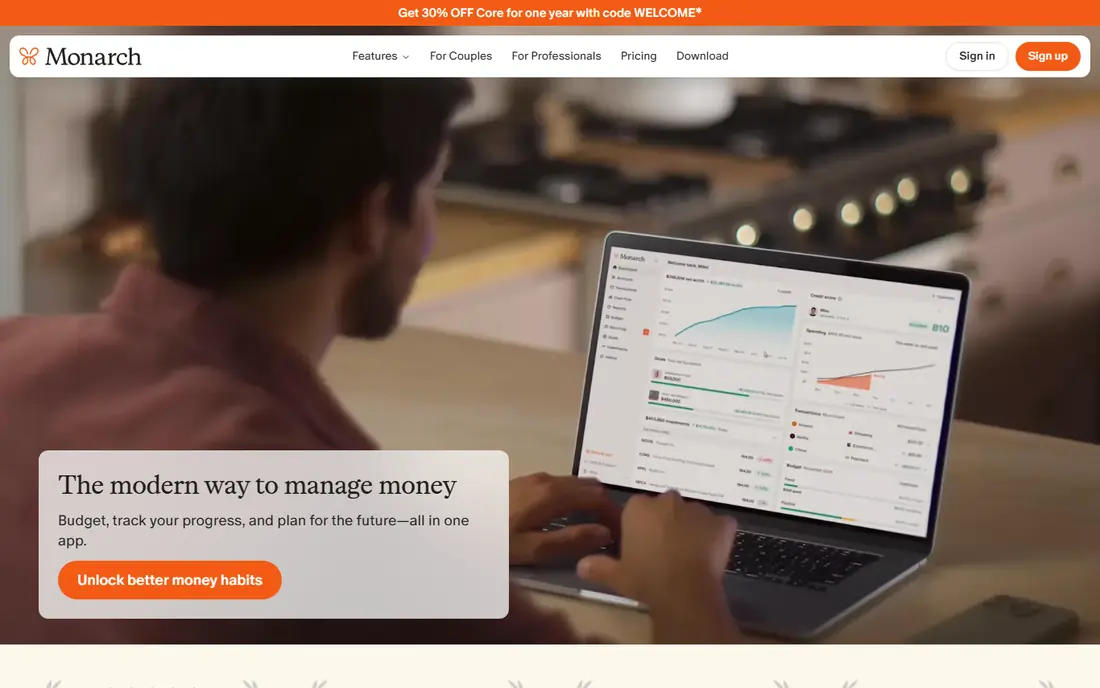
Monarch Money is built for households that manage money together. Partners get their own logins, shared goals and a joint view of spending, net worth and investments. Transaction splitting and AI insights help couples see shared costs clearly, without passing spreadsheets back and forth. It is a strong replacement for readers who miss Mint and want a fuller tool.
There is no free tier, only a seven day trial, and Core costs 14.99 dollars a month or 99.99 dollars a year. Single users may find it more than they need. Monarch suits couples and families who will use shared goals and who want one household dashboard.
- Shared household access and goals
- Net worth and investment tracking
- Transaction splitting and insights
- No free tier, only a trial
- Cost adds up for a single user
- Plus tier is annual only
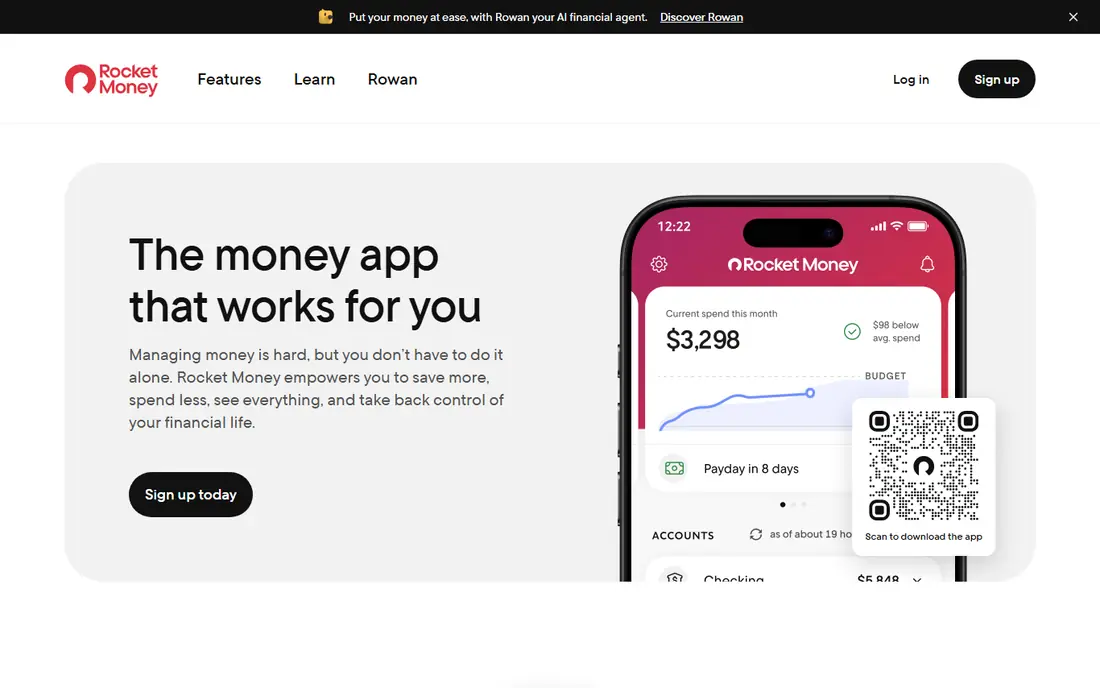
Rocket Money starts free, which makes it the easiest first step. It tracks spending, finds subscriptions and alerts you to bill changes, without a subscription to start. Premium adds bill negotiation and fuller budgeting, with a pay what you choose model in a range that has been reported as 7 to 14 dollars a month. That flexibility helps if you want Premium without a fixed high price.
Free tracking is useful, but the best savings features sit behind Premium, and bill negotiation does not always succeed. Rocket Money suits readers who want to start free, cut subscriptions fast, and only pay once they see value.
- Free spending tracking and subscription detection
- Bill negotiation on Premium
- Spending alerts
- Premium price varies by chosen plan
- Bill negotiation success varies
- Some features need Premium
Cleo takes a different approach: you chat with an AI assistant about spending, savings and goals, rather than staring at charts. Ask how much you spent on food last month, set a savings challenge, or get a nudge when spending rises. That conversational style suits younger users and anyone who finds traditional budgeting dull or intimidating.
Cleo is not a full budgeting system like YNAB, and cash advance features need careful reading of fees and terms. Paid tiers add features, starting with Plus at a reported 5.99 dollars a month. Choose Cleo if chat and nudges will keep you engaged, and use a fuller tracker if you need detailed envelopes.
- Conversational AI chat for spending questions
- Savings challenges and nudges
- Cash advance options in some plans
- Not a full envelope or zero based budgeter
- Cash advances carry fees and risks
- Some features need paid tiers
YNAB, short for You Need A Budget, is built on zero based budgeting: every dollar gets a job before you spend it. That discipline helps readers who want to break paycheck to paycheck cycles, pay down debt and save with intent. Goals, debt tools and education support the method, and the community is active and helpful.
The method takes time to learn, and the app costs 14.99 dollars a month or 109 dollars a year, with only a trial free. It suits committed budgeters who will follow the method weekly. If you want a passive tracker, YNAB will feel like work. If you want behaviour change, it is our top discipline pick.
- Zero based method that assigns every dollar a job
- Goal tracking and debt tools
- Strong education and support
- Learning curve is steep at first
- No free tier, only a 34 day trial
- Manual work suits committed users
Quicken Simplifi is a straightforward budgeting app for readers who want a spending plan without complexity. It syncs accounts, builds a monthly spending plan, tracks bills and shows investments in one dashboard. Watchlists alert you when spending in a category rises, which helps catch drift early. It is cheaper than many rivals in many offers, which adds to its value.
It is less polished than Copilot and less household focused than Monarch, and forecasting is simpler. That simplicity is a strength for beginners, though. Simplifi suits readers who want a clear monthly plan, bill tracking and a low fuss dashboard.
- Spending plans and watchlists
- Account sync and bill tracking
- Investment view in one dashboard
- Interface is simpler than Copilot or Monarch
- Some users miss deeper forecasting
- Pricing varies by offer
PocketGuard answers one question well: how much can I safely spend today? It subtracts bills, goals and savings from income, then shows a safe to spend figure. That single number helps impulse control more than a wall of charts. Subscription tracking and debt payoff planning on Plus add depth for readers working on debt.
The free tier is limited, and Plus, reported at 12.99 dollars a month or 74.99 dollars a year, is needed for full features. Categorisation sometimes needs manual correction. PocketGuard suits readers who want a simple daily guardrail, not a full financial planning suite.
- Clear safe to spend figure after bills and goals
- Subscription tracking
- Debt payoff planning on Plus
- Free tier is limited
- Plus needed for full features
- Categorisation needs some manual fixes
Empower, formerly Personal Capital, offers a free dashboard for net worth, investments and retirement planning. It syncs accounts, shows asset allocation and projects retirement readiness, which helps readers who care about the big picture more than daily categories. Spending tracking sits alongside, so you can see cash flow without a separate app.
It is not a true budgeting tool, and envelope or zero based budgeting is lighter here than in YNAB or Monarch. Advisory services are separate and carry fees. Empower suits readers who want a free, investment focused dashboard, paired with a simple budget app if needed.
- Free net worth and investment tracking
- Retirement planner
- Spending view across accounts
- Not a true budgeting tool
- Budgeting features are lighter
- Advisory services are separate and paid
How we picked these
We compared official feature pages, pricing pages and app store listings for products live in October 2026. We checked what each tool actually does, what its free tier includes, and what its paid plan costs. We left out discontinued tools and tools whose claims we could not verify from the vendor.
We did not claim hands-on testing that did not happen. Our notes rest on vendor pages, public documentation and public reviews, so you can verify any claim before you pay.
How to choose an AI budget app
Decide what AI should do for you
AI in budgeting usually means three things: automatic categorisation, cash flow forecasting, and conversational questions. Categorisation saves time, forecasting helps avoid overdrafts, and chat helps you ask plain questions about spending. A tool that only applies preset rules and calls it AI will not change behaviour. Test categorisation on your own transactions during a trial, and see whether forecasts match reality.
Check sync, security and cost over a year
Confirm that your banks sync reliably, and read how the app stores credentials and whether it sells data. Most full apps use a third party aggregator, so check its security practices too. Add up a year of cost, including any Plus or Premium tier, and compare it with what you expect to save on subscriptions and fees. A free app used weekly beats a paid app abandoned after a month.
Keep advice separate from tracking
Budget apps can show patterns and suggest savings, but they do not know your tax, debt or retirement needs in full. Treat suggestions as prompts, not advice. For debt, tax or investment decisions, talk to a qualified professional. Set a monthly review date, check categories, and adjust goals, rather than relying on alerts alone.
Frequently asked questions
What is the best AI budget app?
Copilot suits Apple users, Monarch suits couples, Rocket Money suits a free start, and YNAB suits disciplined zero based budgeting. The best pick depends on platform, household and how much structure you want.
What is the best AI budget tool for couples?
Monarch Money is the strongest for couples, with shared logins, goals and transaction splitting. Simplifi and YNAB also support shared use, but Monarch is built for households first.
Are free AI budget apps good enough?
Yes, for tracking and subscription detection. Rocket Money, Cleo, PocketGuard and Empower all offer useful free tiers. Paid plans add forecasting, negotiation and fuller budgeting, which matter if you need depth.
Is my bank data safe in a budget app?
Reputable apps use encrypted connections and third party aggregators, and they state whether they sell data. Read the privacy policy, use two factor authentication, and avoid apps with unclear data practices.
Can an AI budget app replace a financial adviser?
No. Budget apps help with tracking, categorisation and short term forecasting, but they do not replace advice on tax, debt, retirement or complex planning. Use them for daily money habits, and a professional for larger decisions.
Sources
See where you really rank - block by block
ProMapRanker scans Google Maps across a grid of your service area. Simple monthly plans from $19, white-label on every plan.
Start freeKeep reading
 wpforms alternatives
Best WPForms Alternatives in 2026
We compare 9 wpforms alternatives for WordPress forms, with free and paid options, current pricing notes, and honest limits for small business sites in 2026.
Read → windows task scheduler alternatives
Best Windows Task Scheduler Alternatives in 2026
Looking for Windows Task Scheduler alternatives? We compare 9 schedulers for Windows and cross-platform work, from free tools to enterprise automation.
Read → which ai video service is best
Which AI Video Service Is Best in 2026
which ai video service is best? We compare 10 legitimate AI video services on price, avatars, editing and output quality to help you pick the right tool.
Read →