 ProMapRanker
AI Browser Automation Tools: 5 Options Compared in 2026
Direct answer
Make is the first pick on this list for visual no-code AI workflow building. Listed starting prices: Apify from $19 a month, Airtable from $20 per user per month and Browserbase from $20 per month. Apify is better for ready-made tools for web data, and Airtable is better for data-centric AI workflows and apps. The full list of 5 tools follows, with prices and free plan facts.
This ProMapRanker guide covers 5 AI browser automation tools. Each profile lists a starting price, free plan details, strengths and drawbacks, so you can drop poor fits quickly.
Key takeaways
- Top of the list is Make, which targets visual no-code AI workflow building.
- For the cheapest start, look at Apify: $19 per month.
- One limit worth knowing about Browserbase: narrower scope than full workflow products.
- Make, Apify, Airtable, Browserbase, UiPath: these are the 5 tools out of 5 that offer a free plan.
Quick comparison
| Pick | Great for | Pricing starts at | Free tier | |
|---|---|---|---|---|
 Make | Visual no-code AI workflow building | See website | Yes | Visit |
 Apify | Ready-made tools for web data | $19 a month | Yes | Visit |
 Airtable | Data-centric AI workflows and apps | $20 per user per month | Yes | Visit |
 Browserbase | Hosted browser access for AI agents | $20 per month | Yes | Visit |
 UiPath | Enterprise orchestration of agents and robots | $25 a month | Yes | Visit |
Tool-by-tool breakdown
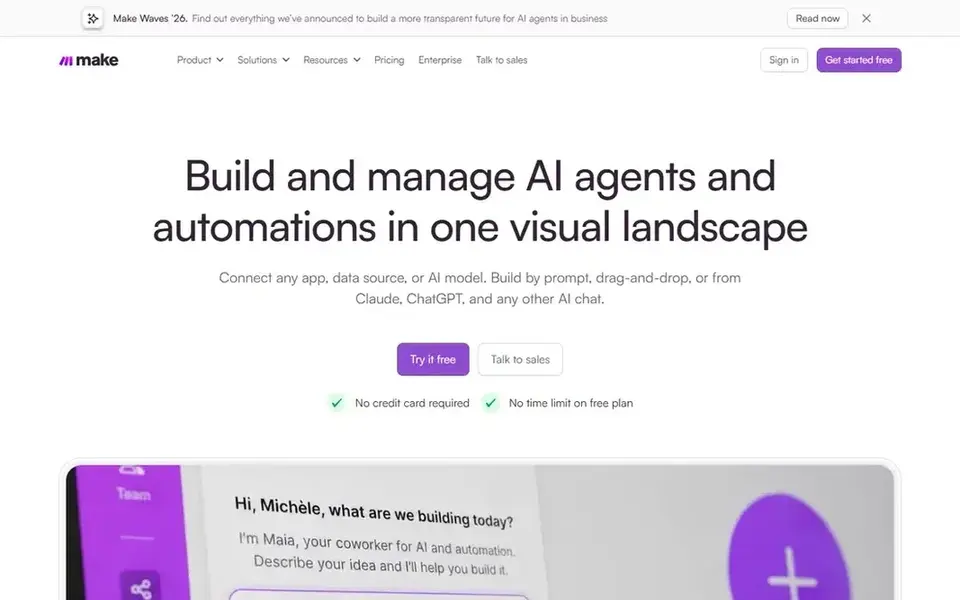
Choose Make for visual no-code AI workflow building. Make lets teams visually build, scale and automate AI and agentic workflows through a no-code integration tool.
Where it falls short: Less depth for heavy developer customization.
The visual canvas makes automation logic simpler to communicate across a team. This comparison lists no price for Make; ask the vendor. Make has a free plan.
- Scales from straightforward to complicated automations
- No-code integration approach
- Complicated logic can get hard to trace visually
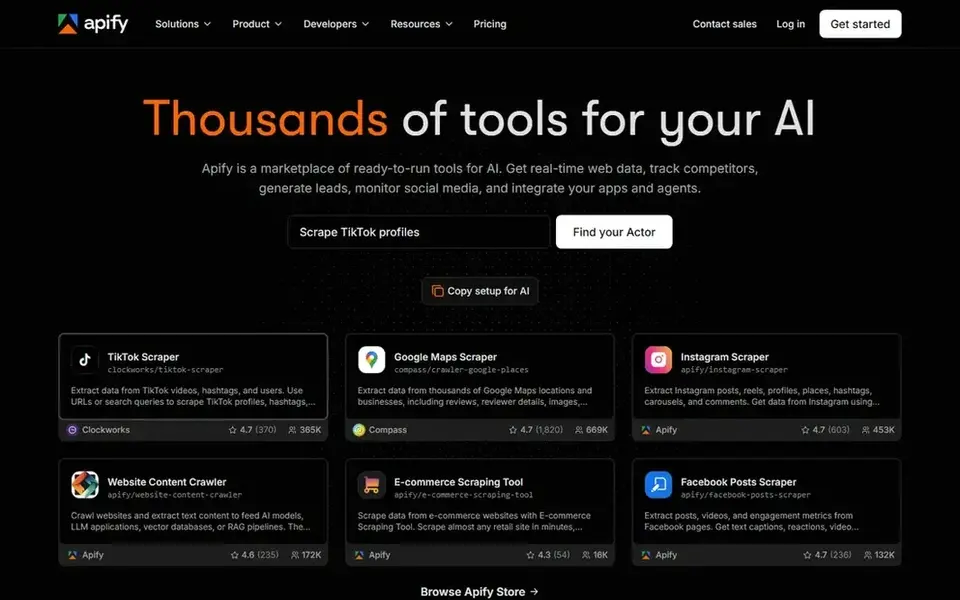
Apify targets ready-made tools for web data. Apify presents itself as a marketplace of ready-to-run tools for AI, with thousands of tools geared toward automating business tasks like gathering live web data, tracking competitors, generating leads and connecting apps to AI agents.
Watch-outs: Less suited to complicated enterprise orchestration.
It suits teams that want to start from existing building blocks rather than writing automation from scratch. Price to start with Apify: $19 per month. Free access exists with Apify.
- Marketplace of ready-to-run tools
- Live web data collection
- Marketplace quality varies by tool
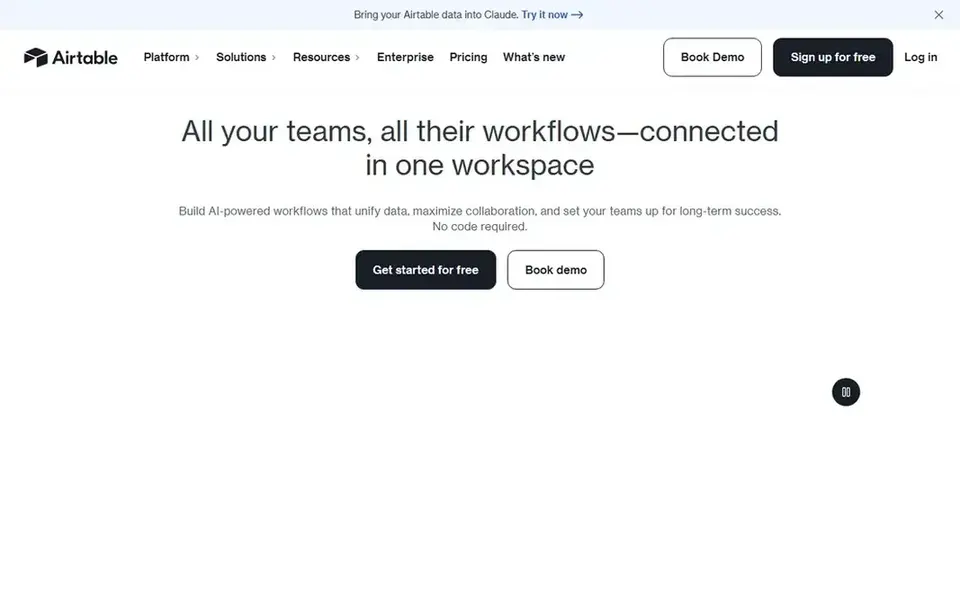
Airtable is aimed squarely at data-centric AI workflows and apps. Airtable lets teams build enterprise-ready AI workflows, apps and agents on top of structured data, with live collaboration and automation of repetitive tasks.
Trade-offs to know: Not a dedicated browser automation layer.
- Live collaboration on structured data
- Apps and agents
- Best value when data lives in Airtable
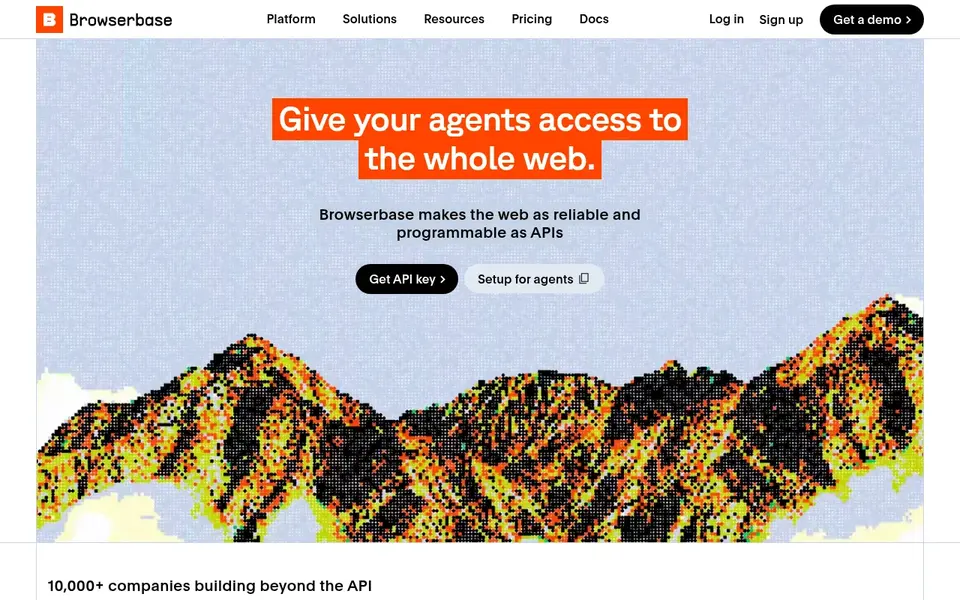
Browserbase makes the most sense for hosted browser access for AI agents. Browserbase is built around a straightforward premise: provide your agents access to the entire web. Also, since its focus is browser access for agents, teams that want visual workflow building, app connectors or business process orchestration will need other tools alongside it.
In daily use, instead of a general automation suite, it offers the browser layer that AI agents have to navigate live sites, which makes it a natural fit for engineering teams building agentic products that must interact with real pages at runtime. As for the details, pick something else if your primary need is no-code business automation instead of agent browsing infrastructure. Price to start with Browserbase: $20 per month. Browserbase offers a free plan.
Limits to weigh: Needs developer integration work.
- Infrastructure focus rather than app building
- Purpose-built for agent-driven browsing
- Narrower scope than full workflow products
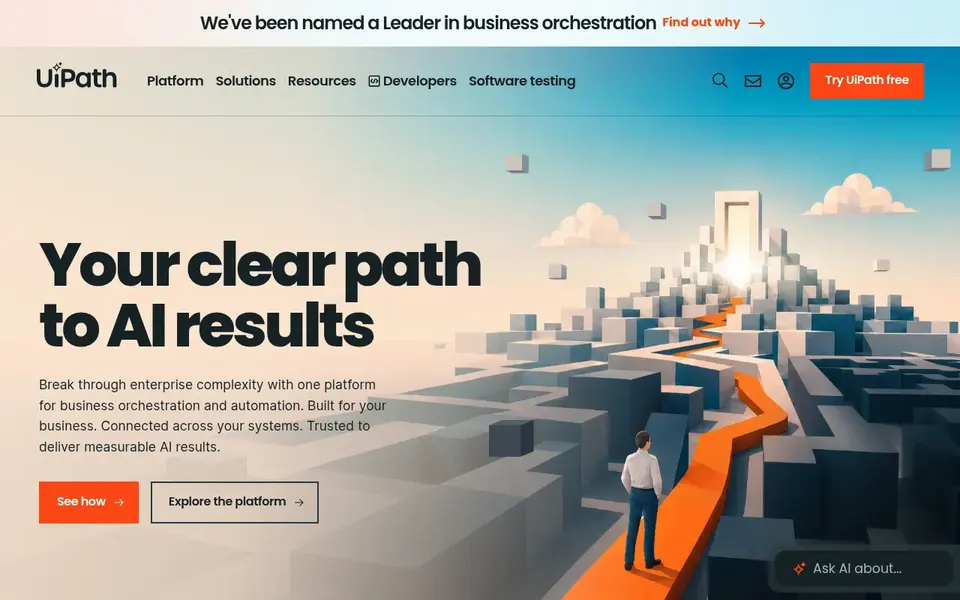
Pick UiPath if this describes you: enterprise orchestration of agents and robots. UiPath positions its product for business orchestration and automation, enabling AI agents, robots and people to deliver secure, compliant outcomes at scale.
It fits bigger organizations that require to coordinate automation across departments with governance in mind, instead of teams seeking a fast single-purpose script. UiPath starts at: $25 per month. UiPath has a free plan.
Points against: Heavier setup than light tools.
- Compliant outcomes
- Orchestrates AI agents
- Enterprise focus may exceed small team needs
What to check before you buy
- Confirm the entry price on the vendor page. For Make that means a quote rather than a fixed price.
- Check what the free option really includes: Make, Apify, Airtable and others offer a free plan, and usage caps differ.
- Read the limits listed for Make first: complicated logic can get hard to trace visually.
- Confirm the exact Make plan that includes your must-have features.
- Total up the real monthly cost of Browserbase, including add-ons, extra users and usage-based fees.
Frequently asked questions
Which options for AI browser automation tools have a free plan?
Make, Apify, Airtable, Browserbase and UiPath offer a free plan in this list. Free plans usually cap users, projects or features, so check the limits on the vendor page.
Which tool is a good match for agents that require to browse real websites?
Start with Make if you need visual no-code AI workflow building. Apify is the better match for ready-made tools for web data, and Airtable for data-centric AI workflows and apps. The best choice depends on budget, team size and workflow.
Can I try these options before paying?
Often, yes. Make, Apify, Airtable and others have a free plan. Use your own data and a real task during the test, and check what the free tier or trial limits before you rely on it.
Is Make the right pick for everyone comparing AI browser automation tools?
No single tool suits every team. Make comes first because it fits visual no-code AI workflow building, while Apify suits ready-made tools for web data and Airtable suits data-centric AI workflows and apps. Match the tool to your own size, budget and workflow before deciding.
How are the tools for AI browser automation tools ordered?
Make sits first and UiPath last because the order follows typical fit for AI browser automation tools, then price clarity and free access. It is a judgement call, so read each profile for fit and limits.
Sources
See where you really rank - block by block
ProMapRanker scans Google Maps across a grid of your service area. Simple monthly plans from $19, white-label on every plan.
Start freeBrowse all guides
← Vizard Alternatives in 2026: Prices and Free Plans5 Best AI Business Instant Messaging Software for 2026 →
 trymata alternatives
5 Trymata Alternatives Compared (2026)
Trymata alternatives: 5 tools compared on price, free plans and fit. Lookback opens the ranking for AI-assisted interviews and usability sessions. No hype.
Read → tokkingheads alternatives
TokkingHeads Alternatives in 2026: Prices and Free Plans
Need TokkingHeads alternatives? We compare 5 tools on cost, free access and who each suits. Every pick includes one clear drawback. Skim the table first.
Read → relevance ai alternatives
Top Relevance AI Alternatives for 2026, With Prices
Weighing Relevance AI alternatives? We lined up 5 products by cost, free access and fit. Each tool is judged on the same checks. Narrow your shortlist.
Read → alternatives to profound ai
Alternatives to Profound AI in 2026
Compare alternatives to Profound AI for 2026, with 8 AI visibility tools that track daily brand mentions, citations and prompts across AI search engines.
Read → best tool to build a game with ai
Best Tool to Build a Game With AI in 2026
Best tool to build a game with ai compared: 9 legitimate tools for prototyping, art, code, NPCs and testing, with a plain note on asset consent in 2026.
Read → best business automation software
7 Business Automation Software Options Ranked for 2026
Shortlisting the best business automation software? 7 products compared on cost, free access and ideal buyer. Verdicts stay brief and factual. Plain facts.
Read →More in AI Tools · All guides A to Z by date · Latest guides