 ProMapRanker
7 Business Automation Software Options Ranked for 2026


Open-source no-code automation · Pricing starts at: $0 self-hosted; cloud from $20 a month
Direct answer
This list puts Activepieces first for open-source no-code automation. Make is better for visual workflows at a fraction of Zapier's cost, and Microsoft Power Automate is better for firms living in Microsoft 365. Prices, free plans and limits for all 7 tools follow.
Key takeaways
- Activepieces takes the first slot, best suited to open-source no-code automation.
- Activepieces, Make, Pipedream, Zapier, n8n: these are the 5 tools out of 7 that offer a free plan.
- n8n fits technical teams that want to self-host.
- A fair warning about Microsoft Power Automate: per-user pricing adds up.
Quick comparison
| Pick | Great for | Pricing starts at | Free tier | |
|---|---|---|---|---|
| Activepieces | Open-source no-code automation | $0 self-hosted; cloud from $20 a month | Yes | Visit |
 Make | Visual workflows at a fraction of Zapier's cost | $0 (free, 1,000 operations/month); Core from $9 a month | Yes | Visit |
 Microsoft Power Automate | Businesses living in Microsoft 365 | From $15 per user per month | Free trial | Visit |
 Pipedream | Developers who want code inside workflow steps | See website | Yes | Visit |
 Zapier | The easiest start with the widest app catalog | $0 (free, 100 tasks/month); Professional from $29.99 a month (750 tasks) | Yes | Visit |
 Workato | Enterprise automation with governance | See website | No | Visit |
 n8n | Technical teams that want to self-host | $0 self-hosted; cloud from $24 a month | Yes | Visit |
The best business automation software
This ProMapRanker guide covers 7 options for business automation software. Each profile lists a starting price, free plan details, strengths and drawbacks, so you can drop poor fits quickly.
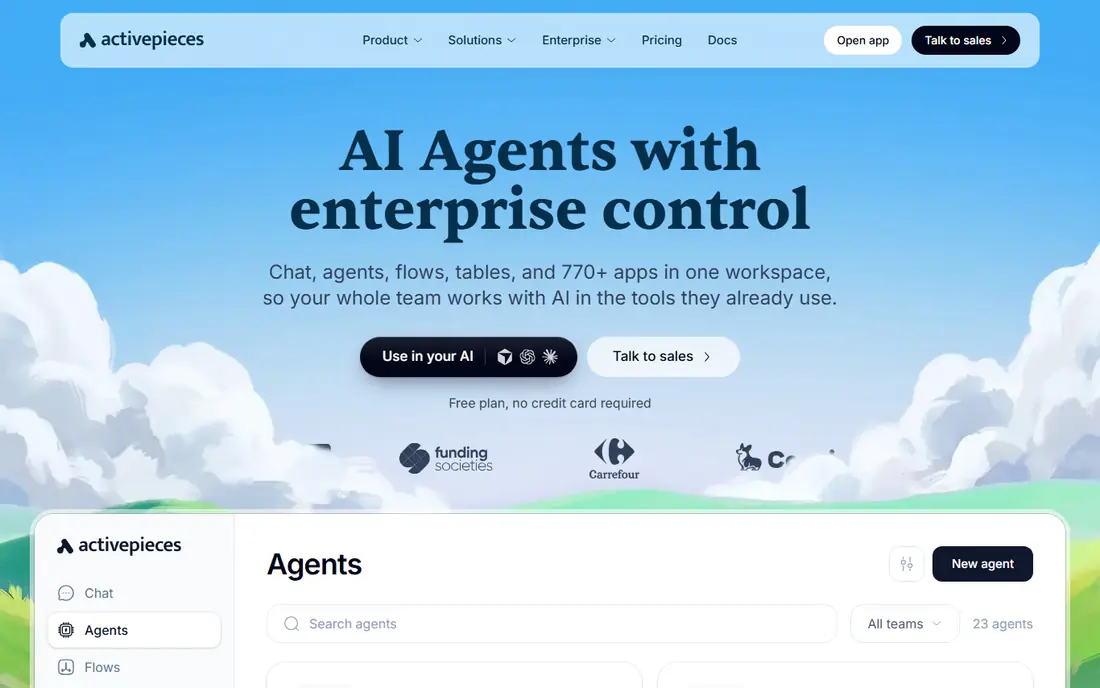
Activepieces is built with open-source no-code automation in mind. Activepieces is the newer open-source entrant: a MIT-licensed core you can self-host at no cost, with cloud plans from $20 a month for teams that want managed hosting. It targets business users more than developers, with a no-code builder that feels closer to Make than n8n.
As for the details, being younger, its integration catalog and community are smaller than n8n's, and edge-case reliability is less proven. But the MIT license is the most permissive in the category, and the cloud pricing undercuts most competitors. Activepieces starts at: $0 self-hosted. Activepieces includes a free tier.
Where it falls short: Smaller integration catalog.
- MIT-licensed open-source core
- Budget-friendly cloud plans
- Younger system than n8n
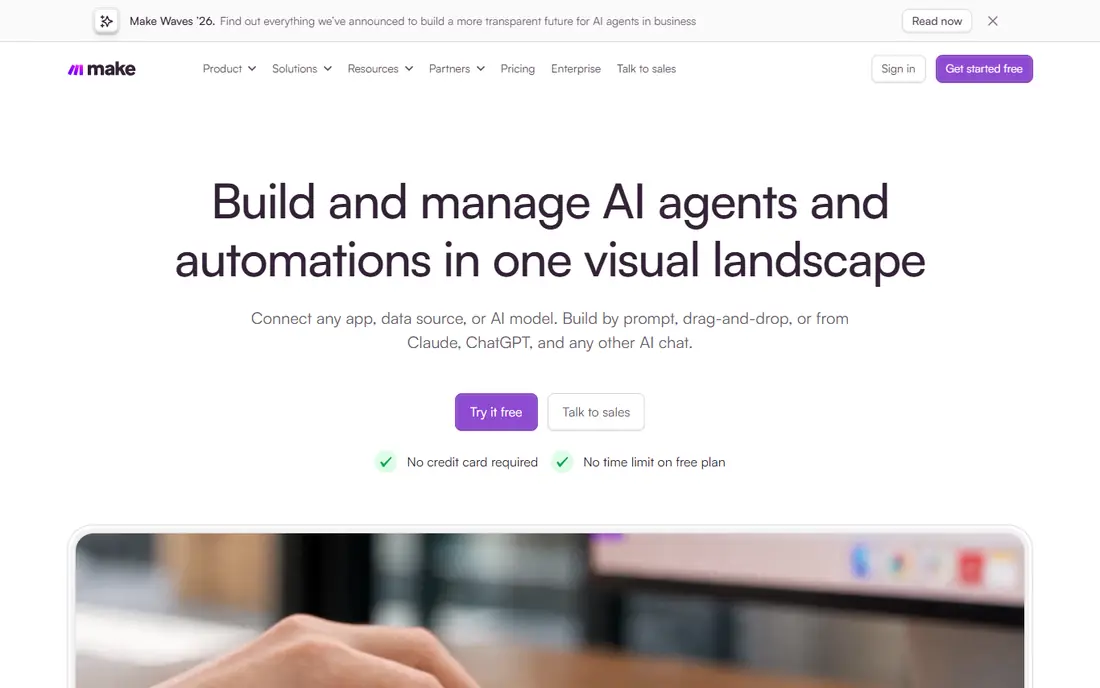
Make serves visual workflows at a fraction of Zapier's cost. The tradeoff is catalog size (around 2,000 integrations compared with Zapier's 7,000+) and a steeper ramp-up time. From a buyer's view, rare or niche apps may just not exist on Make.
Drawbacks to consider: Smaller app catalog (~2,000).
But for mainstream stacks (Google, Slack, HubSpot, Notion, Airtable), it spans everything. Beyond that, choose Make when your Zapier bill is climbing and your workflows need real logic. From a buyer's view, Make is the most typical Zapier exit. Its visual scenario builder manages branching, loops and error handling that Zapier struggles with, and its per-operation pricing runs dramatically less expensive: the Core plan from $9 a month handles 10,000 operations, and the free tier provides 1,000 operations monthly. Price to start with Make: $0. Free access exists with Make.
- Visual scenario builder with routers and branching
- 1,000 free ops
- Steeper ramp-up time than Zapier
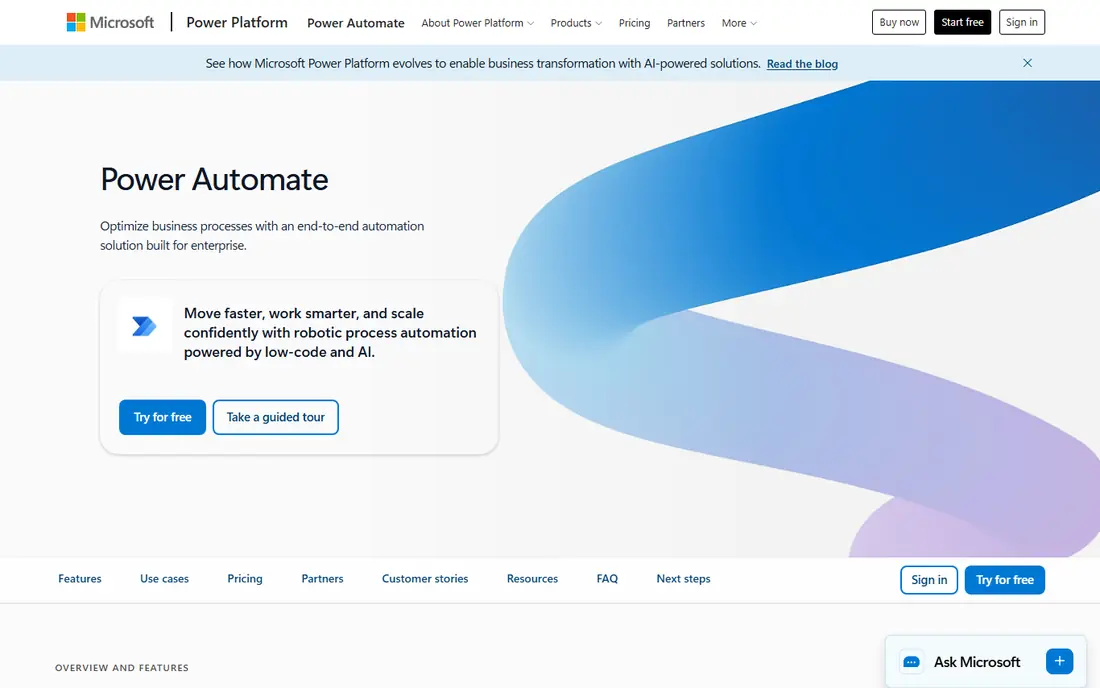
Microsoft Power Automate serves businesses living in Microsoft 365. If your company runs on Microsoft 365, Power Automate is the path of least resistance: flows trigger from Outlook, Teams, SharePoint and Dynamics with native connectors, and everything inherits your tenant's security and compliance controls.
What to check first: Per-user pricing layers on up.
Pricing starts around $15 per user a month, and some Microsoft 365 licenses bundle entry-level flows. Microsoft Power Automate pricing: From $15 per user per month. Free plan details: Free trial.
Highlights: Desktop RPA included.
- Inherits tenant security controls
- Deep Microsoft 365 and Dynamics integration
- Weaker outside the Microsoft ecosystem
Think of Pipedream for developers who want code inside workflow steps. Pipedream is the automation product for people who write code: every step can run Node.js or Python, with a massive library of prebuilt API components. Also, the free level is ample enough for serious side projects, and usage-based pricing scales with actual consumption.
Where it falls short: Needs coding skill.
Also, non-developers should look elsewhere; this is not a drag-and-drop tool. But for API-heavy workflows, custom integrations and data pipelines, writing code beats configuring connectors. Pipedream shows no starting price here, so confirm the cost on the vendor site. A free plan is available with Pipedream.
- Huge API component library
- Ample free level
- Less friendly for non-technical users
Zapier targets the easiest start with the widest app catalog. A task is one successful action step, so a five-step workflow running 100 times a day burns 500 tasks daily.
What to check first: No self-hosting.
That per-step counting is the entire pricing story: straightforward workflows are cheap, complicated ones get costly quick, and over-limit usage auto-bills at a premium rate. Zapier pricing: $0. Zapier has a free plan.
- 7,000+ integrations
- The widest on the market
- Restricted branching
Think of Workato for enterprise automation with governance. Workato is the enterprise iPaaS: automation with the governance, audit trails and role controls large organizations need.
Workato does not show a starting price in this comparison, so check the vendor site for current pricing. There is no free plan with Workato.
Watch-outs: Enterprise pricing (no public levels).
- Solid IT and RevOps adoption
- Enterprise governance and audit trails
- Overkill for small teams
Think of n8n for technical teams that want to self-host. Self-hosting is the point: your data never leaves your servers, which matters for privacy, compliance and data residency requirements.
The cost is operational: you provision the server, manage updates and debug failures yourself. n8n cost at the entry level: $0 self-hosted. n8n includes a free tier.
Downsides: Cloud pricing climbs with usage.
- Free self-hosted with unlimited executions
- Native LLM nodes
- Self-hosting needs a developer
How we chose
ProMapRanker looked at what each vendor publishes: pricing, plan limits, feature coverage for business automation software and stated drawbacks. No hands-on testing is claimed. Treat prices as a snapshot: vendors change plans often, so check the vendor site for the figure that applies today. The ranking is editorial: typical fit first, then clear pricing, then free access. If your needs are unusual, read the profiles rather than relying on position.
Things to verify first
- Ask Pipedream and Workato for a written quote, since no starting price is shown.
- Check what the free option really includes: Activepieces, Make, Pipedream and others offer a free plan, and usage caps differ.
- Use real work to test the free trial from Microsoft Power Automate, rather than a demo project.
- Before choosing Activepieces, weigh its main limit: smaller integration catalog.
- Make sure Zapier lets you export your data in a format another tool can read.
- Ask Microsoft Power Automate which support channels and response times come with the plan you would buy.
Frequently asked questions
Which options for business automation software have a free plan?
Activepieces, Make, Pipedream, Zapier and n8n offer a free plan in this list. Free plans usually cap users, projects or features, so check the limits on the vendor page. One other tool offers a trial instead.
Do these tools publish their prices?
Not all of them. Pipedream and Workato publish no starting price, so expect a quote request for those. The rest, Activepieces included, show a starting price, though seats and billing terms still change the final cost.
How do I avoid building automations that break silently?
Set up failure notifications (email or Slack) on every production workflow, add a weekly review of failed runs to someone's checklist, and keep a straightforward log of what each workflow does and who owns it. Silent automation failures cost more than the time the automation saved.
Do these tools work with AI?
Increasingly yes: n8n has native LLM nodes, Make provides AI modules, and Zapier ships AI agents. For heavy AI workflows (document parsing, reasoning agents), expect to combine the automation product with direct LLM API calls.
Can I try these options before paying?
Often, yes. Activepieces, Make, Pipedream and others have a free plan and Microsoft Power Automate offers a free trial. Use your own data and a real task during the test, and check what the free tier or trial limits before you rely on it.
How numerous tasks do I actually need?
Count action steps, not workflows: a 5-step workflow running 20 times daily is 100 tasks a day, about 3,000 per month. Zapier's 750-task plan would not include it; Make's 10,000-operation plan would.
Sources
See where you really rank - block by block
ProMapRanker scans Google Maps across a grid of your service area. Simple monthly plans from $19, white-label on every plan.
Start freeKeep reading
 zoho inventory alternatives
6 Alternatives to Zoho Inventory, Compared on Price and Fit
Zoho Inventory alternatives: 6 tools compared on price, free plans and fit. Katana leads the list for manufacturers. Fit and flaws are laid out for each entry.
Read → zoho crm alternatives
Best Zoho CRM Alternatives (2026)
Need Zoho CRM alternatives? We compare 7 tools on cost, free access and who each suits. Every pick gets a straight assessment. Built for quick decisions.
Read → zelle alternatives
Best Zelle Alternatives in 2026
Compare the best Zelle alternatives for sending money to friends, paying sellers and moving funds abroad, with honest notes on fees, speed and safety in 2026.
Read →