 ProMapRanker
5 Trymata Alternatives Compared (2026)

AI-assisted interviews and usability sessions · Pricing starts at: $299 a year
Direct answer
This list puts Lookback first for AI-assisted interviews and usability sessions. Listed starting prices: Lookback from $299 a year, Lyssna from $166 a month and Hotjar from $39 a month. Lyssna is better for usability testing with audience understanding, and UserZoom is better for sophisticated UX insight programs. All 5 tools are compared below on price, free plan and limits.
If you are comparing Trymata, this page covers 5 tools in one place: what each is best for, what it costs to start, whether it has a free plan, and the main limit to know about.
Key takeaways
- The list opens with Lookback, aimed at AI-assisted interviews and usability sessions.
- The cheapest monthly starting price in the list is $39 per month, offered by Hotjar.
- Hotjar suits behavior insights for midsize and SMB teams.
- A free plan is available from 2 of the 5 tools: Lyssna, Hotjar.
- One limit worth knowing about Lookback: session-centered instead of survey-focused.
Quick comparison
| Pick | Great for | Pricing starts at | Free tier | |
|---|---|---|---|---|
| Lookback | AI-assisted interviews and usability sessions | $299 a year | Free trial | Visit |
 Lyssna | Usability testing with audience understanding | $166 a month | Yes | Visit |
 UserZoom | Sophisticated UX insight programs | See website | Not stated | Visit |
 UserTesting | Wide human insight across product and CX | See website | Not stated | Visit |
 Hotjar | Behavior insights for midsize and SMB teams | $39 a month | Yes | Visit |
Our 5 picks for Trymata
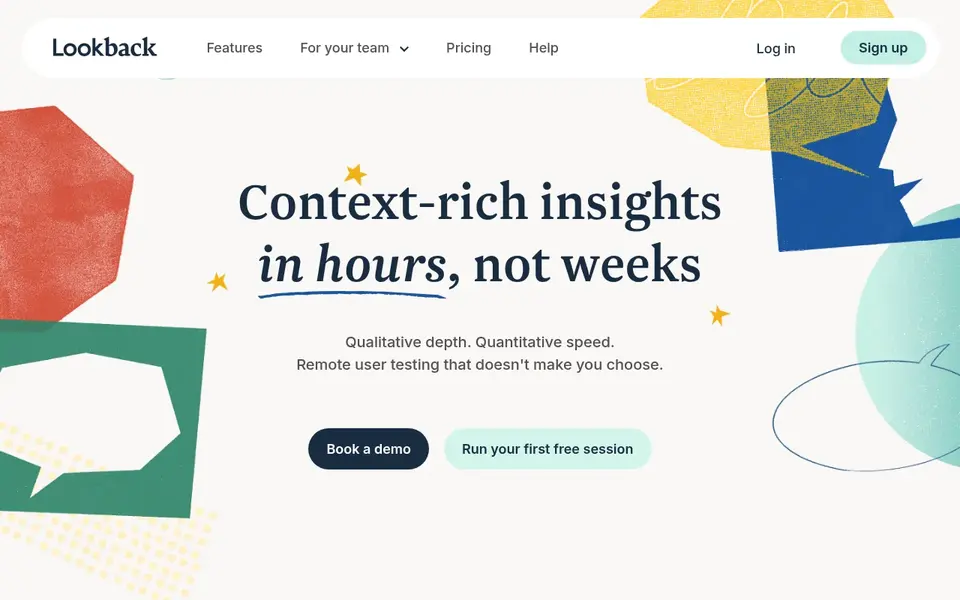
Lookback was built for AI-assisted interviews and usability sessions. Lookback leans toward live sessions and interviews, so teams wanting large-scale unmoderated surveys or passive behavior data may need another tool alongside it.
Its homepage says teams can recruit, research and share insights all in one place. Lookback cost at the entry level: $299 per year. On free options: Free trial.
Downsides: May not suit teams wanting passive analytics.
- Contains AI-powered analysis
- Research and share in one place
- Session-centered instead of survey-focused
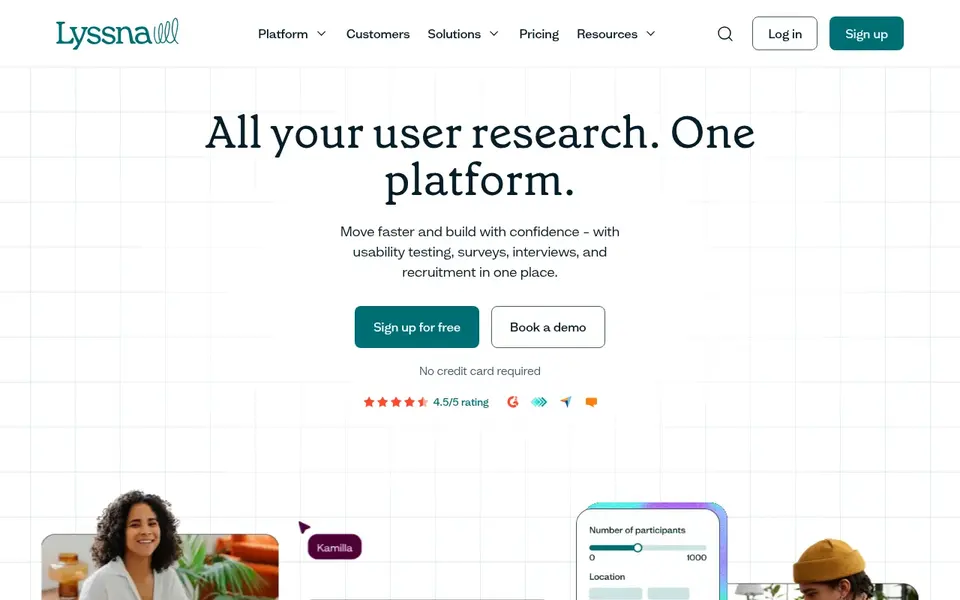
In short, Lyssna is for usability testing with audience understanding. Since it is centered on research and usability testing, teams needing broad customer experience analytics may need extra tools.
Starting cost for Lyssna: $166 per month. Lyssna has a free plan.
Honest limits: May not include every advanced research method.
- Centred on user research and usability testing
- Aims to help teams understand their audience
- Narrower than full customer experience suites
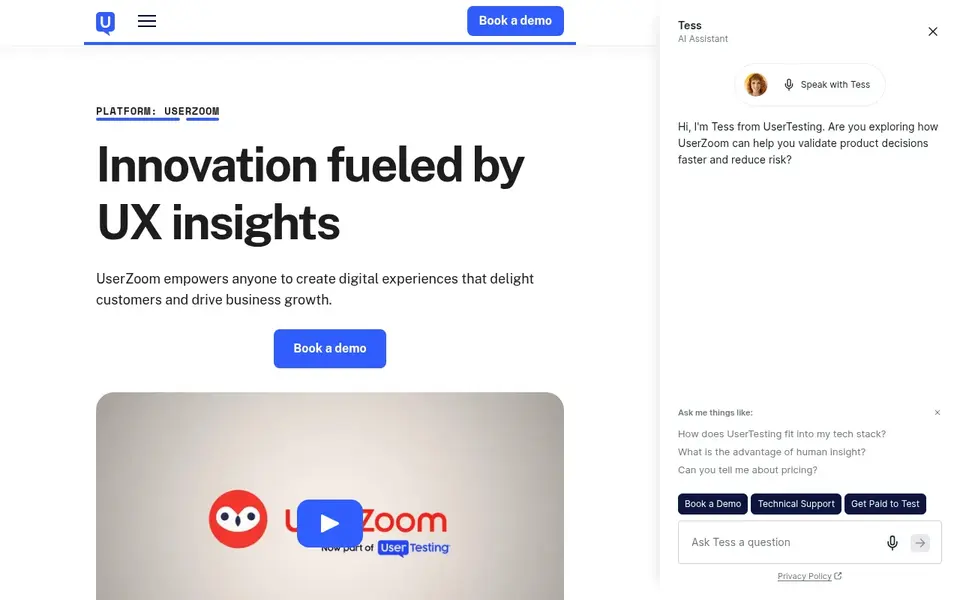
In short, UserZoom is for sophisticated UX insight programs. It suits organizations with established UX research functions that require depth and structure across studies.
Its enterprise framing can be more structure than a small team or a single product squad needs. Check the vendor site for UserZoom pricing; none is listed in this comparison. Free access: Not stated.
Limits to weigh: Enterprise-oriented framing may feel heavy for small teams.
- Supports digital experience improvement
- Positioned for business growth goals
- UX focus instead of general market research

For wide human insight across product and CX, UserTesting is a natural candidate. UserTesting is a human insight system pitched at improving digital, product and customer experience decisions.
Check the vendor site for UserTesting pricing; none is listed in this comparison. Free access: Not stated.
Trade-offs to know: Less concentrated on light fast tests. Reasons to shortlist it: Established system with broad coverage.
- Supports digital
- Built around real human insight
- Wide scope may exceed simple usability needs
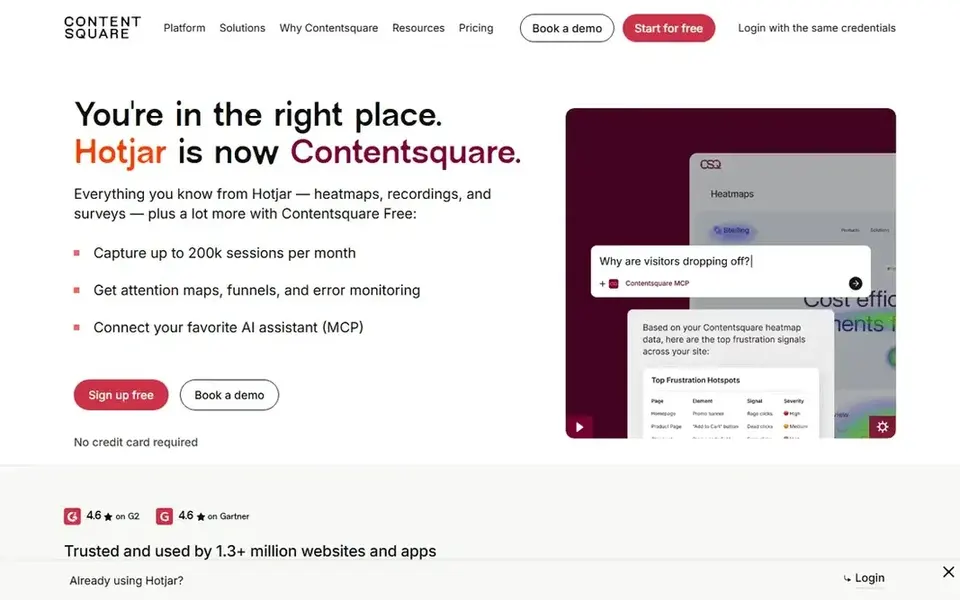
Hotjar targets behavior insights for midsize and SMB teams. Hotjar is a behavior insights product positioned for the midsize and SMB market. Its homepage notes that Contentsquare has joined forces with Hotjar.
Points against: Behavior data instead of moderated research.
On top of that, Hotjar is oriented toward behavior insight instead of running moderated interviews or structured usability studies. So it typically works alongside a research system rather than replacing one. On cost, Hotjar starts like this: $39 per month. You can start on Hotjar without paying.
- Part of Contentsquare experience intelligence
- Positioned for midsize and SMB market
- Not a full usability testing suite
Our selection method
Selection started from tools commonly considered for Trymata, then narrowed to 5 that have clear pricing information or a clear quote process. Seat minimums, billing terms and add-ons can move the real cost, so the starting prices here are a guide and not a quote. Position on the page reflects fit for a typical buyer first, with price clarity and free access breaking ties. Treat it as a guide, not a ruling.
Before you commit
- Ask UserZoom and UserTesting for a written quote, since no starting price is shown.
- Look at free plan limits closely: Lyssna and Hotjar have one, and the caps decide whether it is usable for real work.
- Run a trial of Lookback with real work before paying for a year; your own workflow is the best test.
- Read the limits listed for Lookback first: session-centered instead of survey-focused.
- Compare total cost, not headline price: for UserZoom, add extra seats, add-ons and any usage-based charges.
- Ask UserTesting about contract length, onboarding fees and user minimums before you sign.
Frequently asked questions
What should I look for in a Trymata alternative?
Start with the research methods you actually run, like moderated interviews, unmoderated usability tests or behavior tracking. Then check participant recruitment, analysis and reporting, since those frequently decide whether a system suits your workflow.
How are the tools for Trymata ordered?
Lookback sits first and Hotjar last because the order follows typical fit for Trymata, then price clarity and free access. It is a judgement call, so read each profile for fit and limits.
Which options for Trymata have a free plan?
On this list, Lyssna and Hotjar include a free plan. Caps on seats, usage or features are common, so test the free plan against your real workload. One other tool offers a trial instead.
Can I try these tools before paying?
Often, yes. Lyssna and Hotjar have a free plan and Lookback offers a free trial. Use your own data and a real task during the test, and check what the free tier or trial limits before you rely on it.
Is Lookback the right pick for everyone comparing Trymata?
No single tool suits every team. Lookback comes first because it fits AI-assisted interviews and usability sessions, while Lyssna suits usability testing with audience understanding and UserZoom suits sophisticated UX insight programs. Match the tool to your own size, budget and workflow before deciding.
Sources
See where you really rank - block by block
ProMapRanker scans Google Maps across a grid of your service area. Simple monthly plans from $19, white-label on every plan.
Start freeBrowse all guides
← TokkingHeads Alternatives in 2026: Prices and Free PlansVizard Alternatives in 2026: Prices and Free Plans →
 relevance ai alternatives
Top Relevance AI Alternatives for 2026, With Prices
Weighing Relevance AI alternatives? We lined up 5 products by cost, free access and fit. Each tool is judged on the same checks. Narrow your shortlist.
Read → best platforms to cut ai costs
Best Platforms to Cut AI Costs (2026)
Searching for the best platforms to cut AI costs? Here are 6 options with prices and free plans. Weak spots flagged for every entry. Reviewed this month.
Read → best intelligent process automation
Intelligent Process Automation in 2026: Top 5 Compared
5 products for the best intelligent process automation, ranked by fit, with starting costs and free tiers. Each pick comes with its main catch. No filler.
Read → best ai bdr software
Best AI BDR Software (2026)
7 options for the best AI BDR software, with entry costs, free tiers and the buyer each one serves. The weak spots sit next to the strengths. Facts only.
Read → best itsm software
Best ITSM Software in 2026: 9 Tools Compared
Compare the best itsm software for incident, problem and change management. We review 9 itsm tools on price, free plans, AI features and ITIL coverage.
Read → best radio automation software
Radio Automation Software
Searching for the best radio automation software? Here are 5 options with prices and free plans. Each pick lists its main limit. Full profiles inside.
Read →More in AI Tools · All guides A to Z by date · Latest guides