 ProMapRanker
Best AI Avatar Generator Apps in 2026

Key takeaways
- HeyGen suits marketing and social video best, while Synthesia suits enterprise training with stricter governance.
- Video avatars, stylized portraits, and 3D game avatars are different tools, so pick the output type before comparing prices.
- Most plans meter minutes or credits, so check the cost per finished minute, not just the monthly price.
- Consent warning: only create a photo avatar of yourself or of someone who has given clear permission, and use only your own or licensed images.
- Lensa and Ready Player Me suit personal and game avatars, while D-ID and Vidnoz suit low-cost talking photo clips.
Quick comparison
| Pick | Great for | Pricing starts at | Free tier | |
|---|---|---|---|---|
 HeyGen | Marketing video with strong lip-sync | $29 per month | Yes | Visit |
 Synthesia | Enterprise training and compliance | $29 per month | Yes | Visit |
 D-ID | Animating a still photo | $5.99 per month | Yes | Visit |
 Lensa | Stylized portrait avatars | See website | No | Visit |
 Ready Player Me | Cross-app 3D avatars | Free | Yes | Visit |
 Vidnoz | Free tier talking avatars | Free | Yes | Visit |
 Colossyan | Interactive training videos | $27 per month | Yes | Visit |
 VEED | Video editing with avatar clips | $19 per month | Yes | Visit |
 VRoid Studio | Anime and VTuber avatars | Free | Yes | Visit |
The best ai avatar generator apps
We compared official feature pages, pricing pages, and plan descriptions for AI avatar tools live in October 2026. The list covers talking video avatars, stylized portraits, and 3D avatars for games and virtual worlds. Consent warning: only use your own photos or photos you have a clear license and permission to use, and never create an avatar of another person without their clear consent.
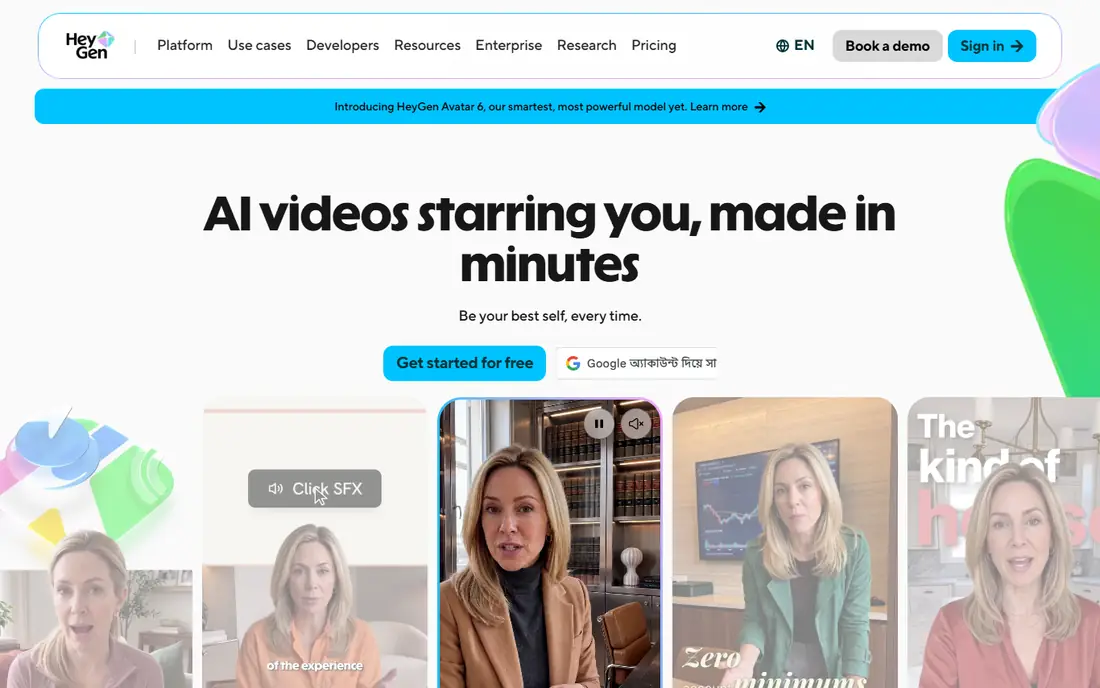
HeyGen is our pick for most marketing and social video work. Its talking avatars offer strong lip-sync across many languages, and the editor supports scripts, templates, and brand elements for fast production. Photo avatars let you create a presenter from your own photo, with consent steps for personal avatars on paid plans.
The main caution is cost structure. HeyGen uses credits as well as a monthly plan, so heavy video output can cost more than the headline price suggests. The free plan is for personal use, so commercial work needs a paid plan. For teams producing regular presenter videos, HeyGen offers the best balance of quality and speed.
- Strong lip-sync and realism
- Many languages
- Photo avatar options
- Credit model adds cost at volume
- Free plan is for personal use
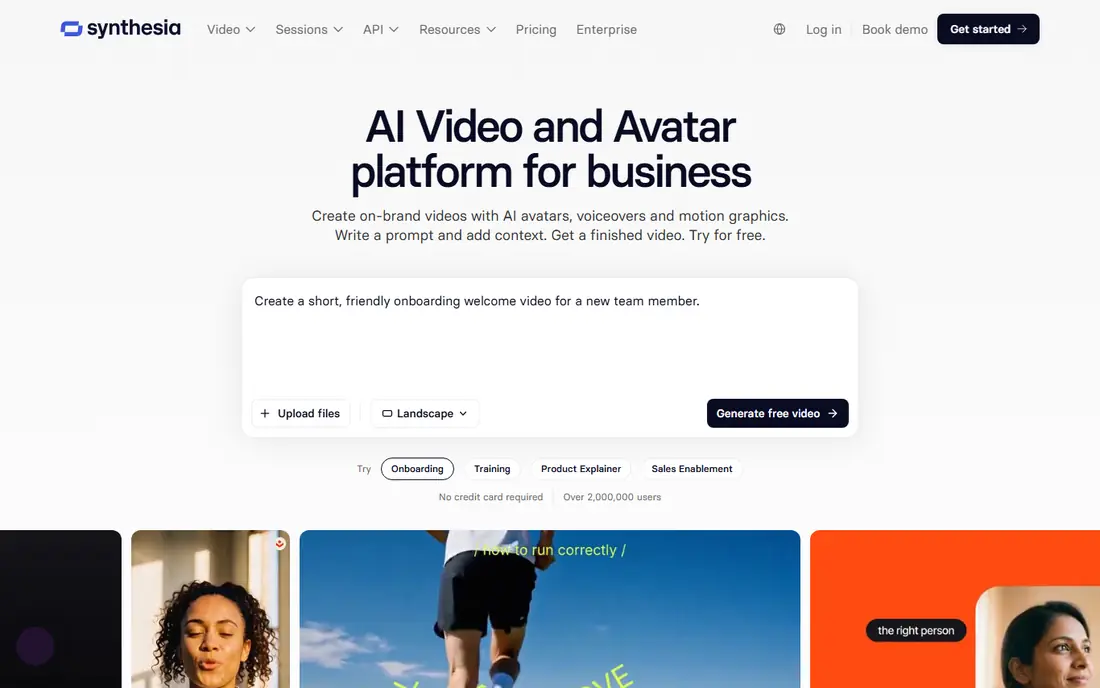
Synthesia is the safer enterprise choice for training, onboarding, and internal communications. It offers a large library of stock avatars, team workspaces, and controls that suit regulated companies. Personal avatars require a recorded consent step, which helps teams show that a likeness was created with permission.
Synthesia is less playful than tools aimed at social creators, and lower plans cap video minutes. For learning teams that need consistent, professional presenters and clear approval workflows, those trade-offs are acceptable. For one-off social clips, a cheaper tool may be enough.
- Large avatar library
- Governance and team controls
- Personal avatar with recorded consent
- Less suited to casual social clips
- Minute limits apply on lower plans
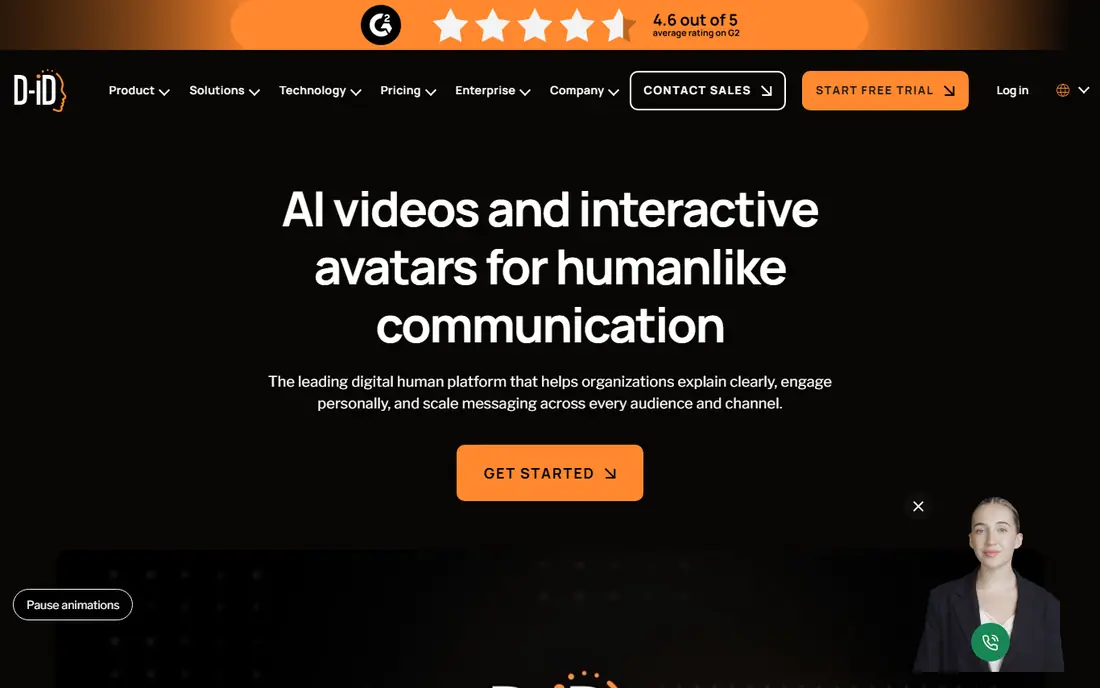
D-ID turns a still photo into a talking avatar clip, which suits explainers, greetings, and short presentations. Its low entry price makes it accessible for solo creators, and the workflow is simple: upload a licensed photo, add a script or voice, and export a clip. That flexibility is useful for mascots, illustrations, and historical-style creative work where you hold the rights.
Quality depends on the source photo, and results can look less natural than a studio avatar from HeyGen or Synthesia. Use only your own or licensed photos, and never animate a photo of a real person without their clear permission. D-ID suits low-cost, short-form talking clips rather than long training series.
- Low entry price
- Animates almost any still photo
- Simple workflow
- Photo animation quality varies by source image
- Minute and credit limits apply
Lensa is best known for stylized portrait avatars from selfies, turning your own photos into illustrated profile pictures in many styles. The mobile workflow is simple, and results are easy to share as profile images or social posts. For personal branding and fun portraits, Lensa remains a popular choice.
Lensa is not a talking video tool, so it does not compete directly with HeyGen or Synthesia. Generations are paid, either through packs or a subscription, so check current pricing in your app store before buying. Use only your own photos, and review privacy terms for photo uploads before starting.
- Popular stylized portrait styles
- Mobile-first workflow
- Easy sharing
- Photo editing app, not a video avatar tool
- Generations are paid packs or subscriptions
Ready Player Me creates a 3D avatar from a selfie that can be used across supported apps, games, and virtual worlds. That portability is its main strength: one avatar can appear in many places without rebuilding it each time. Basic creation is free, which makes it easy to test before committing to a platform.
The style is stylized rather than photorealistic, and the exact customization options depend on the app using the avatar. Ready Player Me suits gamers, virtual meeting users, and creators who want a consistent 3D identity. For video presenters, choose a talking avatar tool instead.
- Free basic avatars
- Works across many apps and games
- Selfie-based creation
- Stylized look, not photorealistic video
- Customization depth varies by partner app
Vidnoz offers a free tier for talking avatar videos, which makes it a good starting point for creators on a budget. Templates cover common business and social formats, and the workflow stays simple for short clips. The free tier states commercial use terms that differ from some rivals, so read the current license before publishing client work.
Free outputs can carry a watermark, and higher volume needs a paid plan. Vidnoz suits beginners, small teams testing avatar video, and creators who need occasional clips without a monthly commitment. For high-volume production, compare cost per finished minute against HeyGen and Synthesia.
- Meaningful free tier
- Many avatar templates
- Simple video workflow
- Free outputs may carry a watermark
- Paid plans needed for higher volume
Colossyan focuses on interactive learning videos, with branching paths, quizzes, and SCORM export for learning platforms. That makes it a strong choice for training teams that want viewers to make choices and check understanding, rather than only watch a presenter. Avatars are available across plans, which helps smaller teams start without an enterprise tier.
The avatar library is smaller than Synthesia, and building interactive paths takes more planning than a simple script video. Colossyan suits learning designers who value interactivity over maximum avatar variety. For simple marketing clips, a general video avatar tool may be faster.
- Interactive training features
- Branching and quizzes
- SCORM export options
- Smaller avatar library than the largest rivals
- Learning curve for interactive design
VEED is a browser video editor that also offers AI avatar clips, so you can edit, subtitle, and publish a video in one place. That all-in-one flow suits creators who need avatars only occasionally, as part of a larger editing job. Templates, captions, and stock elements keep production fast for social and training clips.
Dedicated avatar tools offer deeper avatar controls, more languages, and better lip-sync in many cases. VEED suits editors who want avatar clips inside a familiar editing workflow, rather than a standalone avatar studio. Check minute limits on your plan before planning a long series.
- Full video editor plus avatars
- Subtitles and templates
- Browser based
- Avatar features are less deep than dedicated avatar tools
- Minute limits apply
VRoid Studio is a free tool for creating anime-style 3D characters for VTubing, streaming, and games. It offers detailed control over hair, face, clothing, and body shape, and exports models for common VTuber and game workflows. For anime creators, it remains the standard free choice.
The style is anime only, so it does not suit realistic corporate presenters. Customization takes time to learn, though templates help beginners start. VRoid Studio suits streamers, VTubers, and indie game creators who want a custom anime avatar without paying for a 3D studio.
- Free anime avatar creation
- Strong VTuber support
- Detailed customization
- Anime style only
- Learning curve for 3D customization
How we picked these
We compared official feature pages, pricing pages, and plan descriptions for AI avatar tools live in October 2026. We favored tools with a clear avatar output, a real official homepage, and stated consent or licensing terms for photo avatars. We left out tools that only generate static images with no avatar function, tools that could not be verified as active, and any tool marketed for creating images of real people without consent.
How to use AI avatars responsibly
Only create an avatar from your own photo or from an image you have a clear license and permission to use. For a personal avatar of yourself, follow the tool's consent steps, including video or photo verification where required. Never create an avatar of another person, a public figure, or a child without their clear, written permission, and never use an avatar to mislead viewers about who is speaking.
Label AI avatar videos where viewers might otherwise think a real person is presenting, especially for news, health, finance, or political topics. Check the license for commercial use, voice cloning, and redistribution before publishing, since free tiers often limit commercial rights. Keep source photos private, review each tool's data retention terms, and delete uploads you no longer need.
Frequently asked questions
What is the best ai avatar generator tool for video?
HeyGen suits most marketing and social video, while Synthesia suits enterprise training. D-ID and Vidnoz suit low-cost talking photo clips, and Colossyan suits interactive training videos.
Can I create an AI avatar from a single photo?
Yes, with several tools, including HeyGen, D-ID, and Lensa for portraits. Use only your own photo or a photo you have permission and a license to use, and follow the tool's consent steps for personal avatars.
Are AI avatar generators free?
Some offer free tiers, including Ready Player Me, Vidnoz, and VRoid Studio, while video tools usually charge per month or per minute. Free tiers often limit minutes, resolution, or commercial use, so check the license before publishing.
Can AI avatars speak multiple languages?
Yes. HeyGen, Synthesia, and several other video tools support many languages, though voice quality and lip-sync vary by language. Test a short clip in each target language before producing a full series.
Are AI avatars safe for business use?
They can be, when used with consent, clear labeling, and a commercial license. Choose tools with consent steps for personal avatars, team controls, and published privacy terms, and avoid using avatars to impersonate real people.
What is the difference between a 3D avatar and a talking video avatar?
A 3D avatar is a model you control in games or virtual worlds, such as Ready Player Me or VRoid Studio. A talking video avatar is a pre-rendered presenter that speaks a script, such as HeyGen or Synthesia. Pick the type that matches your output: interactive presence or finished video.
Sources
See where you really rank - block by block
ProMapRanker scans Google Maps across a grid of your service area. Simple monthly plans from $19, white-label on every plan.
Start freeKeep reading
 wpforms alternatives
Best WPForms Alternatives in 2026
We compare 9 wpforms alternatives for WordPress forms, with free and paid options, current pricing notes, and honest limits for small business sites in 2026.
Read → windows task scheduler alternatives
Best Windows Task Scheduler Alternatives in 2026
Looking for Windows Task Scheduler alternatives? We compare 9 schedulers for Windows and cross-platform work, from free tools to enterprise automation.
Read → which ai video service is best
Which AI Video Service Is Best in 2026
which ai video service is best? We compare 10 legitimate AI video services on price, avatars, editing and output quality to help you pick the right tool.
Read →