 ProMapRanker
Best AI Audio Generation Tools in 2026


narration, dubbing and voice cloning · Pricing starts at: $6 per month
Key takeaways
- ElevenLabs leads for natural narration and voice cloning, while Suno and Udio lead for complete songs with vocals.
- Free tiers are useful for testing, but most of them do not allow commercial use, so check the licence before publishing.
- Music tools differ sharply on rights, with some plans granting a clean licence and others leaving ownership unclear.
- Voice cloning needs consent from the person whose voice is used, and we only list tools built for legitimate creative work.
Quick comparison
| Pick | Great for | Pricing starts at | Free tier | |
|---|---|---|---|---|
| ElevenLabs | narration, dubbing and voice cloning | $6 per month | Yes | Visit |
 Suno | complete songs with vocals | $10 per month | Yes | Visit |
 Udio | song building with detailed control | $10 per month | Yes | Visit |
 Murf AI | training videos and e-learning narration | $19 per month | Yes | Visit |
 Resemble AI | developers who need voice cloning by API | See website | Yes | Visit |
 WellSaid Labs | professional English voiceover work | $10 per month | Yes | Visit |
 Speechify Studio | voiceover and dubbing from text | See website | Yes | Visit |
 AIVA | cinematic and instrumental composition | See website | Yes | Visit |
 Soundraw | royalty free background music for video | $16.99 per month | No | Visit |
 Mubert | long background streams and app audio | $14 per month | Yes | Visit |
The best AI audio generation tools
We compared official feature pages, pricing pages and public documentation for 10 tools that fit this topic, and we kept only products that exist and work today. Our pick for most readers is in the list below, but the right choice depends on your budget, your team size and the job you need done first.
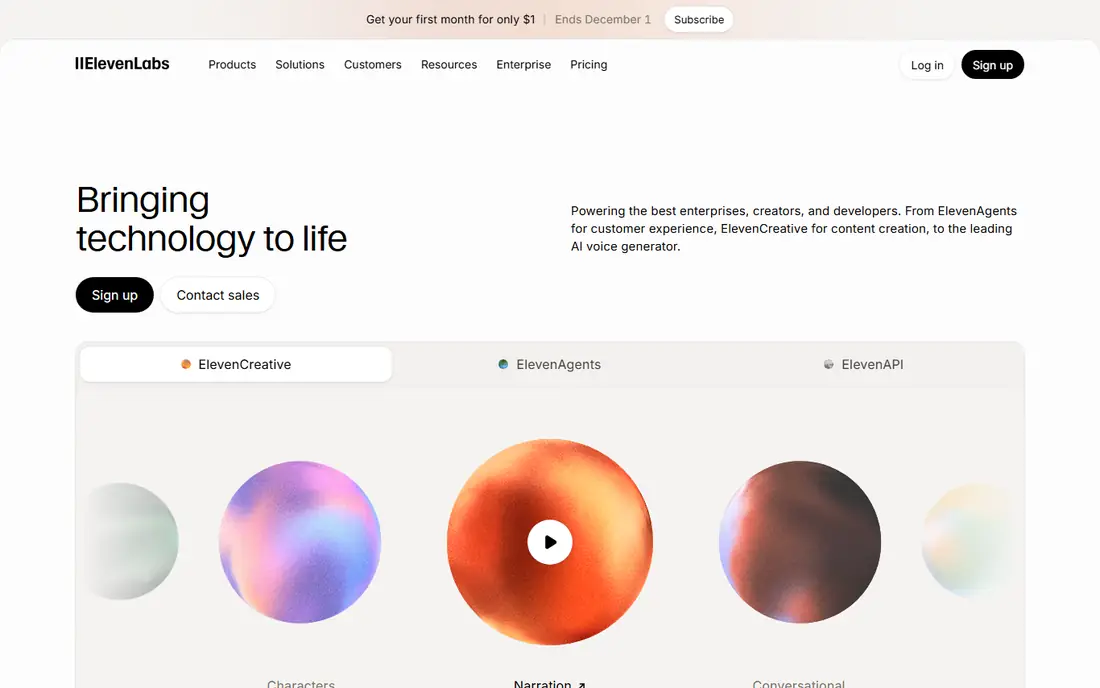
For teams that need this, narration, dubbing and voice cloning, ElevenLabs deserves a close look. ElevenLabs is our pick for most narration work because its voices handle long passages without the flat, rushed tone that gives many synthetic voices away. The strengths that stood out in its official pages are natural sounding voices; wide language support; music generation alongside voice.
The trade-off is credits are shared across products; professional cloning sits on higher plans. Before you pay, check the credit allowance and commercial terms on the plan you choose on the vendor site, and run the tool on one real project or campaign for at least a week. A short trial on real work tells you more than any feature page.
- Natural sounding voices
- Wide language support
- Music generation alongside voice
- Credits are shared across products
- Professional cloning sits on higher plans
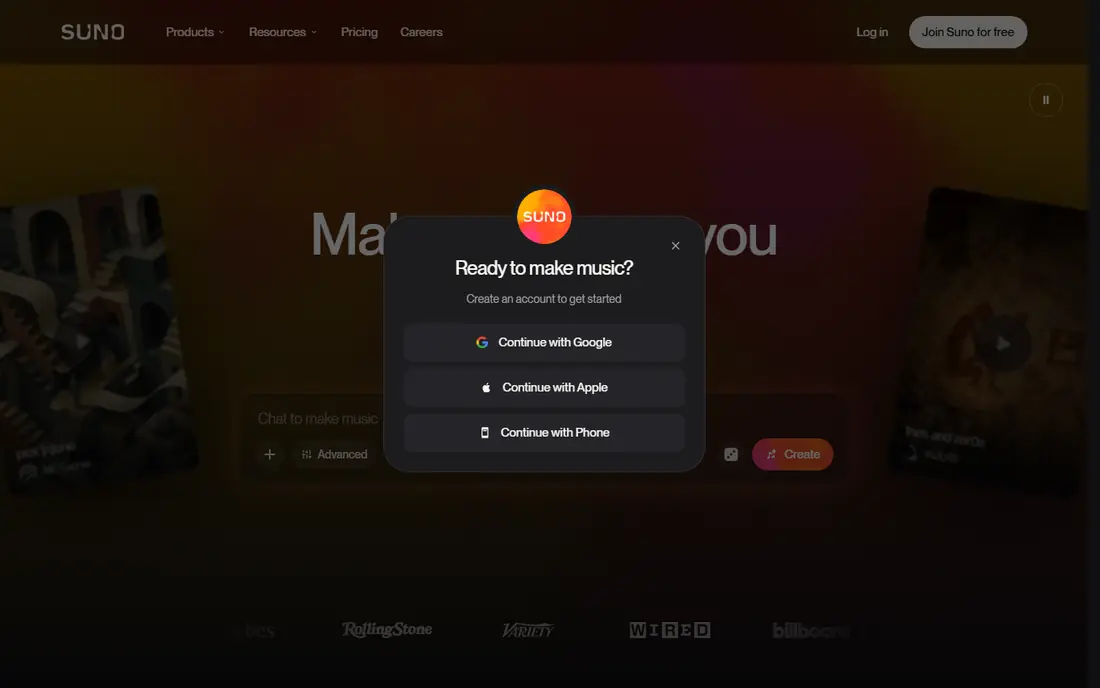
If your main job is this, complete songs with vocals, Suno deserves a close look. Suno turns a short prompt into a structured song with verses and a chorus, which makes it the fastest way to test a song idea before booking studio time. The strengths that stood out in its official pages are full songs from a prompt; vocal and lyric support; daily free credits.
The trade-off is free tier is non-commercial; download limits apply on lower plans. Before you pay, check the commercial rights and download limits on your plan on the vendor site, and run the tool on one real project or campaign for at least a week. A short trial on real work tells you more than any feature page.
- Full songs from a prompt
- Vocal and lyric support
- Daily free credits
- Free tier is non-commercial
- Download limits apply on lower plans
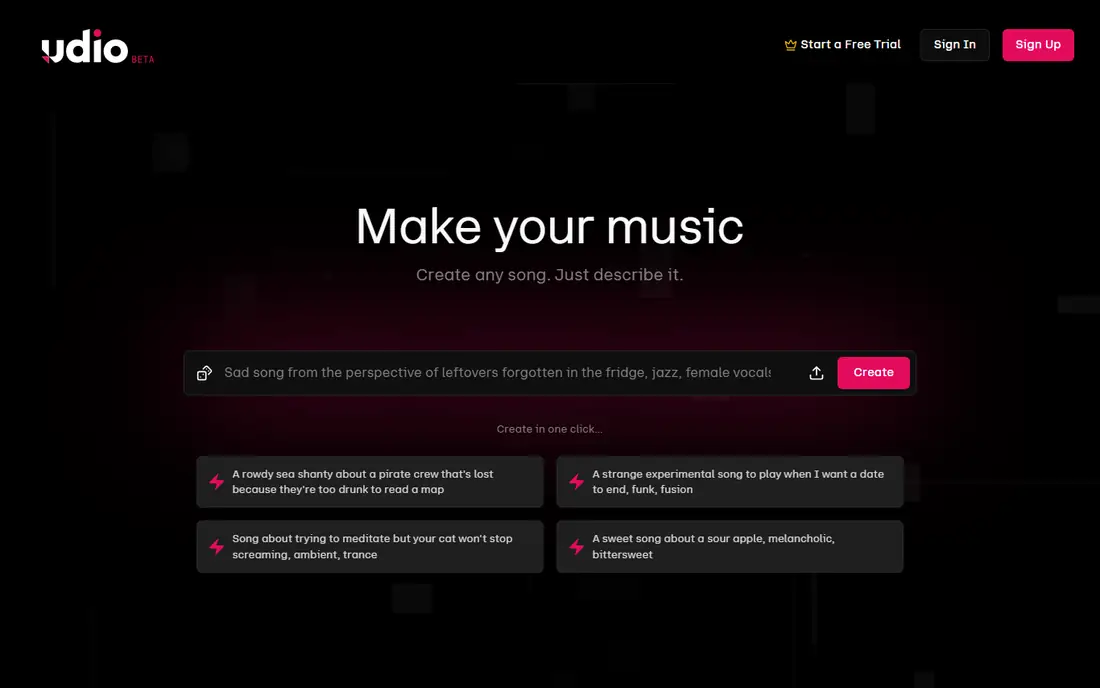
Start here when song building with detailed control, Udio deserves a close look. Udio suits songwriters who want to shape a track section by section rather than accept the first full generation. The strengths that stood out in its official pages are detailed song section control; strong vocal quality; editing and extension tools.
The trade-off is commercial use needs a higher plan; credit use can rise with many revisions. Before you pay, check whether your plan allows commercial use, since the entry plan does not on the vendor site, and run the tool on one real project or campaign for at least a week. A short trial on real work tells you more than any feature page.
- Detailed song section control
- Strong vocal quality
- Editing and extension tools
- Commercial use needs a higher plan
- Credit use can rise with many revisions
A practical choice for training videos and e-learning narration, Murf AI deserves a close look. Murf AI is built around a studio timeline, so narration can be timed to slides and video scenes without a separate audio editor. The strengths that stood out in its official pages are visual studio timeline; clear voice library; business licensing on paid plans.
The trade-off is voice cloning is limited on lower plans; pricing is metered by voice hours. Before you pay, check how voice hours are counted across the year on annual plans on the vendor site, and run the tool on one real project or campaign for at least a week. A short trial on real work tells you more than any feature page.
- Visual studio timeline
- Clear voice library
- Business licensing on paid plans
- Voice cloning is limited on lower plans
- Pricing is metered by voice hours
For a team that wants this, developers who need voice cloning by API, Resemble AI deserves a close look. Resemble AI is a better fit for product teams than for solo creators, because its cloning, watermarking and detection tools are built for apps. The strengths that stood out in its official pages are voice cloning and detection tools; api first design; pay as you go option.
The trade-off is dashboard is less polished than creator tools; some features need a sales conversation. Before you pay, check the pay as you go rates and cloning limits before building on it on the vendor site, and run the tool on one real project or campaign for at least a week. A short trial on real work tells you more than any feature page.
- Voice cloning and detection tools
- API first design
- Pay as you go option
- Dashboard is less polished than creator tools
- Some features need a sales conversation
When the brief is this, professional English voiceover work, WellSaid Labs deserves a close look. WellSaid Labs uses a library of consented voice actors, which matters when a client asks where a voice came from and whether its use is licensed. The strengths that stood out in its official pages are consented voice library; download based metering; clear studio workflow.
The trade-off is english focus is stronger than other languages; download caps apply. Before you pay, check the monthly download allowance on the plan you choose on the vendor site, and run the tool on one real project or campaign for at least a week. A short trial on real work tells you more than any feature page.
- Consented voice library
- Download based metering
- Clear studio workflow
- English focus is stronger than other languages
- Download caps apply
This one earns a place for voiceover and dubbing from text, Speechify Studio deserves a close look. Speechify Studio is worth a look for teams that already use Speechify for reading, but check that you are pricing the studio product and not the reader app. The strengths that stood out in its official pages are studio voiceover and dubbing tools; large voice library; separate from the reader app.
The trade-off is studio pricing is easy to confuse with reader pricing; cloning sits on higher plans. Before you pay, check which Speechify product a price belongs to before you pay on the vendor site, and run the tool on one real project or campaign for at least a week. A short trial on real work tells you more than any feature page.
- Studio voiceover and dubbing tools
- Large voice library
- Separate from the reader app
- Studio pricing is easy to confuse with reader pricing
- Cloning sits on higher plans
For buyers focused on this, cinematic and instrumental composition, AIVA deserves a close look. AIVA is for composers who want editable scores rather than finished songs, since MIDI output lets a human arranger rework every part. The strengths that stood out in its official pages are more than 250 styles; midi and audio export; full copyright on the top plan.
The trade-off is no vocal generation; full copyright needs the highest plan. Before you pay, check the copyright terms, since lower plans do not transfer full ownership on the vendor site, and run the tool on one real project or campaign for at least a week. A short trial on real work tells you more than any feature page.
- More than 250 styles
- MIDI and audio export
- Full copyright on the top plan
- No vocal generation
- Full copyright needs the highest plan
A solid option when royalty free background music for video, Soundraw deserves a close look. Soundraw is a practical choice for video makers who need background music without worrying about a takedown, because its licences are written for that job. The strengths that stood out in its official pages are music trained on its own catalog; stems and editing tools; clear commercial licences.
The trade-off is instrumental only, with no vocals; preview without a paid plan does not allow downloads. Before you pay, check the licence for your exact use, such as broadcast or client work on the vendor site, and run the tool on one real project or campaign for at least a week. A short trial on real work tells you more than any feature page.
- Music trained on its own catalog
- Stems and editing tools
- Clear commercial licences
- Instrumental only, with no vocals
- Preview without a paid plan does not allow downloads
Close the shortlist with long background streams and app audio, Mubert deserves a close look. Mubert suits long sessions and apps that need continuous background audio, where a fixed playlist would repeat too soon. The strengths that stood out in its official pages are mood and genre generation; api options; plan based commercial certificates.
The trade-off is free tier is non-commercial; standalone streaming releases are limited. Before you pay, check whether your plan covers ads and branded content on the vendor site, and run the tool on one real project or campaign for at least a week. A short trial on real work tells you more than any feature page.
- Mood and genre generation
- API options
- Plan based commercial certificates
- Free tier is non-commercial
- Standalone streaming releases are limited
How we picked these
We compared official feature pages, pricing pages, app store listings and public documentation, and we removed products that had shut down, changed direction, or no longer fit the topic. We did not claim hands-on testing that did not happen, and we wrote See website wherever a current price could not be confirmed from the vendor.
We also weighed fit over fame. A well known tool that misses the core job for this topic did not make the list, while a smaller tool that does that job well did. Prices change often, so confirm the current plan terms before you buy.
How to choose an AI audio tool without licence trouble
Decide first whether you need speech, music, or both, then check the licence before you check the sound. A beautiful voice or song is of little use if the plan forbids the exact publishing you have in mind. Note the difference between a commercial licence, a perpetual licence and a transfer of copyright, since they are not the same thing.
Test with a real script or song idea, not a demo prompt. Listen for pacing on long passages, mispronounced names and awkward pauses, and check how much editing the output needs before it is publishable. That editing time is part of the true cost.
For any voice that sounds like a real person, get consent in writing and keep it with the project files. If a tool makes it easy to clone a voice without that step, treat that as a warning sign rather than a convenience.
Frequently asked questions
What is the difference between voice generation and music generation?
Voice tools turn text into speech or clone a voice for narration, while music tools compose songs or background tracks. Some platforms now do both, but their strengths usually sit on one side.
Can I use free tier audio in a monetised video?
Usually not. Most free tiers are for personal testing only, and commercial use starts on a paid plan. Read the licence for your plan and keep a copy of it with the project.
Do I need consent to clone a voice?
Yes. Only clone a voice with clear permission from the person it belongs to, and never use a clone to mislead listeners. Legitimate tools ask for consent material during cloning for this reason.
Which tool is best for a podcast intro?
A voice tool such as ElevenLabs or Murf AI fits spoken intros, while Suno or Soundraw fits music beds. Many podcasters use one of each and mix the results in an editor.
Are AI songs safe to release commercially?
It depends on the plan licence and on copyright rules for AI generated work, which are still developing. Paid plans with a clear commercial licence are the safer starting point, and a lawyer is worth consulting for a major release.
Sources
See where you really rank - block by block
ProMapRanker scans Google Maps across a grid of your service area. Simple monthly plans from $19, white-label on every plan.
Start freeKeep reading
 wpforms alternatives
Best WPForms Alternatives in 2026
We compare 9 wpforms alternatives for WordPress forms, with free and paid options, current pricing notes, and honest limits for small business sites in 2026.
Read → windows task scheduler alternatives
Best Windows Task Scheduler Alternatives in 2026
Looking for Windows Task Scheduler alternatives? We compare 9 schedulers for Windows and cross-platform work, from free tools to enterprise automation.
Read → which ai video service is best
Which AI Video Service Is Best in 2026
which ai video service is best? We compare 10 legitimate AI video services on price, avatars, editing and output quality to help you pick the right tool.
Read →