 ProMapRanker
Best AI Accounting Software in 2026

Small businesses that need full double-entry books · Pricing starts at: $38 per month
Key takeaways
- QuickBooks Online and Xero suit growing small businesses that need double-entry books, bank feeds and accountant access.
- FreshBooks and Wave suit freelancers and service businesses that live in invoices and simple expenses.
- Zoho Books suits budget-conscious businesses, with a free plan for revenue under $50,000 per year.
- Sage and Bench suit established or hands-off owners, with different levels of human help and control.
- AI features assist with categorisation, invoice capture and reconciliation, but they do not replace a qualified accountant. Check tax and compliance decisions with a professional.
Quick comparison
| Pick | Great for | Pricing starts at | Free tier | |
|---|---|---|---|---|
| QuickBooks Online | Small businesses that need full double-entry books | $38 per month | No | Visit |
 Xero | Businesses that need unlimited users and strong reconciliation | $25 per month | No | Visit |
 FreshBooks | Freelancers and service businesses that invoice often | $23 per month | No | Visit |
 Zoho Books | Budget-conscious businesses in the Zoho ecosystem | Free | Yes | Visit |
 Wave | Solos who want free core bookkeeping | Free | Yes | Visit |
 Sage Accounting | Established businesses that need inventory and job costing | See website | No | Visit |
 Bench | Owners who want bookkeeping done by humans plus software | $189 per month | No | Visit |
 Digits | AI-led insights and automated bookkeeping | See website | No | Visit |
The best AI accounting software in 2026
AI in accounting is mostly practical: it reads receipts, suggests categories, matches bank transactions and drafts invoices. The best tool is the one that fits your business size, your invoice volume and how much help you want from a human. These eight cover freelancers, growing businesses and owners who want bookkeeping handled for them.
QuickBooks Online
Great for: Small businesses that need full double-entry books
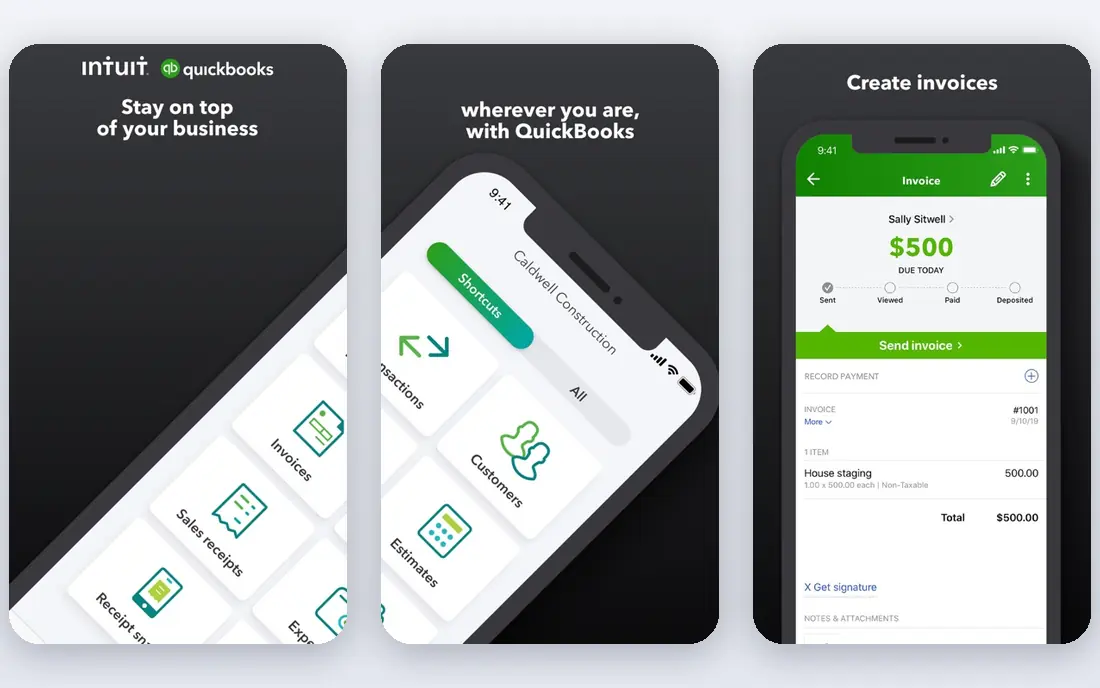
QuickBooks Online is the default for many small businesses because accountants know it and apps connect to it. Bank feeds pull transactions in, AI suggests categories, and receipt capture turns a photo into an expense entry. Invoices, bills, sales tax and reports sit in the same system, so month-end work is less scattered. Simple Start is listed at $38 per month, with a limited free option for very small use in some regions. The main drawback is cost over time. Promotional pricing expires, higher tiers are needed for inventory, project tracking and more users, and payroll is an add-on. If your accountant already uses QuickBooks, that familiarity often outweighs the price. If not, compare Xero or Zoho Books on total cost for your user count.
- Widest accountant and app ecosystem
- AI categorisation and receipt capture
- Scales from solo to multi-user plans
- Entry plan allows one user
- Price rises after promotions
- Some features need higher tiers or add-ons
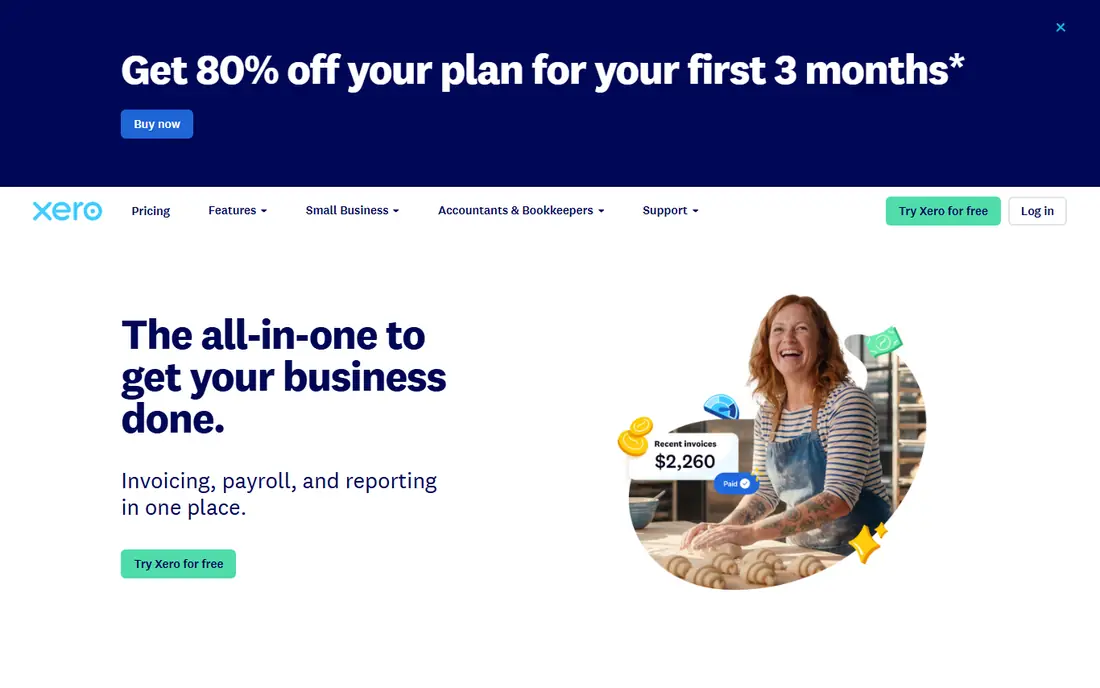
Xero suits businesses where several people touch the books. Unlimited users on every plan means an owner, a bookkeeper and an accountant can all work without paying per seat. Bank reconciliation is a strength, with rules that learn from past matches and AI suggestions that speed up the daily review. Early is listed at $25 per month, with limits of 20 invoices and five bills per month, so growing businesses often need the Growing plan. That cap is the key check. If your invoice volume is low, Early is good value. If you send many invoices, price the plan that fits your volume, not the entry price. Xero also handles multi-currency well, which helps businesses with overseas clients.
- Unlimited users on all plans
- Strong bank reconciliation and multi-currency
- Large app marketplace
- Entry plan caps invoices and bills
- US payroll needs a partner add-on
- Price has risen in recent years
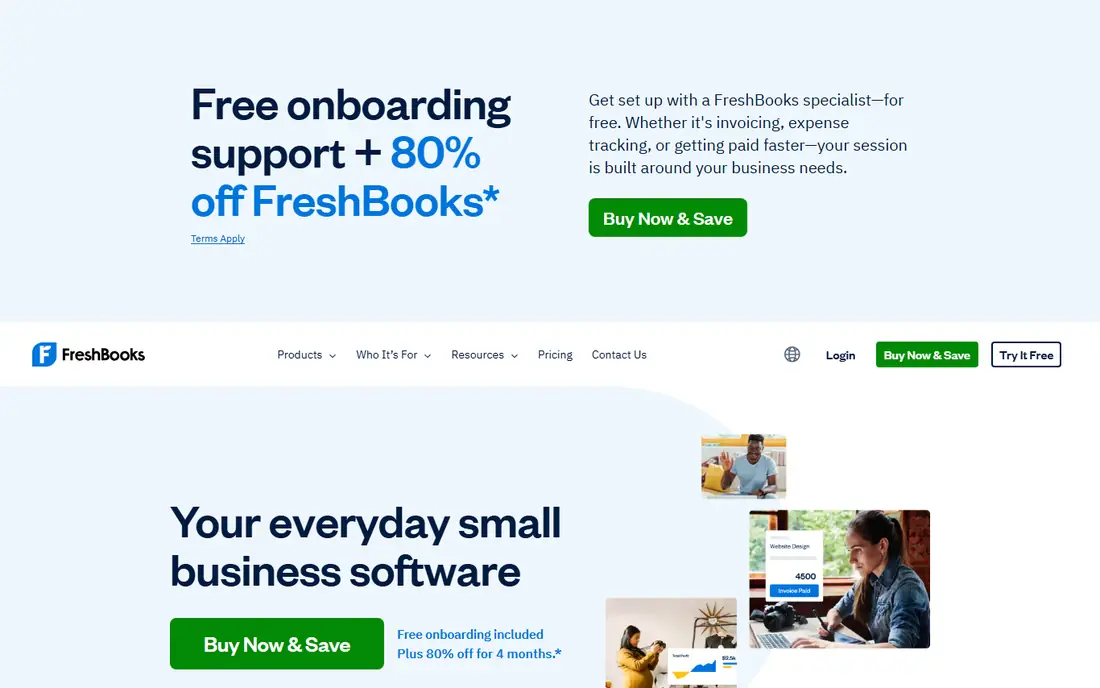
FreshBooks is built around the service business workflow: track time, turn it into an invoice, send it, and get paid. Expenses, mileage and client records sit alongside invoicing, and the interface is clear for owners who do not think in accounting terms. AI features help with expense categorisation and invoice reminders. Lite is listed at $23 per month for up to five clients, with higher plans for more clients and features. The weakness is depth. FreshBooks is not a full double-entry system in the same way as QuickBooks or Xero, and Lite lacks bank reconciliation. For a freelancer or agency that lives in invoices, that trade is fine. For a product business with inventory and complex books, pick a fuller accounting platform.
- Excellent invoicing with time tracking and expenses
- Clean interface for non-accountants
- Client portal for payments
- Not full double-entry accounting on entry plans
- No bank reconciliation on Lite
- Limited inventory features
Zoho Books gives the most accounting per dollar on this list for small businesses. The free plan, for revenue under $50,000 per year, includes invoicing, expenses and bank feeds within limits, while paid Standard plans start around $15 per month billed yearly. Automation rules, recurring invoices and a client portal help owners handle routine work without a large bill. The trade-off is ecosystem fit. Zoho Books works best if you already use Zoho CRM, Inventory or other Zoho apps, and its third-party marketplace is smaller than QuickBooks or Xero. For a standalone business that needs many external integrations, check the specific apps you use before you switch. For a budget-led business that wants full books, Zoho Books is hard to beat.
- Free plan for businesses with revenue under $50,000
- Full double-entry accounting
- Strong automation and client portal
- Fewer third-party integrations than QuickBooks
- Some features need higher tiers
- US payroll needs a separate approach
Wave is the free starting point for solos and very small businesses. Starter is free and covers invoicing, estimates, bills and bookkeeping records, with payments available as an add-on. That makes it a practical choice when revenue is low and the main need is to send invoices and track income and expenses. The limit is automation. Automatic bank import now sits on the paid Pro plan, listed around $19 per month, so free users must import or enter transactions manually. Wave also lacks the depth of QuickBooks or Xero for inventory, multi-entity work and advanced reporting. If your business is simple and cash flow is tight, Wave covers the basics well. If volume grows, plan a move to a paid platform early.
- Free Starter plan with unlimited invoices and records
- Simple interface
- Payments and payroll as add-ons
- Automatic bank import needs the paid Pro plan
- Fewer advanced reports
- No full inventory system
Sage Accounting, including Sage Business Cloud and Sage 50 in some markets, suits businesses that have outgrown simple invoicing. Inventory tracking, job costing and deeper reporting help product and trade businesses manage stock, projects and margins in one system. AI features assist with bank matching and invoice data capture. The weakness is complexity and price variation. Sage products differ by country and tier, so the starting price depends on the exact product you buy, which is why we use See website here. Setup and training take longer than with a freelancer tool. For a simple service business, that depth is overkill. For an established business with inventory or job costing needs, Sage gives control that lighter tools cannot match.
- Strong inventory, job costing and reporting
- Long history with established businesses
- AI-assisted categorisation and invoice capture
- Learning curve is steeper than FreshBooks or Wave
- Pricing varies by product and region
- Setup takes more time
Bench is different because you buy a service, not just software. A bookkeeping team categorises transactions, reconciles accounts and prepares monthly financials, using Bench software to do it. That suits owners who dislike bookkeeping, fall behind on it, or want clean books for tax time without learning accounting. Pricing starts around $189 per month for managed bookkeeping, with higher plans for more volume and tax support. The trade-off is control and cost. You pay more than for software alone, and you do not manage every entry yourself. If you enjoy handling invoices and want software only, QuickBooks or Xero will be cheaper. If bookkeeping is the task you always postpone, Bench removes it from your week.
- Dedicated bookkeeper team handles categorisation and month-end
- Clear monthly financials
- Tax support options
- Higher monthly cost than software alone
- Less direct control over daily entries
- Not a DIY invoicing tool
Digits focuses on AI-first bookkeeping. It categorises transactions, flags unusual activity and presents cash flow, spending and business health in dashboards that are easier to read than a standard report list. That view helps owners spot problems early, rather than only at tax time. The main limit is transparency on price and ecosystem. Digits pricing is typically quoted, so you need a conversation to get a firm number for your business size. Its accountant network is also smaller than QuickBooks or Xero, so check whether your accountant works with it before you switch. For owners who want AI insights as the main feature, Digits is a modern option worth a demo.
- AI categorisation and anomaly checks
- Clear dashboards for cash flow and spending
- Built for modern small businesses
- Pricing is quoted rather than a simple public entry price
- Smaller accountant ecosystem than QuickBooks
- Newer product with evolving features
How we picked these
We compared official pricing pages, feature pages and public reviews, and kept only products that still offer accounting or managed bookkeeping in October 2026 with AI-assisted features. We favoured a mix of freelancer, small business, inventory and managed options, so readers can match the tool to business size and invoice volume. Where pricing varies by region, product or quote, we use See website rather than a misleading single figure. AI tools here assist bookkeeping and do not replace a qualified accountant; tax, audit and compliance decisions still need professional advice.
What to check before you choose
Start with volume and users. Count monthly invoices, bills and users, then price the plan that fits those numbers, not the entry plan. Next, check bank feeds, payroll and the apps you already use, because a missing integration can force manual work. Finally, test the month-end flow. Import a month of real transactions, check categorisation, and run a profit and loss report. A tool that looks clean in a demo can still slow you down if reconciliation or reporting is awkward. Disclaimer: this guide is for general information only and is not tax or accounting advice.
Frequently asked questions
Which AI accounting software is best for small businesses?
QuickBooks Online suits most small businesses with full books and a large accountant network, while Xero suits businesses with many users. Zoho Books is the best value for budget-led businesses, and FreshBooks suits service businesses that invoice often. Pick based on invoice volume and user count.
Can AI accounting software replace my accountant?
No. AI can categorise transactions, capture receipts and draft reports, but it does not replace professional judgement on tax, compliance, audits or complex transactions. Use AI to reduce manual work, and keep a qualified accountant for year-end, tax filings and major decisions.
What is the cheapest AI accounting software?
Wave and Zoho Books both offer free plans, with Wave free without a revenue cap and Zoho Books free under $50,000 in annual revenue. Paid plans start lower on Zoho Books and FreshBooks than on QuickBooks Online, but check invoice limits and bank import rules before you choose on price alone.
Does AI accounting software handle taxes?
These tools help with sales tax tracking, expense categorisation and reports that support tax preparation, but tax rules vary by country and business type. Check the tax features for your region, and confirm filings with your accountant or tax adviser before you submit anything.
Which tool is best for freelancers?
FreshBooks is the strongest freelancer pick for invoicing and time tracking, while Wave is the best free option for simple books. QuickBooks Solopreneur also suits solo owners who want tax tracking and mileage in one place. Pick the one whose invoice workflow matches how you charge clients.
How accurate is AI categorisation?
It is usually accurate for routine, repeated transactions, and it improves as it learns your patterns. It can still misclassify unusual, mixed or new transactions, so review the suggested categories regularly, especially before month-end and tax time. A short weekly review prevents larger corrections later.
Sources
See where you really rank - block by block
ProMapRanker scans Google Maps across a grid of your service area. Simple monthly plans from $19, white-label on every plan.
Start freeKeep reading
 best affiliate marketing tools for creators
Best Affiliate Marketing Tools for Creators in 2026
Compare the best affiliate marketing tools for creators in 2026, from LTK and ShopMy to networks and storefronts that turn recommendations into income.
Read → best accounting software for startups
Best Accounting Software for Startups in 2026
Compare the best accounting software for startups in 2026, with bookkeeping, invoicing, payroll links, and prices that suit early-stage teams in 2026.
Read → best video editing apps for affiliate marketing
Best Video Editing Apps for Affiliate Marketing in 2026
Compare the best video editing apps for affiliate marketing, from fast short-form editors to full desktop suites, with current pricing and honest trade-offs.
Read →