 ProMapRanker
Best Video Editing Apps for Affiliate Marketing in 2026

Key takeaways
- CapCut and Clipchamp are the fastest routes to short-form affiliate videos, while Premiere Pro and DaVinci Resolve suit longer reviews and brand work.
- A free editor is enough for many affiliate creators, but paid plans matter for watermark-free exports, stock assets, and team review.
- Descript stands out when a video starts as a script or a transcript, because text edits change the timeline directly.
- Check each affiliate program's rules on disclosure and claims before you publish, since the editor cannot fix a misleading video.
Quick comparison
| Pick | Great for | Pricing starts at | Free tier | |
|---|---|---|---|---|
 CapCut CapCut | Short-form social video | Free | Yes | Visit |
 Adobe Premiere Pro Adobe Premiere Pro | Professional affiliate campaigns | $22.99 per month | Free trial | Visit |
 DaVinci Resolve DaVinci Resolve | Free professional editing | Free | Yes | Visit |
 Final Cut Pro Final Cut Pro | Mac creators who want a one-time purchase | $299.99 one-time | Free trial | Visit |
 Filmora Filmora | Beginner-friendly desktop editing | See website | Yes | Visit |
 Clipchamp Clipchamp | Quick Windows and browser editing | Free | Yes | Visit |
 Descript Descript | Script-first and talking-head video | See website | Yes | Visit |
 InVideo InVideo | Template-driven promo videos | See website | Yes | Visit |
The best video editing apps for affiliate marketing
Affiliate video work is a mix of speed, clarity, and trust. You need a clear product demo, a readable call to action, and an export that looks clean on a phone. These eight tools cover that range, from a phone edit in minutes to a polished review that can carry a brand deal.
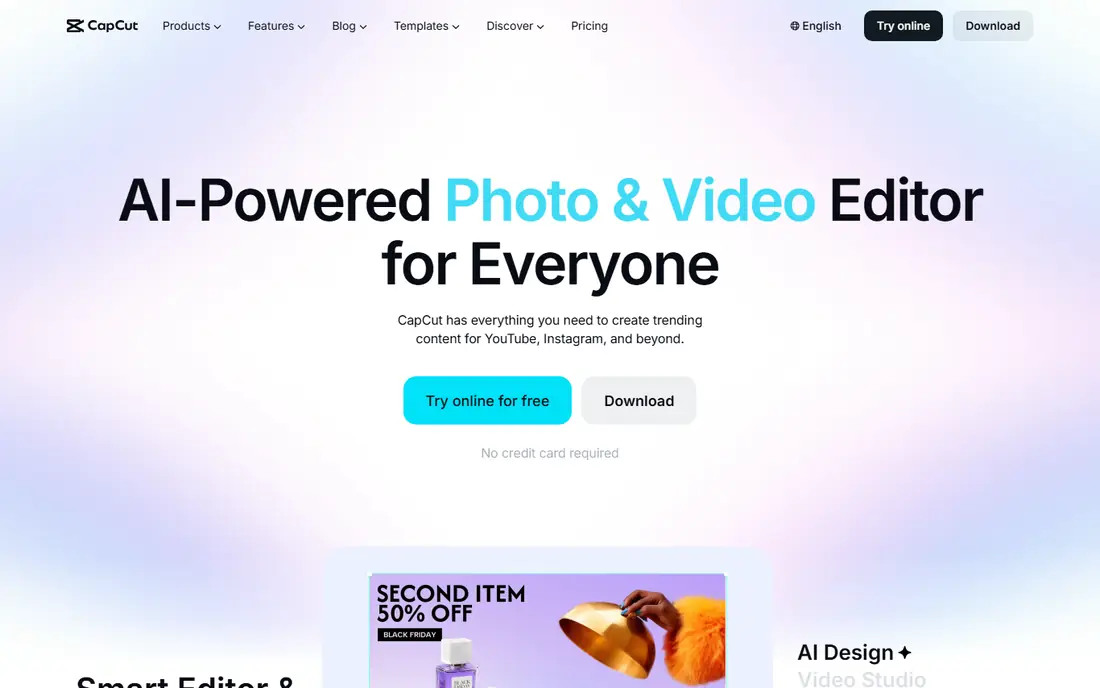
CapCut is our pick for most affiliate creators who live on TikTok, Reels, and Shorts. You can cut a product clip, add captions, add a hook in the first seconds, and export in vertical format without learning a full timeline system. That speed matters when you are testing several angles for the same product in one week.
The catch is control. Long reviews, multi-camera work, and detailed color work will feel cramped here. Paid assets also need care, since a template that looks good in preview may require Pro at export. Use CapCut for volume and testing, and move a winning concept to a desktop editor when it needs a longer, more polished version.
- Fast templates and captions
- Works on phone, desktop, and web
- Large stock and effects library
- Some premium assets need a paid plan
- Advanced color and audio controls are limited
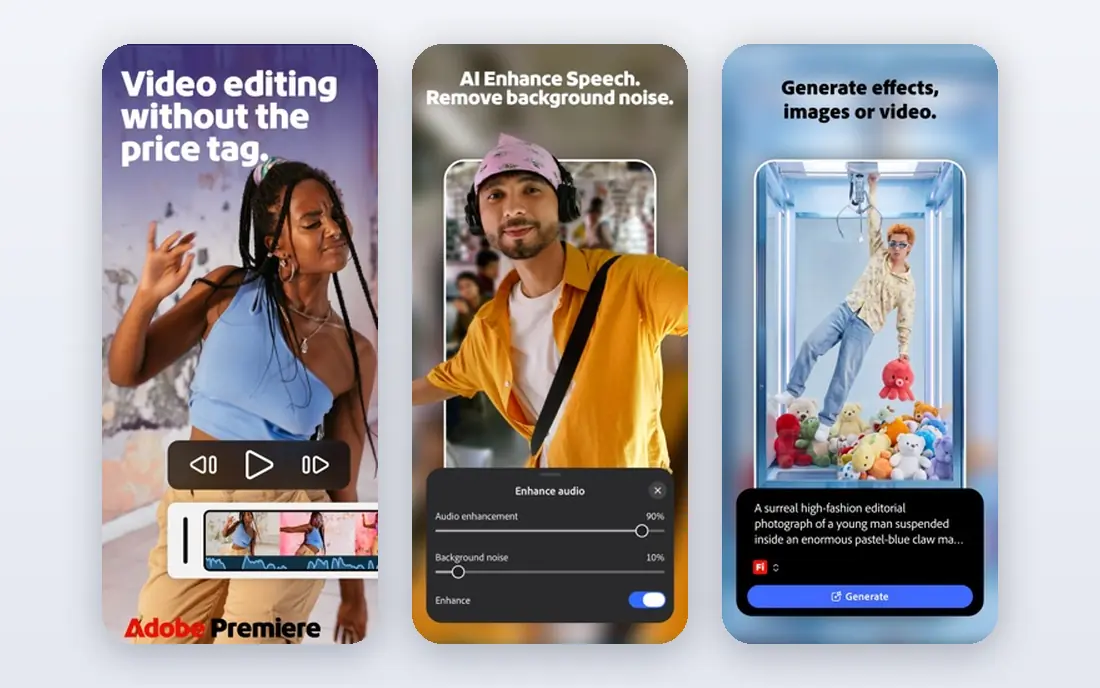
Premiere Pro is the standard choice when affiliate work grows into client work, sponsored series, or a channel with a consistent publishing schedule. It handles long timelines, multiple cameras, captions, and motion graphics in one project, and it pairs well with other Adobe tools for thumbnails and social cutdowns. If a brand sends project files or expects a specific delivery format, Premiere Pro rarely causes friction.
The price and the learning curve are the real costs. A new creator can spend weeks learning the workspace before edits feel fast. For a solo affiliate marketer who only posts short clips, that investment may not pay off. For a team or a creator building a long-term review channel, it is a solid foundation.
- Deep editing, audio, and color controls
- Strong team review tools
- Wide plugin and stock support
- Subscription cost adds up
- Learning curve is steep for beginners
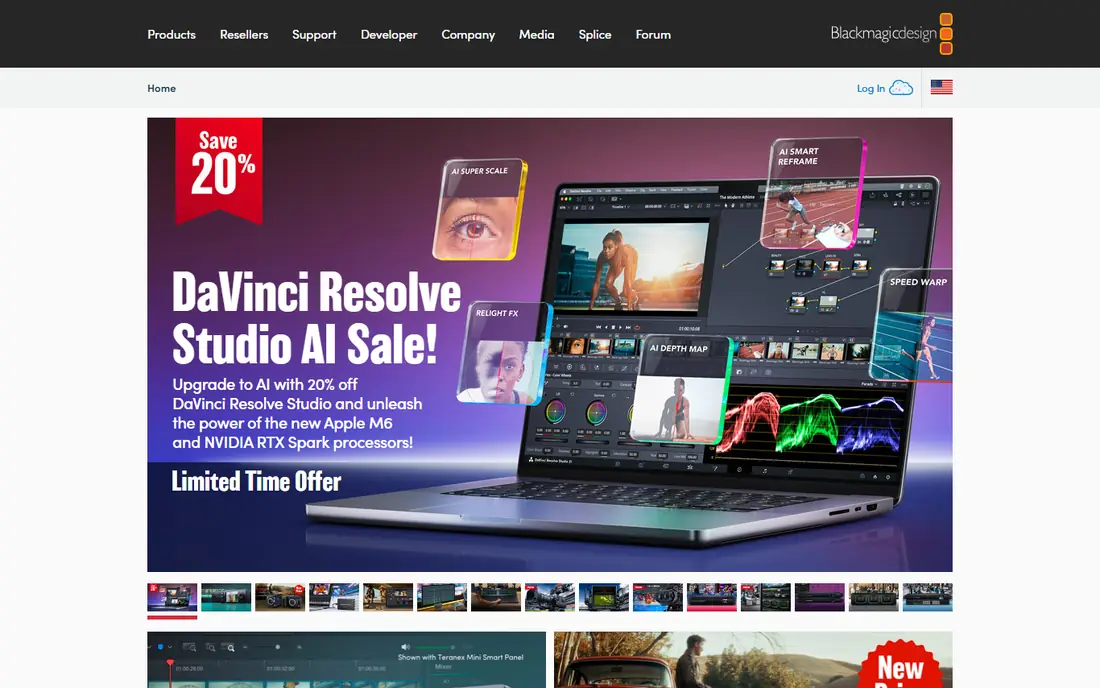
DaVinci Resolve gives affiliate creators a serious editor without a monthly bill. The free version covers most editing, color, and audio needs, and it exports clean video that looks right on YouTube and on a product page. For a detailed product review, a comparison video, or a tutorial, the color and audio pages alone make it worth learning.
New users should expect a slower start. The layout packs editing, color, effects, and audio into separate pages, and older laptops may struggle with high-resolution footage. If your computer can handle it, Resolve is hard to beat on value, and the paid Studio version is a one-time purchase for creators who later need its extra tools.
- Professional color and audio tools at no cost
- No watermark on the free version
- Strong for long-form reviews
- Demanding on older computers
- Interface can feel dense at first
Final Cut Pro suits Mac-based affiliate creators who want speed without a monthly fee. The magnetic timeline makes it easy to rearrange a demo, swap a hook, or tighten a review, and rendering on modern Macs is often quick enough to keep a daily posting rhythm. For creators who publish often and dislike subscriptions, the one-time price can pay for itself over time.
The limit is platform. If you move to Windows, collaborate with a Windows-based editor, or need a project file that opens in Premiere Pro, Final Cut Pro adds friction. It is best as a primary editor for a Mac-only workflow, not as a universal team tool.
- Very fast on Apple silicon Macs
- Magnetic timeline speeds up assembly
- One-time purchase avoids a subscription
- Mac only
- Fewer third-party plugin options than Premiere Pro in some workflows
Filmora sits in a useful middle ground for affiliate marketers who have outgrown phone editing but do not want a professional suite yet. The interface is plain, the timeline is easy to read, and built-in titles and effects help a product demo look finished without extra design work. A first review video is realistic here in an afternoon.
Serious editors will notice the ceiling sooner. Color controls, audio mixing, and complex effects are simpler than in Premiere Pro or Resolve. That is fine for most affiliate content, which depends more on a clear demo and honest claims than on fancy grading. Check the current plan before you rely on a specific effect or export option, since paid tiers change what is included.
- Clear interface for new editors
- Useful titles, transitions, and effects
- Good for YouTube reviews
- Some features and assets sit behind paid plans
- Less depth for advanced color work
Clipchamp is a practical pick for affiliate marketers who need a clean promo video fast, especially on a Windows computer. Templates for product promos, sales announcements, and social clips reduce the blank-page problem, and the browser version means you can edit without installing a heavy program. For a small business owner who also runs the affiliate channel, that low friction is a real advantage.
It is not a replacement for a full desktop suite. Multi-track projects, detailed audio work, and heavy effects are better handled elsewhere. Treat Clipchamp as a speed tool for short promos and social cutdowns, and keep a stronger editor ready for longer reviews.
- Runs in a browser and on Windows
- Simple templates for promos
- Easy sharing and stock options
- Advanced editing is limited
- Some stock and export features need a paid plan
Descript changes the workflow for affiliate creators who talk to camera. You record a review, get a transcript, and then cut filler words or reorder points by deleting text. That makes a long, rambling take much easier to shape into a tight demo, and captions come from the same transcript. For tutorial-style affiliate content, this can save more time than any effects library.
Visual editors may find it limiting. If your video depends on layered graphics, multi-camera cuts, or detailed color work, Descript is better as a first pass than a final editor. Use it to shape the message, then finish in another tool when the visuals need more polish.
- Edit video by editing text
- Strong transcription and caption tools
- Good for tutorials and reviews
- Less suited to complex visual effects
- Pricing depends on transcription and AI features used
InVideo is built for volume. An affiliate marketer can start from a promo template, swap in product shots and text, and produce a short ad-style video without designing from scratch. That is useful for testing offers, seasonal promos, and short paid-social concepts where speed matters more than a unique visual style.
The risk is sameness. Templates that are easy to use are also easy to recognize, so a video needs your own footage, voice, or specific product detail to stand out. Check export limits on the free plan before you build a campaign around it, and budget for a paid plan if you need clean, high-resolution exports at scale.
- Large template library for promos and ads
- Text-to-video options for fast drafts
- Browser-based workflow
- Template look can feel generic without customization
- Free exports may carry limits or watermarks
How we picked these
We compared official feature pages, pricing pages, and app store listings, and we favored tools that are still available and actively maintained in October 2026. We looked for a mix of short-form speed, long-form depth, and price points, and we excluded tools that only handle slideshows or only convert files without real timeline editing. We did not claim hands-on testing for every tool, so where a price or plan detail could not be confirmed on the vendor site at the time of writing, we wrote See website instead of guessing.
What to check before you choose an editor
Start with where your audience watches. Vertical short-form video rewards captions, fast hooks, and phone-friendly exports, while YouTube reviews reward clean audio, clear chapters, and readable on-screen text. A tool that is perfect for one format can feel awkward for the other, so pick the format that brings most of your affiliate clicks first.
Match the editor to your publishing pace
If you post daily, speed and templates matter more than depth. If you post weekly, a stronger desktop editor pays off, because one polished review can earn clicks for months. Count the hours you can spend editing each week, and be honest about whether a complex tool will slow you down.
Check exports, captions, and disclosure space
Before you commit, test a full export at the size you publish, check that captions are readable on a small phone screen, and leave room for an affiliate disclosure in the video or description. Some free plans limit resolution or add a watermark, which can hurt trust on a product review. A clean export is part of the recommendation itself.
Budget for assets, not just the editor
Stock footage, music, and premium templates often cost extra, even in a free editor. If your videos depend on music or b-roll, compare the total cost of the plan plus assets, not just the headline price. A slightly more expensive editor with usable included assets can be cheaper than a free editor with constant add-ons.
Frequently asked questions
What is the best video editing app for affiliate marketing for beginners?
CapCut is the easiest start for short-form video, and Filmora is a gentle step up for desktop YouTube reviews. Both let a new creator publish a clean demo without learning a professional suite first. Move to Resolve or Premiere Pro when longer reviews or client work demand more control.
Do I need a paid editor to make affiliate videos?
No, not at first. Free versions of CapCut, DaVinci Resolve, and Clipchamp can produce clean, watermark-free or usable exports for many creators. Pay when you need premium assets, higher-resolution exports, team review, or advanced audio and color tools that save real time.
Which editor is best for YouTube affiliate reviews?
DaVinci Resolve is our value pick for long-form reviews, because the free version covers editing, color, and audio without a subscription. Premiere Pro is the safer pick for teams and creators who collaborate with other editors or brands. Final Cut Pro is a strong Mac-only alternative with a one-time price.
Can I edit affiliate videos on my phone?
Yes. CapCut is designed for phone editing and social exports, and Clipchamp and InVideo work in a browser on many devices. Phone editing suits short demos and social clips, but a desktop editor is better for long reviews, detailed audio, and precise captions.
How do I disclose affiliate links in a video?
Say clearly, in the video and in the description, that links may earn you a commission at no extra cost to the viewer. Keep the wording plain and place it where a viewer will see it before clicking. Also follow the rules of the affiliate program and the platform, since requirements differ.
Sources
See where you really rank - block by block
ProMapRanker scans Google Maps across a grid of your service area. Simple monthly plans from $19, white-label on every plan.
Start freeKeep reading
 best shift scheduling software
Best Shift Scheduling Software in 2026
Compare the best shift scheduling software, from Homebase and Deputy to When I Work and 7shifts, with free plans and per-user pricing explained for teams.
Read → best salon booking software
Best Salon Booking Software in 2026
Compare the best salon booking software for 2026, from free solo tools to premium multi-chair platforms, with current pricing, trials and honest limits.
Read → best roofing software
Best Roofing Software in 2026
Compare the best roofing software for estimates, jobs and sales. We review 9 roofing apps and contractor tools on price, features and free plans in 2026.
Read →