 ProMapRanker
Best Shift Scheduling Software in 2026


Small teams starting free with payroll options · Pricing starts at: Free
Key takeaways
- Homebase is the best free start for small teams, with scheduling free for up to 10 employees at one location.
- Deputy at $5 per user per month is the value leader for scheduling plus compliance and time tracking.
- When I Work at $2.50 per user per month is the simplest low-cost option for small shift teams.
- 7shifts is the restaurant specialist, with labor forecasting, tip handling, and POS integrations built in.
Quick comparison
| Pick | Great for | Pricing starts at | Free tier | |
|---|---|---|---|---|
| Homebase | Small teams starting free with payroll options | Free | Yes | Visit |
 Deputy Deputy | Scheduling plus compliance and time tracking | $5 per user per month | Free trial | Visit |
 When I Work When I Work | Simple low-cost shift scheduling | $2.50 per user per month | Free trial | Visit |
 Connecteam Connecteam | Deskless teams needing scheduling plus communication | $29 per month | Yes | Visit |
 Sling Sling | Budget scheduling with free essentials | Free | Yes | Visit |
 7shifts 7shifts | Restaurants with forecasting and POS links | Free | Yes | Visit |
 ZoomShift ZoomShift | Small hourly teams on a tight budget | Free | Yes | Visit |
 Planday Planday | Multi-location retail and hospitality scheduling | See website | Free trial | Visit |
The best shift scheduling software
Shift scheduling software builds rosters, handles shift swaps, tracks availability, and helps managers control labor costs. The right tool depends on team size, industry, and whether you also need time tracking, payroll, or compliance tools.
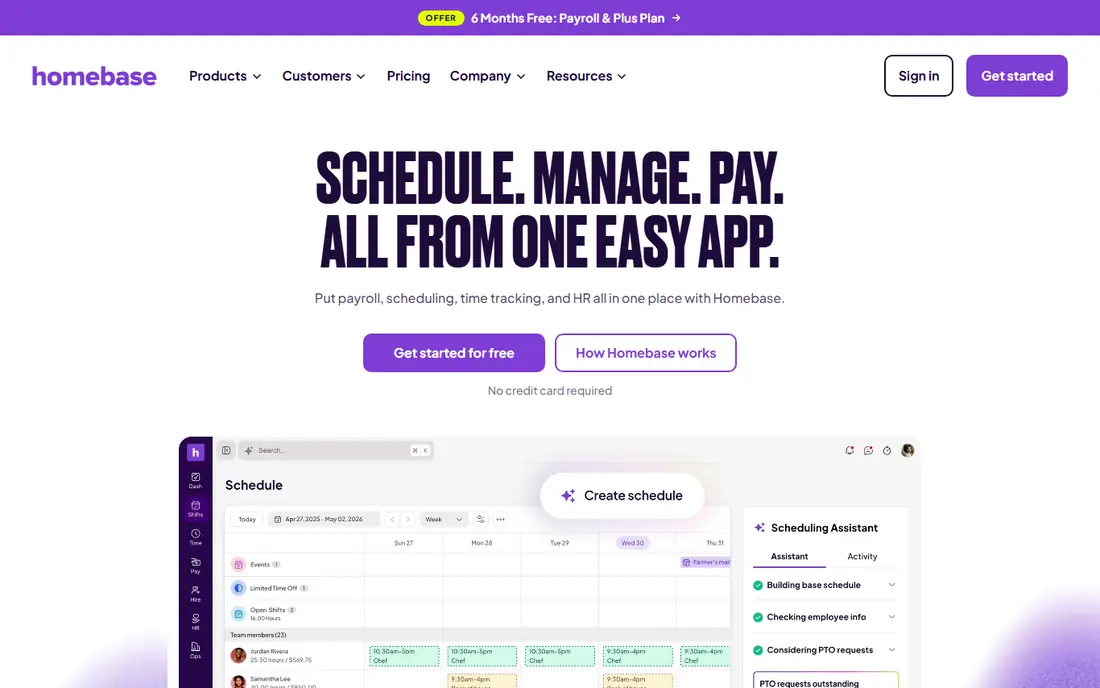
Homebase is the easiest starting point for a small shop, cafe, or retail store. The free plan covers scheduling and time tracking for a small team, and the mobile app lets staff see shifts, swap shifts, and message managers without a group chat. As the team grows, payroll and hiring tools can be added in the same account.
The per-location pricing is the thing to watch. A single site with many staff gets good value, but several sites each pay separately, which can pass per-user pricing at scale. For a one-location team, though, Homebase is hard to beat.
- Free Basic plan for up to 10 employees at one location
- Scheduling, time tracking, and messaging in one app
- Built-in payroll add-on
- Paid plans are priced per location, so multi-site costs rise
- Advanced HR features need higher tiers
- Some integrations are limited on lower plans
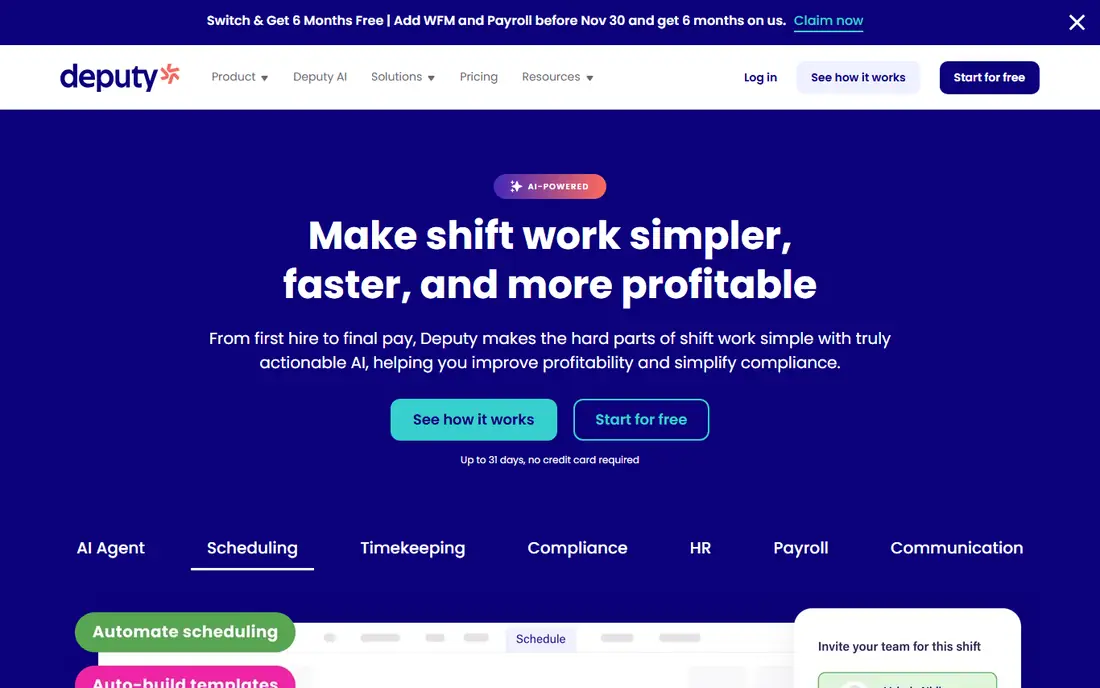
Deputy suits growing businesses that need more than a calendar. It handles shift swaps, availability, time tracking, and compliance rules such as breaks, overtime, and fair workweek requirements in many regions. Managers can build schedules against labor budgets and see cost before publishing.
The price is per user, so a large team pays more than on a per-location plan, and there is no free tier to stay on. For teams where compliance mistakes cost real money, that cost is usually justified, but small teams should compare it with When I Work first.
- Scheduling with labor compliance and award rules
- Time tracking with facial recognition options on some plans
- Integrations with QuickBooks, Xero, and payroll tools
- No free plan, only a trial
- Per-user pricing adds up for large teams
- Setup for complex compliance rules takes time
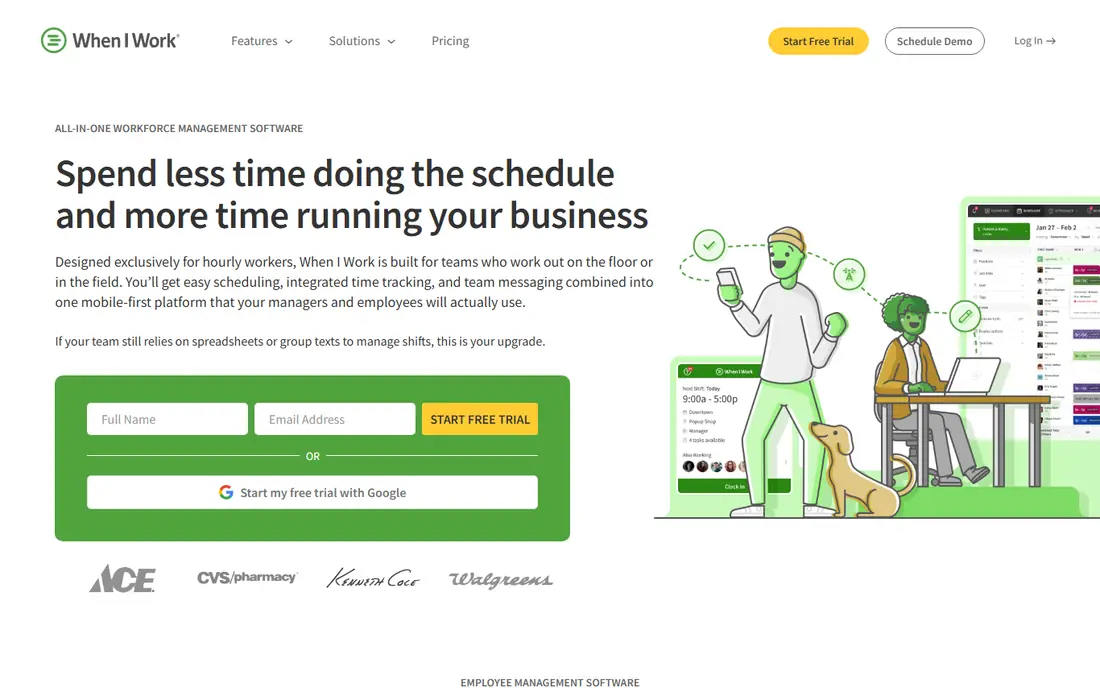
When I Work is the pick for teams that want scheduling live today without a long setup. The interface is straightforward, staff can claim open shifts and swap with approval, and managers can publish a week roster in minutes. At $2.50 per user per month, it is the cheapest paid starting point in this list.
The limits are add-ons and depth. Time tracking costs extra, and compliance tools are thinner than Deputy. For a small service team with simple rules, that simplicity is a benefit, not a flaw.
- Very low per-user starting price
- Simple scheduling that teams learn fast
- Shift swaps and availability in the mobile app
- No free plan, only a 14-day trial
- Time tracking is a paid add-on
- Fewer compliance tools than Deputy
Connecteam is built for deskless teams: field workers, cleaners, delivery staff, and retail teams who live on phones, not desks. Scheduling sits alongside team chat, task lists, time tracking, and forms, so managers do not need five separate apps. The free plan for under 10 users makes it easy to test with a small crew.
For complex scheduling rules, Deputy or Planday may offer deeper controls, and Connecteam pricing needs careful reading once you pass the free tier. If communication and daily operations matter as much as the roster itself, Connecteam is a strong all-in-one choice.
- Scheduling plus chat, tasks, forms, and HR tools in one app
- Free for teams under 10 users
- Mobile-first for field and frontline staff
- Pricing is per hub plus per-user overages on some plans
- Scheduling depth is less than Deputy for complex rules
- Setup for many hubs takes planning
Sling is the budget pick for teams that need a roster and messaging without paying yet. The free plan covers core scheduling for up to 30 users, which is generous compared with most rivals, and paid plans start low per user. For a small team testing whether scheduling software helps, Sling removes the cost excuse.
The trade-off is depth. Reporting, labor forecasting, and integrations are more limited, so larger or multi-site teams may outgrow it. Use Sling to prove the workflow, then move to Deputy or Homebase when you need payroll or compliance tools.
- Free scheduling essentials for up to 30 users in recent terms
- Shift swaps and team messaging included
- Low paid starting price
- Advanced reporting and integrations are limited
- Labor cost tools are thinner than Deputy or 7shifts
- Support is lighter than larger rivals
7shifts is the specialist in this list, and that focus is its strength. It understands restaurant labor: sales forecasts, labor percentage targets, tip handling, and POS data that feed scheduling decisions. Managers can build rosters that match expected covers, not just staff availability.
Outside restaurants, that specialization becomes a limit, since the whole workflow assumes food service. Paid plans are per location, so multi-unit groups should get a volume quote. For a restaurant, though, 7shifts is the most tailored option here.
- Built for restaurants with labor forecasting and sales data
- Tip pooling and break compliance tools
- Integrations with Toast, Square, and other POS systems
- Restaurant focus means it fits poorly outside food service
- Paid plans are per location
- AI scheduling is on higher tiers
ZoomShift suits very small hourly teams that want a simple roster without a monthly bill. The free plan covers a small crew, and paid pricing per active member stays low for teams that grow slowly. Shift swaps, availability, and time-off requests cover the daily jobs without extra menus.
Larger teams will miss the payroll, HR, and compliance depth of Homebase or Deputy, and integrations are fewer. For a single-location team with simple rules, ZoomShift is a clean, low-cost start.
- Free plan for up to 20 users at one location in recent terms
- Low paid price per active team member
- Shift swaps and time-off requests included
- Smaller feature set than Homebase or Deputy
- Fewer integrations
- Less suited to multi-location or complex compliance needs
Planday is built for businesses with several sites, such as retail chains, hotels, and care providers. Managers can build schedules across locations, share staff between sites, and apply rules for contracts, breaks, and overtime. Communication tools keep staff at different sites in the same loop.
Pricing is less transparent than per-user rivals, and a single small team will not need its multi-site depth. For a growing multi-location business, Planday scales better than a single-site tool, but get a clear quote before committing.
- Strong multi-location scheduling and communication
- Payroll and HR integrations
- Templates and rules for retail, hospitality, and care sectors
- Quote-based pricing on many plans
- Setup for multi-site rules takes time
- Overkill for a single small team
How we picked these
We compared official pricing and feature pages for shift scheduling tools that are still operating in October 2026, plus recent pricing comparisons. We favored tools with clear free or trial options, mobile apps for staff, and shift swap support, and we included general tools plus a restaurant specialist and a multi-location tool. We did not claim hands-on testing, and we left out appointment booking tools that do not handle employee shifts.
How to choose shift scheduling software
Count the real cost for your team size
Per-user pricing favors small teams, while per-location pricing favors large teams at few sites. Run your headcount and site count through both models, including time tracking or payroll add-ons, before you choose.
Test shift swaps and availability first
A roster tool fails if staff cannot easily swap shifts, set availability, or see updates on their phones. Trial the mobile app with a few staff members, not just managers, and check how approvals and notifications work.
Check compliance and payroll links early
Break rules, overtime, and fair workweek requirements vary by location and industry, and payroll integrations save hours each pay period. Confirm that your chosen tool supports your local rules and your payroll provider before you move a whole team onto it.
Frequently asked questions
What is the best shift scheduling software?
Homebase is best for small teams starting free, Deputy is best for scheduling plus compliance, and When I Work is best for simple low-cost scheduling. 7shifts is best for restaurants, while Planday suits multi-location businesses.
What is the best employee scheduling software for small business?
Homebase, When I Work, Sling, and ZoomShift all suit small businesses, with Homebase and Sling offering free plans. The best choice depends on team size, whether you need payroll, and whether pricing per user or per location works better for you.
What is the best free shift scheduling app?
Homebase offers a free plan for up to 10 employees at one location, Sling offers free scheduling essentials for up to 30 users, and 7shifts and ZoomShift also offer free plans. Check user and location limits, since free plans vary in what they include.
What is the best rota software for restaurants?
7shifts is the best rota software for restaurants, thanks to labor forecasting, tip handling, and POS integrations. Homebase and Deputy also work for restaurants, but they lack the same restaurant-specific forecasting and sales data links.
Can staff swap shifts in these apps?
Yes, all the tools in this list support shift swaps or trades, usually with manager approval in the app. Staff can also set availability and request time off, which reduces the back-and-forth messages managers otherwise handle.
Do these tools handle payroll too?
Some do, with Homebase offering a built-in payroll add-on and Deputy, Connecteam, and Planday integrating with payroll providers. When I Work, Sling, and ZoomShift focus mainly on scheduling, so check payroll links if you want one system for both jobs.
Sources
See where you really rank - block by block
ProMapRanker scans Google Maps across a grid of your service area. Simple monthly plans from $19, white-label on every plan.
Start freeKeep reading
 best video editing apps for affiliate marketing
Best Video Editing Apps for Affiliate Marketing in 2026
Compare the best video editing apps for affiliate marketing, from fast short-form editors to full desktop suites, with current pricing and honest trade-offs.
Read → best salon booking software
Best Salon Booking Software in 2026
Compare the best salon booking software for 2026, from free solo tools to premium multi-chair platforms, with current pricing, trials and honest limits.
Read → best roofing software
Best Roofing Software in 2026
Compare the best roofing software for estimates, jobs and sales. We review 9 roofing apps and contractor tools on price, features and free plans in 2026.
Read →