 ProMapRanker
Best Accounting Software for Startups in 2026

US startups that want the widest accountant support · Pricing starts at: See website
Key takeaways
- QuickBooks Online suits most US startups that want accountant familiarity, while Xero suits teams that need unlimited users and strong multi-currency support.
- Wave is the strongest free starting point for pre-revenue founders, but bank feeds and payroll need a paid plan.
- A startup should choose by transaction volume, payroll needs, and whether an accountant already works in the system, not by the lowest headline price.
- AI categorisation helps, but a founder should still review categorised transactions each month, because tax and investor reporting need clean books.
- This article is general business information, not tax or accounting advice, so check tax and compliance questions with a qualified professional.
Quick comparison
| Pick | Great for | Pricing starts at | Free tier | |
|---|---|---|---|---|
| QuickBooks Online | US startups that want the widest accountant support | See website | Free trial | Visit |
 Xero Xero | Teams that need unlimited users and multi-currency | See website | Free trial | Visit |
 FreshBooks FreshBooks | Service startups that live on invoicing | See website | Free trial | Visit |
 Wave Wave | Pre-revenue founders who need free core bookkeeping | Free | Yes | Visit |
 Zoho Books Zoho Books | Startups already using Zoho apps | See website | Free trial | Visit |
 Puzzle Puzzle | Venture-backed startups that want modern automation | See website | Free trial | Visit |
 Kashoo Kashoo | Small teams that want simple double-entry bookkeeping | See website | Free trial | Visit |
 Sage Intacct Sage Intacct | Scaling startups with multi-entity or complex reporting | See website | No | Visit |
The best accounting software for startups
Startup accounting is not just invoicing. It is bank reconciliation, expense tracking, payroll links, tax-ready reports, and investor-ready financial statements, all while the team is still small. We compared official pricing and feature pages for tools that serve early-stage companies, and we note where a low entry price hides a higher cost as volume grows.
QuickBooks Online
Great for: US startups that want the widest accountant support
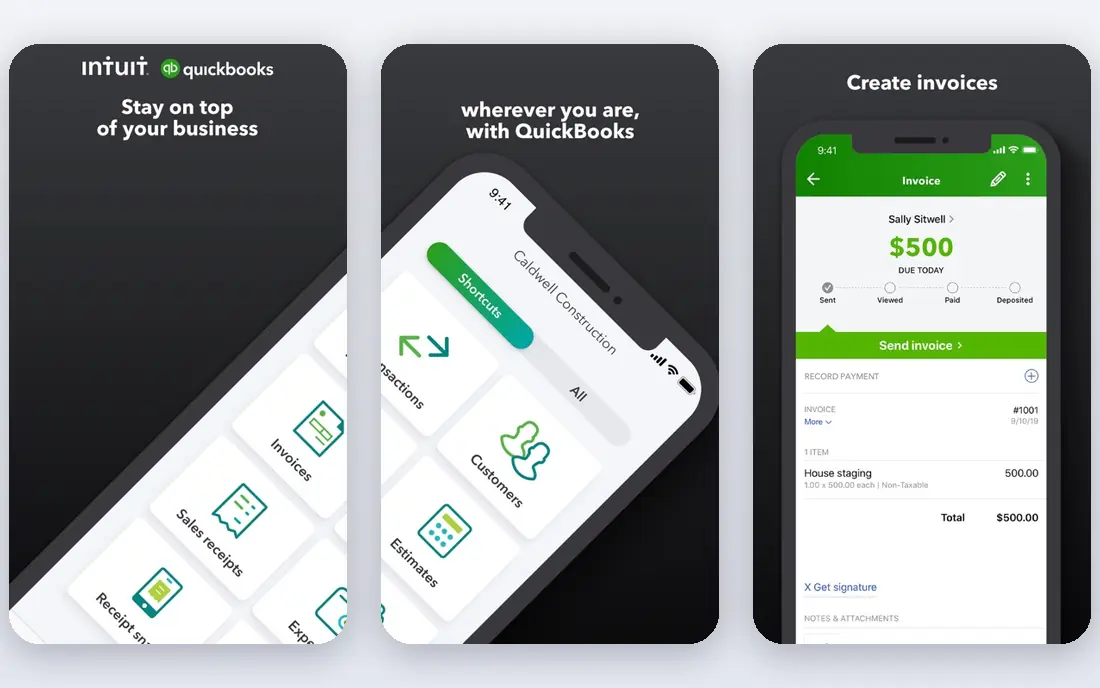
QuickBooks Online is the safe default for a US startup, because most accountants and bookkeepers already work in it, which saves time at tax season and during an investor review. It covers invoicing, expense tracking, bank reconciliation, and reporting, with payroll available as a linked service, and its integration range covers banks, payment tools, and payroll providers a startup is likely to use. That familiarity matters when a founder hands the books to a professional for the first time.
The catch is tiering. The entry plan covers core bookkeeping, but users, advanced reporting, and inventory features sit on higher tiers, so the monthly cost grows with the team. The interface also packs a lot into each screen, which can overwhelm a founder who only needs invoicing and reconciliation. For a startup that plans to hire an accountant soon, QuickBooks Online is still our pick for most people.
- Largest network of accountants and bookkeepers familiar with the system
- Invoicing, bank feeds, payroll links, and reporting in one place
- Many integrations
- Price rises across tiers as users and features grow
- Interface can feel busy for a solo founder
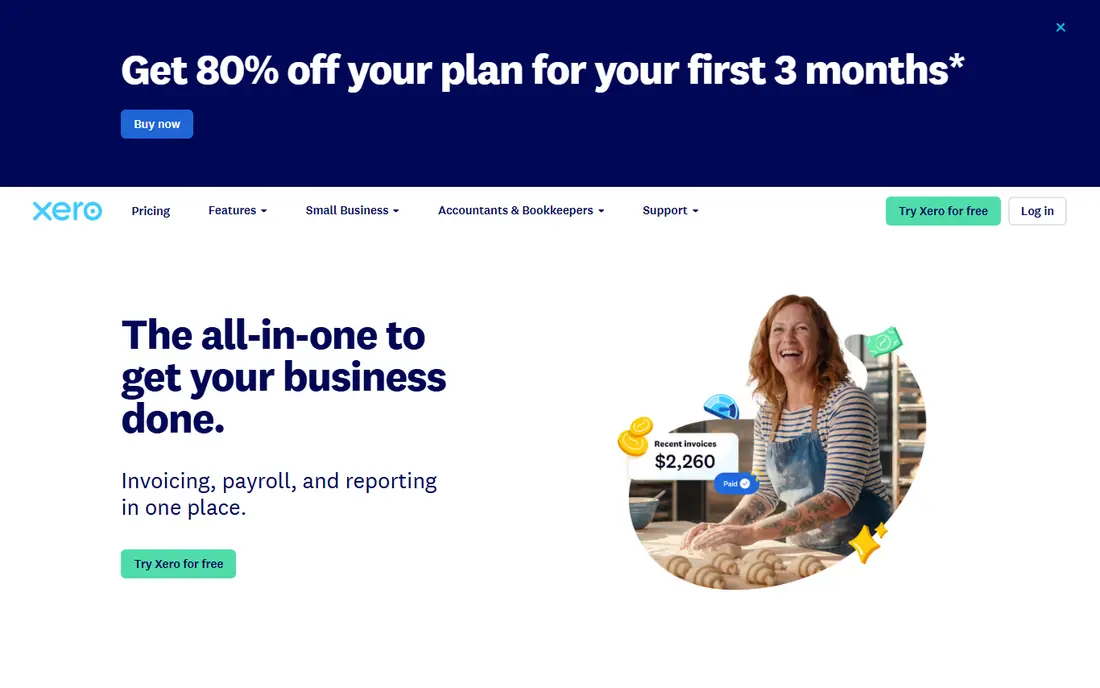
Xero suits a startup where several people touch the books, because every plan includes unlimited users, so a founder, a co-founder, and an accountant can all log in without a per-seat charge. Its bank reconciliation is clear, its invoicing is straightforward, and multi-currency support helps a startup that bills or pays abroad. That combination makes Xero a strong choice for remote teams and for startups with customers outside the US.
The limits are US-specific. Payroll in the US often runs through a partner integration rather than a single built-in flow, and the entry plan caps the number of bills and invoices, so a growing startup may need a higher tier sooner than expected. If your team is distributed, or your accountant prefers Xero, those trade-offs are easy to accept. If you need built-in US payroll in one place, compare QuickBooks Online first.
- Unlimited users on all plans
- Strong bank reconciliation
- Multi-currency support for international startups
- US payroll needs a linked partner rather than a built-in service in many setups
- Entry plan limits on bills and invoices
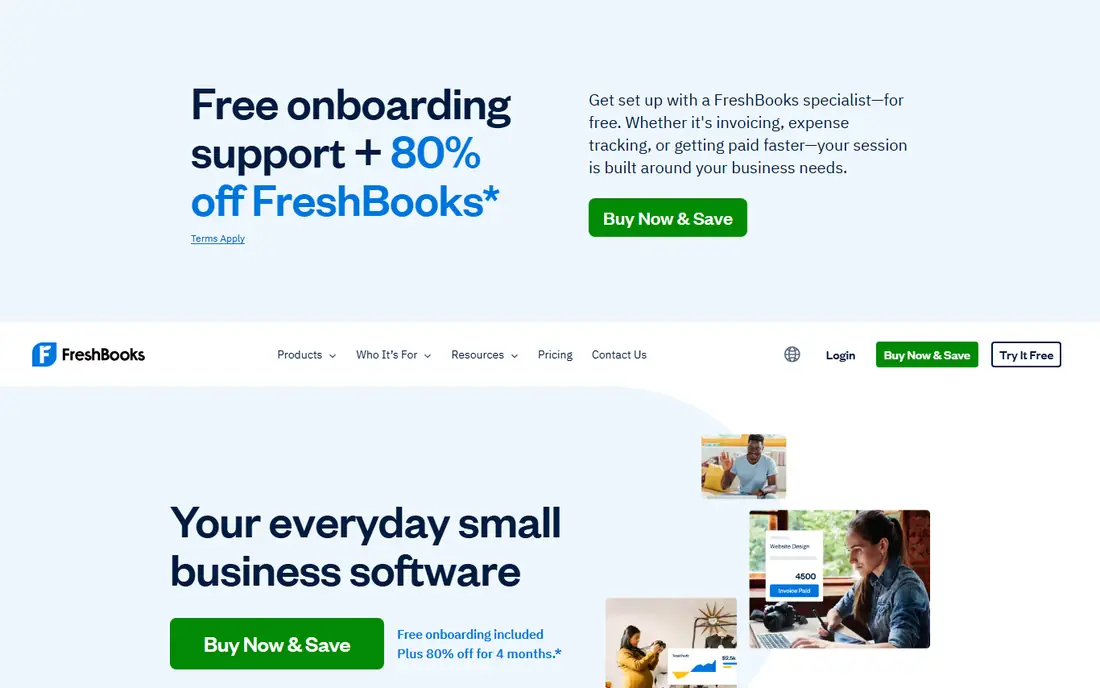
FreshBooks is built around getting paid, which is the right priority for a service startup. Invoicing is clean, clients can pay online, recurring invoices and reminders run without manual chasing, and time tracking links hours to a client or project. For a consultancy, an agency, or a studio, that workflow feels more natural than a general ledger-first tool, and clients tend to find FreshBooks invoices easy to read and pay.
The honest limit is accounting depth. FreshBooks handles core bookkeeping well, but a startup with inventory, complex revenue recognition, or multi-entity reporting will outgrow it sooner than QuickBooks or Xero. Client limits on lower tiers also matter as the client list grows. For a service business in its first years, FreshBooks is a friendly and practical pick, with a clear path to a fuller system later if needed.
- Clean invoicing and client billing
- Time tracking and project billing
- Recurring invoices and payment reminders
- Accounting depth is lighter than QuickBooks or Xero for complex needs
- Higher tiers needed for larger client counts
Wave is the free starting point for a founder who has more time than money. Its starter tier offers accounting and invoicing at no monthly charge, which lets a pre-revenue startup keep clean books from day one without a subscription. The dashboard is simple, income and expenses are easy to follow, and invoices look professional enough to send to early customers.
The catch is that free does not cover everything. Bank transaction imports through a live feed need the paid Pro plan in current pricing, and payroll, receipt handling, and advisor support sit behind paid options. A startup with many transactions will feel that limit quickly. Even so, Wave is a good first system for a solo founder, and moving to QuickBooks or Xero later is easier when the early books are already clean.
- Free core accounting and invoicing
- Simple dashboard for income and expenses
- No monthly fee for the starter tier
- Bank feeds need the paid Pro plan in current pricing
- Payroll and advanced features cost extra
- Support is more limited than paid rivals
Zoho Books is the value pick for a startup that already uses Zoho CRM, Zoho Inventory, or other Zoho apps, because the shared data saves duplicate entry across sales, stock, and accounts. It covers invoicing, bank reconciliation, expense tracking, and reporting, with automation for recurring transactions and reminders, and its pricing undercuts larger rivals for a similar core feature set. Inventory tracking also helps a product startup that needs stock levels beside its accounts.
The limit is ecosystem fit. Outside the Zoho world, fewer US accountants work in Zoho Books than in QuickBooks, so a founder may need to export reports or change accountants when raising funds. Some advanced features also sit on higher tiers. If your stack is already Zoho, Books is a natural and economical choice. If it is not, weigh the savings against accountant familiarity before you commit.
- Good value for the feature set
- Automation for recurring invoices and reminders
- Inventory tracking on plans
- Accountant familiarity is lower in the US than QuickBooks
- Some advanced features need higher tiers or Zoho One
Puzzle is built for venture-backed startups rather than adapted for them. It automates transaction categorisation, speeds the monthly close, and gives founders a live view of burn and runway, which are the numbers a startup board asks about each month. Its design assumes a startup with investors, a finance lead, and a need for clean, audit-ready books without a large finance team.
The trade-off is youth. Puzzle is newer than QuickBooks and Xero, so fewer accountants know it by default, and its pricing reflects its startup focus rather than a mass-market small business tier. A bootstrapped solo founder may find it more than they need, while a funded startup with monthly investor reporting will value its focus. Check that your accountant or fractional CFO is comfortable with Puzzle before you move core books onto it.
- AI-native categorisation and close workflows
- Live burn and runway views for founders
- Built for startup finance teams
- Newer than legacy rivals, so accountant familiarity is lower
- Pricing rises with the tier and company complexity
Kashoo suits a startup that wants proper double-entry bookkeeping without a large platform to learn. It covers invoicing, expenses, bank connections, and reports in a clean interface, and it does not push a wide range of unrelated business tools at the user. For a founder who wants books that an accountant can read without translation, that simplicity is a strength.
The limit is ecosystem size. Kashoo integrations are fewer than QuickBooks or Xero, and payroll runs through a separate service, so a startup that needs many connected apps may hit a wall. It also suits smaller teams better than a scaling company with complex reporting needs. For a lean startup in its early years, Kashoo is a calm and capable bookkeeping home.
- Simple double-entry accounting
- Invoicing and expense tracking
- Clean reports for tax time
- Integration range is narrower than larger rivals
- Payroll needs a separate service
Sage Intacct
Great for: Scaling startups with multi-entity or complex reporting
Sage Intacct is the step up for a startup that has outgrown a small business ledger. It handles multiple entities, departments, and locations with dimensional reporting, so a company with subsidiaries or distinct business lines can consolidate without spreadsheets. Its approval workflows and close automation also suit a team that needs controls as headcount and transaction volume grow.
The catch is cost and setup. Sage Intacct is priced by quote, implementation needs planning, and a very early startup will pay for depth it does not yet use. Move to Intacct when you have multiple entities, complex revenue rules, or reporting needs that QuickBooks or Xero handle only with workarounds. Before that point, a simpler tool will serve you faster and cheaper.
- Strong multi-entity and dimensional reporting
- Automation for close and approvals
- Built for growth beyond early-stage tools
- Priced by quote and higher than early-stage tools
- Implementation takes time and planning
How we picked these
We compared official pricing and feature pages for accounting tools used by startups, and we favoured tools with bank reconciliation, invoicing, expense tracking, and tax-ready reporting, plus a clear trial or free route for early-stage teams. We did not claim hands-on testing, and prices change, so check the vendor page before you buy. This article is general information, not tax or accounting advice.
How to choose startup accounting software
Start with who will use it. If an accountant already works in QuickBooks, choosing QuickBooks saves onboarding time. If several team members need access, Xero unlimited users matter. If you are pre-revenue, Wave free core bookkeeping keeps costs at zero while you learn your transaction volume. Write down your monthly invoices, bills, bank accounts, and payroll needs, then match those counts to plan limits, because limits, not headline features, decide the real monthly cost.
Plan for growth, not just today
A tool that fits ten transactions a month may strain at five hundred, and a tool built for scale may cost too much at ten. Look for clean export, a clear upgrade path, and an accountant who can read the reports. Avoid locking books into a format you cannot export, and review categorisation monthly, because automated categories still need a human check for tax and investor reporting. A short trial with your real bank feed and a real month of transactions tells you more than a demo.
Keep payroll and tax separate in your thinking
Accounting software records and reports, but payroll tax, sales tax, and year-end filing have their own rules and deadlines. Check whether payroll is built in, linked, or separate, and whether sales tax handling fits your states or countries. When in doubt, ask a qualified accountant before you file, and keep this article as a buying guide rather than a tax guide.
Frequently asked questions
What is the best accounting software for startups?
QuickBooks Online suits most US startups, Xero suits teams and international startups, and Wave suits pre-revenue founders who need free core bookkeeping. The best choice depends on accountant familiarity, user count, payroll needs, and transaction volume, so shortlist two tools and trial both with real transactions.
What is the best bookkeeping software for startups?
For pure bookkeeping, QuickBooks Online, Xero, and Kashoo all offer clean double-entry records, bank reconciliation, and tax-ready reports. FreshBooks suits service startups where invoicing is the main bookkeeping job, while Puzzle suits funded startups that want automated close workflows.
What is the best startup accounting software for a solo founder?
Wave suits a solo founder with low volume and a tight budget, because core accounting and invoicing are free. FreshBooks suits a solo service founder who bills by time or project, while QuickBooks Online suits a solo founder who plans to hire an accountant soon and wants the widest professional support.
Is there top-rated accounting software for startups with a free plan?
Yes. Wave offers a free starter tier for core accounting and invoicing, and several paid tools offer free trials. A free tier is a good starting point, but check bank feed, payroll, and invoice limits, because those limits often decide when a free plan stops being enough.
When should a startup move to Sage Intacct or a similar system?
Move when you have multiple entities, complex revenue recognition, or consolidated reporting needs that a small business tool handles only with spreadsheets and workarounds. Below that point, the cost and implementation time rarely pay off, and a simpler tool will serve you better.
Does accounting software replace an accountant?
No. Software records, categorises, and reports, but an accountant advises on tax, compliance, and financial decisions, and reviews books for errors. Use software to keep clean daily records, and use an accountant for tax filing, investor reporting, and any question where a mistake would cost more than the advice.
Sources
See where you really rank - block by block
ProMapRanker scans Google Maps across a grid of your service area. Simple monthly plans from $19, white-label on every plan.
Start freeKeep reading
 best affiliate marketing tools for creators
Best Affiliate Marketing Tools for Creators in 2026
Compare the best affiliate marketing tools for creators in 2026, from LTK and ShopMy to networks and storefronts that turn recommendations into income.
Read → best video editing apps for affiliate marketing
Best Video Editing Apps for Affiliate Marketing in 2026
Compare the best video editing apps for affiliate marketing, from fast short-form editors to full desktop suites, with current pricing and honest trade-offs.
Read → best shift scheduling software
Best Shift Scheduling Software in 2026
Compare the best shift scheduling software, from Homebase and Deputy to When I Work and 7shifts, with free plans and per-user pricing explained for teams.
Read →