 ProMapRanker
Best Ad Free Weather App in 2026

Key takeaways
- Truly ad free means different things, so check if the free version has no ads at all or if you must pay to remove them.
- Windy and Weawow are strong free starting points, while MyRadar Pro is a low cost one time route to an ad free radar app.
- CARROT Weather and Overdrop are best judged on their paid tiers, because their free versions include some form of advertising.
- Severe weather alerts should never sit behind a paywall in your mind, so keep a free official alert source alongside any paid app.
- Widget quality, radar speed, and data source choice matter as much as the ad question once you use an app daily.
Quick comparison
| Pick | Great for | Pricing starts at | Free tier | |
|---|---|---|---|---|
 Windy | Wind, radar, and forecast maps | Free | Yes | Visit |
 Weawow | Free ad free daily forecasts | Free | Yes | Visit |
 Geometric Weather | Lightweight open source forecasts | Free | Yes | Visit |
 CARROT Weather | Custom layouts and personality | $4.99 per month | Yes | Visit |
 MyRadar | Fast radar and storm tracking | $5.99 one time | Yes | Visit |
 Overdrop | Weather widgets | Free | Yes | Visit |
 Appy Weather | Simple timeline forecasts | Free | Yes | Visit |
 Today Weather | Clean daily forecasts and widgets | Free | Yes | Visit |
The best ad free weather apps
We compared official app store listings, vendor pages, and public app guides, and we favoured apps that are either free without third party ads or that offer a clear paid route to remove ads. Prices below come from app store listings checked in October 2026, and we wrote See website where a price could not be verified on the vendor page.
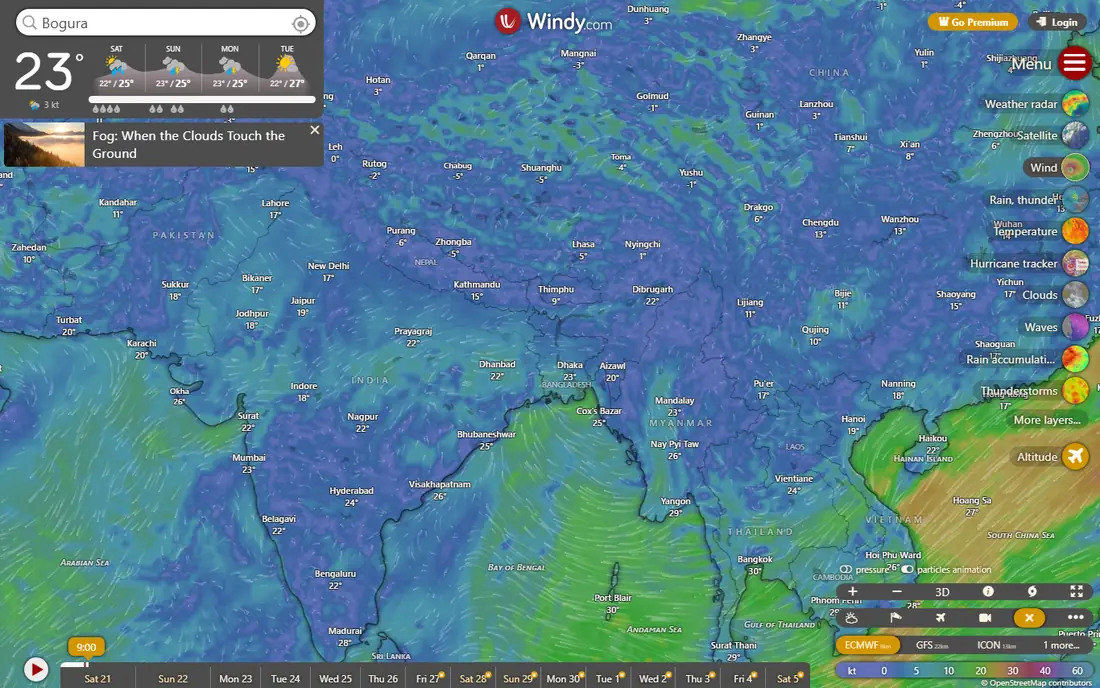
Windy is the easiest recommendation for people who want maps first and a simple daily forecast second. Its free tier is widely reported as carrying no advertising, and its privacy label is also reported as showing no tracking, which is rare among free weather apps. You can compare several forecast models side by side, which helps when models disagree about rain timing. That comparison habit is more useful than any single temperature number.
The catch is complexity. Windy shows a lot of layers, and a casual user who only wants to know if it will rain at lunch may find the map controls more than they need. Premium adds features such as longer forecasts and more frequent updates, but the free version already covers wind, radar, and basic forecasts well. Start here if you like maps and you dislike ads.
- Free tier with no advertising reported in recent guides
- Many forecast models to compare
- Detailed wind, wave, and rain maps
- Interface can feel busy for casual users
- Some advanced features sit on a paid Premium tier
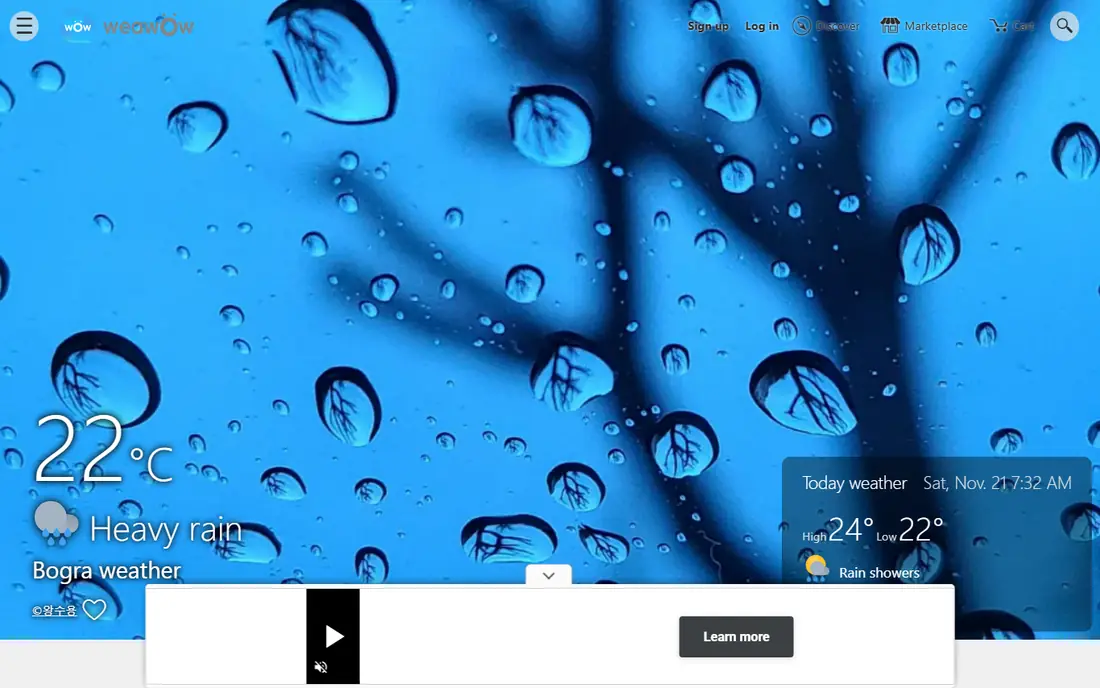
Weawow is a quiet favourite among people who simply want a forecast without banner ads, video ads, or sponsored cards in the way. It is free, it is reported as ad free, and it lets you shape the home screen with photos and widgets that match your taste. For a daily check before work, school, or a walk, that simplicity is a strength, not a gap.
The honest limit is depth. If you track storms, aviation data, or detailed radar layers, Weawow will feel thin next to Windy or MyRadar. Use it as your daily forecast app, and pair it with a radar app when a storm is actually coming. For most readers, that split works well and costs nothing.
- Free and reported as fully ad free
- Customisable layouts and photo widgets
- Hourly and daily forecasts
- Design is plainer than some rivals
- Radar is less detailed than specialist radar apps
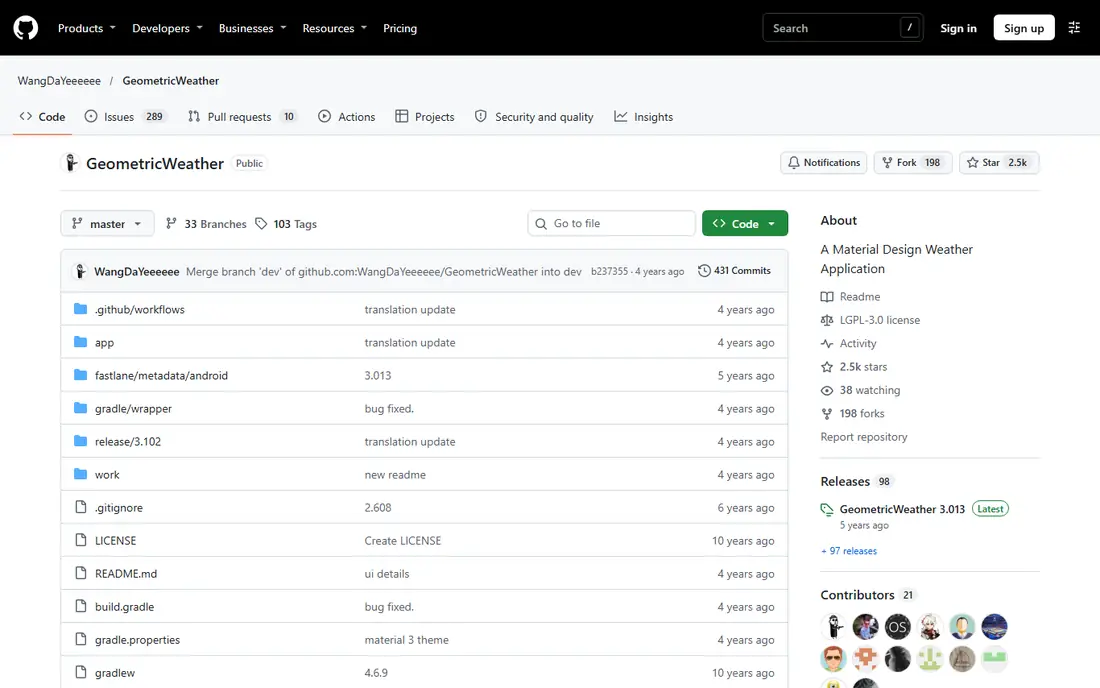
Geometric Weather is an open source Android app that keeps the focus narrow. It shows current conditions, hourly and daily forecasts, and widgets, without ads and without a large footprint on your phone. Because the code is public, privacy minded users can see what it does, and there is no advertising business behind the forecast to shape the design.
The trade is scope. It is not a storm tracking tool, and it does not try to match the alert and radar depth of MyRadar or Windy. It also suits Android users best, so iPhone users should look elsewhere on this list. If you want a small, calm, ad free forecast on Android, it fits that job well.
- Open source and lightweight
- No ads in the app
- Clean widgets and daily views
- Android only in practice
- Fewer data sources and alert features than larger apps
CARROT Weather is the most customisable app on this list, and it is also the one where the ad question needs care. The free version is free to download, but the developer has said it includes ads, mainly for fake products or other indie apps, rather than third party tracking ads. Paid Premium plans, from $4.99 per month or $19.99 per year for Premium, remove that compromise and add data source choice, notifications, widgets, and watch complications.
If you like to build your own layout, pick a data source you trust for your area, and set a personality from professional to playful, CARROT is hard to beat. The catch is cost over time. A $39.99 per year Premium Ultra plan adds rain, lightning, and storm cell notifications, so judge it on the tier you would actually buy, not the free download alone.
- Highly customisable layouts and widgets
- Choice of weather data sources on paid plans
- Rain, lightning, and storm alerts on higher tiers
- Free version includes ads for house and indie products
- Full features need a subscription
MyRadar is built for radar first. Open it and you get a fast, animated map that is easy to read in a hurry, which is exactly what you need when rain is approaching. It also offers layers for wind, fronts, aviation data, earthquakes, and wildfire monitoring, plus rain alerts that aim to warn you before rain arrives at your location. For storm watchers, that speed and layer choice matter more than a pretty daily summary.
The ad position is clear. The free version contains ads, while the Pro upgrade, listed at $5.99 as a one time purchase, removes them and adds features such as hurricane tracking and professional radar packs. That one time price makes MyRadar one of the cheapest ad free routes on this list if radar is your main need. Check the current store listing before buying, because subscription options for aviation charts are listed separately.
- Very fast animated radar
- Many data layers including wind, fronts, and wildfire data
- Low cost Pro upgrade
- Free version contains ads
- Full value needs the Pro upgrade for some layers
Overdrop is a widget lover's app. It offers dozens of widget styles, themes that suit dark screens, and a clean forecast view that is easy to glance at. If your phone home screen is your weather app in practice, Overdrop makes that glance look good and stay useful, with hourly and daily detail a tap away.
The ad question again depends on the tier. The free version contains advertising, and the paid Pro options remove ads and add more providers, radar, and widgets. App store listings show a range of terms, including monthly and yearly options and a lifetime purchase, so the price you see will depend on your store and region. Try the free version for design, then pay only if the widgets earn a place on your home screen.
- Many widget styles
- Clean design
- Rain radar and multiple providers on paid plans
- Free version contains advertising
- Paid pricing varies by term and store
Appy Weather keeps the forecast simple. A scrolling timeline shows current weather and what comes next, with temperature, feels like temperature, and precipitation easy to compare as you move through the day. At setup it lets you check weather by search rather than by granting location permission, which privacy minded users may prefer.
The free version includes ads, while the Plus tier is reported as removing ads and adding radar, notifications, and widgets. That makes Appy Weather a good pick if you want a calm, readable forecast and you are willing to pay a small yearly amount for the ad free version. If you want a free ad free app with no payment at all, Windy or Weawow fit better.
- Clear scrolling timeline
- Privacy friendly setup choices
- Paid Plus removes ads
- Free version includes ads
- Smaller feature set than map heavy rivals
Today Weather is often listed among Android weather apps with no ads, and its appeal is a clean, modern design that does not get in the way. It offers widgets, hourly and daily forecasts, and a layout that suits a quick morning check. For readers who found other apps too busy, that restraint is the selling point.
The caveat is verification. App details, data sources, and pricing can vary by platform and over time, so check the store listing on your own device before you settle on it. If the listing on your phone shows ads or in app purchases you do not want, Windy and Weawow remain the safer free ad free picks. If it matches the guides, Today Weather is a pleasant daily option.
- Clean design
- Widgets
- Multiple data sources reported in guides
- Free version with no ads reported
- Feature set varies by platform
- Verify the current store listing for your device
How we picked these
We compared app store listings, vendor pages, and public app guides, and we kept only apps that are live in October 2026 and that are either free without third party ads or that offer a clear paid route to an ad free experience. We excluded well known apps whose free versions are ad supported with no clear ad free claim, unless a paid tier clearly removes ads. We also weighed radar quality, widget quality, alert features, and privacy labels, because an ad free app that misses a storm warning is not a good trade.
How to choose an ad free weather app
Start by deciding what you actually check. If you check a daily forecast once in the morning, a clean app such as Weawow or Today Weather is enough, and you do not need a map heavy tool. If you check radar during storms, pick MyRadar or Windy first, even if the daily forecast view is plainer. If widgets drive your choice, try Overdrop and compare its styles with the widgets in CARROT Weather before paying.
Next, read the ad line on the store listing, not just the marketing page. Look for the words Contains ads, check if a paid tier says it removes ads, and check if the free version is ad free by design, as with Windy and Weawow, or ad free only after payment. Also check data use. An app with no banner ads can still collect location data, so read the privacy label and turn off precise location if a searched location works for you. Finally, keep an official alert source for severe weather, such as your national weather service alerts or your phone emergency alerts, because no consumer app should be your only warning.
Frequently asked questions
What is the best free weather app without ads?
Windy and Weawow are the strongest free answers in our comparison, because both are reported as free without third party advertising. Windy suits map and wind users, while Weawow suits people who want a simple daily forecast. Geometric Weather is another free, ad free option for Android users who want a lightweight app.
Is CARROT Weather ad free?
CARROT Weather is not fully ad free on its free tier, because the developer has said the free version includes ads for house and indie products. Paid Premium plans are the route to the full feature set, including data source choice and more notifications. If a completely ad free free app is your priority, start with Windy or Weawow instead.
Does MyRadar have ads?
The free version of MyRadar contains ads, while the Pro upgrade removes them. The Pro upgrade is listed at $5.99 as a one time purchase, with extra subscription options for aviation charts listed separately. That makes MyRadar a low cost ad free choice if radar is your main use.
How can I get an ad free weather app on iPhone?
On iPhone, Windy, Weawow, and CARROT Weather on a paid plan are practical routes, and MyRadar Pro is a low cost radar option. Check the App Store listing for Contains ads on each app, because that label is the clearest signal for the free version. Also turn on system emergency alerts so severe weather warnings reach you even if you change apps.
Are ad free weather apps more private?
Not always. An app can show no ads and still collect location or usage data, and an app with ads can limit tracking. Read the App Store or Google Play privacy label, check if the app offers searched locations instead of precise location, and prefer apps whose labels show no tracking when privacy is your main concern.
Why do some free weather apps show ads?
Weather data is costly to buy and serve, so many free apps pay for that data with advertising or with paid upgrades. Apps that charge a subscription, a one time Pro price, or that are open source with no ad business can avoid third party ads, but they still need to cover data costs in another way. That is why the ad free label alone does not tell you the whole business model.
Sources
- https://www.windy.com
- https://weawow.com
- https://github.com/WangDaYeeeeee/GeometricWeather
- https://www.meetcarrot.com
- https://myradar.com
- https://overdrop.app
- https://appyweather.com
- https://todayweather.co
- https://support.meetcarrot.com/weather/
- https://apps.apple.com/us/app/carrot-weather-alerts-radar/id961390574
See where you really rank - block by block
ProMapRanker scans Google Maps across a grid of your service area. Simple monthly plans from $19, white-label on every plan.
Start freeKeep reading
 wpforms alternatives
Best WPForms Alternatives in 2026
We compare 9 wpforms alternatives for WordPress forms, with free and paid options, current pricing notes, and honest limits for small business sites in 2026.
Read → windows task scheduler alternatives
Best Windows Task Scheduler Alternatives in 2026
Looking for Windows Task Scheduler alternatives? We compare 9 schedulers for Windows and cross-platform work, from free tools to enterprise automation.
Read → which ai video service is best
Which AI Video Service Is Best in 2026
which ai video service is best? We compare 10 legitimate AI video services on price, avatars, editing and output quality to help you pick the right tool.
Read →