 ProMapRanker
Best Accounting Software With Integrated Payroll in 2026


Most United States small businesses · Pricing starts at: See website
Key takeaways
- QuickBooks Online with QuickBooks Payroll is the most complete books plus pay combination for United States small businesses, with payroll data flowing straight into accounting.
- Xero pairs strong accounting and unlimited users with payroll through its own payroll tools or connected partners, depending on region.
- Zoho Books offers the best value for Zoho users, with payroll included on higher plans or through Zoho Payroll in some regions.
- FreshBooks suits service businesses that bill by time and project, with payroll as an add-on rather than a built-in core.
- Integrated payroll saves time only when pay, taxes, and benefits post correctly to the books, so test that flow before you commit.
Quick comparison
| Pick | Great for | Pricing starts at | Free tier | |
|---|---|---|---|---|
| QuickBooks Online | Most United States small businesses | See website | Free trial | Visit |
 Xero | Teams sharing the books | See website | Free trial | Visit |
 FreshBooks | Service billing plus payroll add-on | See website | Free trial | Visit |
 Zoho Books | Zoho ecosystem value | Free | Yes | Visit |
 Sage Accounting | Growing firms on a budget | See website | Free trial | Visit |
 Patriot Accounting | Low cost books plus payroll | See website | Free trial | Visit |
 NetSuite | Scaling mid-market finance | See website | No | Visit |
 Kashoo | Simple books for solo owners | See website | Free trial | Visit |
 AccountEdge Pro | Desktop style books with payroll | See website | Free trial | Visit |
The best accounting software with integrated payroll
The best integrated payroll and accounting software keeps books and pay in sync, so labor costs, tax liabilities, and benefits post without manual journals. That sync matters at month end, tax time, and when you need a true view of cash flow. This list covers tools where payroll is built in, added as a first party module, or connected tightly enough to count as integrated for daily use.

QuickBooks Online is our pick for most United States small businesses because accounting depth and payroll integration are both strong. Payroll runs, tax liabilities, and labor costs flow into the books, and accountants widely support the platform. Invoicing, expenses, bank feeds, reporting, and inventory on higher tiers cover most small business needs in one place.
Payroll is a paid add-on, not included in base accounting plans, so total cost is accounting plus payroll plus per employee fees. Higher tiers also add user limits and features that small teams may not need. For a business that wants one supported system for books and pay, QuickBooks Online remains the default to beat.
- Deep accounting plus payroll integration
- Large app ecosystem
- Strong accountant support
- Pricing rises with tiers and users
- Payroll is a separate paid add-on
- Interface can feel busy
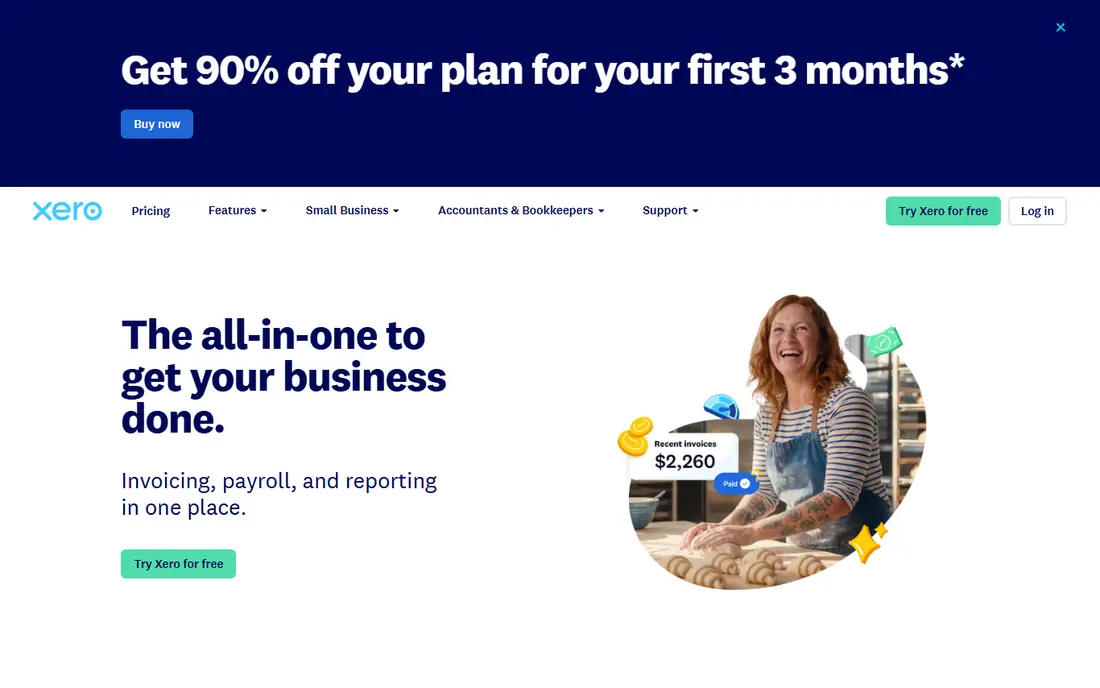
Xero suits teams that share the books, since every plan includes unlimited users. Bank reconciliation, invoicing, bill pay, and reporting are clean and fast, and the app marketplace connects to payroll, payments, and CRM tools. For growing businesses that add bookkeepers, managers, and accountants, unlimited users removes per seat math.
Payroll integration varies by region. In some regions Xero offers its own payroll, while in others payroll comes through connected partners such as Gusto. Teams should confirm payroll, tax filing, and benefits coverage for their country before choosing Xero for integrated pay. For accounting collaboration, Xero is excellent.
- Unlimited users on all plans
- Clean bank reconciliation
- Large app marketplace
- Payroll coverage varies by region
- Some payroll features need partners
- Higher tiers needed for full reporting
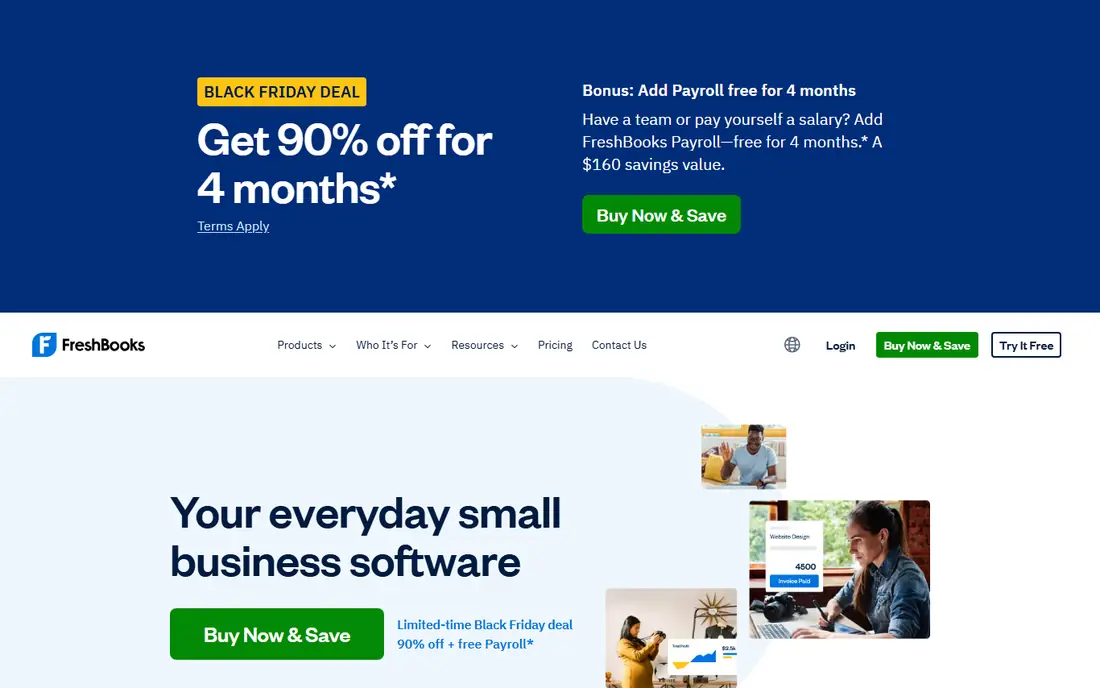
FreshBooks is built for service businesses that bill by time, project, or retainer. Invoices, estimates, time tracking, expenses, and client payments fit together well, and payroll can be added for teams that need it. For freelancers and agencies that move to small teams, FreshBooks keeps billing simple while adding pay.
Accounting depth is lighter than QuickBooks or Xero, especially on entry plans, and inventory support is limited. Payroll as an add-on also means total cost is accounting plus payroll fees. For service firms where billing drives the business, FreshBooks is a strong, friendly choice.
- Strong invoicing and time tracking
- Client portal
- Simple project billing
- Payroll is an add-on
- No double entry accounting on entry plans
- Inventory is limited
Zoho Books offers strong value, with a free plan for businesses under a revenue limit and paid plans that add automation, projects, and inventory. Payroll is included on higher plans in some regions or handled through Zoho Payroll in others, so Zoho users can keep books and pay inside one ecosystem. Automation for invoices, reminders, and workflows saves time for small teams.
Teams outside Zoho should check payroll coverage for their region carefully, since integrated payroll is not identical everywhere. Higher tiers are also needed for advanced features and more users. For Zoho users and budget conscious teams, Zoho Books is a compelling books plus pay option.
- Free plan for small businesses
- Strong automation
- Deep Zoho suite integration
- Payroll coverage varies by region
- Higher plans needed for full features
- Support varies by plan
Sage Accounting suits growing firms that want solid accounting, invoicing, bank reconciliation, and forecasting at a moderate price. Payroll comes through Sage Payroll, which integrates with Sage Accounting and handles pay, taxes, and reporting for its regions. That pairing suits firms that want a known accounting brand without enterprise cost.
Payroll is a separate product with its own pricing, so total cost needs both quotes. Plan names and features also vary by region, which can confuse comparison shopping. For firms that value Sage accounting depth and a separate but connected payroll product, this pairing works well.
- Solid accounting and forecasting
- Payroll through Sage Payroll
- Good for growing firms
- Payroll is a separate product
- Plan names vary by region
- Interface can feel dated in places
Patriot Accounting pairs with Patriot Payroll for a low cost books plus pay combination for United States small businesses. Accounting covers invoicing, expenses, bank feeds, and reporting, while payroll covers full service tax filing on its Full Service plan. United States based support and simple pricing appeal to owners without accounting staff.
Depth is lighter than QuickBooks or Xero, especially for inventory, multi-entity work, or advanced reporting. Payroll is a separate product, so total cost is accounting plus payroll fees. For very small teams that want low cost and simplicity, Patriot is a practical pairing.
- Low cost accounting and payroll pairing
- United States based support
- Simple interface
- Accounting depth is lighter than QuickBooks
- Payroll is a separate product
- Fewer integrations
NetSuite suits mid-market companies that have outgrown small business accounting. It combines general ledger, accounts payable and receivable, inventory, order management, and payroll in one ERP system, with multi-entity and multi-currency support. For companies with subsidiaries, complex revenue, or global operations, that depth matters.
Pricing is quote based and implementation takes time, with configuration for chart of accounts, workflows, and payroll rules. Small businesses will find NetSuite larger and costlier than needed. For scaling companies that need finance, payroll, and operations in one system, NetSuite is a strong long term choice.
- Full ERP accounting plus payroll
- Multi-entity and multi-currency support
- Strong reporting
- Quote based pricing
- Implementation is complex
- More than small businesses need
Kashoo suits solo owners and tiny teams that want simple books without a steep learning curve. It covers invoicing, expenses, bank connections, and basic reporting in a clean interface. For a one person business that needs to track income and expenses and send invoices, Kashoo keeps admin light.
Payroll integration is limited compared with QuickBooks or Xero, so teams that hire staff may need a separate payroll tool and manual journals. Reporting is also basic for larger teams. For solo owners with no payroll or very simple pay needs, Kashoo is an easy, low friction choice.
- Simple interface
- Invoicing and expenses
- Good for solo owners and tiny teams
- Payroll integration is limited
- Reporting is basic
- Not suited to complex accounting
AccountEdge Pro suits owners who prefer desktop style accounting with payroll, inventory, and job costing in one product. It covers general ledger, invoicing, payroll, and time billing, with a familiar desktop workflow for accountants who like local control. For trades and small firms with job costing needs, AccountEdge offers depth at a moderate price.
Cloud access and multi-user work need a hosted plan, and the app ecosystem is smaller than QuickBooks or Xero. Single user limits on some plans also matter for teams. For owners who want desktop accounting plus payroll without a full cloud suite, AccountEdge Pro is worth a look.
- Desktop style accounting with payroll
- Inventory and job costing
- One time style subscription options vary
- Single user limits on some plans
- Cloud access needs hosted plan
- Smaller ecosystem than QuickBooks
How we picked these
We compared accounting tools on general ledger depth, invoicing, bank reconciliation, reporting, payroll integration, and pricing transparency. We used vendor pricing pages and comparison guides, and we favored tools where payroll is built in, offered as a first party module, or connected tightly to accounting. Where pricing is quote based or varies by region, we wrote See website rather than publishing a figure we could not verify.
We did not claim hands-on testing. Payroll coverage, tax filing, and benefits support vary by region and plan, so confirm payroll details for your country and headcount in a demo before signing. This article is general information, not financial or tax advice.
How to choose accounting software with payroll
Confirm how payroll posts to the books
Ask how pay runs, employer taxes, benefits, and payroll liabilities post to the general ledger. The best integration posts automatically with clear accounts, while a weak integration needs manual journals every pay run. Test a sample pay run in a trial and check the resulting journal entries.
Compare total books plus pay cost
Add accounting plan cost, payroll base fee, per employee fees, and any add-ons for time tracking or benefits. A low accounting price can become costly once payroll is added, and a quote based ERP can exceed small business budgets quickly. Use the same headcount and pay frequency for every quote.
Check tax, reporting, and accountant fit
Confirm tax filing coverage, year end forms, and reporting for your region. Also check whether your accountant supports the tool, since accountant help saves time at year end. A tool your accountant knows well often beats a cheaper tool they must learn from scratch.
Frequently asked questions
What is the best integrated payroll and accounting software?
QuickBooks Online with QuickBooks Payroll is the most complete pairing for United States small businesses. Xero suits teams that share the books, Zoho Books suits Zoho users on a budget, and NetSuite suits scaling mid-market companies. The best choice depends on region, headcount, and accounting depth needed.
Is payroll included in accounting software pricing?
Usually not. Most tools in this guide charge accounting and payroll separately, even when they integrate tightly. QuickBooks, FreshBooks, Sage, and Patriot all list payroll as a paid add-on or separate product. Always add both prices when comparing total cost.
Does Xero include payroll?
Xero payroll coverage varies by region. In some regions Xero offers its own payroll, while in others payroll comes through connected partners. Check Xero payroll for your country, including tax filing and benefits support, before assuming payroll is included in an accounting plan.
Can I use separate accounting and payroll tools instead?
Yes, separate tools can work well if they sync reliably. Many businesses pair Xero with Gusto, or Zoho Books with Zoho Payroll, and use integrations to post payroll data. The risk is manual journals and sync errors, so test the integration with a real pay run before committing.
What should a small business check before switching books plus pay tools?
Check data migration for chart of accounts, customers, vendors, and payroll history, plus tax filing for prior periods. Ask how year to date payroll data imports, what reports transfer, and what deadlines apply. Plan the switch at a quiet time, such as a quarter boundary, if possible.
Sources
See where you really rank - block by block
ProMapRanker scans Google Maps across a grid of your service area. Simple monthly plans from $19, white-label on every plan.
Start freeKeep reading
 wpforms alternatives
Best WPForms Alternatives in 2026
We compare 9 wpforms alternatives for WordPress forms, with free and paid options, current pricing notes, and honest limits for small business sites in 2026.
Read → windows task scheduler alternatives
Best Windows Task Scheduler Alternatives in 2026
Looking for Windows Task Scheduler alternatives? We compare 9 schedulers for Windows and cross-platform work, from free tools to enterprise automation.
Read → which ai video service is best
Which AI Video Service Is Best in 2026
which ai video service is best? We compare 10 legitimate AI video services on price, avatars, editing and output quality to help you pick the right tool.
Read →