 ProMapRanker
Best Accounting and Finance Software in 2026


Most US small businesses · Pricing starts at: $38 per month
Key takeaways
- QuickBooks Online suits most US small businesses, because of its accountant network, integrations, and scale from solo to multi-user plans.
- Xero suits teams that need unlimited users and clean bank reconciliation, while Wave suits solo owners who need free core accounting.
- FreshBooks suits service businesses that bill by time, and Zoho Books suits cost-conscious owners already using Zoho apps.
- Entry plan limits on invoices, users, and bank feeds decide the real cost, so check those caps before you pick a low headline price.
Quick comparison
| Pick | Great for | Pricing starts at | Free tier | |
|---|---|---|---|---|
| QuickBooks Online | Most US small businesses | $38 per month | No | Visit |
 Xero | Teams and multi-user access | $25 per month | No | Visit |
 FreshBooks | Service billing and time tracking | $23 per month | No | Visit |
 Wave | Free solo accounting | Free | Yes | Visit |
 Zoho Books | Low-cost small business accounting | Free | Yes | Visit |
 Sage 50 | Desktop-style small business accounting | See website | No | Visit |
 Sage Intacct | Multi-entity finance teams | See website | No | Visit |
 Kashoo | Simple first-time bookkeeping | $20 per month | No | Visit |
 FreeAgent | UK small business accounting | See website | No | Visit |
The best accounting and finance software
Accounting and finance software covers invoicing, expenses, bank reconciliation, reports, and tax preparation. The right tool depends on business size, whether you work with an accountant, and how many people need access. We compared official pricing pages and recent pricing roundups in October 2026, and we kept tools that are live for small and mid-size businesses. Prices are regular list rates, not short promotional rates.

QuickBooks Online remains the default choice for many US small businesses, and the reason is practical: most accountants know it, most apps integrate with it, and most bookkeepers can step in without a long learning period. Simple Start at $38 per month covers invoicing, expenses, and basic reports for a single user, while Essentials and Plus add users, bill management, and inventory. Payroll is an add-on, and mileage and project tracking sit on higher plans.
The cost and the user cap are the main catches. A business that grows past one user must move up a tier, and the monthly bill rises with each step. The interface also packs in many features, which can feel busy for a first-time owner. Still, for a US business that plans to work with an accountant and grow, QuickBooks Online is the safest long-term pick on this list.
- Broad accountant network in the US
- Wide integration list
- Scales from Simple Start to Plus and Advanced
- Higher cost than rivals
- Simple Start allows only one user
- Learning curve for new bookkeepers
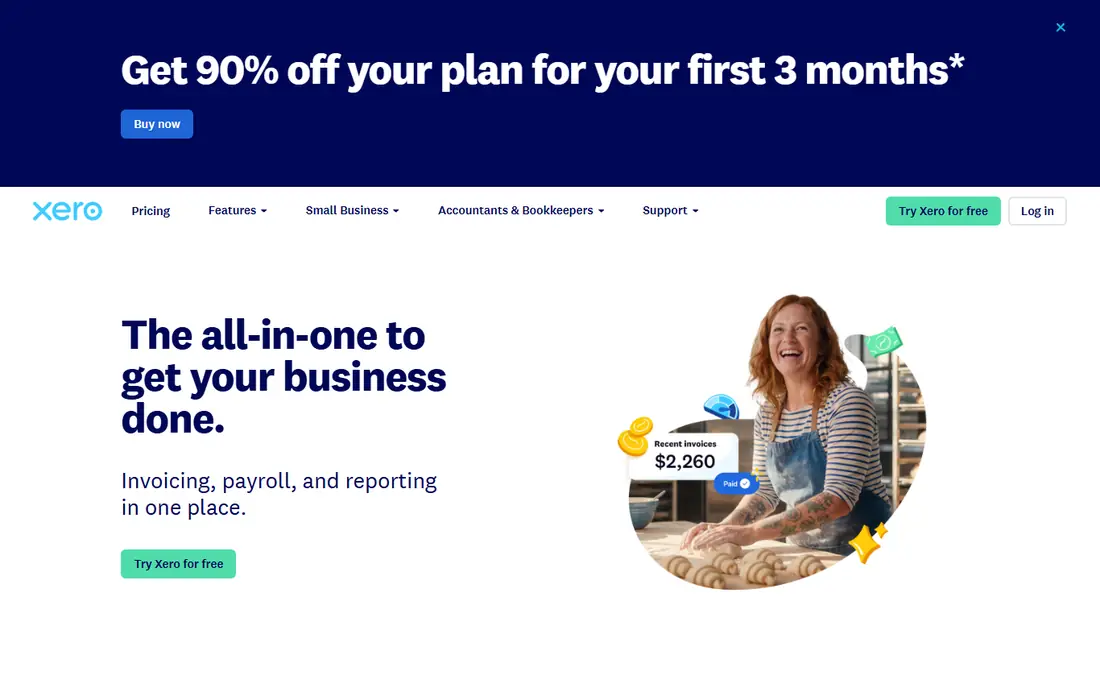
Xero suits teams that need several people in the books without paying per seat. Every plan allows unlimited users, which is a real saving once a business has a bookkeeper, an office manager, and an owner all needing access. Bank feeds and reconciliation are clean and fast, and multi-currency support helps businesses that invoice in more than one currency. Early starts at $25 per month, with Growing and Established above it.
Early caps matter: 20 invoices and 5 bills per month on the entry plan will push an active business to Growing quickly. US payroll is handled through a partner such as Gusto rather than built in, which adds a second subscription for some firms. For a team-first business, or a firm whose accountant prefers Xero, the unlimited-user model often outweighs those limits.
- Unlimited users on all plans
- Clean bank reconciliation
- Strong multi-currency support
- Early plan caps invoices and bills
- Payroll is handled through partners in the US
- Inventory needs higher plans
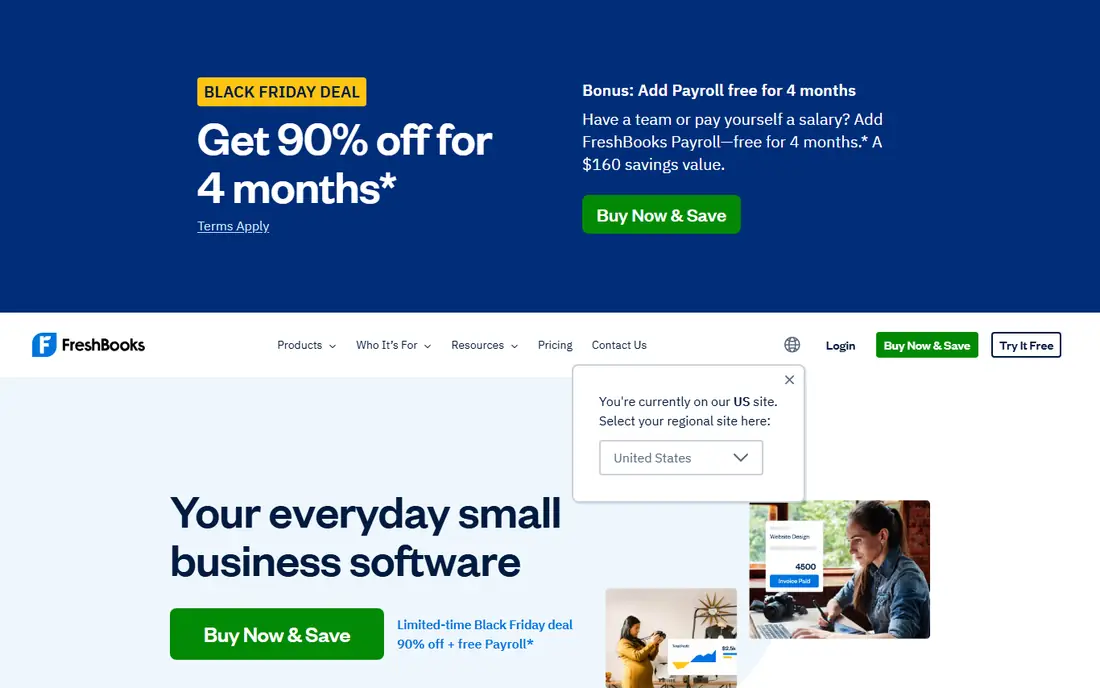
FreshBooks is built for service businesses that bill clients for time and projects. Invoices look polished, clients can pay online, and time tracked on a project flows into an invoice without retyping. Expense capture, mileage, and simple reports cover the daily finance jobs for freelancers and small agencies. Lite starts at $23 per month for up to five clients, with Plus and Premium above it.
The tool is lighter on pure accounting depth than QuickBooks or Xero, and it does not offer full double-entry bookkeeping in the same way. Client caps on lower plans also push a growing agency to a higher tier sooner than expected. Choose FreshBooks when invoicing and time billing are the core job, and choose QuickBooks or Xero when inventory, complex reporting, or full double-entry depth matters more.
- Excellent invoicing and client experience
- Time tracking and expense capture
- Simple reports for service firms
- Lighter on double-entry depth than QuickBooks or Xero
- Client caps on lower plans
- Payroll is an add-on
Wave offers free core accounting, invoicing, and bookkeeping for solo owners and side businesses, with no revenue cap on the free Starter plan. That makes it the best free option for a new business that needs proper records without a monthly bill. Invoices are unlimited, records are double-entry, and the setup is simple enough for a first-time owner to start in an afternoon.
The paid Pro plan at $19 per month adds automatic bank import and receipt capture, which many owners will want once transaction volume grows. Payroll is a separate add-on, and inventory is not covered, so product businesses will outgrow Wave sooner. For a solo service business with modest volume, Wave is a strong free starting point, with a clear upgrade path when bank feeds become essential.
- Free core accounting and invoicing with no revenue cap
- Real double-entry bookkeeping
- Simple setup for solo owners
- Automatic bank import needs the paid Pro plan
- Payroll is an add-on
- No inventory management
Zoho Books offers a free plan for businesses with revenue under $50,000, with 1,000 invoices per year on that tier, plus accountant access. That makes it a strong low-cost pick for a bootstrapped founder. Paid Standard starts at $15 per organization per month on annual billing in some listings, and $20 per month in others, so the vendor pricing page should be checked for the current rate. Automation covers recurring invoices, payment reminders, and bank reconciliation, and the mobile app handles invoicing on the go.
The free tier cap and the Zoho ecosystem are the limits. A business that grows past the revenue or invoice cap must move to a paid plan, and the deepest value comes when Zoho Books sits next to Zoho CRM, Inventory, and Projects. For a cost-conscious owner already using Zoho, or a small business that wants a generous free tier, Zoho Books is hard to beat.
- Free plan for businesses under $50,000 in revenue
- Automation for invoices and reminders
- Strong value inside the Zoho suite
- Free plan caps invoices per year
- Full value needs other Zoho apps
- Advanced automation can need scripting
Sage 50, formerly Peachtree, suits established small businesses that prefer desktop-style accounting with inventory, job costing, and detailed reports. It handles invoicing, bill payment, inventory control, and payroll in a system many long-running firms already know. That familiarity reduces training time for staff who have used Sage products before, and the reporting depth suits firms with inventory or project costs.
Pricing varies by tier and user count, and annual terms apply on some plans, so the vendor site should be checked for the current rate for your setup. Sage 50 is also less cloud-native than QuickBooks Online or Xero, which matters for teams that need browser access from anywhere. Choose Sage 50 when desktop depth and inventory matter most, and choose a cloud tool when remote access and unlimited users matter more.
- Familiar desktop accounting with inventory and job costing
- Strong reporting for established firms
- Payroll and payment options
- Subscription pricing with annual terms reported
- Desktop feel in a cloud-first market
- Price varies by user count and tier
Sage Intacct is built for growing and mid-size finance teams, not for a solo owner. It handles multi-entity consolidation, multi-currency reporting, detailed audit trails, and approval workflows out of the box, which matters when a business runs several companies or locations. Budgeting, project accounting, and revenue recognition features support firms that have outgrown a small business ledger. Pricing is quote-based, with annual costs reported from $10,000 for smaller implementations.
That scale is also the catch. Cost and complexity make Sage Intacct a poor fit for a small business that only needs invoicing and reconciliation. Report building takes learning, and mobile access is limited compared with cloud-first rivals. Choose Sage Intacct when multi-entity finance, compliance, and audit depth are the requirements, and stay with QuickBooks or Xero until that complexity arrives.
- Multi-entity consolidation and multi-currency reporting
- Audit trails and approval workflows
- Strong compliance features
- Quote-based pricing, costly for small firms
- Report building has a learning curve
- No native mobile app reported
Kashoo suits a first-time owner who finds larger accounting tools intimidating. The interface is plain and direct: connect a bank account, record income and expenses, send invoices, and view profit and tax reports without wading through a large menu. Starting at $20 per month, it costs less than QuickBooks Online and Xero, and it covers the core bookkeeping job for a small service business.
The trade-off is ecosystem depth. Integrations are fewer, inventory and payroll features are lighter, and fewer US accountants use Kashoo as a primary tool. A business that plans to hire a bookkeeper or add inventory may need to migrate later. For an owner who wants simple, honest bookkeeping at a low price, Kashoo is a good first system.
- Simple interface for first-time owners
- Invoicing, expenses, and reports in one place
- Low monthly price
- Fewer integrations than the leaders
- Lighter inventory and payroll depth
- Smaller accountant network in the US
FreeAgent suits UK sole traders, partnerships, and limited companies that want one simple plan with all features included. It covers invoicing, expenses, bank feeds, tax timelines, and payroll links, with a clear view of upcoming tax deadlines. Holders of a NatWest, Royal Bank of Scotland, or Ulster Bank business account can use the full product free for as long as they hold the account, which is a strong deal for eligible UK owners.
The UK focus is the limit for US readers. US tax features, payroll, and support are thinner than on QuickBooks Online or Xero, and pricing should be confirmed on the vendor site for the current monthly rate. Choose FreeAgent when your business is UK-based and simplicity matters. Choose a US-focused tool when US tax, payroll, and accountant support are the priority.
- One plan with all features included
- Invoicing, expenses, tax timelines, and payroll links
- Free with some UK bank accounts
- UK-focused, with limited US tax features
- Pricing should be confirmed on the vendor site
- Smaller US support base
How we picked these
We compared official pricing pages and recent September and October 2026 pricing roundups for accounting tools live today. We kept tools with invoicing, bank reconciliation, and reporting for small and mid-size businesses, and we favored a mix of free, low-cost, general, and multi-entity options. Prices that differ across sources, or that are quote-based, are marked as See website rather than stated as a single figure.
What to check before you buy
Start with your accountant. If you work with one, ask which system they prefer, since their familiarity saves time and fees at year-end. Next, check the caps that matter for your volume: users, invoices, bills, and bank feeds. A low entry price that caps invoices at 20 per month will force an upgrade in the first busy month.
Test bank reconciliation with your real accounts during a trial, since a feed that fails or duplicates transactions creates more work than it saves. Check payroll, inventory, and multi-currency needs separately, because those features often sit on higher plans or partner apps. Finally, confirm how you export data. A clean export of transactions, invoices, and reports protects you if you switch tools later.
Frequently asked questions
What is the best accounting and finance software for a small business?
QuickBooks Online is our pick for most US small businesses, because of its accountant network, integrations, and range of plans. Xero suits teams that need unlimited users, Wave suits solo owners who need free core accounting, and Zoho Books suits cost-conscious owners under $50,000 in revenue. Match the tool to your team size and accountant first, then to price.
Is free accounting software good enough?
For a solo service business with modest volume, yes. Wave offers free core accounting and invoicing with no revenue cap, and Zoho Books offers a free plan under $50,000 in revenue. Free plans usually limit bank feeds, users, or invoice counts, so a growing business should expect to move to a paid plan when volume rises.
What is the difference between accounting software and finance software?
Accounting software records income, expenses, invoices, and taxes, while finance software is a broader term that can also cover budgeting, forecasting, payroll, and financial planning. Most small business tools on this list cover both jobs at a basic level, with budgeting and forecasting on higher plans or add-ons.
Do I still need an accountant if I use accounting software?
Software records and organizes your finances, but it does not replace professional advice on tax, compliance, or business structure. Many owners use software for daily books and an accountant for year-end tax, reviews, and planning. Ask your accountant to review your chart of accounts and tax categories during setup.
How much should a small business pay for accounting software?
Most small businesses pay $0 to $80 per month for core accounting, depending on users and features. Free tools cover basics, $20 to $40 per month covers most solo and small team plans, and $90 to $140 per month covers higher tiers with inventory and more users. Payroll, payments, and multi-entity features add to that total.
Sources
See where you really rank - block by block
ProMapRanker scans Google Maps across a grid of your service area. Simple monthly plans from $19, white-label on every plan.
Start freeKeep reading
 wpforms alternatives
Best WPForms Alternatives in 2026
We compare 9 wpforms alternatives for WordPress forms, with free and paid options, current pricing notes, and honest limits for small business sites in 2026.
Read → windows task scheduler alternatives
Best Windows Task Scheduler Alternatives in 2026
Looking for Windows Task Scheduler alternatives? We compare 9 schedulers for Windows and cross-platform work, from free tools to enterprise automation.
Read → which ai video service is best
Which AI Video Service Is Best in 2026
which ai video service is best? We compare 10 legitimate AI video services on price, avatars, editing and output quality to help you pick the right tool.
Read →