 ProMapRanker
Best 3D Modeling Software in 2026

Key takeaways
- Blender is free and covers modeling, sculpting, animation and rendering, which makes it the default starting point for most artists.
- Autodesk Maya and 3ds Max remain studio standards for film and games, but at around $2,010 per year each, they only make sense for billable work.
- Cinema 4D is the friendliest professional option for motion graphics, while ZBrush leads for high-detail sculpting.
- SketchUp, Tinkercad-style simplicity and Fusion 360 cover architecture, beginners and product design without a steep learning curve.
- Match the tool to the output, since film, games, architecture and 3D printing need different modeling strengths.
Quick comparison
| Pick | Great for | Pricing starts at | Free tier | |
|---|---|---|---|---|
 Blender Blender | Free all-round 3D suite | Free | Yes | Visit |
 Autodesk Maya Autodesk Maya | Film and game animation | $2,010 per year | Free trial | Visit |
 Autodesk 3ds Max Autodesk 3ds Max | Game art and archviz | $2,010 per year | Free trial | Visit |
 Cinema 4D Cinema 4D | Motion graphics | See website | Free trial | Visit |
 ZBrush ZBrush | Digital sculpting | $399 per year | Free trial | Visit |
 Houdini Houdini | Visual effects and simulation | $299 per year | Yes | Visit |
 SketchUp SketchUp | Architecture and concepts | $119 per year | Yes | Visit |
 Autodesk Fusion Autodesk Fusion | Product design and CAD | $680 per year | Yes | Visit |
 Rhino Rhino | Industrial and NURBS design | $995 one-time | Free trial | Visit |
The best 3D modeling software
Modeling software builds geometry, which is different from rendering software that lights a finished model. The tools below cover polygon modeling, sculpting, parametric CAD and NURBS design. We compared official pricing, platform support and the kind of work each tool handles best.
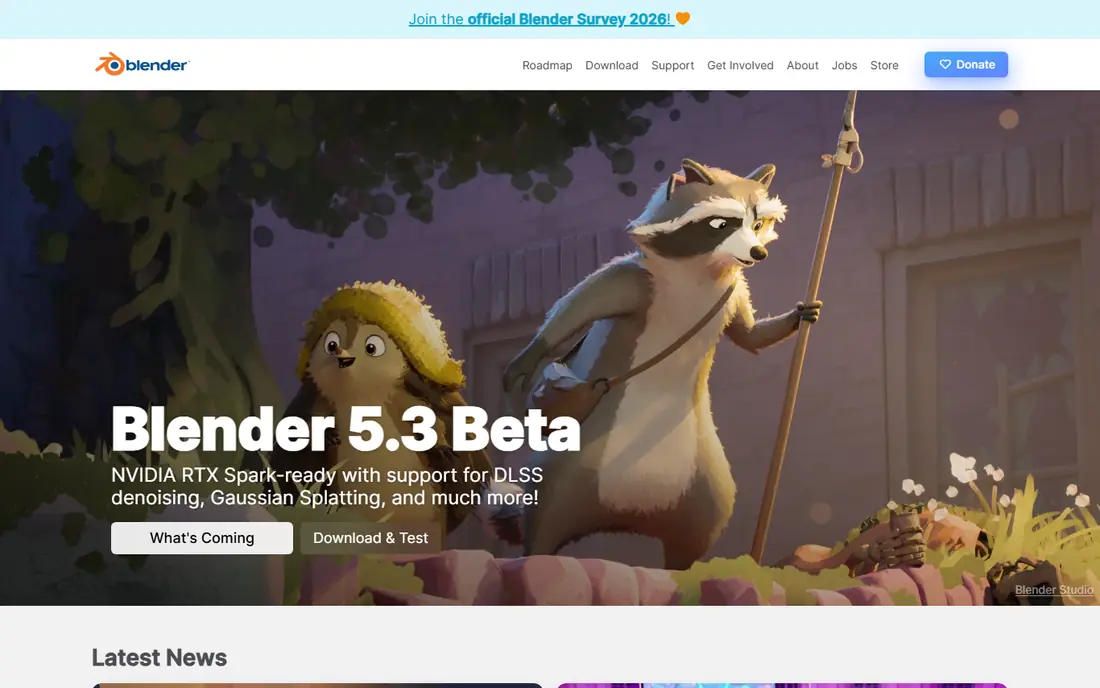
Blender is free, open source and complete. It handles polygon modeling, sculpting, animation, video editing and rendering with Cycles and EEVEE, so a solo artist can finish a project without buying another tool. Geometry Nodes add procedural modeling, which helps for repeated structures such as buildings and city scenes.
The cost is learning time. Blender packs many tools into one interface, and beginners can feel lost in the first weeks. The community helps, with free tutorials, forums and add-ons that cover almost every workflow. If you are starting out or working freelance, start with Blender and only pay for another tool when a client or studio requires it.
- Full pipeline from modeling to rendering
- Huge community and tutorial library
- No subscription or license cost
- Steep learning curve for beginners
- Interface can feel dense at first
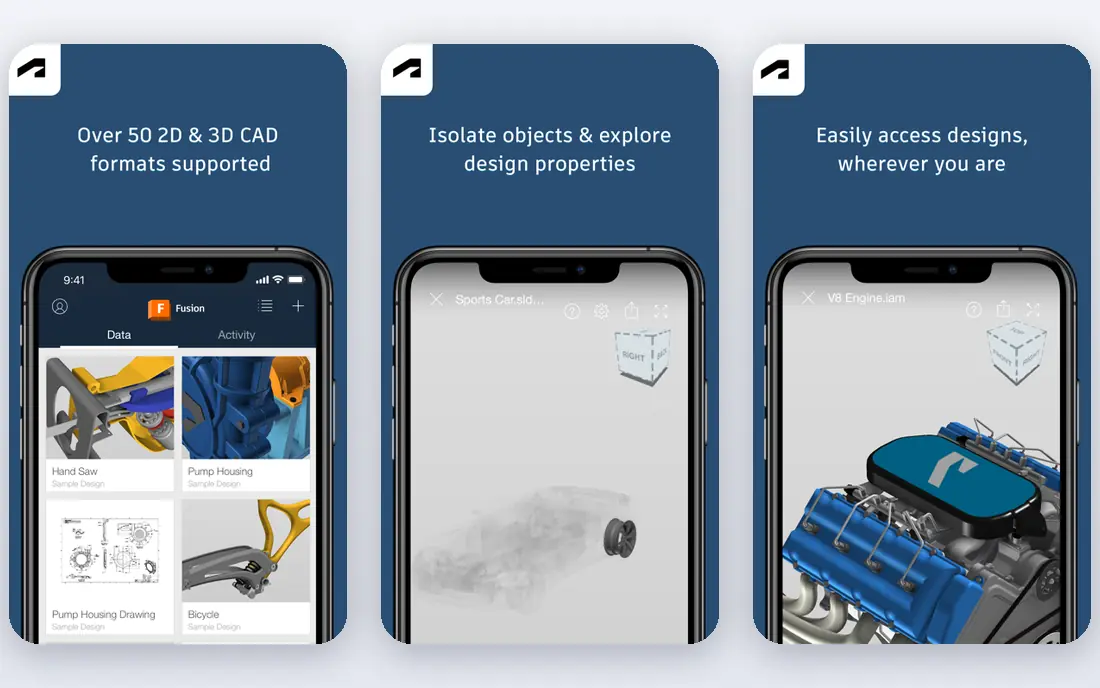
Maya is the studio standard for character animation, film visual effects and game cinematics. Its rigging, animation and Bifrost simulation tools are deep, and Arnold gives high-quality rendering without a separate purchase. Studios use Maya because pipelines, plugins and hiring all revolve around it.
The price is $2,010 per year in recent listings, with a trial and student access for eligible users. That cost is hard to justify for hobby work, and Maya is overkill if you only need simple product models. Choose Maya when you aim for studio work in film or games, or when a client pipeline already runs on it.
- Industry standard for character animation
- Arnold renderer included
- Strong rigging and simulation tools
- High yearly price
- Dense interface and steep learning curve
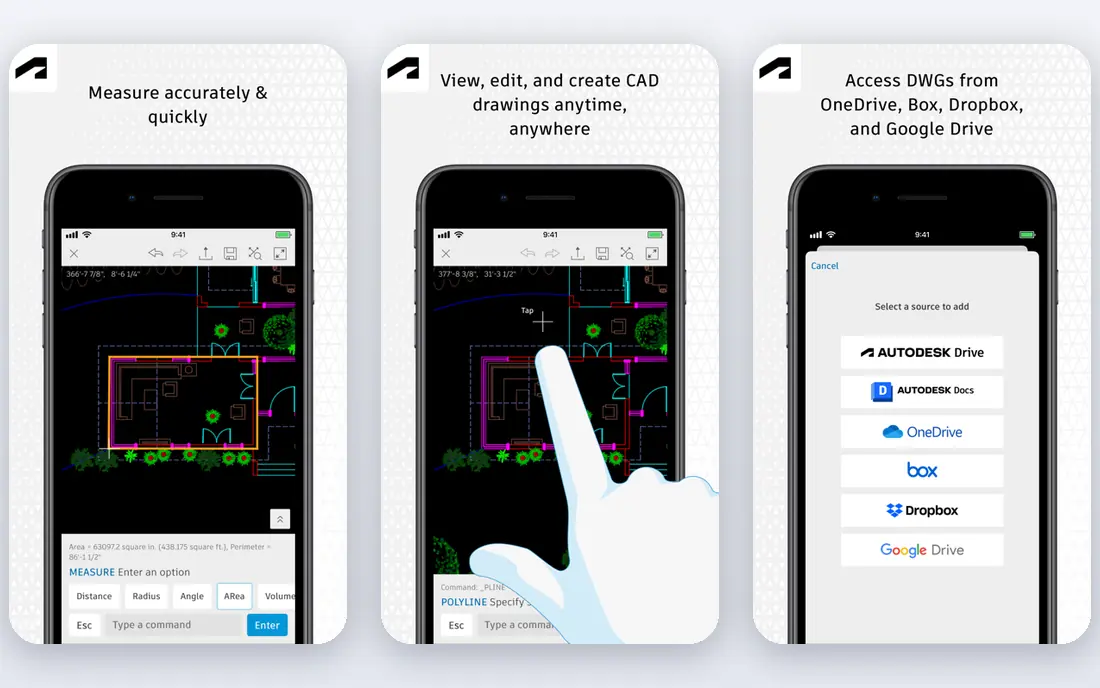
3ds Max is a workhorse for game art and architectural visualization. Its modifier stack makes it easy to build, adjust and reuse complex models, and its plugin ecosystem covers rendering, scattering and visualization tasks. Many archviz studios standardize on 3ds Max because their material libraries and workflows are built around it.
The limits are platform and price. 3ds Max runs on Windows only, and the yearly price matches Maya at around $2,010 per year. Mac and Linux users should look at Blender or Maya instead. If you work in games or archviz on Windows and you bill clients for that work, 3ds Max remains a solid professional choice.
- Strong polygon modeling and modifiers
- Widely used in games and architectural visualization
- Large plugin library
- Windows only
- High yearly price
- Less suited to character animation than Maya
Cinema 4D is the friendliest professional 3D tool for motion graphics and advertising. The MoGraph toolset makes it easy to clone, animate and vary large groups of objects, which is why broadcast designers and ad studios use it for titles, product spots and social content. The interface is more approachable than Maya or Houdini for new professionals.
We list the price as See website because Maxon sells Cinema 4D in bundles with Redshift and other tools, and prices vary by region and plan. A trial is available. Cinema 4D is our pick for motion designers who want professional output without the steepest learning curve in this category.
- Friendly interface for motion graphics
- MoGraph toolset for clones and effects
- Redshift rendering available
- Pricing varies by bundle and region
- Less deep for character animation than Maya
ZBrush is the standard for digital sculpting. Artists push and pull virtual clay to build characters, creatures and detailed organic models with millions of polygons, then retopologize the result for games or film. No polygon modeler matches ZBrush for fine skin, cloth and surface detail.
The interface takes time to learn, because it works differently from Blender or Maya, and ZBrush is not a full animation or rendering suite. Pricing in recent listings is around $399 per year, with a limited free iPad app for trying sculpting. Choose ZBrush when sculpting is your main work, and pair it with Blender or Maya for rigging and rendering.
- Unmatched high-detail sculpting for characters
- Huge brush library
- Strong for games and collectibles
- Interface is unusual for new users
- Not a general modeling or animation suite
Houdini is built for visual effects. Its node-based, procedural workflow lets artists build simulations for smoke, fire, water, cloth and destruction that can be adjusted and reused across shots. That procedural approach is why film and game studios use Houdini for effects that would be painful to keyframe by hand.
Houdini Indie costs $299 per year in recent listings for eligible independent users, and the free Apprentice edition lets you learn the full tool with limits on commercial use and rendering. The learning curve is the highest here, because you think in nodes and parameters rather than direct modeling. Pick Houdini for effects work, not as a first general modeler.
- Procedural node workflow for effects
- Strong simulation for smoke, water and destruction
- Free Apprentice edition
- Steepest learning curve on this list
- Node thinking takes time for traditional modelers
SketchUp is the fastest way to model a building, room or site concept. Push-pull modeling lets you draw a shape and extrude it into a wall, roof or piece of furniture in seconds, which is why architects, interior designers and woodworkers use it for early concepts and client presentations. The 3D Warehouse library adds ready-made models for furniture and fixtures.
The Go plan starts at $119 per year in recent listings, with a free web version for basic work and higher Pro and Studio plans adding desktop tools and rendering. SketchUp is not the tool for character sculpting or film animation. For architecture, set design and quick spatial ideas, it is the most approachable professional option here.
- Fast push-pull modeling for buildings
- Free web version
- Large 3D Warehouse model library
- Less suited to organic sculpting or film work
- Pro features require a paid plan
Fusion, formerly Fusion 360, is a product design tool rather than an art modeler. You build parts with exact dimensions, assemble them, test them with simulation and send them to manufacturing with CAM tools. That parametric approach means you can change one dimension and update the whole design, which matters for engineering and 3D printing.
Commercial pricing is around $680 per year in recent listings, with a free personal use tier for hobbyists and small non-commercial projects. Fusion is a poor fit for character art or film, but it is the right pick for product designers, engineers and makers who need parts that fit together in the real world.
- Parametric modeling plus CAM and simulation
- Cloud collaboration
- Free personal use tier
- Less suited to organic art modeling
- Cloud workflow needs a reliable connection
Rhino is built around NURBS surfaces, which give smooth, precise curves for industrial design, jewelry, architecture and marine work. Designers use it when a shape must be mathematically accurate, not just visually close, and its Grasshopper visual programming tool adds parametric design without writing code.
Rhino costs $995 as a one-time license in recent listings, with a 90-day trial. That one-time model is rare in this category and appeals to studios that dislike subscriptions. Rhino is weaker for character animation and high-end rendering, so pair it with a renderer or another tool when you need finished film-quality output.
- Precise NURBS modeling for industrial design
- One-time license, not a subscription
- Strong plugin ecosystem
- No built-in animation depth
- Rendering needs plugins or external tools for best results
How we picked these
We compared official pricing pages, platform support and the main use case for each tool, including film, games, architecture, product design and 3D printing. We favoured tools that are actively developed and available in October 2026, and we included free, one-time and subscription options. Prices are US list prices before tax, and student or trial access is noted where it changes the entry cost.
What to check before you buy
Start with the output, not the feature list. Film and game work needs polygon modeling, rigging and rendering. Architecture needs fast spatial modeling and good export to rendering tools. Product design needs parametric dimensions and manufacturing export. 3D printing needs clean, watertight meshes and good slicer support. A tool that excels in one area can be weak in another.
Test file export and rendering
Check that your chosen tool exports cleanly to the next step in your pipeline, whether that is a game engine, a renderer or a 3D printer slicer. Test a real model, not a demo file, and check scale, materials and polygon counts. Rendering quality also matters, since some tools need a separate renderer for photorealistic results.
Count hardware and learning time
High-poly sculpting, simulation and rendering need a capable graphics card and enough memory. Check system requirements before you buy a subscription, and budget learning time honestly. Blender, Maya and Houdini all reward weeks of practice, while SketchUp and Fusion are faster to learn for their specific jobs.
Check licensing for commercial work
Free tiers often limit commercial use, seat counts or rendering resolution. Student licenses usually cannot be used for paid client work. Read the license terms for your plan, especially for Houdini Apprentice, Fusion personal use and SketchUp free web, before you use them on a paid project.
Frequently asked questions
What is the best 3D modeling software?
Blender is the best all-round choice for most people, because it is free and covers modeling, animation and rendering. Maya is best for film and game studios, Cinema 4D is best for motion graphics, and Fusion is best for product design. Match the tool to your output, not to a single ranking.
What is the best software for 3D printing?
Fusion and Blender both work well for 3D printing, with Fusion better for precise parts and Blender better for organic shapes. Tinkercad-style simple tools also suit beginners. The key is a clean, watertight mesh at the right scale, so test export to your slicer before you commit to a tool.
Is Blender really free for commercial work?
Yes. Blender is open source and free for commercial use, with no subscription, seat limit or royalty on your work. That makes it a strong choice for freelancers and small studios. Paid tools still make sense when a studio pipeline, client or hiring market requires them.
What is the best 3D modeling software for beginners?
SketchUp is the easiest professional start for architecture, while Blender is the best free start for general 3D art. Beginners should pick one tool, follow a structured tutorial series and finish small projects, rather than jumping between tools each week.
Do I need a powerful computer for 3D modeling?
Basic modeling runs on a modest computer, but sculpting, simulation and rendering benefit from a strong graphics card, a fast processor and plenty of memory. Start with the tool and project size you can handle, then upgrade hardware when rendering or simulation becomes the bottleneck.
Sources
See where you really rank - block by block
ProMapRanker scans Google Maps across a grid of your service area. Simple monthly plans from $19, white-label on every plan.
Start freeKeep reading
 zoom alternatives
Best Zoom Alternatives in 2026
Compare Zoom alternatives in 2026, with free meeting limits and prices, so you can pick the best alternative to Zoom for your team, class, or community.
Read → which software is best for remote work
Which Software Is Best for Remote Work in 2026
Answering which software is best for remote work, we compare Slack, Zoom, Asana, Notion, Teams and more, with pricing and honest tradeoffs in 2026 now.
Read → which ai tool is best for content writing
Which AI Tool Is Best for Content Writing in 2026
Wondering which ai tool is best for content writing? We compare ChatGPT, Claude, Jasper, Grammarly, and more on price, quality, and best use in 2026 now.
Read →