 ProMapRanker
Best 3D Animation Software in 2026

Key takeaways
- Blender is our pick for most people because it is free and covers modeling, rigging, animation, simulation and rendering in one app.
- Autodesk Maya remains the studio standard for film and game animation, while Cinema 4D is the friendliest professional option for motion graphics.
- Houdini leads for visual effects and simulation, and 3ds Max suits game art and architectural visualization.
- Beginners should start free with Blender, Daz 3D or Spline, and only pay for a studio tool once they know which pipeline they need.
Quick comparison
| Pick | Great for | Pricing starts at | Free tier | |
|---|---|---|---|---|
 Blender | Free all-round 3D animation | Free | Yes | Visit |
 Autodesk Maya | Film and game animation | See website | No | Visit |
 Cinema 4D | Motion graphics | See website | No | Visit |
 Houdini | Visual effects and simulation | See website | Yes | Visit |
 Autodesk 3ds Max | Game art and visualization | See website | No | Visit |
 Daz 3D | Character creation for beginners | Free | Yes | Visit |
 Cascadeur | AI-assisted character animation | See website | Yes | Visit |
 Spline | Interactive web 3D | See website | Yes | Visit |
The best 3d animation software
The best tool depends on your goal. A beginner learning animation, a motion designer making ads, and a studio animator working on a film need different strengths, so match the tool to the work, not just to the price.
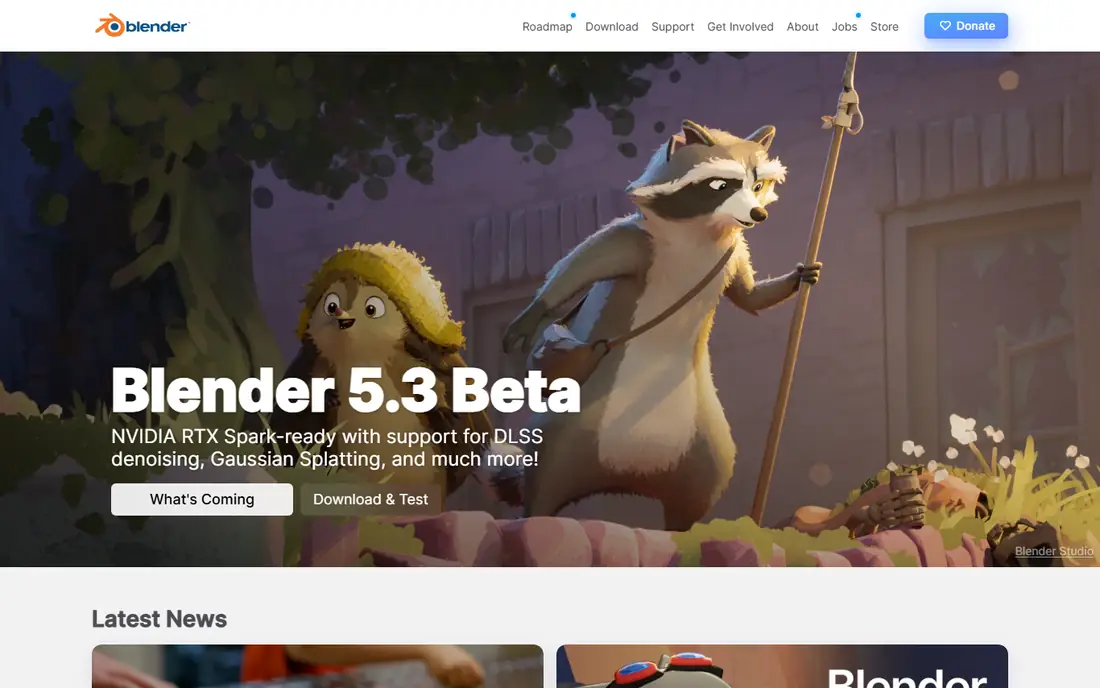
Blender is the rare free tool that competes with software costing thousands per year. Modeling, sculpting, rigging, animation, simulation, video editing and compositing all live in one download, and the Cycles renderer produces professional results for client work. Independent studios now produce short films and commercials fully in Blender.
The learning curve is the main cost. The interface packs many tools into dense panels, and the first month takes patience and structured tutorials. Stick with a beginner course and the payoff is real: a complete pipeline with no license fees, no seat limits and no renewal bills. For most readers, Blender is the right place to start.
- Free and open source with no subscription
- Full pipeline from modeling to rendering
- Huge free tutorial community
- Interface can overwhelm beginners
- Some large studios still require Maya file formats
- Support comes from the community
Maya is the tool most large film and game studios use for character animation, rigging and visual effects shots. Its animation graph editor, rigging tools and Arnold renderer give animators fine control over motion, deformation and final look. Learning Maya also helps your career, since studio job postings often list it as a required skill.
Cost and complexity are the barriers. Maya is subscription-only for commercial use, with a lower-cost Indie license for qualifying small creators, and it takes serious study to use well. If you aim for studio work, Maya is worth learning. If you animate as a hobby or for small business videos, Blender may serve you for free.
- Studio standard for character animation
- Deep rigging, animation and rendering tools
- Strong pipeline integration
- Subscription cost is high
- Steep learning curve
- Needs a capable computer for heavy scenes
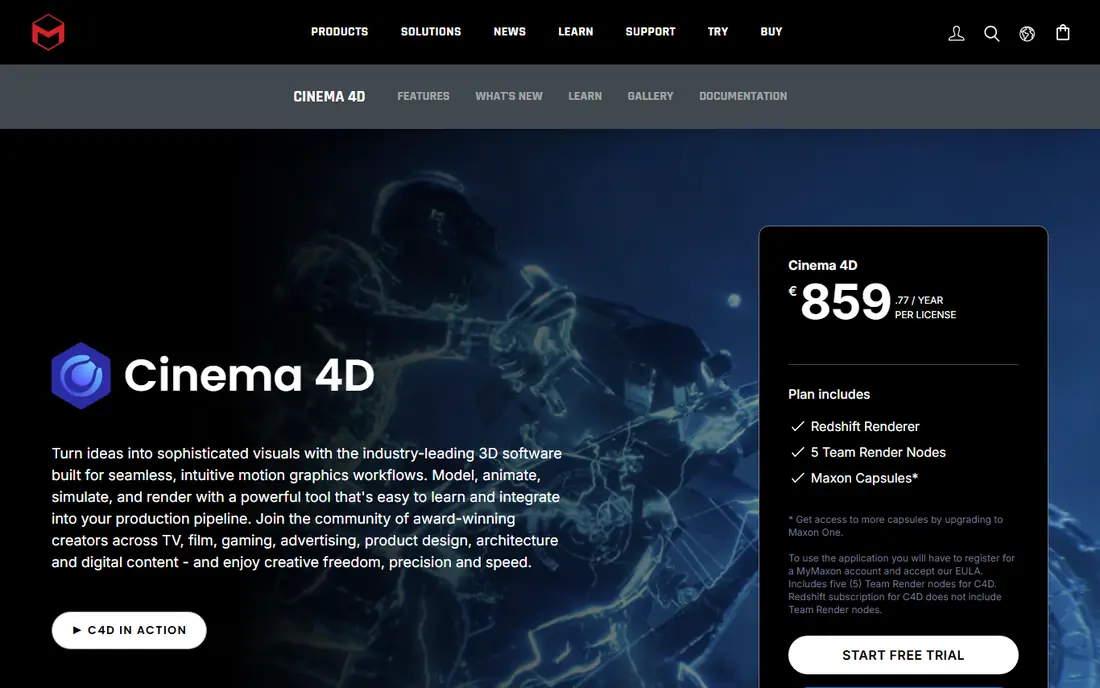
Cinema 4D is the friendliest professional route into 3D for motion designers. Its MoGraph toolset makes it easy to clone, animate and transform many objects at once, which suits title sequences, ads, product visuals and social videos. Integration with After Effects through Cineware also fits designers who already work in Adobe tools.
It is subscription-only, and large film studios use it less than Maya or Houdini. For broadcast, advertising and brand motion work, though, Cinema 4D is often the fastest way from idea to finished render. Try the free trial and test a MoGraph project before you commit to a year.
- Friendly learning curve for motion graphics
- MoGraph tools for clones and effects
- Redshift renderer bundled
- After Effects integration
- Subscription-only
- Less common in large film pipelines than Maya
- Full Maxon bundle costs more
Houdini is the standard for procedural visual effects. Its node-based workflow lets artists build simulations for fire, smoke, water, cloth and destruction that can be adjusted and reused across shots. Film and game effects teams rely on Houdini for work that would be hard to keyframe by hand.
That power comes with a hard learning curve. Nodes, attributes and procedural thinking take time to grasp, and the interface rewards patience. The free Apprentice edition lets you learn without paying, with limits on commercial use and render resolution. If effects and simulation excite you, Houdini is the tool to grow into.
- Node-based procedural workflow for effects
- Leading simulation for fire, water, smoke and destruction
- Free Apprentice edition for learning
- Steepest learning curve in this list
- Node workflow feels abstract at first
- Commercial licenses are costly
3ds Max is a long-standing choice for game art, architectural visualization and product rendering. Its modeling tools, modifier stack and plugin ecosystem suit artists who build environments, props and interiors, and many visualization studios use it with renderers such as V-Ray or Corona. Game teams also use it for asset creation and animation.
It runs on Windows only, which rules it out for Mac-only artists, and its subscription price matches Maya. Film character animators usually prefer Maya, while game and visualization artists often prefer Max. Choose Max if your work centers on games, interiors or product visuals on Windows.
- Strong modeling and animation for games
- Widely used in architectural visualization
- Large plugin ecosystem
- Windows only
- Subscription cost is high
- Character animation tools are less favored than Maya in film studios
Daz 3D gives beginners a fast route to character animation without modeling a character from scratch. You start with ready-made figures, adjust body, clothing and pose, and animate with built-in tools. That shortcut helps new animators learn posing, cameras and storytelling before they tackle full modeling.
The marketplace is the catch. Base software is free, but many characters, clothes and environments are paid, and costs add up if you buy often. Daz is also less flexible than Blender or Maya for custom modeling. Use it to learn character work quickly, then move to Blender or Maya when you want full control.
- Free base software
- Ready-made characters, poses and scenes
- Quick path to a first animated character
- Paid content adds up
- Less flexible than full modeling tools
- Renders and assets need storage space
Cascadeur is a focused animation tool that helps animators pose characters with AI-assisted keyframing and physics-aware motion. It predicts natural poses and helps balance characters, which speeds up walk cycles, jumps and action shots. Indie game animators and small studios use it alongside modeling tools such as Blender.
It does not replace a full 3D suite. You still need another app for modeling, texturing and rendering in most pipelines. Use Cascadeur as a specialist animation companion, especially if character motion is your main bottleneck, and start on the free Basic plan to test the workflow.
- AI-assisted keyframe and physics tools for characters
- Free Basic plan
- Useful for game and indie animators
- Focused on character animation, not full 3D modeling
- Paid plans needed for higher limits
- Smaller community than Blender
Spline is a browser-based tool for interactive 3D on the web. Designers can build scenes, add materials and animations, and embed the result on a website without desktop software. That makes it ideal for landing pages, product viewers and interactive brand visuals where a full studio pipeline would be overkill.
It is not a film animation tool. Character rigging, simulation and heavy rendering are beyond its scope, and complex scenes may need a desktop app. If your goal is web-ready 3D that visitors can rotate and explore, Spline is the easiest starting point in this list.
- Browser-based 3D design with a free plan
- Interactive scenes for websites
- Gentle learning curve for web creators
- Less depth than desktop studio tools
- Complex character animation is limited
- Paid plans needed for more projects and features
How we picked these
We compared official vendor sites, pricing pages, product documentation and public animation comparisons. We kept only tools that exist today, support 3D animation, and have a clear free, trial or paid path for new users. We favored tools with strong tutorial communities and real studio or indie use, and we noted learning curve and platform limits so beginners can choose honestly.
How to choose 3D animation software
Start with your output, not the tool. If you want short films or client animation, Blender or Maya fits. If you want motion graphics for ads, Cinema 4D fits. If you want web 3D, Spline fits. If you want effects, Houdini fits. Naming the output first prevents buying a powerful tool for the wrong job.
Next, test the learning curve with a small project. Model and animate a simple bouncing ball, a walk cycle or a product turntable, and see how long each step takes. A tool that feels clear in a tutorial may feel slow in your own project, so a trial project tells you more than a feature list.
Finally, check your computer and budget. Heavy rendering needs a capable graphics card and enough memory, and subscription tools add yearly cost. Blender, Daz 3D, Spline and Houdini Apprentice let you learn for free, so build skills and a portfolio before you pay for a studio license.
Frequently asked questions
What is the best 3d animation software for beginners?
Blender is the best free all-round choice for beginners who want to learn the full pipeline, while Daz 3D suits beginners who want quick character results. Spline is best for beginners focused on interactive web 3D.
What is the best free 3d animation software?
Blender is the best free 3D animation software overall, since it is fully free and covers modeling, rigging, animation and rendering. Houdini Apprentice and Cascadeur Basic are also free for learning, with limits on commercial use.
Is Maya or Blender better for animation?
Maya is better for studio film and game pipelines, where it remains the standard and job postings often require it. Blender is better for cost, independence and all-round work, and it is now used by many indie studios. Choose Maya for studio careers and Blender for free, flexible production.
How much does 3D animation software cost?
Blender, Daz 3D and Spline offer free plans, while paid studio tools are subscription-based and can cost hundreds to thousands per year. Check the vendor pricing page for current rates, student terms and Indie licenses before you buy.
Can I learn 3D animation on a normal laptop?
Yes, for learning, simple scenes and web 3D, a normal laptop with enough memory works. Heavy rendering, large simulations and complex scenes need a stronger graphics card and more memory, so start small and upgrade only when your projects demand it.
Sources
See where you really rank - block by block
ProMapRanker scans Google Maps across a grid of your service area. Simple monthly plans from $19, white-label on every plan.
Start freeKeep reading
 wix alternatives
Wix Alternatives in 2026: 8 Products Compared
Compare the best Wix alternatives in 2026 for portfolios, stores and blogs, with current prices, free plans and the right builder by site type in this guide.
Read → webflow alternatives
Best Webflow Alternatives in 2026
Looking for webflow alternatives? We compared 8 website builders on design control, CMS, hosting and price, so you can build without the learning curve.
Read → squarespace alternatives
Best Squarespace Alternatives in 2026
We compared the best Squarespace alternatives for portfolios, stores, blogs and client work, with current pricing, free plans and honest trade-offs in 2026.
Read →