 ProMapRanker
Best Appy Pie Alternatives in 2026


Turning spreadsheets into internal apps · Pricing starts at: See website
Key takeaways
- Appy Pie is known for fast, template-led native app building, but rivals offer stronger data tools, code export, or design control.
- Glide and Softr are the fastest routes from a spreadsheet or database to a working internal app.
- Adalo and Thunkable suit beginners who want a clear path to native iOS and Android publishing.
- Bubble suits full web apps with complex logic, while FlutterFlow suits teams that want real Flutter code behind a visual builder.
- AppSheet is the natural pick inside Google Workspace, and BuildFire and GoodBarber suit content and commerce apps that need store publishing.
Quick comparison
| Pick | Great for | Pricing starts at | Free tier | |
|---|---|---|---|---|
| Glide | Turning spreadsheets into internal apps | See website | Yes | Visit |
 Adalo | Beginners who want native publishing | See website | Yes | Visit |
 Bubble | Complete web applications built visually | See website | Yes | Visit |
 FlutterFlow | Visual building backed by Flutter code | See website | Yes | Visit |
 Thunkable | AI-assisted native iOS and Android apps | See website | Yes | Visit |
 AppSheet | No-code apps inside Google Workspace | See website | Yes | Visit |
 BuildFire | Business apps built with plugins | See website | No | Visit |
 GoodBarber | Content, media, and shopping apps | See website | No | Visit |
 Softr | Client portals on Airtable or Sheets | See website | Yes | Visit |
The best appypie alternatives
Appy Pie promises app building without code, using templates and a guided builder. The tools below cover the same promise with different strengths. Some focus on internal tools, some on native store apps, and some on full web applications. Your data source and your publishing goal should decide the pick more than the template library alone.
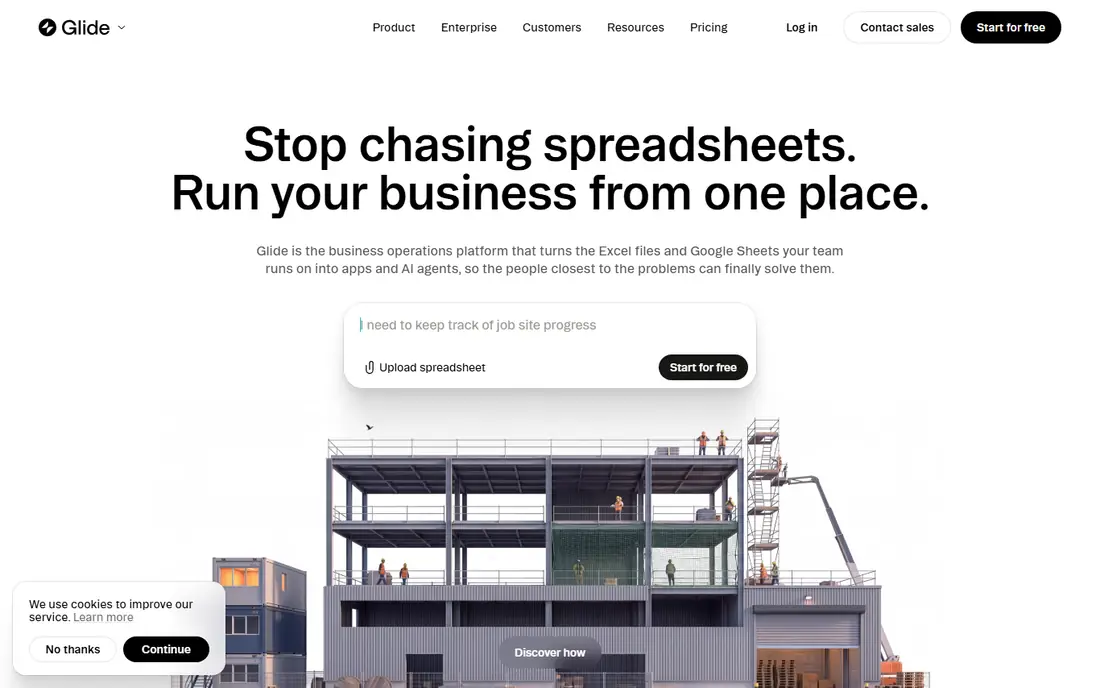
Glide is the fastest tool here for an internal app that your team actually uses. You point it at a sheet or a table, pick a layout, and you have a working app with lists, forms, and user sign-in. Small businesses use it for inventory, field checklists, client portals, and order tracking, where the data already lives in a sheet and the app just needs to make that data usable on a phone.
Glide is not the best route to a polished consumer app in the App Store with custom animations and deep native features. Its strength is speed and clarity for business data. If your goal is an internal tool this week, Glide will get you there faster than a general app builder. If your goal is a consumer app with store discovery, look at Adalo or Thunkable instead.
- Fast build from Google Sheets, Excel, or Glide Tables
- Clean mobile layouts
- Good for internal tools
- Less suited to complex native store apps
- Advanced logic needs paid plans
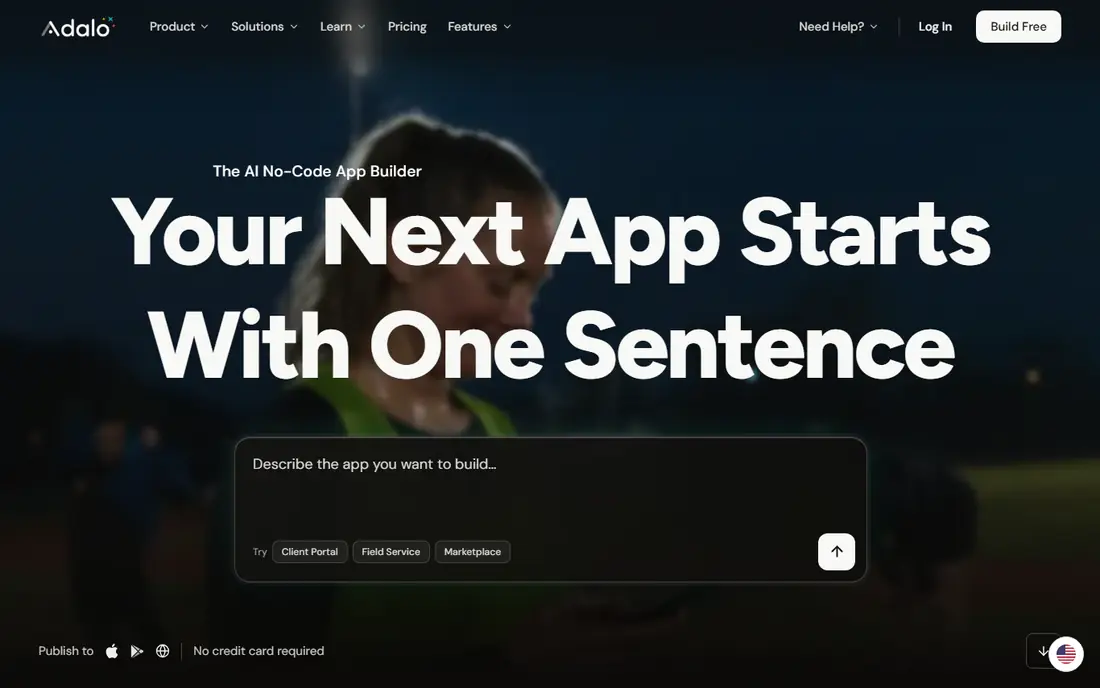
Adalo is a friendly first builder for people who have never built an app. Its free plan lets you build and preview without a card, and its component library covers lists, forms, maps, and payments in a way that feels plain to assemble. Publishing to iOS and Android is part of the product, not an add-on service, which keeps the path from idea to store app short.
Large or data-heavy apps can hit limits, and teams that need deep custom logic may outgrow Adalo. For a first app, a local business app, or a simple marketplace prototype, that trade-off is acceptable. Adalo is our pick when clarity matters more than raw power, and when you want to test an idea without hiring a developer.
- Clear free plan for building
- Visual database and components
- Native iOS and Android publishing
- Performance can strain on very large apps
- Advanced custom code is limited
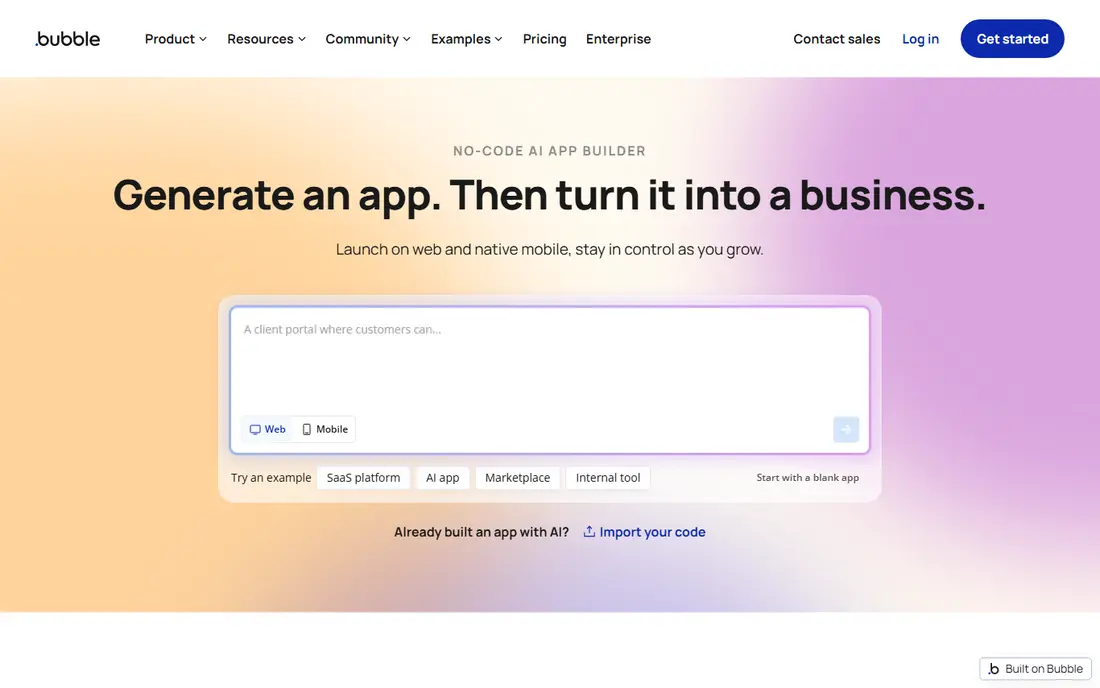
Bubble is the most capable web app builder on this list. You can build user accounts, workflows, databases, and payment flows visually, and you can ship a real product, not just a prototype. Startups use it for marketplaces, dashboards, booking tools, and internal platforms, where the logic matters more than a native app wrapper.
Bubble takes longer to learn than Glide or Adalo, and its mobile story is weaker: it is web-first, and native publishing usually needs a wrapper or a separate approach. If your users will mainly use a browser, Bubble gives you the most room to grow. If your users must have a native app from day one, FlutterFlow or Thunkable will fit better.
- Full visual logic and database
- Plugin ecosystem
- Strong for web apps with accounts and payments
- Learning curve is steeper than Glide
- Native mobile apps need extra work
FlutterFlow stands out because you are not locked into a closed builder forever. You design visually, and you can download real Flutter code that a developer can keep working on outside the platform. That code ownership matters for teams that plan to grow, hire developers later, or need custom features that a template builder cannot provide.
The builder is more technical than a pure template tool, and beginners may need time to learn its layout and state system. For a team with some technical help, or a founder who wants a path from no-code start to code-owned product, FlutterFlow is the strongest long-term pick on this list.
- Exports real Flutter code
- Native iOS, Android, and web output
- Strong design controls
- More technical than Adalo
- Paid plans needed for code download and publishing features
Thunkable uses a block-based builder that feels familiar to anyone who has used visual coding tools, and it adds AI help to generate screens and logic from a description. You can publish native apps to iOS and Android, which makes it a direct rival to Appy Pie for store apps. Schools, small teams, and solo builders use it to test ideas quickly.
Block logic can become hard to manage as an app grows, and very complex products may be better in FlutterFlow or Bubble. Thunkable fits best when you want a native app, you like visual blocks, and you want AI help to get the first version built. Test the publishing flow early, since store requirements are where many first apps stall.
- Drag-and-drop builder with AI help
- Native publishing
- Good for education and prototypes
- Complex apps need careful block management
- Pricing rises with publishing needs
AppSheet is the practical pick for a company already running on Google Workspace. You build apps from the sheets and data your team already uses, with forms, maps, barcode scanning, and offline use for field work. Operations teams use it for inspections, inventory, delivery tracking, and approvals, where reliability matters more than visual flair.
AppSheet apps look workmanlike rather than consumer-polished, so it is not the best choice for a branded customer app. If your users are staff, not shoppers, that is a fair trade. Check how your Workspace plan covers AppSheet, since core app use is often included and paid tiers add management and scale.
- Builds from Sheets, Excel, and databases
- Strong for field and operations apps
- Google Workspace tie-in
- Design polish is functional rather than consumer-grade
- Pricing depends on Workspace setup
BuildFire takes a plugin approach: you start with a core app and add features like loyalty, ordering, booking, or content sections as plugins. That structure suits agencies and businesses that want a solid business app without designing every feature from scratch. BuildFire also offers help with publishing, which removes a common blocker for first-time app owners.
The lack of a free plan means you test through a trial or a demo rather than a long free build. Custom design beyond the plugin set can also add cost. BuildFire fits when you want a managed, business-focused build with clear support, and when a plugin already covers most of what your app needs to do.
- Plugin library for common business features
- Managed publishing help
- Good for client and staff apps
- No free plan for full building
- Custom design work can add cost
GoodBarber is built for publishers, shops, and content brands that want a good-looking app fast. Its templates suit news, blogs, podcasts, restaurants, and stores, with sections for articles, products, and push messages that feel native to each use case. Design control is stronger here than in a generic template builder, which helps brands that care about how the app looks.
It is less suited to data-heavy internal tools or apps with custom logic, where Glide, AppSheet, or Bubble would fit better. GoodBarber is our pick when the app is mainly content or shopping, when design matters, and when you want native publishing without building each screen yourself.
- Strong design templates for content and commerce
- Native apps plus web app
- Push notifications built in
- Less suited to complex internal workflows
- Paid plans from the start
Softr turns a database into a client portal, internal tool, or directory in hours. You set user roles, decide who sees which records, and publish a clean web app that clients can log into. Agencies, coaches, and small teams use it for client dashboards, resource libraries, and booking portals, where the data already lives in Airtable or Sheets.
Softr is web-first, so it does not replace a native store app builder. If your users need an app from the App Store, pick Adalo, Thunkable, or FlutterFlow. If your users will log into a portal in a browser, Softr is faster and simpler than building the same portal in Bubble, and its permission system is a clear strength.
- Fast portals from Airtable or Google Sheets
- User roles and permissions
- Clean templates for client work
- Web-first, not a native app builder
- Logic depth is lighter than Bubble
How we picked these
We compared official product pages, pricing pages, and documentation for no-code and low-code app builders that are actively available in October 2026. We checked whether each tool publishes native iOS and Android apps, builds web apps, or both, and what data sources it supports. We favored tools with a free plan or trial, a clear publishing path, and a real user base, and we did not list Appy Pie itself, since this is an alternatives list.
What to check before you choose
Start with your data and your users. If the app is for staff and the data lives in Sheets, Glide or AppSheet will be fastest. If the app is for customers and must live in the app stores, test the publishing flow in Adalo, Thunkable, or FlutterFlow before you build the whole app. If the app needs accounts, payments, and complex logic in a browser, Bubble gives you the most room.
Next, check lock-in and cost at scale. Some builders charge per user, some per app, and some by records or usage, and those models diverge fast as you grow. Ask whether you can export code or data, what happens if you stop paying, and how store fees and developer accounts fit into the total. A cheap starter plan that traps your data is more expensive than a pricier plan you can leave.
Frequently asked questions
What are the best Appy Pie alternatives?
Glide is our pick for internal apps, Adalo is our pick for beginner native apps, and FlutterFlow is our pick for teams that want code ownership. Bubble suits full web apps, AppSheet suits Google Workspace shops, and Softr suits client portals. The best pick follows your publishing goal and your data source.
Is there a free alternative to Appy Pie?
Yes. Glide, Adalo, Bubble, FlutterFlow, Thunkable, AppSheet, and Softr all offer free plans with limits on publishing, records, or features. BuildFire and GoodBarber are paid from the start. Free plans are good for building and testing, but publishing a store app usually needs a paid plan.
Which alternative is best for a native iOS and Android app?
Adalo, Thunkable, and FlutterFlow all publish native apps, with FlutterFlow offering the strongest code export path. GoodBarber and BuildFire also publish native apps for content and business use. Test store submission early, since Apple and Google requirements can affect timelines.
Can I build an app without any coding experience?
Yes, all of the tools here are built for non-developers, though the learning curve varies. Glide and Softr are the easiest for data-based apps, Adalo is the easiest for a first native app, and Bubble and FlutterFlow take more time but give you more control in return.
What is the difference between Glide and Bubble?
Glide turns a spreadsheet or database into a simple app very fast, which suits internal tools and portals. Bubble builds full web applications with custom logic, accounts, and payments, which suits products that need more than a data front end. Choose Glide for speed on simple data apps, and Bubble for depth on web products.
Do I need a developer account to publish an app?
Yes, for native store apps you need an Apple Developer account for iOS and a Google Play developer account for Android, separate from the builder subscription. Builders can help with submission, but the store accounts and their fees are yours. Check current store fees before you budget the launch.
Sources
See where you really rank - block by block
ProMapRanker scans Google Maps across a grid of your service area. Simple monthly plans from $19, white-label on every plan.
Start freeKeep reading
 wpforms alternatives
Best WPForms Alternatives in 2026
We compare 9 wpforms alternatives for WordPress forms, with free and paid options, current pricing notes, and honest limits for small business sites in 2026.
Read → windows task scheduler alternatives
Best Windows Task Scheduler Alternatives in 2026
Looking for Windows Task Scheduler alternatives? We compare 9 schedulers for Windows and cross-platform work, from free tools to enterprise automation.
Read → which ai video service is best
Which AI Video Service Is Best in 2026
which ai video service is best? We compare 10 legitimate AI video services on price, avatars, editing and output quality to help you pick the right tool.
Read →