 ProMapRanker
App Push Notifications Best Practices in 2026


Small teams starting with mobile push · Pricing starts at: $19 per month
Key takeaways
- Ask for permission with context first, and make it easy to change settings later, because a single bad prompt can cost you the channel for good.
- Send fewer, better messages tied to something the user just did or clearly asked for, rather than blasting the whole list on a fixed schedule.
- Personal timing, frequency caps, and clear value in the first line matter more than clever wording alone.
- Measure opt-in rate, delivery, opens, and opt-outs together, and stop any message type that drives opt-outs even if opens look high.
- The tools below differ mainly in price, setup effort, and how much journey building they do for you, so pick for your team size first.
Quick comparison
| Pick | Great for | Pricing starts at | Free tier | |
|---|---|---|---|---|
| OneSignal | Small teams starting with mobile push | $19 per month | Yes | Visit |
 Firebase Cloud Messaging | Free delivery for Android and iOS apps | Free | Yes | Visit |
 Braze | Large brands running cross channel journeys | See website | No | Visit |
 Customer.io | Behaviour based journeys across channels | $100 per month | Free trial | Visit |
 Airship | Enterprise mobile brands | See website | No | Visit |
 CleverTap | Mobile retention and analytics in one place | See website | Free trial | Visit |
 MoEngage | Mid market retention teams | See website | No | Visit |
 Iterable | Email led teams adding push | See website | No | Visit |
 Pusher Beams | Developer led transactional push | $29 per month | Yes | Visit |
The best app push notification tools
These tools help teams put good practice into action, from asking permission well to capping frequency and testing timing. We compared official feature pages, pricing pages, and public documentation, and we kept the focus on what each tool actually does for push, not on slogans.
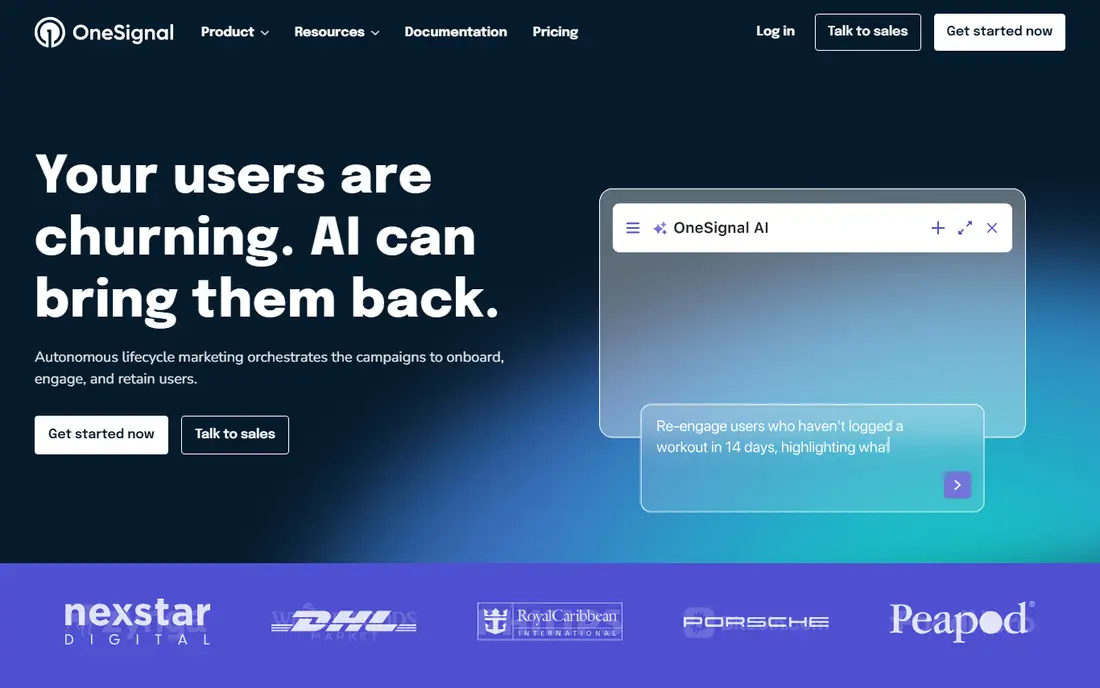
OneSignal is our pick for most small teams because it covers the basics of good practice without a long setup. You can segment by behaviour and tags, test two versions of a message, and build simple journeys that wait, branch, or stop when a user acts. That matters because the best practice is rarely to send more. It is to send the right message, once, to the people it fits, and then stop.
The catch is the pricing model. The free plan introduced a 1,000 monthly active user limit for mobile push and in-app messaging for new customers from September 2026, with web push and email under separate limits, so a growing app can hit the ceiling sooner than expected. Check your monthly active users before you commit, and treat the paid Growth plan, at $19 per month plus per user usage, as the real cost once you pass the free tier. If your audience is small and you want a fast start, it still earns its place here.
- Free plan for getting started
- Mobile and web push in one dashboard
- Segmentation, A/B testing, and journeys on paid plans
- Free plan has a monthly active user limit for mobile push and in-app messages
- Pricing grows with audience size
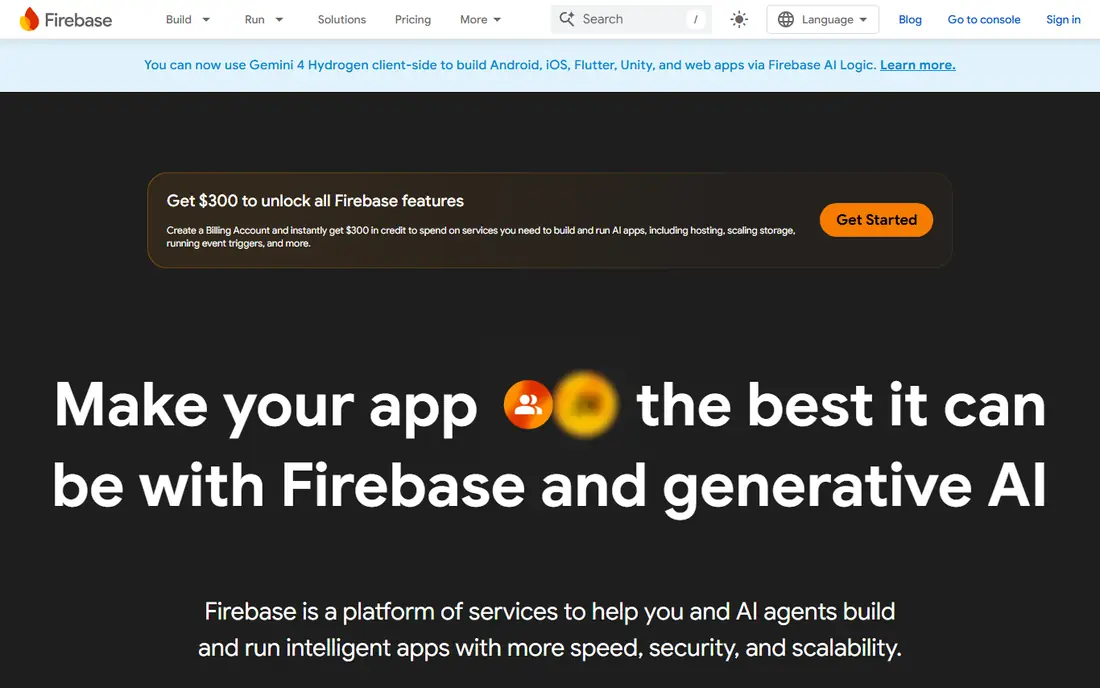
Firebase Cloud Messaging, often called FCM, is the delivery layer underneath many other tools, and it is free to use for sending messages. For a developer led team, that is a strong reason to start here. You control the payload, the topic subscriptions, and the server logic, and you pay nothing per message for delivery itself. Related Firebase services such as Cloud Functions or Firestore have their own charges, but FCM delivery does not.
The trade is effort. FCM on its own does not give you a marketer friendly journey builder, frequency caps out of the box, or rich campaign analytics in the way a full platform does. If your team wants to put best practice into place, you will need to build opt-in handling, quiet hours, and unsubscribe logic yourself, or pair FCM with another tool. That makes it best for teams with engineering time who want full control and the lowest delivery cost.
- No per message charge for delivery
- Works for Android, iOS, and web
- Backed by Google infrastructure
- No built in journey builder or marketing dashboard
- You build segmentation, timing, and analytics yourself
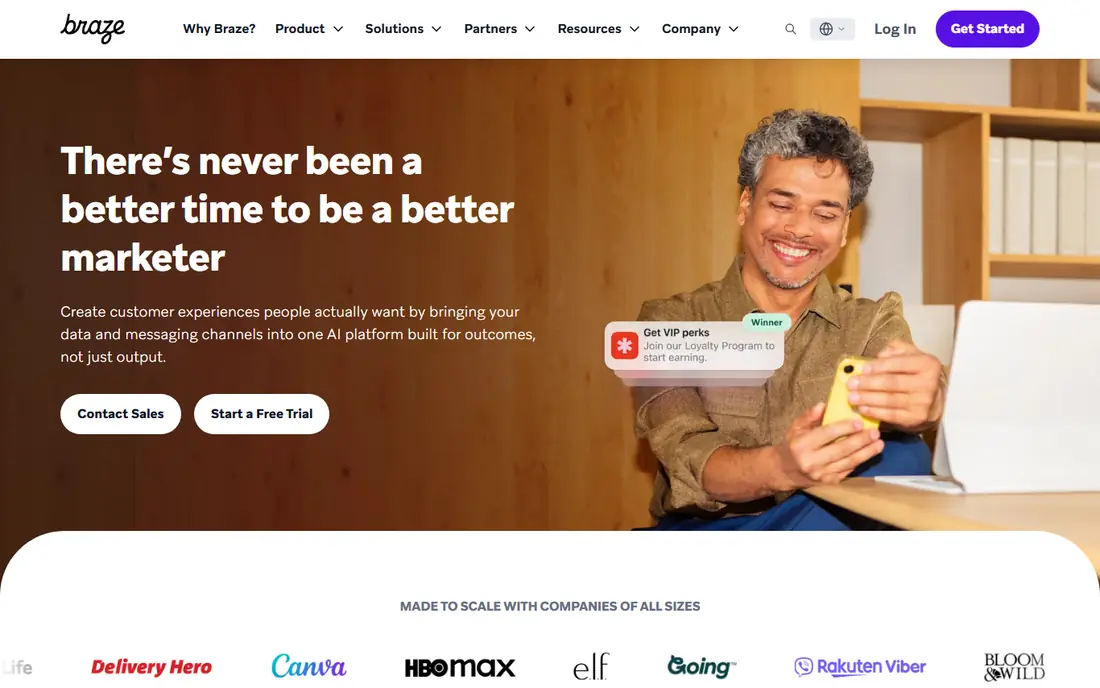
Braze suits large consumer brands that need push to sit inside a wider lifecycle, not as a standalone blast tool. Its Canvas journey builder lets teams trigger messages from real time events, wait for the best time for each user, and switch channels when push is not the right fit. That is exactly the structure good practice calls for, because it ties each send to behaviour and gives users a path to act, not just a tap.
The downside is access. Braze does not publish a list price, so small teams cannot budget from the website alone, and setup is heavier than a plug in push tool. You should also plan for the learning curve. A team without someone owning data, segments, and journeys will not get the value from it. For a large brand with that owner in place, though, the depth is the point.
- Real time data and journey orchestration
- Strong personalisation
- Push, email, in-app, and SMS in one platform
- No public list price
- Implementation needs dedicated time and staff
Customer.io is built around a simple idea that matches best practice well. A message should follow from what a person did, not from a calendar slot. Its journey builder lets you wait for an event, check a condition, and send push only when the condition still holds. That helps teams avoid the common mistake of sending a reminder for an action the user already completed.
Pricing starts at $100 per month for Essentials, and push is included without a per message charge on paid plans, subject to fair use. That can be good value for a mid sized product, but it also means you pay for profiles, not just sends, so keep your list clean and test events before building long journeys.
- Visual journey builder driven by real behaviour
- Push, email, SMS, and in-app in one place
- Unlimited push under a fair use policy on paid plans
- No permanent free plan
- Pricing is driven by profiles, so list hygiene matters
Airship, formerly Urban Airship, is a veteran in mobile messaging, and its strength is breadth for established brands. It covers mobile push, web push, in-app messages, SMS, email, and mobile wallet passes, with segmentation and automation to tie them together. For a brand with a large app audience and several message types, having those channels under one set of preference and frequency rules is a real advantage.
The catch is cost and fit. Airship does not publish list prices, and third party estimates commonly place deals well above small team budgets. A small app will get the same good practice basics, permission prompts, quiet hours, and caps, from a cheaper tool. Choose Airship when you need enterprise scale, wallet passes, and dedicated support, and when you have the budget to match.
- Deep mobile push, in-app, wallet, and SMS support
- Strong segmentation and automation
- Long track record with large brands
- Custom pricing only
- Likely too costly for small apps
CleverTap pairs analytics with messaging, which helps teams follow a core best practice. Do not judge a push by opens alone. With behaviour, funnels, and cohorts in the same place as the campaign builder, you can see if a push actually led to a return visit, a purchase, or just a tap that went nowhere. That view makes it easier to cut message types that look lively but do not help retention.
The platform is aimed at mobile first brands, and its pricing is usage based, so you should ask for a quote tied to your monthly active users before you plan a budget. New users may also find the dashboard dense at first. If your team already thinks in cohorts and retention, that depth is useful. If you only need simple scheduled pushes, a lighter tool will be faster.
- Analytics and engagement in one platform
- Strong Android delivery options
- Journey and segmentation tools
- No permanent free plan
- Interface can feel dense for new users
MoEngage fits teams that have outgrown a basic push tool but do not need an enterprise platform yet. Its journeys let you set entry rules, delays, and exit conditions, and its timing tools aim to send when each user is most likely to respond. That supports two practices that matter a lot in practice. First, do not wake people at night unless the message is truly urgent. Second, stop a sequence when the user has already acted.
Because pricing is quote based, you will need a sales conversation to get a firm number, and that can slow a small team down. The platform also rewards a team that will maintain segments and journeys over time. If you buy it and then only send one off blasts, you will pay for depth you do not use.
- Journey builder across push, email, SMS, and WhatsApp
- Personalisation and timing tools
- Strong mid market fit
- No permanent free plan
- Pricing is quote based
Iterable is a good fit when email is already your main channel and push needs to join the same journey, not run as a separate programme. You can build a workflow that starts with email, follows up with push only if the email was not opened, and stops entirely once the user converts. That kind of coordination is one of the clearest ways to reduce message fatigue, because the user hears from you once about one thing, not three times across three channels.
The trade is scope and price. Iterable is priced by quote, and it is more platform than a small app needs if push is the only channel. Teams that already use it for email will get the most from adding push here. Teams that only need push should start with a simpler, cheaper option and revisit Iterable when cross channel work becomes the norm.
- Strong cross channel journeys
- Good data and personalisation options
- Push fits alongside email and SMS
- Quote based pricing
- Heavier than a push only tool
Pusher Beams is different from most tools on this list, and that is why it belongs here. It is built for developers who need to send transactional pushes, such as an order update, a delivery alert, or a security notice, through a clean API. Those messages are often the most welcome pushes a user receives, because they answer a question the user already has. Beams keeps that job simple.
It is not the right pick for a marketing team that wants drag and drop journeys, rich segmentation, and campaign analytics in one dashboard. Its free tier covers development use, and paid plans start at $29 per month. If your main need is reliable, well timed transactional push with code level control, Beams is a focused and honest choice.
- Simple API for transactional push
- Good for developers
- Free tier for development
- Not a full marketing journey platform
- Marketing features are limited
How we picked these
We compared official feature pages, pricing pages, and public documentation for tools that send app push notifications today, and we favoured tools that support the practices in this guide. That means clear opt-in handling, segmentation, scheduling with quiet hours or send time tools, frequency control, testing, and reporting on opt-outs as well as opens. We left out tools that only send web push, tools with no current public product page, and tools that could not be verified as live in October 2026. Prices are from vendor pages and third party pricing summaries where the vendor does not publish a price, and we wrote See website where a firm price could not be verified.
How to put push best practice into action
Start with permission. On iOS and Android, do not ask for push permission the moment the app opens. First show the value in plain words, such as order updates, or a reminder the user asked for, and ask only when that value is clear. Give users a choice of message types in settings, not just one on or off switch, and honour a change at once. A user who can turn off marketing pushes but keep order updates is far more likely to stay subscribed.
Next, set rules before you send. Cap how many marketing pushes a user can receive in a week, set quiet hours, and stop a sequence when the user acts. Write the first line as the whole message, because many people read only that line on a locked screen. Keep the message short, name the benefit, and link to the exact screen it refers to, not just the home screen. Then test one thing at a time, such as timing or wording, and watch opt-outs alongside opens. If a winning variant drives more opt-outs, it is not a win.
Frequently asked questions
What are app push notifications best practices?
The core practices are to ask permission with context, send only messages tied to user intent or a clear benefit, cap frequency, respect quiet hours, and make settings easy to change. Teams should also test timing and wording, link to the right screen, and track opt-outs as well as opens, so a message that annoys people is stopped even if it gets taps.
How many push notifications should an app send per week?
There is no single number that fits every app, because an order tracking app and a news app have different reasons to message. A useful starting point is one or two marketing pushes per week for most consumer apps, with transactional messages such as order or security alerts kept separate and uncapped by that marketing limit. Watch opt-out rates after each increase, and pull back if they rise.
What is the best time to send a push notification?
The best time depends on your audience and the message, so test send time by segment rather than copying a generic chart. In general, avoid late night sends unless the message is urgent, and consider each user's local time zone and past open pattern. Tools with send time tools can help, but they still need a cap, because the best time for a message the user does not want is still a bad time.
How do I increase push notification opt-in rates?
Explain the benefit before the system prompt appears, ask at a moment when the benefit is obvious, and offer message type choices rather than a single yes or no. If a user declines, do not ask again at once. Wait for a later moment tied to a feature they used, and let them turn pushes on later from settings without friction.
Should transactional and marketing pushes use the same rules?
No. Transactional pushes, such as delivery updates, password alerts, and booking confirmations, serve a request the user already made, so they should be timely and complete. Marketing pushes need stricter caps, clearer value, and easier opt-outs, because the user did not ask for that specific message. Mixing the two in one stream is a common cause of opt-outs.
Sources
- https://onesignal.com/blog/understanding-onesignals-pricing/
- https://www.courier.com/blog/top-push-notification-platforms
- https://customer.io/learn/omnichannel/customer-io-vs-braze
- https://www.airship.com
- https://clevertap.com
- https://www.moengage.com
- https://iterable.com
- https://pusher.com/beams
- https://firebase.google.com/docs/cloud-messaging
- https://www.braze.com
See where you really rank - block by block
ProMapRanker scans Google Maps across a grid of your service area. Simple monthly plans from $19, white-label on every plan.
Start freeKeep reading
 wpforms alternatives
Best WPForms Alternatives in 2026
We compare 9 wpforms alternatives for WordPress forms, with free and paid options, current pricing notes, and honest limits for small business sites in 2026.
Read → windows task scheduler alternatives
Best Windows Task Scheduler Alternatives in 2026
Looking for Windows Task Scheduler alternatives? We compare 9 schedulers for Windows and cross-platform work, from free tools to enterprise automation.
Read → which ai video service is best
Which AI Video Service Is Best in 2026
which ai video service is best? We compare 10 legitimate AI video services on price, avatars, editing and output quality to help you pick the right tool.
Read →