 ProMapRanker
Amplitude Alternatives in 2026

Key takeaways
- This article lists alternatives only, and the original product itself is not listed or ranked here.
- Mixpanel is the closest event-based replacement for most product teams, while PostHog suits developer-led teams that want self-hosting and many tools in one place.
- Heap suits teams that want autocapture without manual event setup, and Matomo suits teams that need data ownership and privacy control.
- Event volume drives cost on most of these tools, so forecast monthly events before comparing free tiers and paid plans.
Quick comparison
| Pick | Great for | Pricing starts at | Free tier | |
|---|---|---|---|---|
 Mixpanel | event-based product analytics | See website | Yes | Visit |
 PostHog | all-in-one open source analytics | See website | Yes | Visit |
 Heap | autocapture without manual setup | See website | Yes | Visit |
 Pendo | analytics plus in-app guidance | See website | Yes | Visit |
 Google Analytics 4 | free web and app analytics | Free | Yes | Visit |
 Matomo | privacy-first self-hosted analytics | Free | Yes | Visit |
 FullStory | session replay and behaviour analysis | See website | Yes | Visit |
 LogRocket | frontend debugging plus analytics | See website | Free trial | Visit |
 Smartlook | lightweight replay and analytics | $55 per month | Yes | Visit |
The best Amplitude alternatives
Product analytics tools differ in how they capture events, how they price volume, and how much extra they offer, such as replay, guides, or experiments. These nine alternatives cover the main reasons teams look elsewhere: cost, self-hosting, autocapture, privacy, or a simpler setup.
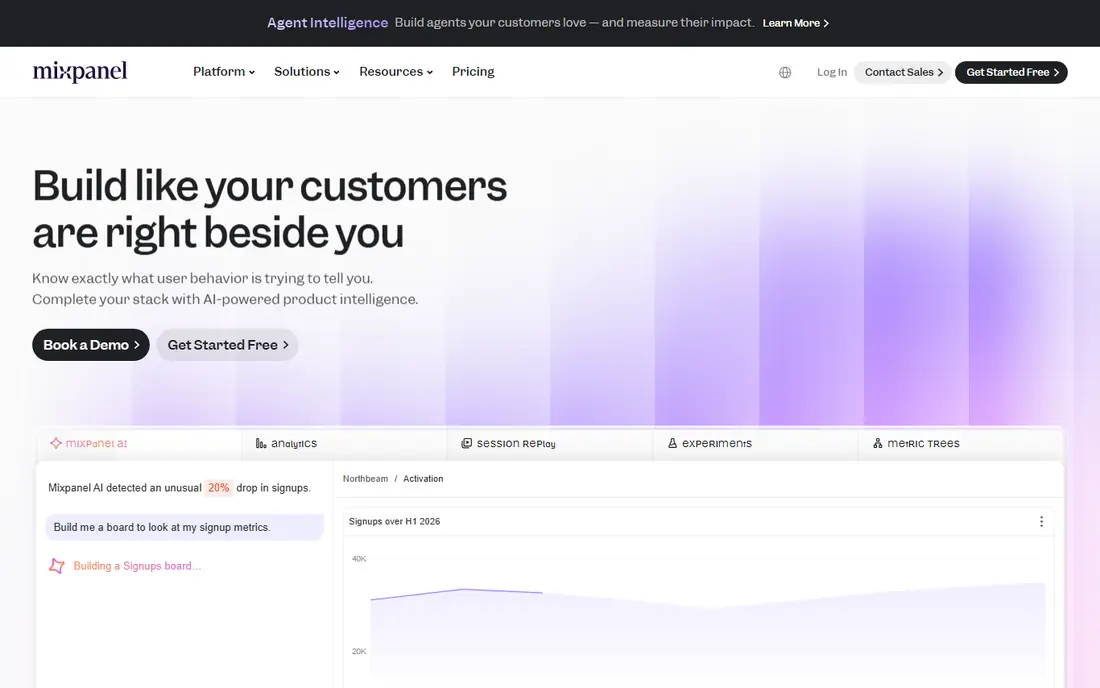
Mixpanel is the most direct event-based alternative for product teams that track named actions such as sign-ups, purchases, and feature use. Funnels, retention, flows, and cohorts are built for self-serve analysis, so product managers can answer questions without writing SQL for every report. The free tier covers smaller event volumes, which suits startups testing a new product.
The cost model is the point to watch. As event volume grows, Mixpanel pricing rises, and teams that fire many events per user can face a larger bill than expected. Careful event design, such as tracking key actions rather than every click, helps control that. For mid-market SaaS teams that want clear event analytics, Mixpanel is a strong first alternative to consider.
- Fast self-serve funnels, retention, and cohorts
- Strong mobile and web SDKs
- Free tier for smaller volumes
- Costs rise with event volume
- Session replay is more limited than replay-first tools
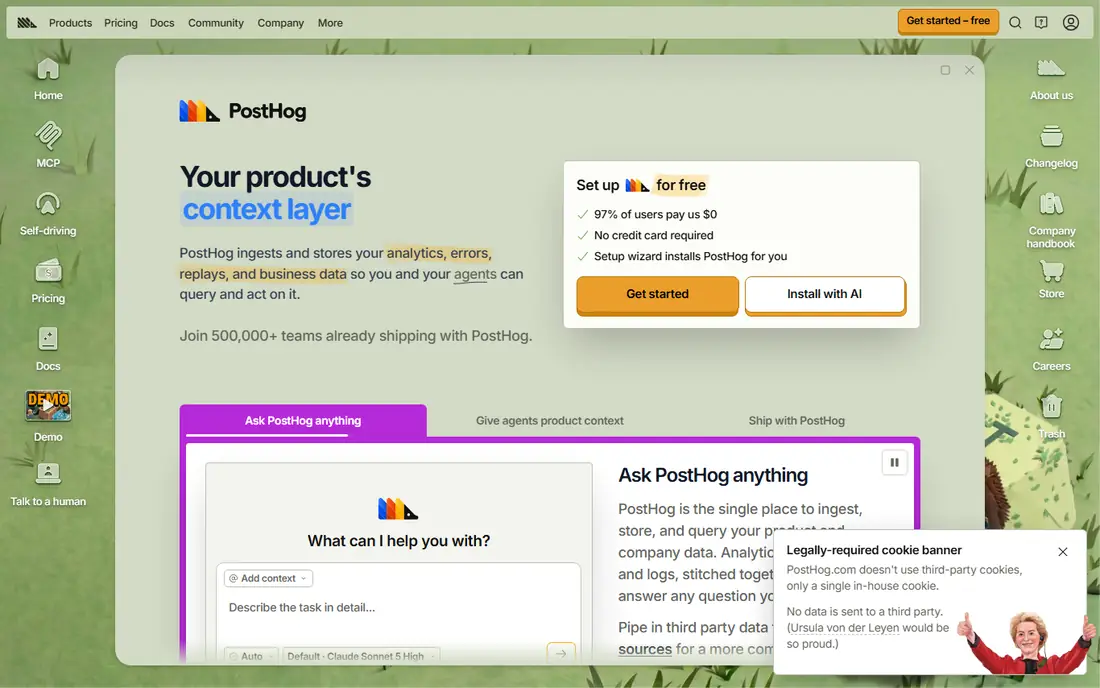
PostHog bundles product analytics with session replay, feature flags, surveys, and experiments, which appeals to developer-led teams that want one platform instead of four separate tools. It is open source, with a self-hosting option for teams that need more control over data, and a cloud free tier for smaller volumes. That combination makes it popular with startups and engineering-heavy product teams.
Usage-based pricing means the bill depends on events, replays, and other product activity, so forecasting matters. A team with high replay use or many events should model costs at real volume before committing. For teams that want an all-in-one, developer-friendly alternative, PostHog offers the widest feature set in this list.
- Product analytics, replay, feature flags, and experiments in one platform
- Self-hosting option
- Usage-based free tier
- Usage-based bills can be hard to forecast
- Breadth can feel complex for small teams
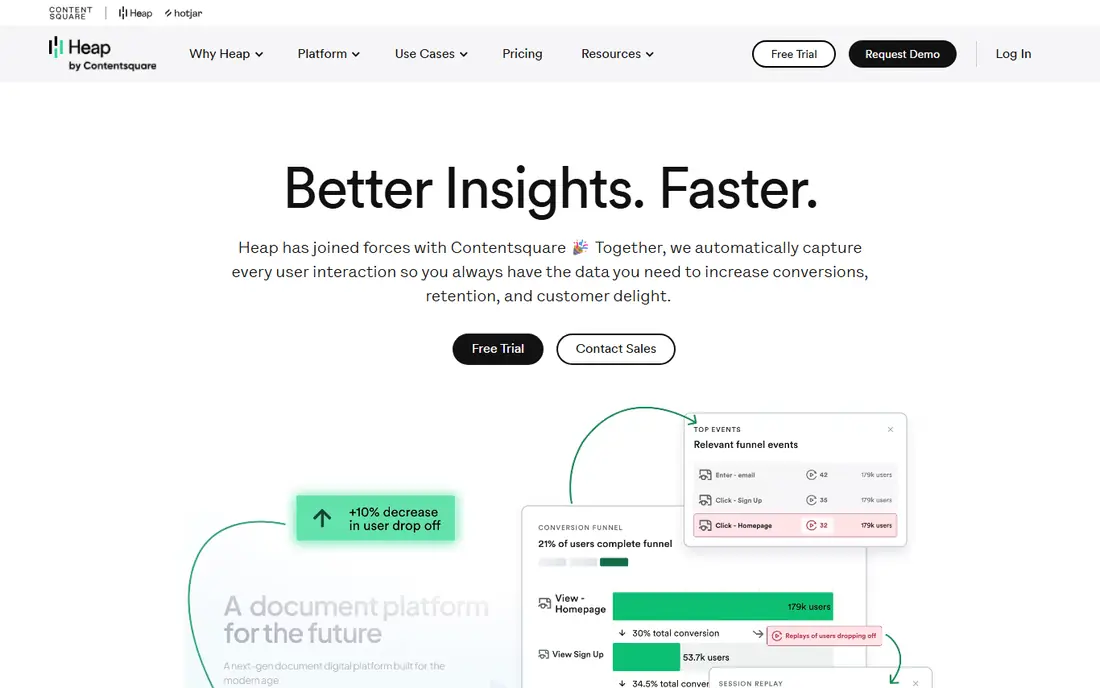
Heap captures user interactions automatically, so teams do not need to define every event in code before they can analyse it. That autocapture approach helps teams that missed tracking a key action, since they can define it retroactively from captured data. Journeys and funnel analysis build on that captured history, which suits product teams that want answers without a long instrumentation project.
Paid pricing is often quote-based, and Heap is known to be expensive at larger volumes, so small teams should confirm the growth path before relying on the free tier. For teams that hate manual instrumentation and want to analyse behaviour they did not plan to track, Heap is a distinctive alternative.
- Autocapture records clicks, taps, and page views without manual event code
- Retroactive analysis
- Free tier for smaller sessions
- Paid pricing is often quote-based
- Can be expensive at scale
Pendo combines product analytics with in-app guidance, which suits SaaS teams that want to measure use and then guide users inside the product. Guides, walkthroughs, tooltips, and surveys can be built without a code release in many cases, and analytics show which guides help retention. The free tier covers up to 500 monthly active users, which is enough for a small product to test the core analytics.
Paid pricing is quote-based, so larger teams need a sales conversation to get a firm figure. Guidance also needs design and maintenance, or users may ignore it. For SaaS teams that want analytics and onboarding in one tool, Pendo is a strong alternative.
- Product analytics plus in-app guides, walkthroughs, and surveys
- Free tier for up to 500 monthly active users
- Good for SaaS onboarding
- Paid pricing is quote-based
- Guidance features add setup work
Google Analytics 4 is the free baseline for web and app analytics, and it suits teams that mainly need acquisition, traffic, and basic engagement reporting. The standard tier is free, with a large event allowance, and BigQuery export supports deeper analysis for teams with data skills. It also integrates with Google Ads and other Google tools.
GA4 is less product-focused than Mixpanel or PostHog, with weaker cohort, retention, and funnel workflows for product teams, and no session replay. Teams that need to understand a multi-step product journey in detail will likely pair GA4 with a product tool. As a free, widely supported starting point, GA4 is hard to ignore.
- Free standard tier
- Wide web and app coverage
- BigQuery export for deeper analysis
- Less product-focused than event tools
- Session replay not included
- Reporting can feel marketing-led
Matomo suits teams that need to own their analytics data and meet strict privacy requirements. The self-hosted version is free and open source, so data stays on your own servers, and cloud plans offer EU hosting. Heatmaps, session replay, and A/B testing are available as add-ons, which extends Matomo beyond basic web analytics.
Product analytics features such as cohorts and retention are thinner than in Mixpanel or PostHog, and self-hosting brings updates, backups, and security work. For privacy-focused organisations, charities, and European teams that value data control over the deepest product workflows, Matomo is a credible alternative.
- Self-hosted version is free and open source
- Data ownership and privacy controls
- EU hosting for cloud plans
- Product analytics depth is thinner than Mixpanel
- Self-hosting needs maintenance
FullStory is replay-first, which suits teams that need to see exactly how users struggle with a page, form, or flow. Session replay, heatmaps, and frustration signals help product and support teams diagnose issues that numbers alone do not explain. The free tier covers a smaller session volume for testing, with paid plans quoted by sales.
FullStory is not the best choice as a sole event analytics tool, since its strength is qualitative behaviour rather than large-scale funnel reporting. Pairing it with Mixpanel, PostHog, or GA4 is common. For teams that debug user experience problems, FullStory is a strong alternative to consider.
- High-quality session replay
- Behaviour analysis and frustration signals
- Free tier for smaller session volumes
- Paid pricing is quote-based
- Analytics alone is less deep than event-first tools
LogRocket links session replay to frontend errors, console logs, and network activity, which makes it valuable for engineering and QA teams that need to reproduce bugs. Product analytics, surveys, and heatmaps are also included, so it covers more than debugging alone. That combination suits teams where support tickets often need a technical replay to resolve.
LogRocket does not offer a permanent free plan, only a trial, and pricing is usage-based on sessions, so costs should be modelled at real traffic levels. For teams that prioritise debugging real user sessions alongside analytics, LogRocket is a focused alternative.
- Session replay linked to console errors and network logs
- Strong for engineering and QA teams
- Product analytics included
- No permanent free plan, only a trial
- Pricing rises with session volume
Smartlook offers session replay, heatmaps, and basic analytics in a lightweight package that is easy to set up on web and mobile. The free tier covers a smaller number of sessions per month, with paid plans from 55 dollars per month in recent listings. That simplicity suits small teams and startups that want to watch real user sessions without a complex enterprise setup.
Analytics depth is lighter than event-first tools, so Smartlook works best as a behaviour companion or a simple standalone for smaller products. For teams that want replay and heatmaps quickly, without a sales-led pricing process, Smartlook is a practical alternative.
- Session replay plus mobile app support
- Simple setup
- Free tier for smaller session volumes
- Analytics depth is lighter than Mixpanel
- Higher tiers needed for larger volumes
How we picked these
We compared official pricing pages, product documentation, and recent 2026 product analytics comparisons for tools that replace the core use cases of event analytics, funnels, retention, and behaviour analysis. We kept tools that are currently available, that offer a free tier or trial, and that fit a distinct reason to switch, such as cost, privacy, autocapture, or replay. The original product is not listed, since this article covers alternatives only.
How to switch without losing history
Export your key reports, cohorts, and event definitions before you cancel, since historical data does not always transfer cleanly. Run the new tool alongside the old one for two to four weeks, and compare the same funnel in both systems to catch tracking differences. Clean up event names during the move, since a switch is the best time to drop noisy events that inflate volume and cost. Check data retention, privacy settings, and whether session replay needs consent banners in your regions.
Cost check that avoids surprises
Forecast monthly events, monthly active users, and replay sessions separately, since each tool bills on a different unit. Test with real traffic, not a demo, and ask what happens when you exceed a tier: throttling, overage charges, or a forced upgrade. For self-hosted options, include hosting, maintenance, and backup time in the total cost, not just the licence price.
Frequently asked questions
What is the best alternative to Amplitude for a small startup?
PostHog and Mixpanel are strong starts, with free tiers for smaller volumes and self-serve reporting. Google Analytics 4 is free and covers basic web and app reporting. Pick PostHog if you want replay and flags in one place, and Mixpanel if you want focused event analytics.
Which Amplitude alternative is best for privacy?
Matomo is the strongest privacy pick, with a free self-hosted version and data ownership on your own servers. PostHog also offers self-hosting. Check data residency, retention, and consent requirements for your region before you choose, especially for EU users.
Is there a free alternative to Amplitude?
Yes. Google Analytics 4 is free at standard tier, Matomo self-hosted is free, and Mixpanel, PostHog, Heap, Pendo, FullStory, and Smartlook all offer free tiers with volume limits. Free tiers suit testing and small products, while larger volumes usually need a paid plan.
What is the difference between Mixpanel and PostHog?
Mixpanel focuses on event-based product analytics with fast funnels and cohorts. PostHog bundles analytics with replay, feature flags, surveys, and experiments, plus a self-hosting option. Mixpanel suits product teams that want focused analytics, while PostHog suits developer-led teams that want many tools in one platform.
Can I migrate my Amplitude data to another tool?
You can usually export events and reports, but a direct, complete migration of dashboards, cohorts, and historical sessions is rarely automatic. Plan for a parallel tracking period, rebuild key funnels in the new tool, and keep an export of historical reports for reference.
Sources
See where you really rank - block by block
ProMapRanker scans Google Maps across a grid of your service area. Simple monthly plans from $19, white-label on every plan.
Start freeKeep reading
 free alternatives to grok imagine
Free Alternatives to Grok Imagine in 2026
We compared the best free alternatives to grok imagine for image generation, from fast daily credits to design tools, so you can create without paying.
Read → best tools for instagram content creation
Best Tools for Instagram Content Creation in 2026
Compare the best tools for Instagram content creation, from Canva and CapCut to Later and Buffer, on design, video, planning, scheduling, and price in 2026.
Read → best tool to split pdf files
Best Tool to Split PDF Files in 2026
We compared the best tool to split pdf files on split modes, file limits, privacy and price, so you can split a PDF cleanly and keep every page in one go.
Read →