 ProMapRanker
Best Alteryx Alternatives in 2026

Key takeaways
- KNIME is the strongest free starting point, with a full desktop analytics platform at no cost and paid Hub plans from $19 per month.
- Dataiku suits mixed teams where analysts, data scientists, and business users share the same workflows and governance.
- Tableau Prep and Power Query make most sense if your team already lives in Tableau or Microsoft tools.
- Code-first teams should look at dbt and Prophecy, which treat transformations as versioned, testable work rather than drag-and-drop flows.
- Most enterprise tools in this list are quote-based, so budget a sales conversation alongside the technical trial.
Quick comparison
| Pick | Great for | Pricing starts at | Free tier | |
|---|---|---|---|---|
 KNIME | Free visual analytics workflows | Free | Yes | Visit |
 Dataiku | Collaborative data science teams | See website | Free trial | Visit |
 Altair AI Studio | Visual AutoML and predictive modeling | See website | Free trial | Visit |
 Tableau Prep | Teams whose output is a Tableau dashboard | See website | Free trial | Visit |
 Talend | Enterprise data integration and quality | See website | Free trial | Visit |
 Informatica | Governed cloud data integration | See website | Free trial | Visit |
 Power Query | Excel and Power BI users | See website | Yes | Visit |
 dbt | SQL-first analytics engineering | Free | Yes | Visit |
 Prophecy | Visual pipelines on Databricks and Snowflake | See website | Free trial | Visit |
The best alteryx alternatives
Alteryx is strong at visual data preparation and workflow automation, but its price and closed ecosystem push many teams to look elsewhere. The tools below cover the same core jobs: cleaning data, joining sources, automating repeatable work, and handing clean output to dashboards or models. Our pick for most people starting out is KNIME, because the desktop tool is free and genuinely capable.
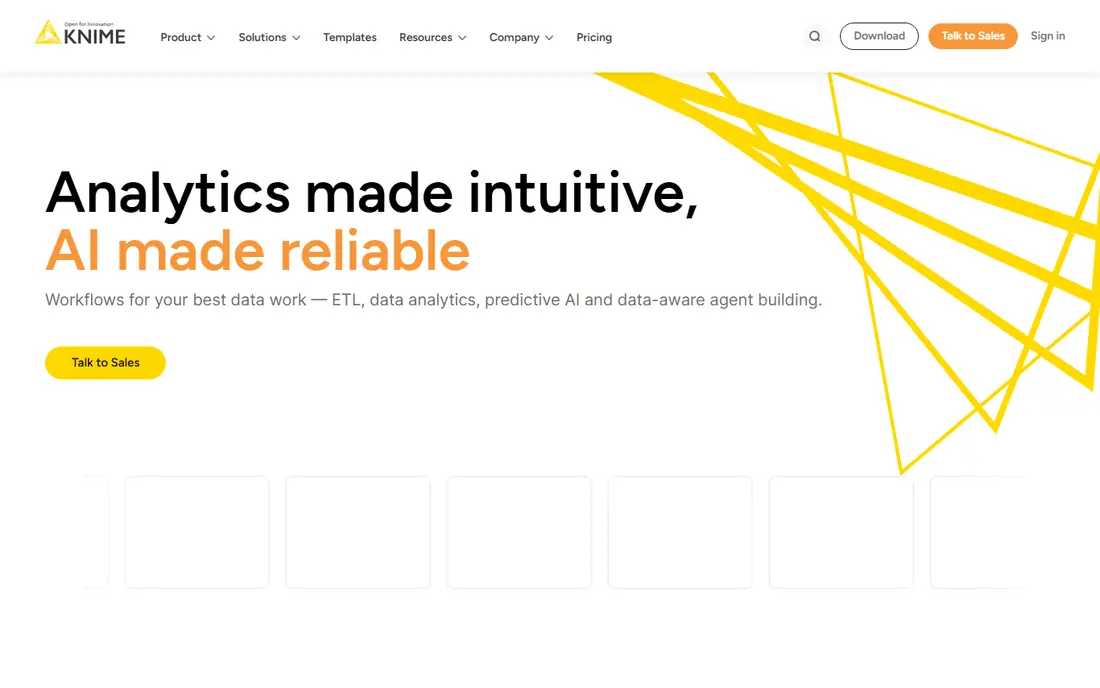
KNIME Analytics Platform gives analysts a node-based canvas that will feel familiar to anyone coming from Alteryx. You drag in connectors, cleaning steps, joins, and models, then run the whole flow in one place. The range of built-in nodes covers most everyday prep work, from parsing messy spreadsheets to scoring a model, without writing code for the common cases.
The catch is scale and polish. The desktop tool is free and open, which makes it easy to start, but scheduled runs, shared spaces, and team collaboration sit behind Hub plans starting at $19 per month for Pro. If you are a solo analyst or a small team with a tight budget, that trade is easy to accept. Larger teams should test Hub early, since that is where the real cost appears.
- Free desktop platform
- Large library of nodes for prep and modeling
- Runs locally without a server
- Interface can feel dated
- Large workflows can be heavy on a laptop
- Scheduling needs a paid Hub plan
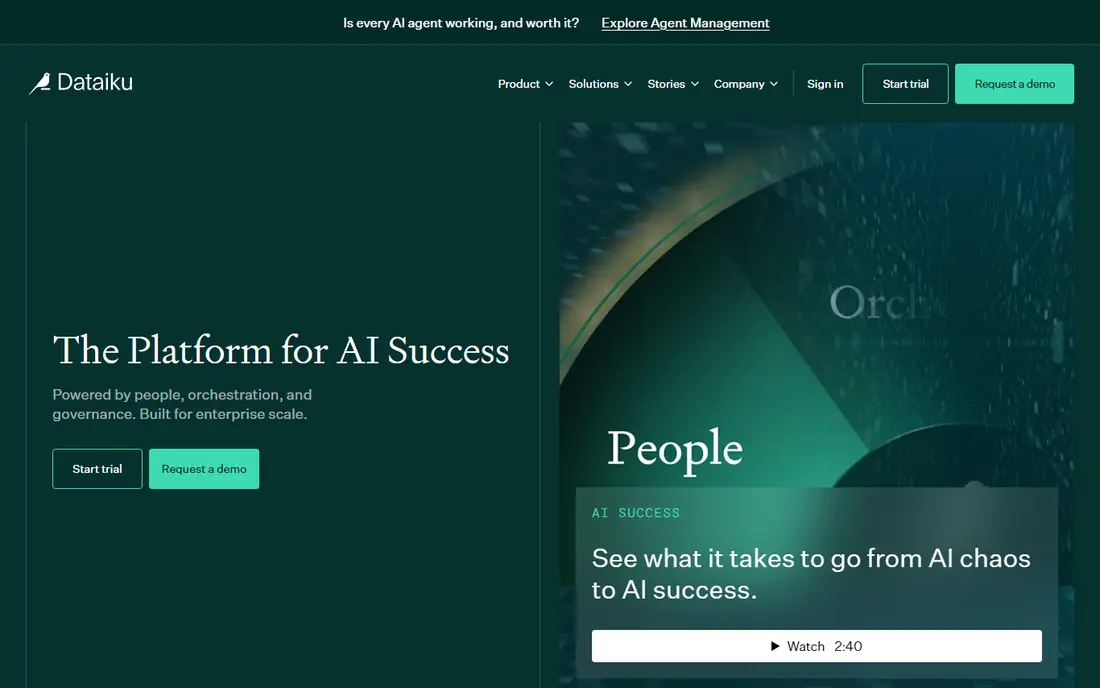
Dataiku is built for the messy middle of analytics, where some people prefer visual recipes and others prefer Python or SQL notebooks. Both styles live in the same project, with shared datasets, versioning, and deployment options. That mix makes it a good fit when analysts and data scientists must hand work back and forth without rebuilding it each time.
Pricing is the main friction. Dataiku does not publish a simple per-user rate for its main platform, so you will need a sales conversation to get a number. Teams that only need data cleaning may find it larger than necessary. Teams that need prep, modeling, and governed deployment in one system will get more value from the breadth.
- Visual and code workflows in one place
- Strong collaboration and governance
- Covers prep through deployment
- Quote-based enterprise pricing
- Setup can be heavy
- More platform than a small team may need

Altair AI Studio, formerly RapidMiner, pairs visual data preparation with automated machine learning. Analysts can build a pipeline, test several models, and compare results without hand-coding each step. That combination suits teams whose main goal is prediction, such as churn scoring or demand forecasting, rather than just cleaning data for a report.
The honest catch is clarity on cost and edition. Altair sells AI Studio through its wider platform, so published pricing is limited and a trial or quote is the realistic route to a number. If your team already uses Altair tools, the fit is stronger. If you only need prep, a simpler tool on this list will be faster to adopt.
- Drag-and-drop modeling with AutoML
- Long history as RapidMiner
- Works on desktop and cloud
- Pricing is not transparent
- Interface has a learning curve
- Branding change can confuse buyers
Tableau Prep is the natural choice when the end product is a Tableau dashboard and little else. Flows are visual, the data profile view makes missing values and outliers easy to spot, and output goes straight into Tableau for reporting. For a team already paying for Tableau, that short path from prep to chart is a real advantage.
Outside that setting, the case weakens. Scheduled flows require Data Management with Prep Conductor, which sits in higher Tableau editions, and the transformation set is smaller than a general prep platform. If your outputs go to many tools, or you need heavy automation, look at KNIME or Talend instead.
- Tight Tableau integration
- Visual flow building
- Profile view shows data problems early
- Scheduling needs higher Tableau editions
- Transformation library is narrower than Alteryx
- Tableau-centric
Talend focuses on moving and cleaning data at enterprise scale, with connectors for databases, cloud warehouses, and business applications. Its data quality tools help teams catch bad values and duplicates before they reach a dashboard, which matters when several systems feed one report. Governance features also help larger firms track where data came from and who changed it.
Small teams may find Talend more than they need. Pricing is quote-based and implementation takes planning, so a quick one-person cleanup job is better served by KNIME or Power Query. For firms replacing Alteryx across departments, though, Talend is one of the closest enterprise matches.
- Broad connector library
- Data quality and governance features
- Cloud and on-premises options
- Quote-based pricing
- Enterprise setup effort
- Can feel heavy for small jobs
Informatica Cloud Data Integration is a long-standing enterprise option for building pipelines between cloud applications, warehouses, and on-premises systems. Its catalog and governance tools help large firms keep track of datasets, lineage, and access rules, which is useful in regulated settings. The platform also handles large volumes that would strain a desktop tool.
The trade-off is complexity. Licensing is quote-based and the product family is broad, so scoping the right edition takes time. New users should expect a longer ramp than with a desktop canvas tool. If governance and scale are your top needs, that effort pays off. If speed of setup matters more, start elsewhere.
- Mature integration platform
- Strong governance and catalog
- Wide cloud support
- Quote-based pricing
- Complex licensing
- Steep learning curve for new users
Power Query is the quiet workhorse inside Excel and Power BI. It records each cleaning step, so a monthly report that once needed manual fixes can refresh with one click. For teams that already use Microsoft tools, the cost argument is strong, since many users already have access through existing licenses.
Its limits show up at the edges. Power Query is less comfortable as a general automation platform, and very complex or large-scale logic is better handled by a dedicated prep tool. Still, if most of your data work ends in Excel or Power BI, it may replace Alteryx for daily jobs at little extra cost.
- Built into Excel and Power BI
- No extra install for many users
- Good for repeatable spreadsheet cleanup
- Limited outside the Microsoft stack
- Struggles with very complex logic at scale
- Sharing flows is less flexible
dbt takes a different approach from the rest of this list. Instead of a canvas, you write SQL models, test them, and document them like software. That makes transformations reviewable, repeatable, and easy to track in version control. Analytics engineers who already work in a cloud warehouse tend to like this model a great deal.
The catch is audience. Teams without SQL fluency will struggle, and business users who liked dragging nodes in Alteryx may find dbt alienating. dbt Cloud adds a hosted interface and collaboration features on paid plans, while the open-source core remains free. Choose dbt when your team is comfortable with code and wants rigor over visual ease.
- Transformations as versioned SQL
- Testing and documentation built in
- Open-source core is free
- No visual canvas
- Requires SQL skill
- Business users may feel left out
Prophecy lets analysts build pipelines visually while generating Spark or SQL code underneath, so engineers can inspect and edit the result. That code-backed approach bridges the gap between a visual canvas and a code-first warehouse stack. It runs inside Databricks or Snowflake, which keeps compute where the data already lives.
The limit is scope. If your firm is not on Databricks or Snowflake, Prophecy is not a fit. Pricing is also quote-based, so expect a sales process. For teams on those platforms who want Alteryx-style visual building without losing code control, it is a strong modern option.
- Visual building that produces real code
- Runs inside Databricks or Snowflake
- AI-assisted pipeline drafting
- Tied to those ecosystems
- Pricing is quote-based
- Newer vendor than some rivals
How we picked these
We compared official feature pages, pricing pages, and public documentation for each tool, and checked how each one handles the core Alteryx jobs: connecting sources, cleaning data, automating repeatable flows, and delivering output. We favored tools that are actively sold and supported in October 2026 and that cover a mix of free, mid-market, and enterprise options. We did not claim hands-on testing, and where a vendor does not publish a price we wrote See website rather than guessing.
What to check before you switch
Start with where your data lives and where your output goes. A tool that excels at cleaning files for Tableau may be a poor fit if your output must feed a warehouse, a model, and three dashboards. List your top five sources, your most common transformations, and who runs the flows each week. That short list will rule out half the options above faster than any feature table.
Next, test scheduling and sharing, not just building. Many tools feel easy when one person builds a flow on a laptop. The pain appears when a flow must run nightly, send an alert on failure, and let a colleague edit it safely. Run a real recurring job during the trial, break it on purpose, and see how clearly the tool reports the failure. Also confirm who owns governance: version history, access controls, and lineage matter more as soon as more than one team depends on the output.
Finally, price the whole setup, not the headline rate. Desktop tools can look free until scheduling, hosting, or support is added. Enterprise platforms can look expensive until they replace two or three separate tools. Add up licenses, compute, and the time your team spends maintaining flows, then compare that total against Alteryx. A cheaper license that needs constant babysitting is not cheaper.
Frequently asked questions
What are the best alternatives to Alteryx for a small team?
KNIME is the best starting point for a small team, since the desktop platform is free and covers most prep and modeling work. Power Query is a strong second choice if the team already uses Excel or Power BI. Both let you prove value before paying for scheduling or collaboration features.
Are there free alternatives to Alteryx?
Yes. KNIME Analytics Platform is free for local work, and the open-source core of dbt is free as well. Power Query is included with Excel and Power BI for many users. Free does not always mean free at scale, since scheduling, hosting, and support may still cost money.
Is Dataiku a good replacement for Alteryx?
Dataiku is a good replacement when a mixed team needs prep, modeling, and governed deployment in one platform. It is larger and more expensive than a simple prep tool, so it fits best when analysts and data scientists share projects. Teams that only need cleaning should start with a lighter option.
Which Alteryx alternative is closest in feel?
KNIME is closest in feel, because it uses a node-based canvas for building workflows visually. Tableau Prep is also visual but narrower in scope. Code-first teams may prefer dbt or Prophecy, which trade the canvas for versioned code and warehouse-native execution.
Should we switch from Alteryx at all?
Switch only if cost, cloud fit, or collaboration is a real problem today. Alteryx remains strong for visual automation, and migration takes time even when the new tool looks better on paper. Run one real workflow end to end in the trial before committing, and compare total cost, not just license price.
Sources
- https://www.knime.com/pricing
- https://www.dataiku.com/product/
- https://www.altair.com/ai-studio
- https://www.tableau.com/products/prep
- https://www.talend.com/products/
- https://www.informatica.com/products/cloud-data-integration.html
- https://powerbi.microsoft.com
- https://www.getdbt.com
- https://www.prophecy.io
See where you really rank - block by block
ProMapRanker scans Google Maps across a grid of your service area. Simple monthly plans from $19, white-label on every plan.
Start freeKeep reading
 wpforms alternatives
Best WPForms Alternatives in 2026
We compare 9 wpforms alternatives for WordPress forms, with free and paid options, current pricing notes, and honest limits for small business sites in 2026.
Read → windows task scheduler alternatives
Best Windows Task Scheduler Alternatives in 2026
Looking for Windows Task Scheduler alternatives? We compare 9 schedulers for Windows and cross-platform work, from free tools to enterprise automation.
Read → which ai video service is best
Which AI Video Service Is Best in 2026
which ai video service is best? We compare 10 legitimate AI video services on price, avatars, editing and output quality to help you pick the right tool.
Read →