 ProMapRanker
Best Alternatives to StreamYard in 2026

Key takeaways
- Restream is the best switch when multistreaming to many platforms matters more than a guest studio.
- OBS Studio gives full production control for free, but it has no built in guest studio or multistreaming service.
- Riverside suits podcasters who record guests in high quality and also go live, while Ecamm Live suits Mac based creators.
- vMix suits Windows users who need a professional switcher, and Streamlabs suits gamers who want alerts and overlays built in.
- OneStream Live and Castr suit scheduled, pre-recorded, and always on streams that StreamYard handles less well.
Quick comparison
| Pick | Great for | Pricing starts at | Free tier | |
|---|---|---|---|---|
 Restream | Sending one broadcast to many platforms | Free | Yes | Visit |
 OBS Studio | Free desktop production control | Free | Yes | Visit |
 Riverside | Podcasters who record and go live | See website | Yes | Visit |
 Ecamm Live | Mac creators who stream and record | See website | Free trial | Visit |
 vMix | Professional switching on Windows | See website | Free trial | Visit |
 Streamlabs Desktop | Gaming and creator streams with alerts | Free | Yes | Visit |
 OneStream Live | Scheduled and pre-recorded streams | $12 per month | Yes | Visit |
 Castr | Always on channels and TV style playout | See website | Free trial | Visit |
The best alternatives to StreamYard
We compared browser studios, desktop encoders, and multistreaming services that are live in October 2026. StreamYard itself is not listed, since this guide covers alternatives to it.
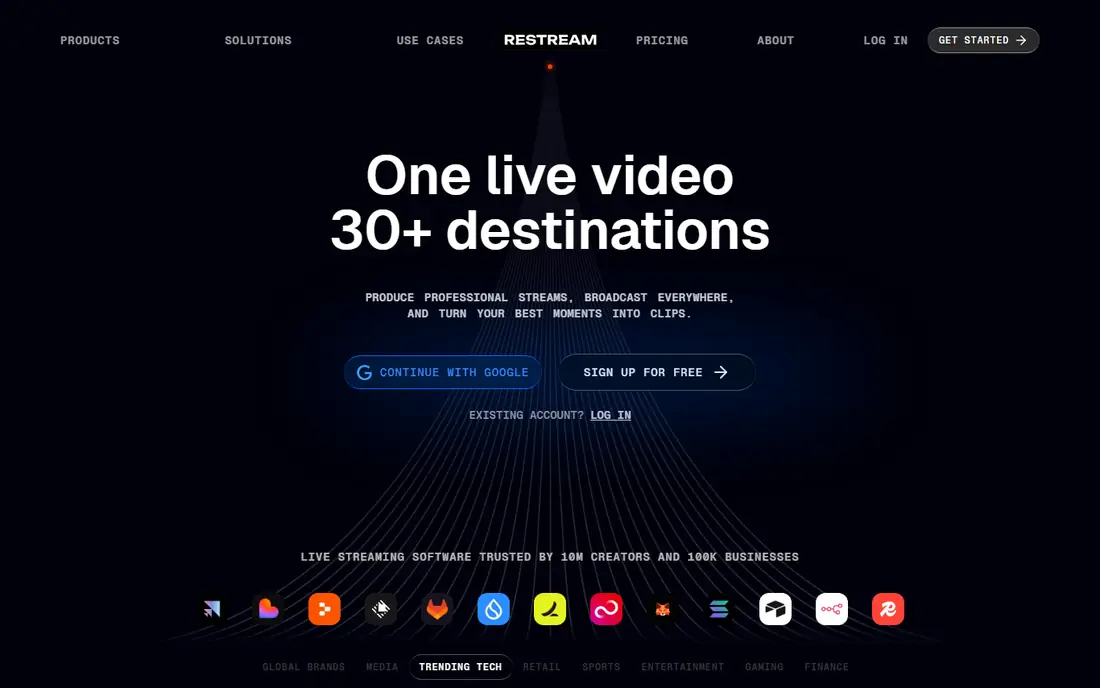
Restream is the most direct alternative when distribution is the goal. You can send one feed to YouTube, Facebook, Twitch, LinkedIn, and other destinations at once, read chat from all of them in one place, and use the browser studio for guests or feed Restream from OBS. That combination covers both simple shows and more produced broadcasts.
The limits sit in the tiers. Free and Standard plans cap output at 720p in recent pricing checks, and separate track recording for guests starts on a higher plan, with storage limits to check. If you need 1080p and clean guest recordings, price the Professional tier, not just the entry price, before you compare Restream with StreamYard.
- Wide platform support
- Unified chat
- Browser studio plus encoder support
- Free and entry plans cap resolution
- Per guest recording sits on higher plans
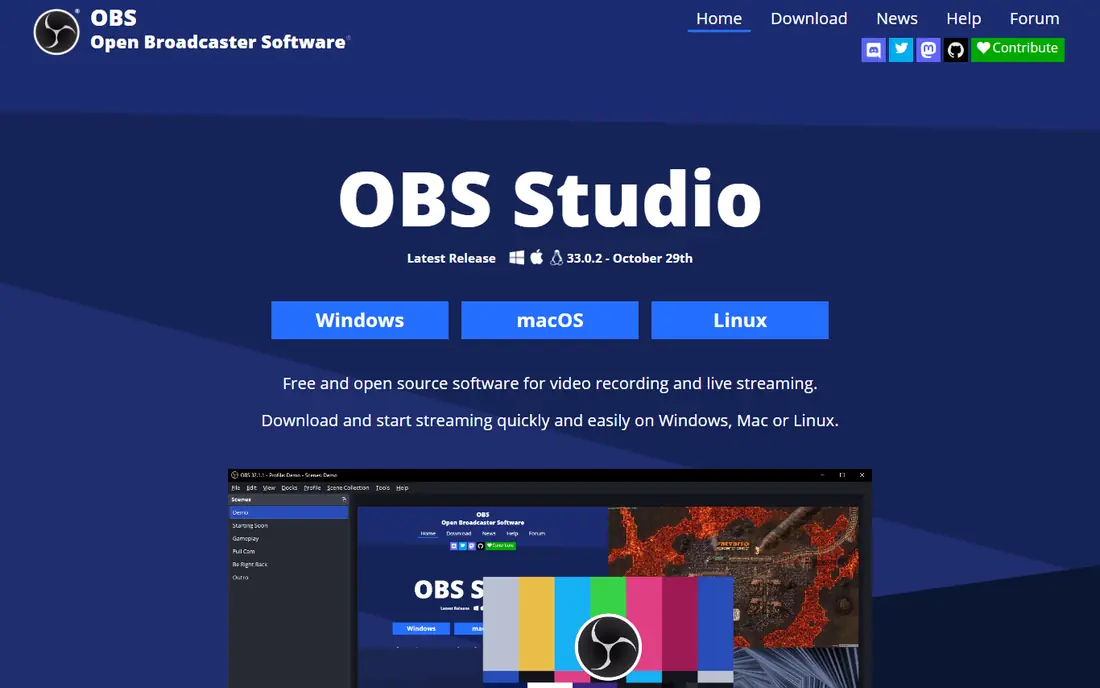
OBS Studio is the tool many streamers graduate to when they want full control. You build scenes from cameras, screens, images, and browser sources, mix audio with filters, and stream to one platform, or to a multistreaming service that accepts your feed. Plugins extend it for captions, audio tools, and production effects.
What OBS does not do is bring guests in by a link or send your stream to many platforms by itself. You pair it with a guest tool or a relay service for those jobs. If you are comfortable learning scenes and audio routing, OBS gives you a professional setup for no subscription cost, and it runs on Windows, Mac, and Linux.
- Free and open source
- Scenes, sources, and plugins
- Full control over layout and audio
- No built in guest studio
- No built in multistreaming
- Learning curve for beginners
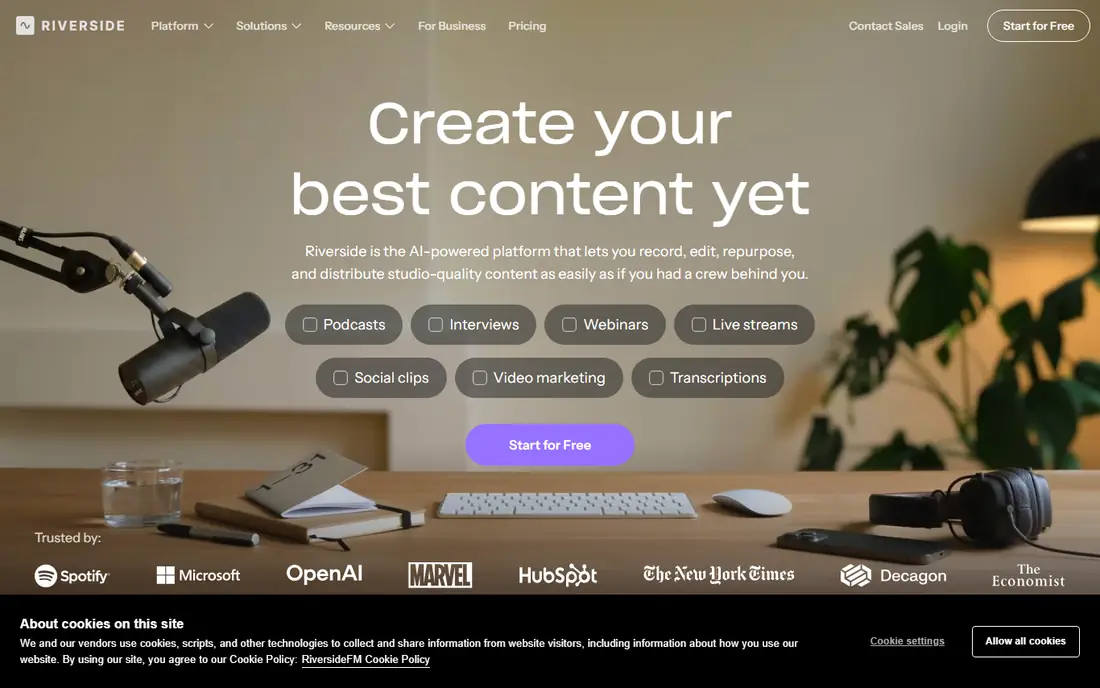
Riverside starts from recording quality. Each guest records locally, so a weak internet connection does not ruin the final file, and you get separate audio and video tracks for editing. Live streaming is available on higher plans, which makes Riverside a good fit for shows that are both a live event and a later podcast episode.
The pricing structure needs a close read. Lower plans cover recording and basic streaming less fully than a dedicated live studio, and multistreaming is tied to the Grow tier in recent checks. If your show is mainly live with light editing, a live first tool may be simpler. If the edited episode matters as much as the live show, Riverside is hard to beat.
- Local recording for each guest
- Separate tracks
- Transcripts and clips for repurposing
- Multistreaming sits on higher plans
- Separate track download hours are capped on some plans
Ecamm Live is the Mac native answer to a browser studio. You can bring guests in by link, build scenes with overlays and lower thirds, stream to several platforms, and record each guest separately on the Pro plan. Integration with Mac cameras, audio tools, and presentation apps makes it feel at home for creators who already work on a Mac.
The obvious limit is platform. Ecamm Live does not run on Windows, so mixed teams need another tool for Windows hosts. There is also no permanent free plan, so budget for a subscription after the trial. For a solo Mac creator or a Mac based team, Ecamm is one of the most polished live tools available.
- Tight Mac integration
- Guest interviews
- Scenes, overlays, and isolated recordings on Pro
- Mac only
- No permanent free plan
- Some features need the higher Pro tier
vMix is a software vision mixer for Windows, built for events, churches, schools, and sports broadcasts that need more than a browser studio. You can mix cameras, video files, graphics, and remote guests, add instant replay on higher tiers, and output to streaming platforms or a recording. For a production team, that depth is the point.
The trade-off is complexity and cost. vMix tiers vary by input count and features, so a small show may not need the top tier, while a multi camera event will. It also runs only on Windows, which rules it out for Mac only teams. Use vMix when your show has a real production crew and a switcher workflow, not for a simple two guest chat.
- Powerful switcher with many inputs
- Replay, graphics, and audio mixing
- Used for events and sports
- Windows only
- Higher tiers cost more
- Learning curve for production teams
Streamlabs Desktop, built on OBS, adds creator tools that gamers and live sellers use every stream: alerts for follows and tips, chat boxes, goal bars, and a large theme library. You can set up a polished stream quickly, and the paid Ultra plan adds multistreaming and premium themes. For Twitch and YouTube gaming, that bundle saves setup time.
The free version covers core streaming well, but the extras that make Streamlabs feel complete are paid, and the app can feel crowded compared with plain OBS. Remote guest handling is also less central than in a browser studio. Choose Streamlabs when alerts and overlays matter daily, and a browser studio when guest interviews are the main job.
- Built in alerts, overlays, and widgets
- Easy for gamers
- Multistreaming options on paid plans
- Some best features sit behind Ultra
- Interface can feel busy
- Desktop app, not a browser studio
OneStream Live solves a different problem: turning finished videos into scheduled live events. You can upload a video, schedule it, and stream it to several platforms at a set time, with playlists for back to back content. That suits product launches, course previews, webinars, and channels that need regular live slots without a host present every time.
Live guest production is not its strongest area, so a show built around interviews will feel better in a browser studio. Check destination counts and resolution on the plan you choose, since both rise with tier. For a team that reuses recorded content as live events, OneStream is a practical and low cost tool.
- Schedule pre-recorded videos as live
- Playlist streams
- Many destinations by plan
- Live guest studio is lighter than StreamYard
- Free plan caps resolution and destinations
Castr is built for channels that never sleep. You can run a 24/7 stream, schedule playlists, embed a player on your site, and send the feed to social platforms and custom destinations. That makes it a fit for TV style channels, radio style video, event loops, and brands that want a permanent live presence.
Castr is less suited to a simple weekly interview show, where a browser studio is faster to set up and easier for guests. Pricing depends on destinations, hours, and features, so get a quote for your actual channel plan rather than judging the entry tier alone. For always on output, though, Castr covers a job that StreamYard does not aim to do.
- 24/7 streaming
- Embeddable player
- Analytics and multi destination support
- No permanent free plan
- Pricing varies by destinations and hours
- Setup is more technical
How we picked these
We compared official pricing pages, feature documentation, and recent streaming comparisons, and we kept tools that are live in October 2026 and that cover a distinct streaming job. We included a multistreaming service, a free encoder, a recording studio, Mac and Windows production tools, a gaming suite, and scheduled and always on services, because StreamYard users leave for different reasons. We did not invent destination counts or prices, and where pricing varies by tier, we used the entry figure or wrote See website.
What to check before you switch
Start with the shape of your show. A guest interview needs a browser studio or a guest tool. A gaming stream needs alerts and scenes. A scheduled launch needs pre-recorded streaming. An always on channel needs playout. Picking the wrong shape is the most common mistake, and no price saving fixes it.
Count destinations and check platform rules
List every platform you stream to, and check each platform simulcasting rules, since some platforms restrict streaming elsewhere at the same time. Then count destinations on the plan you would actually buy, not the maximum advertised across all tiers. A tool that supports many platforms in theory may allow only a few on the entry plan.
Test guest audio and recording quality
Run a full test show with a real guest on a normal home connection, and listen back to the recording, not just the live output. Check separate tracks, echo handling, and how the tool copes when a guest connection drops. For podcast style shows, recording quality matters more than live polish, and a local recording tool will win that test.
Plan for failure and for clips
Keep a backup recording running locally when you can, and check how quickly you can turn a live show into clips for social platforms. Some tools include clip tools, while others need a separate editor. A smooth clip workflow can matter as much as the live show itself for growing an audience.
Frequently asked questions
What is the best StreamYard alternative for multistreaming?
Restream is the best multistreaming first alternative, with wide platform support and unified chat. OneStream Live and Castr also suit multistreaming, with a focus on scheduled and always on streams. Check destination counts and resolution on the tier you would buy, since both vary by plan.
Is there a free alternative to StreamYard?
Yes, OBS Studio is free and open source for full production control, and Restream, Riverside, Streamlabs, and OneStream Live offer free tiers. Free plans usually cap destinations, resolution, or recording, so they suit testing and small shows. A paid plan is normally needed for clean, multi destination production.
Which alternative is best for podcasters?
Riverside is the best podcast first alternative, because each guest records locally and you get separate tracks for editing. It also supports live streaming on higher plans, so one recording can serve both a live audience and a later episode. Test a full episode, including editing, before you switch a running show.
Can I use OBS Studio with a multistreaming service?
Yes, many creators run OBS for scenes and audio, then send that feed to Restream, Castr, or a similar service for distribution. That pairing gives you desktop production control plus many destinations, at the cost of managing two tools. It is a common setup for shows that outgrow a browser studio.
Do I need a browser studio or a desktop app?
Choose a browser studio when guests join by link and you want the simplest setup. Choose a desktop app when you need scenes, audio mixing, replay, or multi camera switching that a browser cannot handle well. Some teams use both: a browser studio for interviews, and a desktop app for produced events.
Sources
See where you really rank - block by block
ProMapRanker scans Google Maps across a grid of your service area. Simple monthly plans from $19, white-label on every plan.
Start freeKeep reading
 wpforms alternatives
Best WPForms Alternatives in 2026
We compare 9 wpforms alternatives for WordPress forms, with free and paid options, current pricing notes, and honest limits for small business sites in 2026.
Read → windows task scheduler alternatives
Best Windows Task Scheduler Alternatives in 2026
Looking for Windows Task Scheduler alternatives? We compare 9 schedulers for Windows and cross-platform work, from free tools to enterprise automation.
Read → which ai video service is best
Which AI Video Service Is Best in 2026
which ai video service is best? We compare 10 legitimate AI video services on price, avatars, editing and output quality to help you pick the right tool.
Read →