 ProMapRanker
Alternatives to Microsoft Office in 2026

Key takeaways
- LibreOffice and Apache OpenOffice are fully free desktop suites, while Google Workspace and Zoho Workplace lead for online collaboration.
- ONLYOFFICE offers the closest file compatibility for many Office formats, with both free and paid cloud options.
- Most readers do not need to pay at all, unless they need advanced macros, complex spreadsheet features or admin controls.
- Test your largest and most complex files in a free alternative before switching a whole team, because formatting can shift.
Quick comparison
| Pick | Great for | Pricing starts at | Free tier | |
|---|---|---|---|---|
 LibreOffice | Free desktop suite | Free | Yes | Visit |
 Google Workspace | Online collaboration | See website | Yes | Visit |
 ONLYOFFICE | Office file compatibility | Free | Yes | Visit |
 Zoho Workplace | Small business bundle | See website | Yes | Visit |
 WPS Office | Low-cost Office-style suite | Free | Yes | Visit |
 Apple iWork | Apple device owners | Free | Yes | Visit |
 SoftMaker Office | Fast local suite | See website | Free trial | Visit |
 Apache OpenOffice | Simple free desktop suite | Free | Yes | Visit |
The best alternatives to Microsoft Office
We compared official feature pages, pricing pages and format support for alternatives to Microsoft Office, and kept only suites that are available today and can handle common Word, Excel and PowerPoint files. Microsoft Office itself is not listed, because this guide is about what to use instead of it. The right pick depends on whether you work offline, online or across both.
LibreOffice is our pick for most people who want a free replacement that works offline. It includes Writer for documents, Calc for spreadsheets, Impress for slides, plus Draw, Base and Math. It opens and saves Microsoft formats, runs on Windows, Mac and Linux, and carries no license fee or subscription.
The honest limit is teamwork. LibreOffice is built for local files first, so live co-editing is not as smooth as Google Workspace or Zoho. Complex documents with heavy macros or intricate formatting may also need checking. For a single user, a student or a small office that works mainly offline, LibreOffice is hard to beat.
- Completely free and open source
- Writer, Calc and Impress included
- Strong offline use
- Collaboration is weaker than cloud suites
- Complex Office formatting can shift
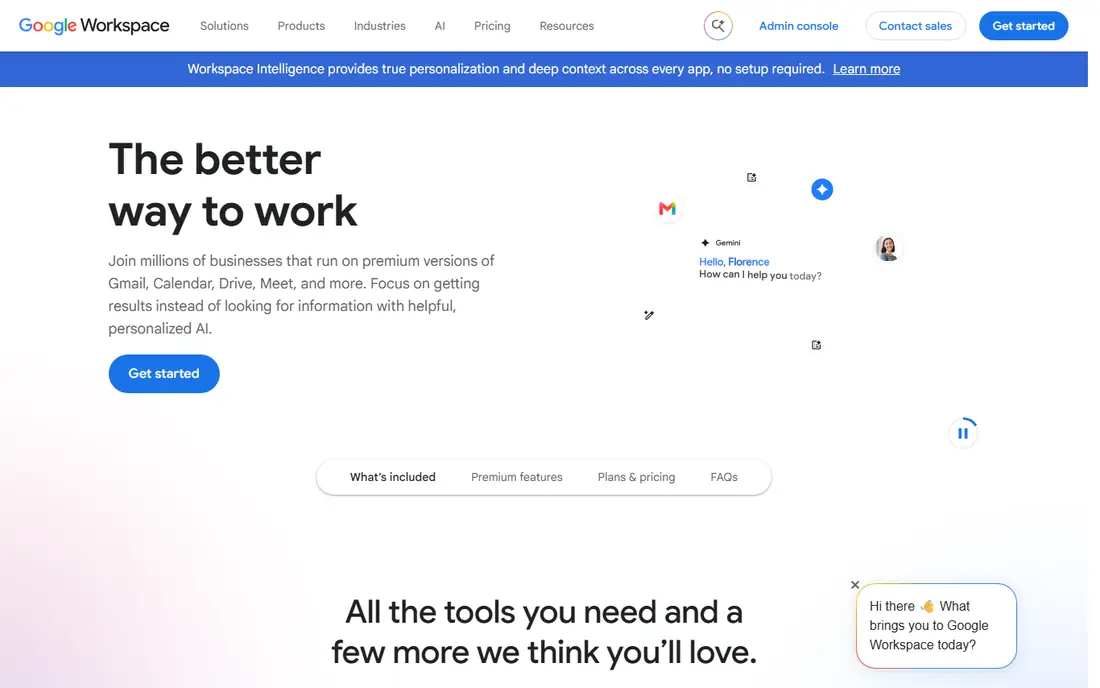
Google Workspace is the best choice when several people edit the same document at once. Docs, Sheets and Slides update live, comments and suggestions are clear, and files live in Drive with simple sharing controls. A free personal Google account already gives access to the core editors, while paid Workspace plans add a business email, admin controls and more storage.
The trade-off is offline work and Excel depth. Google Sheets handles most everyday spreadsheets well, but very complex Excel models, macros and pivot setups may not transfer cleanly. Teams that live in a browser and value collaboration over desktop power will find Workspace the easiest switch.
- Docs, Sheets and Slides with live co-editing
- Strong sharing and commenting
- Works in any browser
- Offline use needs setup
- Advanced spreadsheet features differ from Excel
- Paid plans are per user
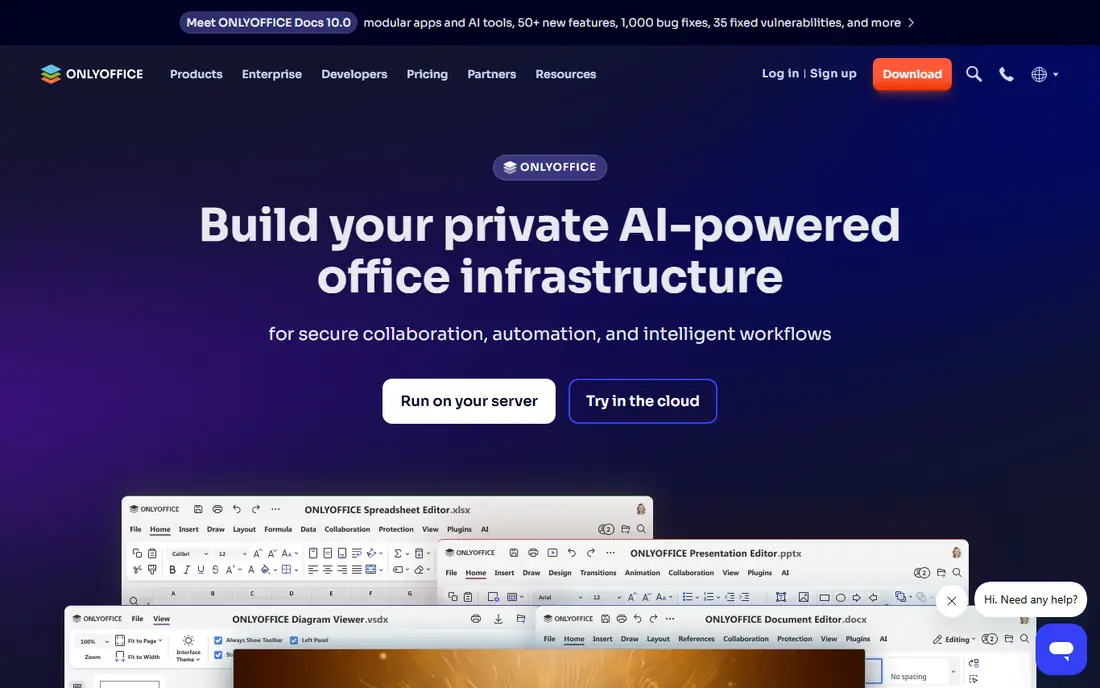
ONLYOFFICE stands out for file compatibility. Its editors are built around Office formats, so documents, spreadsheets and slides often keep their layout better than in some free suites. A free cloud tier and desktop editors cover personal use, while business plans and a self-hosted edition suit teams that want control over their data.
The catch is pricing clarity for teams. Cloud business plans are priced per admin in published listings, not per user in the usual way, so check the plan page before budgeting. For a team that shares many Office files with clients, though, ONLYOFFICE is one of the safest alternatives in this list.
- Strong compatibility with Office formats
- Desktop and cloud editors
- Self-hosted option
- Cloud business pricing is per admin, which needs reading
- Collaboration setup takes care for self-hosting
Zoho Workplace bundles documents, spreadsheets and slides with email, chat and file storage, which suits a small business that wants one account for office work. Writer, Sheet and Show cover the core tasks, and the free tier helps a tiny team start without cost. Paid plans add more storage, admin controls and support.
The learning curve is real. Menus and workflows differ from Office, and staff used to Word and Excel will need a short adjustment period. For a business that wants email and office tools together, and that values a single vendor, Zoho Workplace is a strong, low-cost alternative.
- Writer, Sheet and Show plus email and chat in one bundle
- Free tier for small teams
- Good admin tools
- Interface takes learning for Office users
- Some advanced features differ from Office
WPS Office feels familiar to Office users from the first open, with a ribbon-style interface and Writer, Spreadsheet and Presentation apps. The free tier covers everyday documents, spreadsheets and slides, and the apps run on Windows, Mac, Linux, iOS and Android. Built-in PDF tools are a useful bonus.
The limits are in the free tier. Some advanced features and AI tools require a paid Pro plan, and free users may see prompts to upgrade. For a user who wants an Office-like look without a subscription, WPS is a good middle ground, provided the free tier limits are checked first.
- Familiar Office-style interface
- Free desktop and mobile apps
- PDF tools included
- Some features and AI tools sit behind a paid plan
- Ads can appear in the free tier
Apple iWork, made up of Pages, Numbers and Keynote, is free for Apple device owners and is a polished alternative for everyday work. Keynote in particular is strong for slides, with clean templates and smooth animations. Files can be exported to Office formats, and iCloud sharing covers basic collaboration.
The limit is platform. iWork is made for Apple devices, so a mixed Windows and Mac team will face more friction. Complex Office files should also be tested after export, because formatting can shift. For a household or team that already uses Apple devices, iWork is a no-cost, high-quality pick.
- Pages, Numbers and Keynote free on Apple devices
- Clean design
- Good templates
- Apple devices only for full use
- Office file compatibility needs checking on complex files
SoftMaker Office is a local suite for users who want speed and Office compatibility without a cloud account. TextMaker, PlanMaker and Presentations open Microsoft formats directly in many cases, and the apps are known for fast startup on modest hardware. A trial lets users test their own files before buying.
Collaboration is the weak point. Shared editing in a browser is not its strength, and comments inside a document are the main way to review work together. For a single user or a small office that works locally and values speed, SoftMaker is a solid paid alternative.
- Fast local apps
- TextMaker, PlanMaker and Presentations
- Opens Office formats without conversion in many cases
- Collaboration is limited to comments in many workflows
- Paid license needed after trial
Apache OpenOffice is a simple, free desktop suite that covers the basics: documents, spreadsheets, slides, drawings and databases. It runs on Windows, Mac and Linux, opens Office formats, and carries no cost. For an older computer or a user who wants a plain, stable suite, it still works.
The reason we rank it below LibreOffice is pace. OpenOffice updates less often and offers fewer modern features, so LibreOffice is usually the better free desktop pick. OpenOffice remains useful for basic work, and its simple interface can suit users who do not want extra features in the way.
- Completely free
- Writer, Calc and Impress included
- Simple interface
- Slower update pace than LibreOffice
- Fewer modern features and templates
How we picked these
We compared official feature pages, pricing pages and format support for office suites available today, and kept only tools that handle common document, spreadsheet and slide files. We looked for a mix of free desktop suites, cloud suites and paid local suites, plus a mix of collaboration strength and offline strength. Suites that were only a single editor, or that had no clear pricing or support, were left out.
We did not claim hands-on testing that did not happen. Our comparison rests on published features, pricing and format support, plus the practical limits that show up in documentation, such as collaboration, macros and file conversion. Where a price could not be verified from the vendor, we wrote See website rather than guessing.
How to choose an Office alternative
Decide where the work happens
If work is mainly offline and local, LibreOffice, SoftMaker Office or Apache OpenOffice fit best. If several people edit together online, Google Workspace, Zoho Workplace or ONLYOFFICE cloud plans fit better. A team that does both should test a hybrid setup before committing.
Test your hardest files first
Open your largest documents, your most complex spreadsheets and your most detailed slides in the free alternative. Check tables, charts, headers, footers and print layout, not just the first page. A suite that handles simple files well can still struggle with a complex template, and that test saves trouble later.
Count users, storage and admin needs
Free tiers suit individuals and tiny teams, but larger teams need admin controls, shared storage and support. Compare per-user pricing, storage limits and whether email is included, because a cheap editor can become costly once those are added. Also check data location and privacy terms for business use.
Frequently asked questions
What are the best Microsoft Office alternatives for free?
LibreOffice and Apache OpenOffice are fully free desktop suites, and Google Docs, Sheets and Slides are free with a personal Google account. ONLYOFFICE also offers a free tier. The best free pick depends on whether you work offline or online.
What are the best Office 365 alternatives for small teams?
Google Workspace and Zoho Workplace are strong for small teams, because they bundle editors with email, storage and admin tools. ONLYOFFICE cloud plans also suit teams that share many Office files. Compare per-user pricing and storage before choosing.
What are alternatives to MS Office for Mac users?
LibreOffice, Google Workspace, ONLYOFFICE and WPS Office all run on Mac, and Apple iWork is free on Apple devices. iWork is the most polished for Apple-only users, while LibreOffice suits Mac users who also work on Windows or Linux.
Can alternatives to Office open Word and Excel files?
Yes, all the suites in this list open common Word, Excel and PowerPoint formats, but complex formatting, macros and advanced spreadsheet features may not transfer perfectly. Test your hardest files in the free tier before switching, and keep a copy of the original files.
What is the best alternative to Microsoft for offline work?
LibreOffice is the best free offline pick, with SoftMaker Office as a fast paid local option. Both work without a constant internet connection and save files locally. Cloud suites can work offline with setup, but they are not as strong for offline-first use.
Sources
See where you really rank - block by block
ProMapRanker scans Google Maps across a grid of your service area. Simple monthly plans from $19, white-label on every plan.
Start freeKeep reading
 free alternatives to grok imagine
Free Alternatives to Grok Imagine in 2026
We compared the best free alternatives to grok imagine for image generation, from fast daily credits to design tools, so you can create without paying.
Read → best tools for instagram content creation
Best Tools for Instagram Content Creation in 2026
Compare the best tools for Instagram content creation, from Canva and CapCut to Later and Buffer, on design, video, planning, scheduling, and price in 2026.
Read → best tool to split pdf files
Best Tool to Split PDF Files in 2026
We compared the best tool to split pdf files on split modes, file limits, privacy and price, so you can split a PDF cleanly and keep every page in one go.
Read →