 ProMapRanker
Best AI Ad Tools with Video Generation in 2026

Key takeaways
- HeyGen and Synthesia suit presenter led ads, while Runway and Pika suit generated footage and stylized clips.
- Most tools bill by credits, minutes or clips, so a monthly plan price alone does not show the cost of a full ad set.
- Check commercial use rights on the plan you buy, because free plans often limit or exclude commercial ads.
- Do not generate media of a real person without that person's clear consent, and label AI generated ads where the platform or law requires it.
Quick comparison
| Pick | Great for | Pricing starts at | Free tier | |
|---|---|---|---|---|
 HeyGen | Avatar ads and translation | $29 per month | Yes | Visit |
 Synthesia | Corporate presenter ads | $29 per month | Yes | Visit |
 Runway | Cinematic generated footage | $15 per month | Yes | Visit |
 Pika | Short stylized social clips | $10 per month | Yes | Visit |
 InVideo | Prompt to finished ad drafts | See website | Yes | Visit |
 Pictory | Ads from scripts and articles | See website | Yes | Visit |
 Canva | Branded social ads fast | See website | Yes | Visit |
 Adobe Firefly | Brand safe generated visuals | See website | Yes | Visit |
The best ai ad tools with video generation
We compared tools that can generate or assemble ad video, not tools that only edit uploaded footage. Sora is not listed here, because it is not a live standalone consumer product after its closure in April 2026.

HeyGen is the strongest pick for a talking head ad at volume. You can script a presenter, pick an avatar, translate the same ad into other languages, and create variants for different audiences without booking a shoot. That speed matters for direct response ads, where testing several hooks in a week beats perfecting one ad for a month.
Credit math is the catch. Different avatar models use different credit amounts, so a long video can cost far more than a short one. The free plan gives three watermarked videos per month, which is enough to test the style, not to run a campaign. Use your own avatar or a licensed stock avatar, and get clear consent before generating media that looks or sounds like a real person.
- Realistic avatar presenters
- Video translation for many languages
- Batch creation for ad variants
- Credit use varies by avatar model
- Free plan videos are watermarked
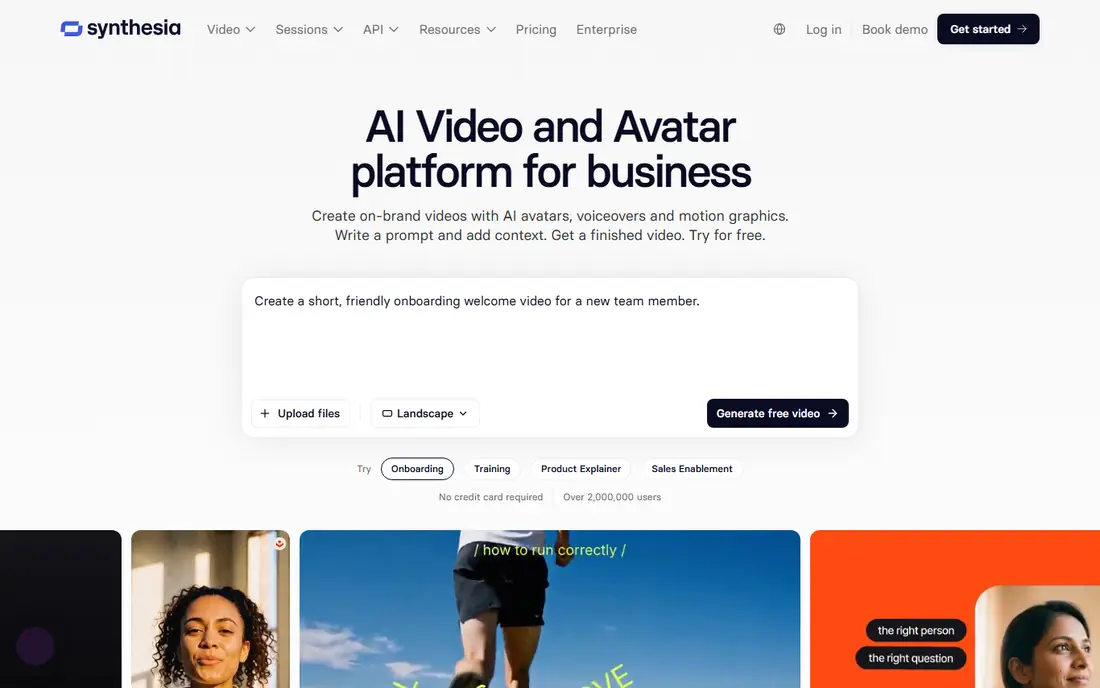
Synthesia suits brands that want a clean, consistent presenter for product explainers and localized ads. The workflow is script first, which helps marketing teams approve wording, keep claims accurate and reuse the same presenter across markets. Governance controls also help larger teams manage who can create and publish video.
It is not the tool for cinematic b-roll or meme style effects. Synthesia presenters are polished and corporate, which can feel flat for a fast social ad that needs humor or chaos. The free Basic plan is watermarked and limited, so budget for a paid plan for commercial ads. Check credit use per video minute before you plan a large batch.
- Controlled avatar presenters for business video
- Team and brand controls
- Script based workflow
- Less suited to wild creative effects
- Paid plans needed for commercial scale
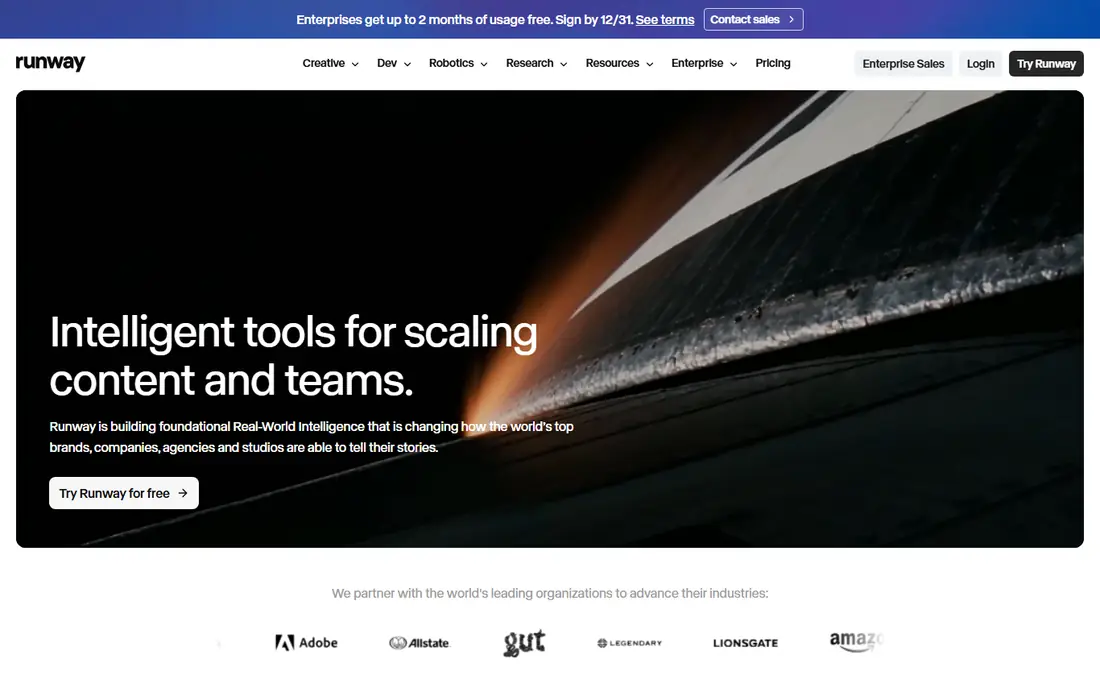
Runway suits advertisers who want original footage, not a presenter reading a script. You can generate a scene from a prompt or a product photo, adjust camera movement and style, and edit the result in the same tool. For brand films, product b-roll and bold social hooks, that control is a real advantage over template editors.
The limit is length and credits. Generated clips are short, and a high end model can use many credits per second, so a 15 second ad can cost more than the plan price suggests. The free plan gives one time credits, not a monthly refill. Plan your shots, reuse strong clips, and finish the ad in an editor rather than generating the whole ad in one pass.
- Strong text and image to video models
- Editing tools in the same workspace
- Good camera and style control
- Credit burn is fast on high end models
- Clips are short, so ads need editing
Pika is the low cost way to test stylized social ads. It turns a prompt or photo into a short clip with effects that suit TikTok, Reels and Shorts, and the entry price is lower than most tools on this list. For a small brand testing several creative angles, that low cost and speed matter more than cinematic realism.
Check commercial rights before you publish. Free and entry plans may not include the commercial use a paid ad needs, and higher plans are the safer route for ads. Pika clips are also short and stylized, so they work best as hooks or product moments inside a larger edited ad, not as a full 30 second story on their own.
- Low entry price
- Fun effects and stylized looks
- Fast for social testing
- Commercial rights start on higher plans
- Clip length and realism are limited
InVideo suits marketers who want a finished draft fast. Type a prompt or paste a script, and the tool assembles scenes, stock footage, voiceover and text into a first version you can edit. That draft speed helps small teams produce several ad variants without starting from a blank timeline each time.
The draft is not the final ad. Claims, pricing, disclaimers and brand details still need a human check, and stock based scenes can look generic if you do not customize them. Use InVideo to get to a testable version quickly, then tighten the hook, the offer and the call to action in the editor. Confirm the plan terms for commercial use and watermark removal before publishing.
- Prompt based ad drafts with stock, voice and text
- Templates for many ad formats
- Fast first draft
- Generated drafts still need human editing
- Media quality varies by prompt
Pictory suits teams that already have scripts, articles or long videos and want short ads from that material. It can summarize a post into scenes, add captions and voiceover, and produce a social ready cut without a full edit session. For content teams, that repurposing workflow saves more time than generating every scene from scratch.
Originality is the limit. Stock based ads can look similar to other brands, so add your own product shots, brand colors and a specific offer to stand out. Pictory is best for volume and repurposing, while Runway or HeyGen are better when the ad needs a unique visual or a presenter. Check the current plan for video length, commercial use and watermark rules.
- Turns scripts, blog posts and long videos into short ads
- Auto captions
- Useful for repurposing content
- Generated scenes rely heavily on stock footage
- Less control than Runway for original footage
Canva is the practical pick for a small team that needs branded social ads today, not a film production. Templates, brand fonts and colors, stock media and simple AI video tools sit in one workspace, and publishing to social channels is straightforward. For a team without a video editor, that all in one flow is the main reason to choose Canva.
AI video is not unlimited. Generation draws from a shared AI allowance, and video features vary by plan, so a team making many AI clips may hit limits fast. Canva also suits short social ads better than long cinematic work. Use it for consistent, on brand social ads, and pair it with Runway or HeyGen when an ad needs original footage or a presenter.
- Brand kits, templates and social publishing in one place
- Easy for non editors
- Wide template library
- AI video generation draws from a shared AI allowance
- Advanced video features sit on higher tiers
Adobe Firefly suits brands that care about rights, consistency and creative control. Firefly models are built with commercial use in mind, and integration with Adobe tools helps teams move generated visuals into a full ad workflow. For agencies and brand teams, that rights focus can matter more than a slightly lower price elsewhere.
The trade-off is scope and complexity. Firefly is a generative system inside Adobe, not a single ad template app, so casual users may find the full Adobe setup heavier than Canva or InVideo. Check the current Firefly plan for video generation limits, commercial terms and included credits. For brand safe work at scale, it is a strong pick, and for quick social tests, a simpler tool may be faster.
- Commercially focused generative models
- Integration with Adobe creative tools
- Strong controls for brand work
- Video generation is part of a wider Adobe system
- Pricing and access vary by plan
How we picked these
We compared official pricing pages, product pages and public comparisons from October 2026, and we kept only tools that are live and can generate or assemble ad video. We excluded Sora because it is not a live standalone consumer product after April 2026. We did not claim hands-on testing, and we treated credit estimates as a guide to confirm on each vendor pricing page, because model and plan changes affect cost fast.
How to buy AI video for ads without wasting credits
Start with the ad format, not the model. A presenter ad, a product clip and a repurposed article ad need different tools, and buying one tool for all three usually wastes credits. Write the script and the offer first, then pick the tool that makes that format well. Test with a small batch, measure hook rate and cost per ad, and only then buy a larger credit pack.
Check rights, consent and claims before you publish
Confirm commercial use rights on your exact plan, including whether free or entry plans allow paid ads. Get clear consent before using a real person's face, voice or likeness, and do not generate misleading endorsements, fake testimonials or deceptive before and after claims. Check ad platform rules for AI disclosure, and keep a human review step for prices, offers and legal claims in every ad.
Frequently asked questions
What are the best ai video ad generation platforms?
HeyGen and Synthesia lead for presenter ads, Runway and Pika lead for generated footage and short clips, and InVideo, Pictory and Canva lead for fast drafted and branded social ads. Adobe Firefly suits brand safe work inside Adobe tools.
Can I use free plans for paid ads?
Not always, because free plans often watermark video or limit commercial use. Check the commercial terms on your plan before publishing a paid ad, and move to a paid plan when the terms require it.
How much do AI ad videos cost?
Costs depend on plan price plus credits, minutes or clips used. A short social clip can be cheap, while a long avatar video or a high end cinematic clip can use many credits, so test one ad and track credit use before budgeting a campaign.
Do I need consent to generate a video of a real person?
Yes, get that person's clear consent before generating media that looks or sounds like them, and do not use it to imply an endorsement they did not give. Consent rules vary by place and platform, so check both before publishing.
Is Sora available as a standalone ad tool?
No, Sora is not listed here because it is not a live standalone consumer product after its closure in April 2026. Use the live tools above for current ad work.
Sources
See where you really rank - block by block
ProMapRanker scans Google Maps across a grid of your service area. Simple monthly plans from $19, white-label on every plan.
Start freeKeep reading
 wpforms alternatives
Best WPForms Alternatives in 2026
We compare 9 wpforms alternatives for WordPress forms, with free and paid options, current pricing notes, and honest limits for small business sites in 2026.
Read → windows task scheduler alternatives
Best Windows Task Scheduler Alternatives in 2026
Looking for Windows Task Scheduler alternatives? We compare 9 schedulers for Windows and cross-platform work, from free tools to enterprise automation.
Read → which ai video service is best
Which AI Video Service Is Best in 2026
which ai video service is best? We compare 10 legitimate AI video services on price, avatars, editing and output quality to help you pick the right tool.
Read →