 ProMapRanker
Adobe Illustrator Alternatives in 2026


Professional vector without subscription · Pricing starts at: Free
Key takeaways
- Affinity, now free under Canva, is the strongest professional Illustrator alternative for most designers who want to avoid a subscription.
- Inkscape is the best fully free open-source vector editor, and it runs on Windows, Mac and Linux.
- Figma and Sketch suit interface and product design teams, while CorelDRAW suits print, sign and Windows-based production work.
- Check file compatibility before switching, since clients and print shops may still expect native Illustrator files.
Quick comparison
| Pick | Great for | Pricing starts at | Free tier | |
|---|---|---|---|---|
| Affinity | Professional vector without subscription | Free | Yes | Visit |
 Inkscape | Free open-source vector editing | Free | Yes | Visit |
 Figma | Interface and team design | $16 per month | Yes | Visit |
 CorelDRAW | Print and production design | $269 per year | Free trial | Visit |
 Sketch | Mac interface design | $9 per month | Free trial | Visit |
 Canva | Fast marketing graphics | Free | Yes | Visit |
 Linearity Curve | Apple vector design with AI tools | See website | Yes | Visit |
 Lunacy | Free Sketch-compatible design | Free | Yes | Visit |
The best Adobe Illustrator alternatives
These tools replace Illustrator for logos, illustration, icons, print work and interface design, without listing Illustrator itself. We compared vector tools, color and print support, file compatibility, collaboration and price, favoring tools that are actively maintained in 2026.
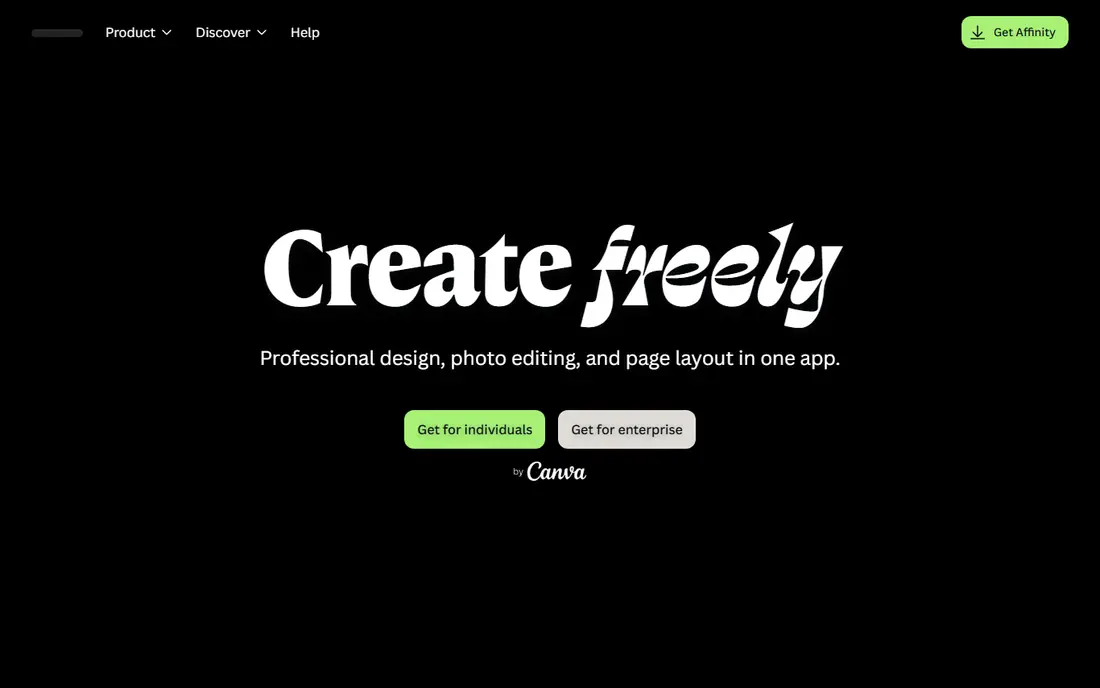
Affinity is the clearest professional replacement for Illustrator. After Canva made the core Affinity app free in late 2025, it now covers vector design, raster editing and page layout in one place, with CMYK color, print-ready PDF export and strong pen and node tools. For freelancers and small studios, that combination at no cost is hard to beat.
The limits are about ecosystem, not core drawing power. There are fewer plugins and tutorials than for Adobe tools, and collaboration is file-based rather than live. Some complex Illustrator files also need a check before they go to a client or print shop. For most logo, illustration and print work, Affinity is our first recommendation.
- Full vector, raster and layout tools in one app
- CMYK and print support
- No subscription for the core app
- Smaller plugin ecosystem than Adobe
- No real-time team editing
- Some Illustrator files need checking before handoff
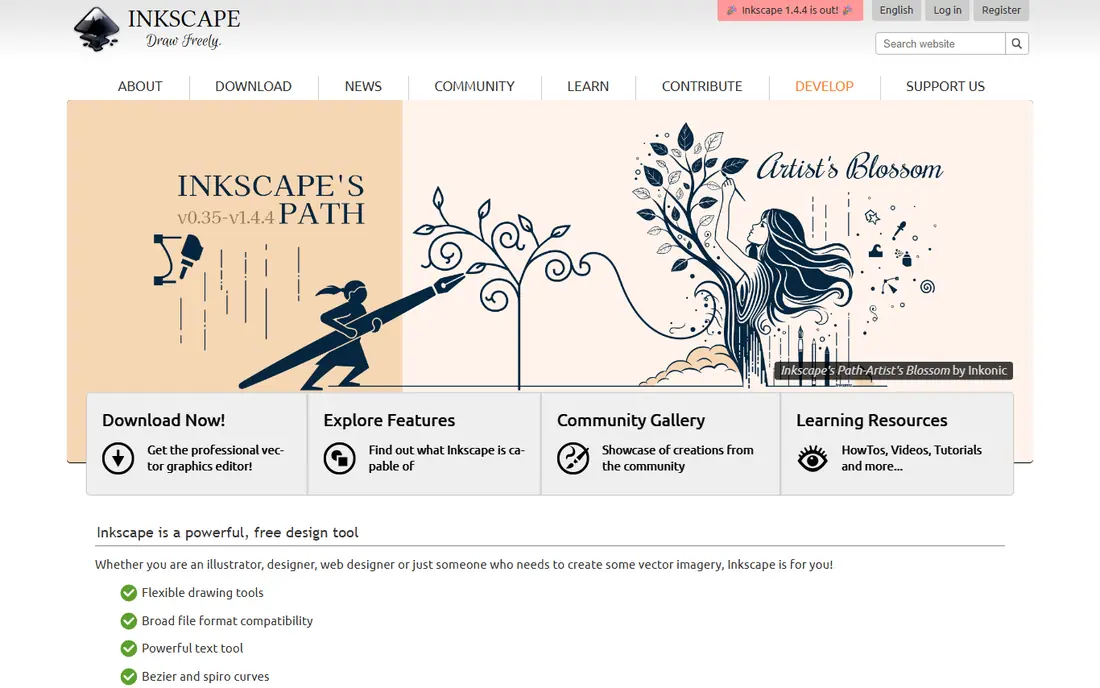
Inkscape is the best free vector editor for anyone who wants full control without paying anything. It handles SVG natively, offers detailed path, node and text tools, and runs on Windows, Mac and Linux. Extensions and a long-running community add features for icons, diagrams, laser cutting and web graphics.
It is not as polished as Affinity or CorelDRAW, and very large files can slow it down. CMYK and print workflows also need more care than in a dedicated print tool. For logos, icons, diagrams and web graphics on a zero budget, Inkscape remains the most capable free choice.
- Free and open source on Windows, Mac and Linux
- Strong SVG support
- Active community and extensions
- Interface feels less polished
- Performance can lag on very large files
- Print color tools are thinner than Affinity
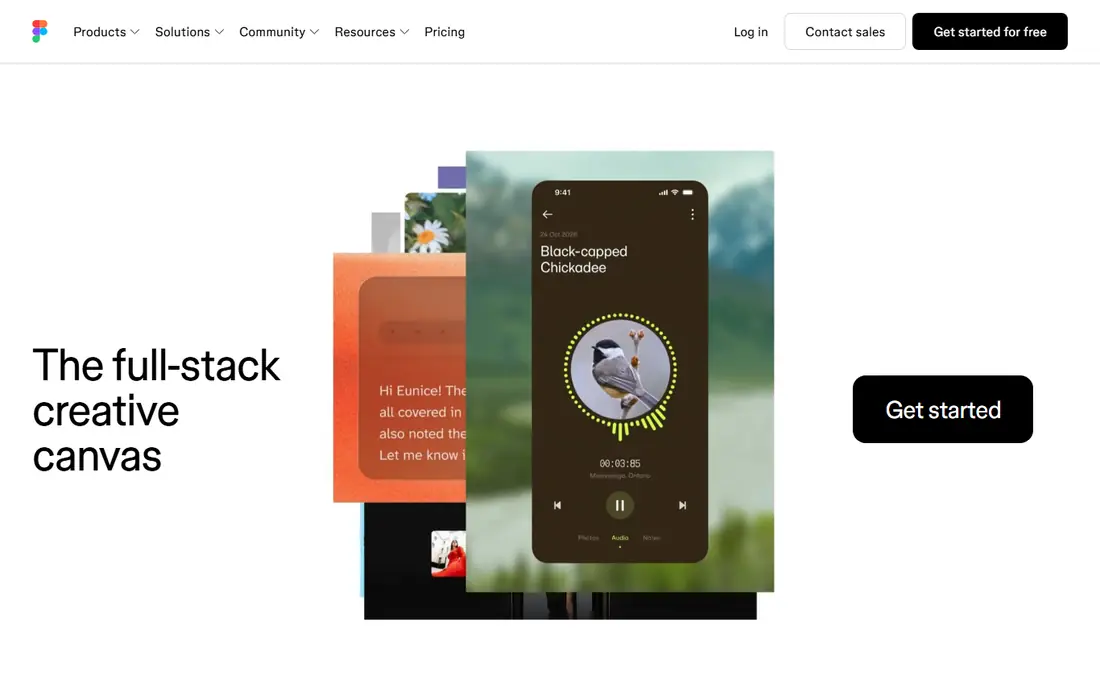
Figma suits product and interface teams more than print shops. Its real-time collaboration, shared components and prototyping tools make it easy for designers, developers and product managers to work on the same file. The free Starter plan covers individual projects, while paid editor seats start at $16 per month billed annually.
For print work, Figma is a weaker Illustrator replacement, since color and export controls are built for screens first. A team that designs apps, websites and marketing graphics will get more from Figma than from a desktop vector app, while a print designer should look at Affinity or CorelDRAW instead.
- Real-time team collaboration
- Strong component and prototyping tools
- Free Starter plan for individuals
- Browser-based workflow needs internet for full features
- Print support is thinner than Illustrator
- Paid editor seats add up
CorelDRAW is the veteran choice for print shops, sign makers and Windows-based design teams. It covers vector illustration, page layout, photo editing and production tools in one suite, with strong color management and file support for print workflows. The subscription starts at $269 per year, and a one-time purchase is available at $549.
Beginners may find the interface dense, and Mac users get a less complete experience than Windows users. For production work where print accuracy, signage and large-format output matter, CorelDRAW is still a serious Illustrator alternative, especially for teams that prefer to own software rather than rent it.
- Deep print, sign and production tools
- One-time purchase option
- Strong Windows support
- Subscription costs $269 per year
- One-time price is $549
- Interface feels dense for beginners
Sketch is the Mac-native choice for interface and product design. Its clean workspace, symbols, libraries and prototyping tools suit teams that design apps and websites on Apple hardware. Paid plans start at $9 per editor per month on monthly billing, with a yearly option at $99, and a free trial lets you test the workflow.
Sketch is not a general print or illustration replacement. Its vector tools handle interface graphics well, but print color and large illustration projects are better served by Affinity or CorelDRAW. For a Mac-based product team, Sketch remains a focused, reliable alternative.
- Clean Mac-native interface tools
- Strong symbols and libraries
- Good developer handoff
- Mac only
- Print and illustration tools are thinner than Illustrator
- Paid plans needed for team features
Canva is not a like-for-like Illustrator replacement, but it belongs here for small businesses without a designer. Templates, drag-and-drop editing and brand tools let a team produce social posts, flyers and presentations quickly, and the free plan covers many everyday jobs. Canva Pro adds brand kits, background removal and more templates.
Serious vector work is the limit. Pen control, path editing and print color tools are far thinner than in Affinity or Inkscape, so logo design and print production should not rely on Canva alone. Use it for fast marketing graphics, and pair it with Affinity when a job needs real vector precision.
- Very easy for non-designers
- Huge template library
- Fast social and marketing graphics
- Vector control is limited
- Print precision is weaker than Affinity
- Pro features cost $120 per year in recent reports
Linearity Curve, formerly Vectornator, suits designers who live on iPad, iPhone and Mac. Its free tier lets you try vector design without paying, and AI features such as Auto Trace and background removal speed up routine jobs. Real-time collaboration is a real advantage over Affinity for small Apple-based teams.
The Apple-only footprint is the main limit, since Windows and Android users cannot use it. Cloud storage requirements may also put off users who prefer local files, and heavy photo work still needs another app. Pricing varies by plan, so we have used See website. For Apple-focused designers, Linearity Curve is a modern, fast alternative.
- Free tier to start
- AI tools including Auto Trace
- Real-time collaboration on Apple devices
- Apple devices only
- Cloud storage is required for some workflows
- Raster editing is limited
Lunacy is a useful free option for interface designers who need Sketch compatibility without a Mac. It opens Sketch files, offers vector and interface tools, and includes built-in icons, photos and illustrations to speed up mockups. For Windows users who receive Sketch files, that compatibility alone can justify it.
It does not match Affinity for illustration or print, and its community and plugin support are smaller than Figma. Think of Lunacy as a free interface design tool with handy built-in assets, not a full print studio. For teams on a tight budget that work with Sketch files, it is a practical pick.
- Free for core design work
- Opens Sketch files
- Built-in icons, photos and graphics
- Smaller community than Figma
- Advanced vector tools are thinner than Affinity
- Windows and Mac focus
How we picked these
We compared vector drawing tools, color and print support, file compatibility, collaboration and current pricing from vendor pages and October 2026 guides. We favored tools that are actively maintained and that cover a distinct need, from professional print to interface design to fast marketing graphics. Where pricing had changed recently, as with Affinity becoming free, we used the current free status rather than older one-time prices.
What to check before you switch
Test your real files first. Open a recent logo, icon set or print file in the new tool, export it in the format your client or printer needs, and check fonts, colors and paths before you commit. That single test catches most compatibility problems early.
Also check your workflow, not just drawing tools. If you need live team editing, Figma or Linearity Curve will suit you better than Affinity or Inkscape. If print accuracy matters, Affinity or CorelDRAW should lead. Finally, confirm export formats: SVG, PDF, EPS and AI compatibility vary, and a tool that cannot export what your printer needs is not a real alternative for that job.
Frequently asked questions
What is the best free Adobe Illustrator alternative?
Affinity is our pick for most designers, since the core app is now free and covers vector, raster and layout work. Inkscape is the best fully open-source alternative, especially for Linux users and SVG work.
What are the best alternatives to Adobe Illustrator for logos?
Affinity and CorelDRAW suit logo and print work best, thanks to strong pen tools and CMYK support. Inkscape also handles logos well for free, while Figma and Sketch suit logo work only when the logo lives mainly in digital products.
Is Affinity really free now?
Yes, recent October 2026 reports say Canva made the core Affinity app free in late 2025, with optional paid AI features for eligible Canva Premium users. Check the current Affinity site for the latest terms before you rely on a specific AI feature.
Which Illustrator alternative is best for Mac users?
Affinity works well across Mac, Windows and iPad, while Sketch and Linearity Curve are Mac and Apple focused. Choose Affinity for general vector and print work, Sketch for interface teams, and Linearity Curve for iPad-first design with AI tools.
Can these tools open Illustrator files?
Many can open or import AI, SVG, PDF and EPS files, but complex Illustrator effects, fonts and linked assets may not transfer perfectly. Always test your own files and keep the original Illustrator file until the handoff is confirmed.
Do I need Illustrator for professional print work?
Not always. Affinity and CorelDRAW both support CMYK and print-ready PDF export, and many print shops accept those files. If a specific client or printer requires native Illustrator files, keep Illustrator for that job and use an alternative for the rest.
Sources
- https://affinity.serif.com
- https://inkscape.org
- https://www.figma.com
- https://www.coreldraw.com
- https://www.sketch.com
- https://www.canva.com
- https://www.linearity.io
- https://icons8.com/lunacy
- https://rankite.com/blog/top-10-graphic-design-software
- https://rankite.com/blog/best-illustration-software
- https://ecomposer.io/blogs/review/adobe-illustrator-alternatives
See where you really rank - block by block
ProMapRanker scans Google Maps across a grid of your service area. Simple monthly plans from $19, white-label on every plan.
Start freeKeep reading
 best resource management software
Best Resource Management Software in 2026
We compared the best resource management software for scheduling, capacity and utilization, with current pricing and free trials, to help teams choose well.
Read → best reporting tools
Best Reporting Tools in 2026
Compare the best reporting tools for dashboards, scheduled reports, and business insights, from Power BI and Tableau to Looker Studio for every team size.
Read → best remote support software
Best Remote Support Software in 2026
Looking for the best remote support software? We compare 9 tools on price, security, session controls, and fit for helpdesks, MSPs, and small teams in 2026.
Read →