 ProMapRanker
Adobe Creative Cloud Alternatives in 2026


All-round photo, vector, and layout work · Pricing starts at: Free
Key takeaways
- Affinity is now the strongest all-round desktop replacement, with photo, vector, and layout tools free under Canva.
- GIMP, Inkscape, Krita, and DaVinci Resolve cover professional photo, vector, painting, and video work for free.
- Figma and Canva cover interface design and fast marketing graphics, but they do not replace deep photo or video editing.
- No single tool replaces every Creative Cloud app, so most switchers pick two or three tools from this list.
Quick comparison
| Pick | Great for | Pricing starts at | Free tier | |
|---|---|---|---|---|
| Affinity | All-round photo, vector, and layout work | Free | Yes | Visit |
 GIMP | Free advanced photo editing | Free | Yes | Visit |
 Photopea | Browser-based PSD and AI file editing | Free | Yes | Visit |
 Figma | Interface design and prototyping | Free | Yes | Visit |
 Canva | Fast marketing and social graphics | Free | Yes | Visit |
 CorelDRAW | Print and signage vector design | $269 per year | Free trial | Visit |
 DaVinci Resolve | Video editing and color grading | Free | Yes | Visit |
 Inkscape | Free vector logos and illustration | Free | Yes | Visit |
 Krita | Digital painting and illustration | Free | Yes | Visit |
The best Adobe Creative Cloud alternatives
Creative Cloud bundles Photoshop, Illustrator, InDesign, Premiere Pro, and more, so a fair alternative list must cover photo, vector, layout, video, and interface work. We compared official feature pages, pricing pages, and public guides, and we kept only tools live in October 2026. This article does not list Adobe Creative Cloud itself, and it does not count Adobe Express as a full Creative Cloud replacement.
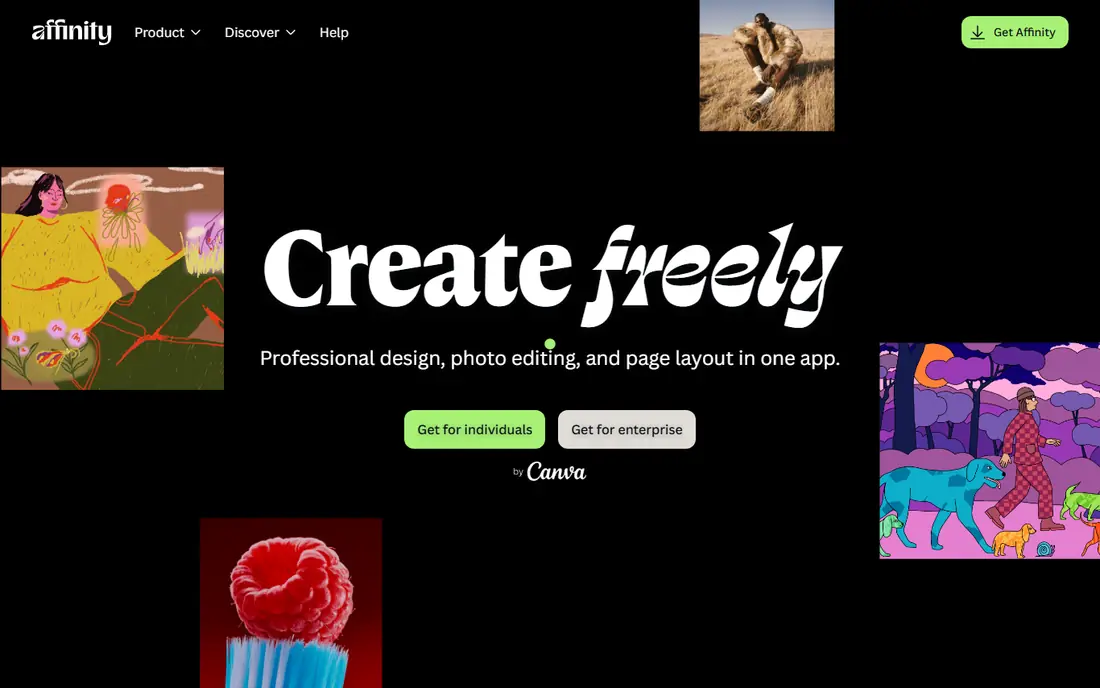
Affinity is the biggest change in this category in recent years. Canva acquired Serif in 2024, unified Affinity Designer, Photo, and Publisher into one app in October 2025, and made the core toolset free. You switch between vector, pixel, and layout modes inside a single app, instead of buying three separate tools, and files live on your own disk.
The limits are collaboration and AI. There is no multiplayer editing, comment workflow, or developer handoff mode to match Figma, and AI features sit behind a Canva subscription while the core tools stay free. For a solo designer or small studio that wants professional desktop tools without a monthly subscription, Affinity is now the first tool to try.
- Photo, vector, and layout modes in one app
- Professional tools
- Works on local files
- No multiplayer editing or team handoff like Figma
- AI features need a Canva subscription
- Windows and Mac only
GIMP, the GNU Image Manipulation Program, is the long-standing free replacement for Photoshop. It covers layers, masks, selections, retouching, color correction, and plugin support, and it runs on Windows, Mac, and Linux. For photo editing, compositing, and web graphics, it handles most daily Photoshop jobs without a subscription.
The interface is the main hurdle. It is functional rather than polished, and longtime Photoshop users will need time to relearn shortcuts and workflows. Some advanced Photoshop features, such as certain content-aware tools, have no exact match, but for most photo work GIMP is more than capable.
- Free and open source
- Layers, masks, and retouching
- Runs on Windows, Mac, and Linux
- Interface feels less polished than Photoshop
- Some Photoshop features have no exact match
- Learning curve for new users
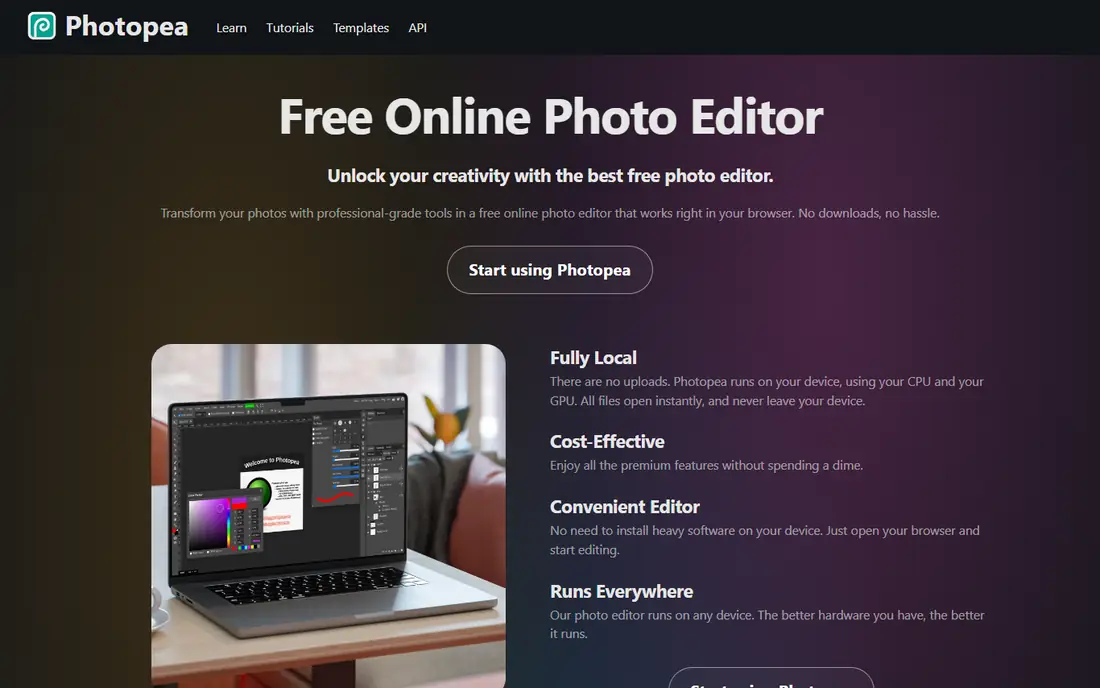
Photopea is a browser editor that opens PSD, AI, XCF, and other professional file formats without installing software. That makes it ideal for quick edits on a borrowed computer, a Chromebook, or a machine where you cannot install apps. Layers, adjustments, filters, and masks all work in the browser tab.
The free version shows ads, and AI credits are part of the paid Premium plan, which costs about $5 per month in public listings. Large files can also feel slower than a desktop app, since the browser and connection matter more. For quick, format-compatible edits, Photopea is hard to beat.
- Opens PSD, AI, and other professional formats in a browser
- No install needed
- Free with ads
- Free version shows ads
- AI features need Premium
- Needs a good internet connection for large files
Figma replaces Adobe XD, not Photoshop or Premiere. It is a browser-based interface design tool where teams design screens, build prototypes, share components, and hand work to developers in real time. The Starter plan is free, with limits on files, while paid plans cost $16 per editor per month for fuller team features.
Figma will not replace photo retouching, print layout, or video editing, so it belongs on this list as part of a combination, not as a single replacement. Pair Figma for interface work with Affinity or GIMP for images, and you cover much of the Creative Cloud design workflow.
- Real-time team design
- Prototyping and handoff tools
- Free Starter plan for individuals
- Not a photo or video editor
- Paid seats cost $16 per editor per month
- Needs internet for full collaboration
Canva is the default tool for fast marketing graphics. Pick a size for social media, a flyer, or a presentation, choose a template, swap in your own text and photos, and export. The free plan covers a large template and stock library, so a small business can publish decent work on day one without paying.
Pro costs about $15 to $18 per month depending on billing, and it adds a Brand Kit, background removal, Magic Resize, and a larger stock library. Canva will not replace Photoshop for retouching or Illustrator for precise vector work, but for social posts, flyers, and presentations it is faster than any professional tool.
- Huge template library
- Drag-and-drop editor
- Works on web and mobile
- Limited advanced photo editing
- Popular templates look familiar
- Brand Kit and background removal need Pro
CorelDRAW is a professional vector suite with a long history in print, signage, and illustration. It covers vector drawing, page layout, photo editing, and typography in one package, with tools tuned for print shops and sign makers. The subscription costs $269 per year in public listings, with a one-time purchase option listed in some past pricing.
The price and focus set it apart from the free tools on this list. CorelDRAW fits print and signage businesses that need precise vector and layout control and already work in that industry. Web and interface teams will usually prefer Figma plus Affinity or Inkscape instead.
- Strong vector and print tools
- Good for signage and large-format work
- One-time purchase option in past listings
- Yearly price is high
- Windows and Mac focus
- Less common in web and interface teams
DaVinci Resolve replaces Premiere Pro for many editors. The free version includes editing, color grading, visual effects, and audio tools that would cost a subscription elsewhere, and it is used for professional film and television work. Color grading, in particular, is stronger than most consumer editors.
The free version needs a capable computer, especially for 4K work, and beginners will face a learning curve. The Studio version costs $295 as a one-time purchase and adds more effects, stereoscopic tools, and higher-end features. For serious video work without a subscription, Resolve is the clear pick.
- Free version is very capable
- Professional color grading
- Editing, effects, and audio in one app
- Needs a capable computer
- Studio version costs $295 one-time
- Learning curve for beginners
Inkscape is the free replacement for Illustrator. It covers vector paths, shapes, text, gradients, and tracing, and it exports print-ready files for logos, icons, posters, and illustrations. It runs on Windows, Mac, and Linux, and its open format keeps your work portable.
Complex files with many objects can feel slower than Illustrator, and the interface takes some learning. For logo design, illustration, and print work at small-studio scale, Inkscape covers the core Illustrator job for free, and it pairs well with GIMP for raster images.
- Free and open source
- Strong vector drawing
- Good for logos and print-ready files
- Interface is less polished than Illustrator
- Performance can lag on very complex files
- No native CMYK workflow in older versions
Krita is built for digital painting, not photo editing. Its brush engine, layer handling, and canvas tools suit illustrators, comic artists, and concept artists who draw with a tablet. It runs on Windows, Mac, and Linux, and it is free and open source, with a large community sharing brushes and tutorials.
Krita will not replace Photoshop for retouching or layout, and its animation tools are simpler than a dedicated animation app. For painting and illustration, though, it is often better than a general photo editor, because every tool is tuned for drawing rather than for photo correction.
- Free and open source
- Brush engine built for painting
- Good for comics and concept art
- Not a photo editor
- Animation tools are simpler than dedicated animation apps
- Interface is art-focused
How we picked these
We compared official feature pages, pricing pages, and public guides for tools that replace a real Creative Cloud job: photo editing, vector design, layout, video, interface design, or fast marketing graphics. We kept only tools live in October 2026, and we favored tools that open common professional formats or export print-ready files. Where prices differ by billing period, we used the figure most often listed on the vendor or public pricing pages, and we wrote See website where pricing was not clear.
How to choose a Creative Cloud alternative
Start with the job you do most. Photo editors should try Affinity and GIMP first. Vector and logo designers should try Affinity and Inkscape. Interface teams should use Figma. Video editors should use DaVinci Resolve. Marketing teams should use Canva for speed and Affinity for deeper work.
Then test file compatibility with your clients and collaborators. Open a real PSD, AI, or video project, export it, and check that fonts, layers, and colors survive the round trip. A tool that looks good in a demo but breaks your client files will cost more time than a subscription saves.
Frequently asked questions
What are the best Adobe Creative Cloud alternatives?
Affinity is best as an all-round desktop replacement, GIMP is best for free photo editing, Inkscape is best for free vector work, DaVinci Resolve is best for video, Figma is best for interface design, and Canva is best for fast marketing graphics. Most switchers combine two or three of these.
Is Affinity really free now?
Yes, for the core toolset. Canva unified Affinity Designer, Photo, and Publisher into one app in October 2025 and made the core tools free. AI features sit behind a Canva subscription, but photo, vector, and layout editing do not require a paid plan.
Can these tools open Photoshop and Illustrator files?
Photopea opens PSD and AI files in a browser, Affinity and GIMP open PSD files with good compatibility, and Inkscape handles SVG and other vector formats well. Compatibility is good for most files, but complex effects, smart objects, and fonts can differ, so test your real files before you switch fully.
Which alternative is best for beginners?
Canva is best for beginners who need marketing graphics fast, with templates and a drag-and-drop editor. Photopea is best for beginners who need a Photoshop-like editor in a browser, while Affinity and GIMP suit beginners who want to learn professional desktop tools.
Do I need to pay for a Creative Cloud alternative?
No, not for most jobs. Affinity, GIMP, Photopea, Figma, Canva, DaVinci Resolve, Inkscape, and Krita all offer free plans or free versions that cover real work. Paid plans add team features, AI tools, stock libraries, or print-specific tools, but the free versions are not trial-only demos.
Sources
- https://affinity.serif.com
- https://www.gimp.org
- https://www.photopea.com
- https://www.figma.com
- https://www.canva.com
- https://www.coreldraw.com
- https://www.blackmagicdesign.com/products/davinciresolve
- https://inkscape.org
- https://krita.org
- https://digitalgriot.com/adobe-alternatives/
- https://app.digisell.io/blog/best-figma-alternatives-2026
- https://rankite.com/blog/best-graphic-design-tools-for-beginners
See where you really rank - block by block
ProMapRanker scans Google Maps across a grid of your service area. Simple monthly plans from $19, white-label on every plan.
Start freeKeep reading
 wpforms alternatives
Best WPForms Alternatives in 2026
We compare 9 wpforms alternatives for WordPress forms, with free and paid options, current pricing notes, and honest limits for small business sites in 2026.
Read → windows task scheduler alternatives
Best Windows Task Scheduler Alternatives in 2026
Looking for Windows Task Scheduler alternatives? We compare 9 schedulers for Windows and cross-platform work, from free tools to enterprise automation.
Read → which ai video service is best
Which AI Video Service Is Best in 2026
which ai video service is best? We compare 10 legitimate AI video services on price, avatars, editing and output quality to help you pick the right tool.
Read →