 ProMapRanker
Zoho Alternatives in 2026

Key takeaways
- HubSpot is the easiest switch for teams that want a free CRM and a clear upgrade path across sales, marketing, and service.
- Salesforce fits larger teams with complex sales processes, but its entry price is only the start of the total cost.
- Pipedrive and Freshsales offer simpler, lower-cost CRM options for small sales teams that live in a pipeline.
- Monday, Asana, and ClickUp are better picks when project work, not just CRM, is the main reason to move.
- Odoo covers CRM, invoicing, inventory, and more in one open source based suite, which suits teams that want fewer separate tools.
Quick comparison
| Pick | Great for | Pricing starts at | Free tier | |
|---|---|---|---|---|
 HubSpot | Free CRM with a full suite | Free | Yes | Visit |
 Salesforce | Large and complex sales teams | $25 per user per month | No | Visit |
 Pipedrive | Visual pipeline selling | $14 per seat per month | No | Visit |
 Freshsales | Low-cost small team CRM | $9 per user per month | No | Visit |
 Monday CRM | Visual work and sales together | $12 per seat per month | Yes | Visit |
 Asana | Project and task management | See website | Yes | Visit |
 ClickUp | All-in-one work platform | See website | Yes | Visit |
 Odoo | Open source business suite | See website | Yes | Visit |
The best Zoho alternatives
We compared CRM depth, project tools, free plans, pricing, and migration fit. Every product below is an alternative to the suite you are leaving, and none of the products in the list is that suite itself. Pick based on whether CRM, projects, or a full business suite matters most to your team.
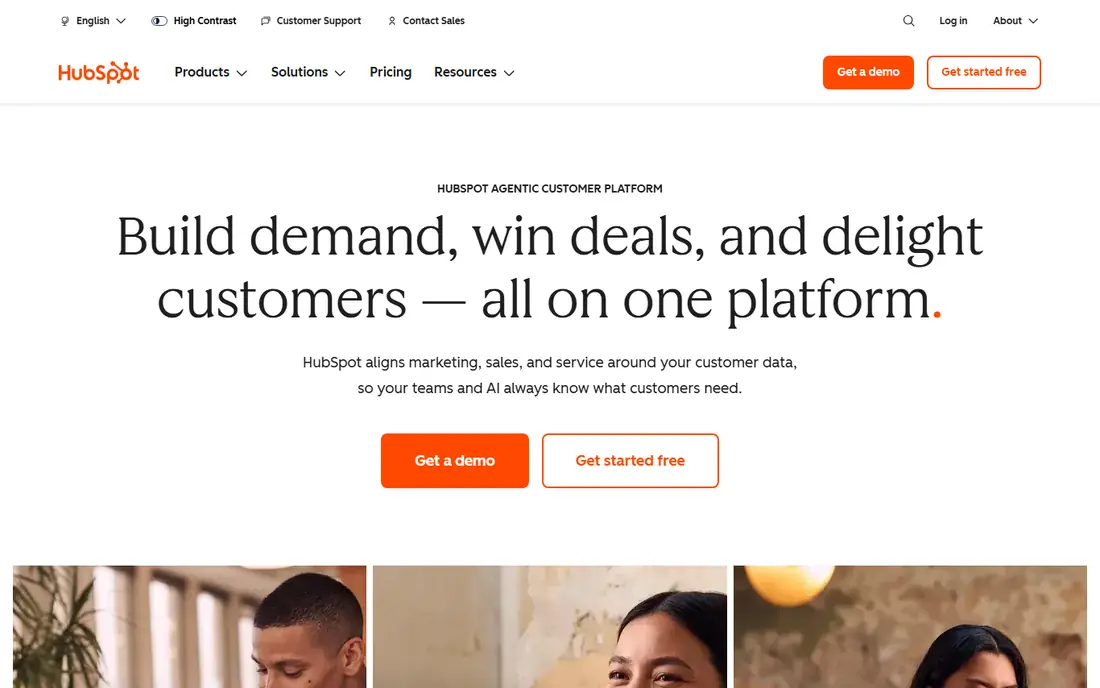
HubSpot is our first pick for most teams looking for a straightforward switch. Its free CRM covers contacts, deals, tasks, and basic email tools, and it grows into paid Sales, Marketing, and Service Hubs that share the same records. That shared record set reduces the copy work that comes with using separate tools for each job.
The catch is the paid ladder. Starter plans have been listed from $7 per seat per month in some guides, while Professional plans cost far more and can include onboarding fees. Start on the free plan, map the features you actually use, and upgrade only when a specific limit blocks your team.
- Free CRM for up to 2 users on free tools
- Sales, marketing, and service hubs share records
- Large integration set
- Paid Professional plans jump sharply in price
- Onboarding fees apply on some higher plans
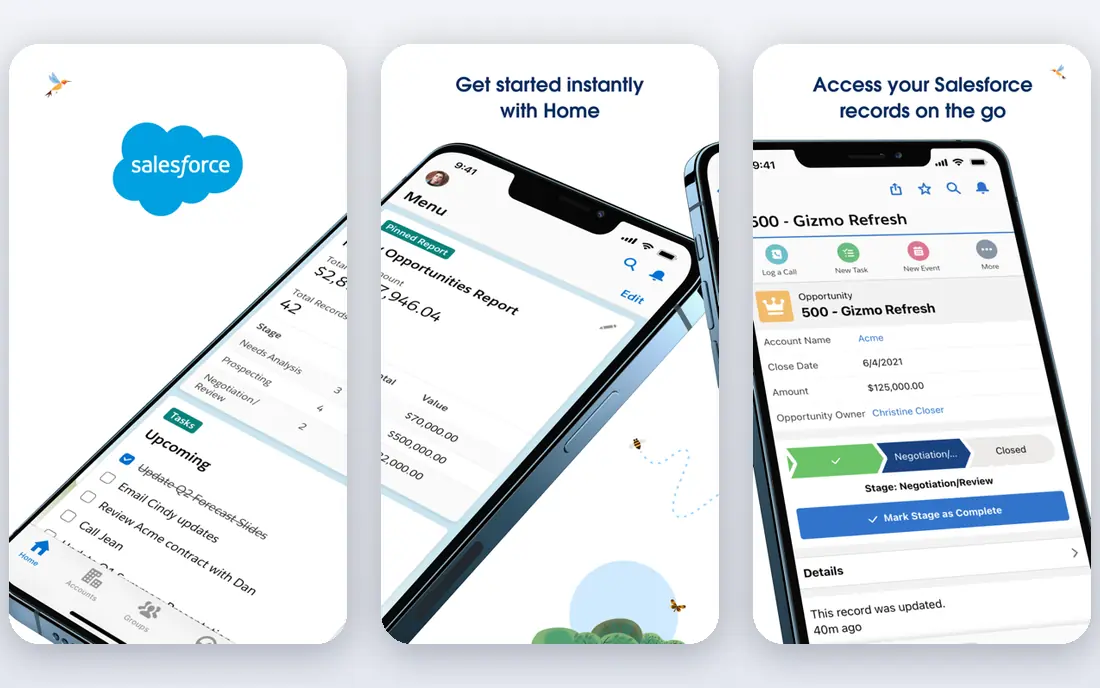
Salesforce suits larger teams with complex sales processes, approval steps, and reporting needs. Its Starter Suite, at $25 per user per month, covers basic CRM work, while Pro Suite at $100, Core at $195, and higher editions add forecasting, automation, and deeper customisation. The marketplace adds thousands of integrations for specialist needs.
The honest limit is cost and setup time. Most teams do not stop at Starter, and implementation, training, and add-ons can raise the bill well beyond the seat price. Choose Salesforce when your process truly needs that depth, not simply because it is the best-known CRM name.
- Deep CRM customisation
- Large app marketplace
- Strong reporting and forecasting on higher plans
- Higher total cost once add-ons and implementation are included
- Needs admin time or help to set up well
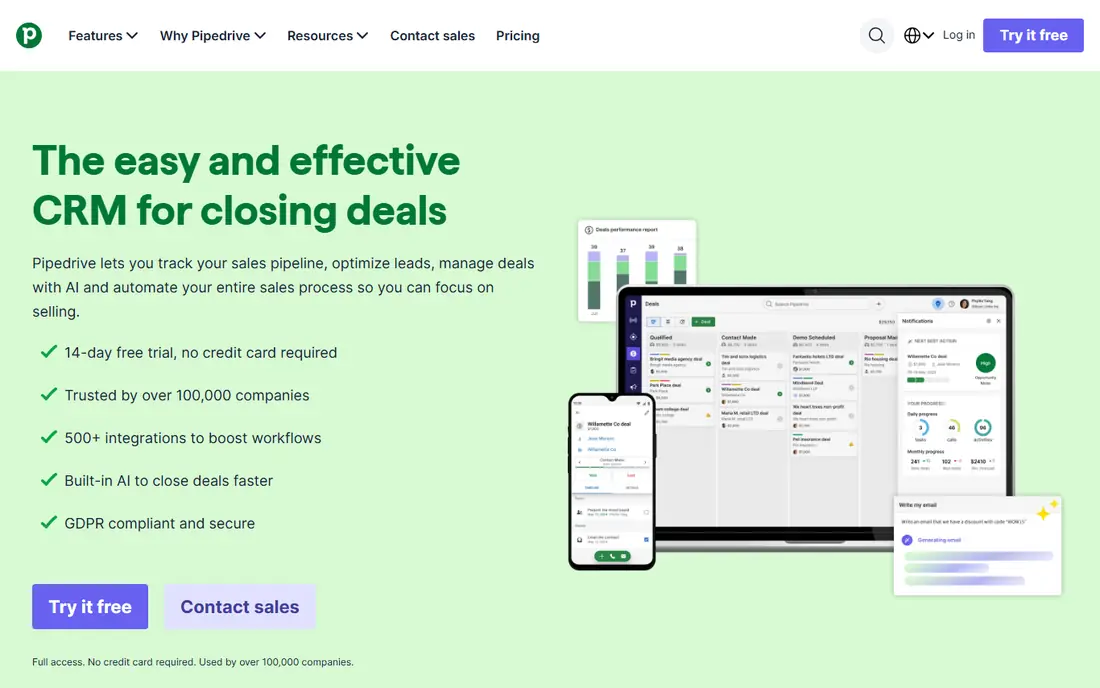
Pipedrive is built for salespeople who want to see deals move through stages at a glance. Its pipeline view, activity reminders, and deal tracking keep daily selling simple, without the wider business suite features that some teams never use. Setup is faster than Salesforce, and most small teams can start in a day.
Lite, at $14 per seat per month billed annually, covers basic pipeline work, but Growth at $39 adds two-way email sync and the automation builder that many teams need. Add-ons for campaigns, lead generation, and projects also cost extra. Budget for Growth if automation matters to you, not just Lite.
- Clear visual pipeline
- Simple setup
- Strong activity-based selling tools
- No free plan, only a trial
- Automation and email sync need Growth or higher
Freshsales, from Freshworks, fits small teams that want a low entry price and a clean CRM. Growth, at $9 per user per month billed annually in published guides, covers deals, contacts, and basic automation, while built-in phone and email tools reduce the need for separate apps. That simplicity helps teams that found a full suite too heavy.
The trade-off is depth. Customisation and reporting are thinner than Salesforce or HubSpot Professional, and some related tools, such as live chat, sit in separate Freshworks products. If your team sells in a simple pipeline and wants to keep costs low, Freshsales is a sensible pick.
- Low entry price
- Built-in phone and email tools
- AI features on higher plans with add-ons
- Less customisation than larger CRMs
- Some features need separate Freshworks products
Monday CRM suits teams that want sales work and delivery work in the same visual system. Boards can track deals, projects, and tasks together, so a sale does not disappear into a separate tool once it closes. That shared view helps small companies where the same people sell and deliver.
Basic, at $12 per seat per month billed annually, requires a minimum of 3 seats, so a solo user will pay for more seats than needed. A free plan exists for up to 2 seats in some guides, but fuller CRM features need paid plans. Choose Monday CRM when project visibility matters as much as pipeline tracking.
- Board-based views for sales and delivery
- Automations on higher plans
- Works for non-sales teams too
- Minimum 3 seats on paid plans
- Sales features are thinner than a dedicated CRM at the same price
Asana is the pick when your main reason to move is project work rather than sales tracking. It organises tasks, projects, timelines, and workloads in a way that is easy for a whole team to follow, and its free plan covers basic work for small teams. Integrations can link Asana to a CRM if you keep sales tracking elsewhere.
The limit is that Asana is not a CRM by design. You can build deal tracking with custom fields, but you will not get native lead scoring, quote tools, or sales forecasting. Pair Asana with HubSpot or Pipedrive if you need both strong projects and a real CRM.
- Clear task, project, and timeline views
- Strong team collaboration
- Free plan for small teams
- Not a full CRM on its own
- CRM-like work needs custom fields and integrations
ClickUp aims to replace several separate tools with one workspace for tasks, docs, goals, and team chat. That breadth appeals to teams that currently juggle a project tool, a docs tool, and a chat app. Views for lists, boards, calendars, and timelines let each team work the way it prefers inside the same workspace.
The size of the feature set is also the drawback. New users can feel lost among settings and views, and the free plan, while useful, does not include every advanced feature. Start with one team and one project type, set up templates early, and expand only after the core workflow is stable.
- Tasks, docs, goals, and chat in one place
- Many views including list, board, and calendar
- Free plan for personal use
- Large feature set can feel overwhelming at first
- Some advanced features need paid plans
Odoo is the closest like-for-like suite replacement in this list, covering CRM, sales, invoicing, inventory, website, and HR through modular apps. Its open source community edition can be self-hosted at no licence cost, while Odoo Online and Enterprise add hosted service and fuller features. That modular design lets you start with CRM and invoicing, then add inventory later.
Setup is the main cost. Choosing apps, configuring workflows, and training staff takes more time than a single-purpose CRM, and hosted pricing depends on the apps and users you select. Odoo fits teams that want one suite and have someone who can own the setup, or a partner to help with it.
- CRM, sales, invoicing, inventory, and HR in one suite
- Open source community edition
- Modular, so you add apps as needed
- Setup and customisation take time and skill
- Hosted pricing depends on apps and users chosen
How we picked these
We compared vendor pricing pages, feature pages, and current CRM and business software guides checked in October 2026. We favoured active products that cover CRM, project work, or a full business suite, and we left out the suite being replaced so the list contains only alternatives. We did not claim hands-on testing, and where pricing varies by billing term, seat minimum, or region we describe it in general terms.
How to move without losing data or momentum
List what you actually use before you shop. A team that uses CRM, invoicing, and email together needs a suite or a well-linked pair of tools, while a team that only uses CRM can pick a simpler product such as Pipedrive or Freshsales. Write down your must-have features, your current integrations, and the reports you rely on, then test each shortlisted tool against that list.
Plan migration as a project, not a weekend task. Export contacts, deals, and history, clean duplicate records, and map old fields to new fields before importing. Run the new tool alongside the old one for a short trial period, train the team on real deals rather than demo data, and keep the old data backed up until the new system has handled a full sales cycle.
Check the total cost, not just the entry price. Seat minimums, add-ons, onboarding fees, and implementation help all change the bill. HubSpot free and Odoo community editions can start at no licence cost, but paid upgrades, hosting, and setup time still count. Get a written quote for your team size and your required apps before you commit.
Frequently asked questions
What is the best overall alternative for a small business?
HubSpot is a strong default, with a free CRM and paid hubs that grow with the team. Pipedrive is better if you only need simple pipeline selling, while Odoo is better if you need CRM plus invoicing and inventory in one suite.
Is there a free alternative?
Yes. HubSpot offers free CRM tools, Monday CRM and ClickUp offer free plans, and Odoo offers a community edition you can self-host. Free plans limit users or features, so check those limits against your team size.
Which alternative is best for project management?
Asana and ClickUp lead for project work, with Monday CRM close behind for teams that want sales and delivery in one visual system. Pair a project tool with a CRM if you also need full sales tracking.
Can I migrate my data to a new CRM?
Yes, in most cases, through CSV import, built-in import tools, or migration services. Clean your data first, map fields carefully, and test the import with a small sample before moving the full database.
Is Salesforce worth the higher price?
It can be, for larger teams with complex processes, approvals, and reporting needs. Smaller teams often get the same daily value from HubSpot, Pipedrive, or Freshsales at a lower total cost.
Do these alternatives work for non-sales teams?
Yes. Asana, ClickUp, and Monday CRM serve marketing, operations, and product teams as well as sales teams, while Odoo covers HR, inventory, and other business functions in one suite.
Sources
See where you really rank - block by block
ProMapRanker scans Google Maps across a grid of your service area. Simple monthly plans from $19, white-label on every plan.
Start freeKeep reading
 twitch alternatives
Twitch Alternatives in 2026
Explore the best Twitch alternatives in 2026 for live streaming, with free platforms, monetisation options, audiences, chat tools, and tips for new streamers.
Read → firebase alternatives
Best Firebase Alternatives in 2026
Looking for Firebase alternatives? We compare 9 backend platforms for auth, databases, realtime, storage, functions, self-hosting, and pricing for your app.
Read → companies with best work life balance
Companies With Best Work Life Balance in 2026
See companies with best work life balance in 2026, ranked by employee ratings, with flexible work options, benefits, and what to check before applying.
Read →