 ProMapRanker
Which SaaS Tools Have the Best Customer Support in 2026


large teams with complex support tiers · Pricing starts at: $19 per agent per month
Key takeaways
- The best support tools show plan, billing, and history beside each ticket
- AI agents help most on repeat questions, while humans still own complex cases
- Per-resolution AI pricing can beat seat pricing at low volume and lose at high volume
- Free tiers suit small teams, but check what support channels the free plan includes
- Migration cost matters: switching helpdesks is harder than switching most SaaS tools
Quick comparison
| Pick | Great for | Pricing starts at | Free tier | |
|---|---|---|---|---|
| Zendesk | large teams with complex support tiers | $19 per agent per month | Free trial | Visit |
 Freshdesk Freshdesk | value-focused ticketing for growing teams | See website | Yes | Visit |
 Intercom Intercom | in-product support and AI resolution | $29 per seat per month | Free trial | Visit |
 Help Scout Help Scout | email-first teams that value tone | $25 per user per month | Yes | Visit |
 HubSpot Service Hub HubSpot Service Hub | teams already using HubSpot CRM | Free | Yes | Visit |
 Zoho Desk Zoho Desk | budget-conscious teams needing omnichannel support | $7 per user per month | Yes | Visit |
 Front Front | shared inboxes for operations teams | See website | Free trial | Visit |
 Salesforce Service Cloud Salesforce Service Cloud | complex enterprise service workflows | $25 per user per month | Free trial | Visit |
 Gorgias Gorgias | ticket-based support for commerce teams | $10 per month | Free trial | Visit |
The best SaaS tools with strong customer support
We read this question as a search for SaaS support tools that deliver strong support experiences, and we compared official pricing, channels, AI features, and onboarding. We favored tools with clear pricing, broad channel coverage, and self-service options, and we marked prices we could not verify as See website.
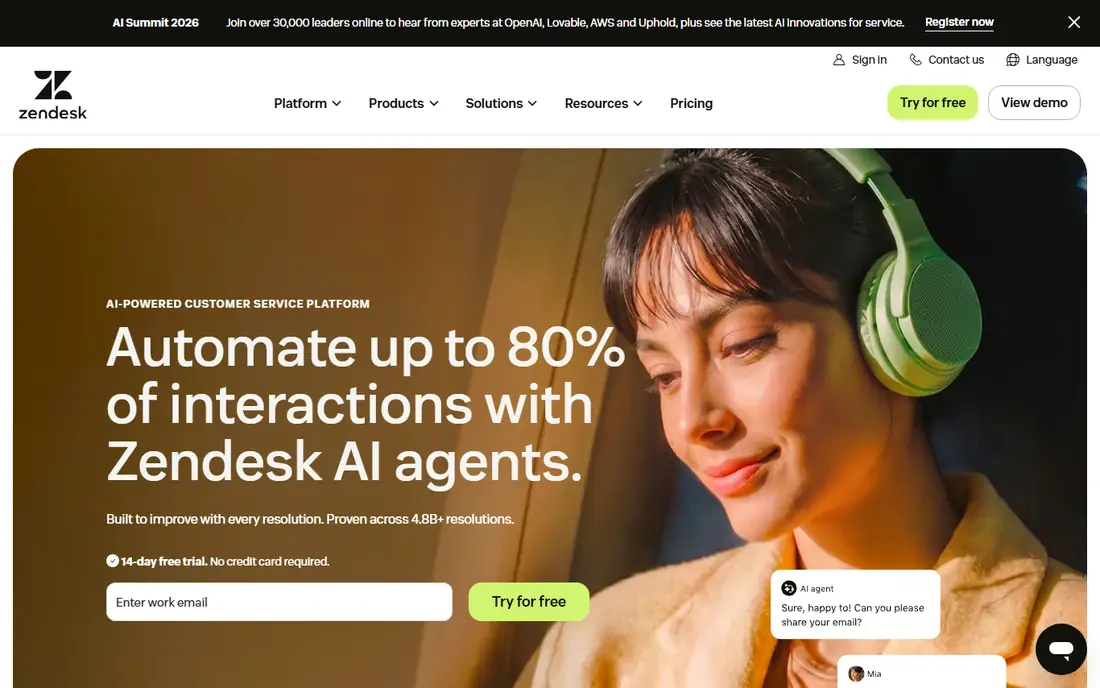
For large teams with complex support tiers, Zendesk is a practical first choice. Its suite covers email, chat, voice, and social in one queue, with routing and reporting that suit teams with several support tiers. Its main strengths are broad channel coverage; large integration library; ai agents and copilot options. For many readers, that combination covers the most common jobs without adding extra steps or a steep learning curve.
In daily use, the workflow stays short for repeat jobs, and most settings are easy to find without a manual. On the other side, higher tiers and ai add-ons raise cost fast; setup takes planning. The catch is worth weighing before you commit, especially if you work with sensitive files every day.
- Broad channel coverage
- Large integration library
- AI agents and copilot options
- Higher tiers and AI add-ons raise cost fast
- Setup takes planning
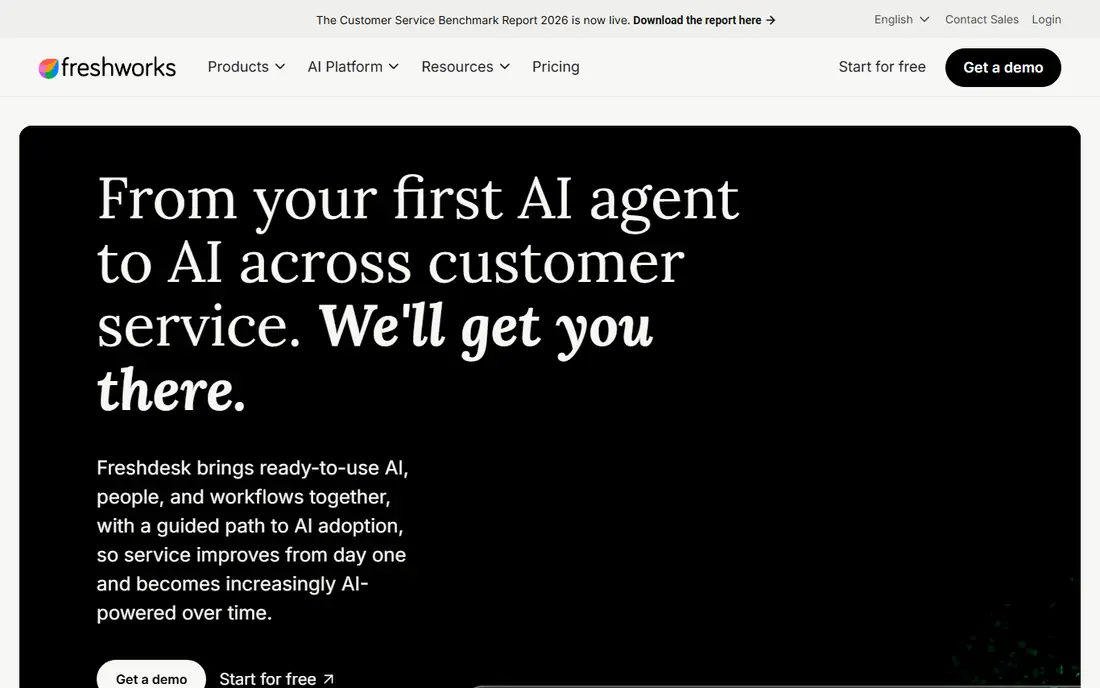
If value-focused ticketing for growing teams describes your work, Freshdesk deserves a close look. It gives small and mid-market teams ticketing, chat, and phone in one product without enterprise pricing from day one. Its main strengths are lower seat cost than enterprise rivals; freddy ai features; self-service portal. For many readers, that combination covers the most common jobs without adding extra steps or a steep learning curve.
In daily use, the workflow stays short for repeat jobs, and most settings are easy to find without a manual. On the other side, ai sessions and copilot features add cost; some advanced features need higher plans. That balance of strength and limits is what should drive your choice, not the headline feature list.
- Lower seat cost than enterprise rivals
- Freddy AI features
- Self-service portal
- AI sessions and copilot features add cost
- Some advanced features need higher plans
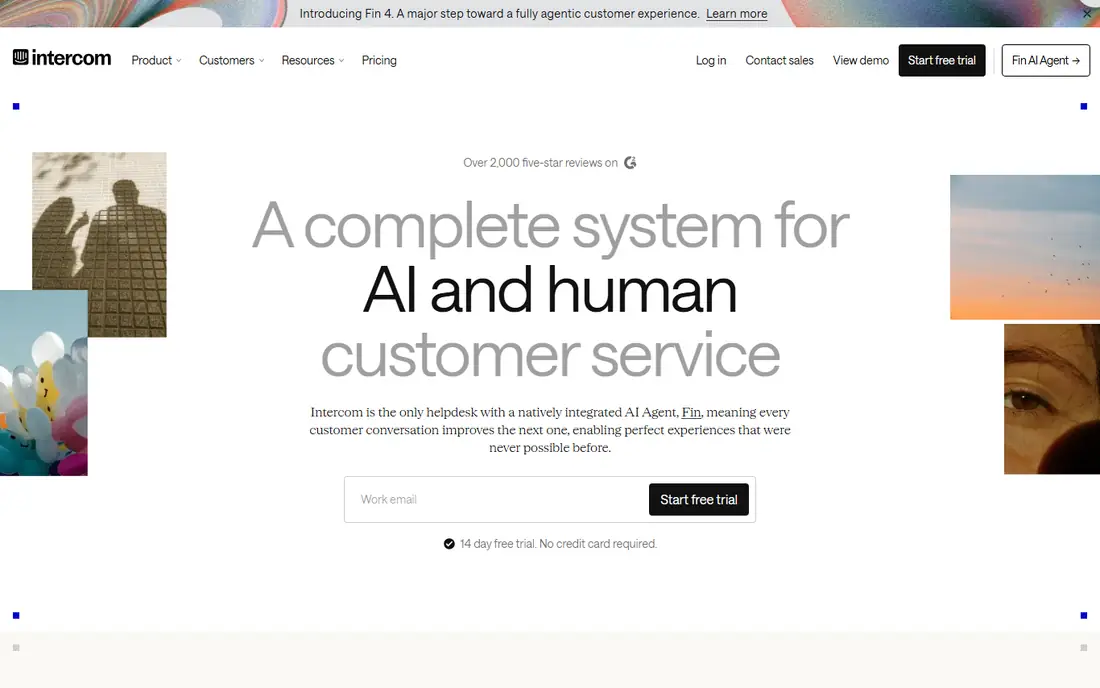
Intercom stands out for in-product support and AI resolution, and it is easy to see why. Its messenger puts support inside your product, and its Fin agent resolves routine questions from your help content before a human steps in. Its main strengths are in-app messenger; fin ai agent priced per outcome; behavioral messaging. For many readers, that combination covers the most common jobs without adding extra steps or a steep learning curve.
In daily use, the workflow stays short for repeat jobs, and most settings are easy to find without a manual. On the other side, per-outcome ai fees add up at high volume; some features need higher plans. Check the current plan details before you pay, since limits and included tools change over time.
- In-app messenger
- Fin AI agent priced per outcome
- Behavioral messaging
- Per-outcome AI fees add up at high volume
- Some features need higher plans
People who need email-first teams that value tone often land on Help Scout after comparing a few options. It keeps email support simple and human, with a shared inbox and knowledge base that small SaaS teams can run without a dedicated admin. Its main strengths are clean shared inbox; knowledge base included; ai drafts and summaries. For many readers, that combination covers the most common jobs without adding extra steps or a steep learning curve.
In daily use, the workflow stays short for repeat jobs, and most settings are easy to find without a manual. On the other side, voice and advanced automation are lighter than enterprise suites. If that trade-off fits your daily work, it is a solid pick; if not, another tool below may fit better.
- Clean shared inbox
- Knowledge base included
- AI drafts and summaries
- Voice and advanced automation are lighter than enterprise suites
HubSpot Service Hub is built with teams already using HubSpot CRM in mind, rather than as an afterthought. It links tickets to CRM records, so agents see plan, deals, and past conversations beside each request without switching tools. Its main strengths are free tier available; crm-linked tickets; customer feedback tools. For many readers, that combination covers the most common jobs without adding extra steps or a steep learning curve.
In daily use, the workflow stays short for repeat jobs, and most settings are easy to find without a manual. On the other side, paid tiers and onboarding can be costly; best value inside hubspot. The catch is worth weighing before you commit, especially if you work with sensitive files every day.
- Free tier available
- CRM-linked tickets
- Customer feedback tools
- Paid tiers and onboarding can be costly
- Best value inside HubSpot
Among tools for budget-conscious teams needing omnichannel support, Zoho Desk keeps the workflow short and clear. It offers email, chat, phone, and social support at a low starting price, which makes it a strong pick for teams watching every seat. Its main strengths are free plan for small teams; zia ai features; broad channel coverage. For many readers, that combination covers the most common jobs without adding extra steps or a steep learning curve.
In daily use, the workflow stays short for repeat jobs, and most settings are easy to find without a manual. On the other side, interface feels busy to some users; ai billing can be token-based. That balance of strength and limits is what should drive your choice, not the headline feature list.
- Free plan for small teams
- Zia AI features
- Broad channel coverage
- Interface feels busy to some users
- AI billing can be token-based
For shared inboxes for operations teams, Front is a practical first choice. It turns shared inboxes into a team queue with assignments and internal comments, which suits operations teams handling many channels at once. Its main strengths are shared inbox with assignments; omnichannel messages in one view; strong collaboration. For many readers, that combination covers the most common jobs without adding extra steps or a steep learning curve.
In daily use, the workflow stays short for repeat jobs, and most settings are easy to find without a manual. On the other side, pricing is sales-led for some plans; automation needs setup time. Check the current plan details before you pay, since limits and included tools change over time.
- Shared inbox with assignments
- Omnichannel messages in one view
- Strong collaboration
- Pricing is sales-led for some plans
- Automation needs setup time
If complex enterprise service workflows describes your work, Salesforce Service Cloud deserves a close look. It routes cases with CRM data and automation, which suits enterprises with complex workflows, service contracts, and field teams. Its main strengths are crm-driven case routing; einstein ai features; field service options. For many readers, that combination covers the most common jobs without adding extra steps or a steep learning curve.
In daily use, the workflow stays short for repeat jobs, and most settings are easy to find without a manual. On the other side, setup and admin effort is high; cost grows with add-ons. If that trade-off fits your daily work, it is a solid pick; if not, another tool below may fit better.
- CRM-driven case routing
- Einstein AI features
- Field service options
- Setup and admin effort is high
- Cost grows with add-ons
Gorgias stands out for ticket-based support for commerce teams, and it is easy to see why. It charges by ticket volume rather than seats, which can cost less for teams with many part-time agents and steady ticket counts. Its main strengths are ticket-based pricing, not seat-based; commerce integrations; automation macros. For many readers, that combination covers the most common jobs without adding extra steps or a steep learning curve.
In daily use, the workflow stays short for repeat jobs, and most settings are easy to find without a manual. On the other side, ticket limits on entry plans; less fit for non-commerce saas. The catch is worth weighing before you commit, especially if you work with sensitive files every day.
- Ticket-based pricing, not seat-based
- Commerce integrations
- Automation macros
- Ticket limits on entry plans
- Less fit for non-commerce SaaS
How we picked these
We compared official pricing pages and product documents for each tool, and we weighed channel coverage, AI pricing style, free tiers, and CRM links. We did not treat third-party review scores as facts, and we marked prices we could not verify as See website.
How to choose a SaaS support tool
Count cost the way the vendor does
Some tools charge per seat, some per ticket, and some per AI resolution. Model your real agent count, ticket volume, and AI volume before you compare headline prices.
Match channels to your customers
If customers reach you in-app, an in-product messenger matters. If they email, a strong shared inbox matters more. Do not pay for voice and social tools your customers never use.
Test AI on your own help content
AI agents look similar in demos. Load your own help articles, test twenty real questions, and check how often answers are correct and how cleanly handoffs work.
Plan migration before you buy
Export tickets, macros, and help articles from your current tool first. A tool that imports cleanly saves weeks, even if its monthly price is slightly higher.
Frequently asked questions
Which SaaS tool has the best customer support?
It depends on team size and channels. Zendesk suits large teams, Intercom suits in-product support, Freshdesk suits value-focused teams, and Help Scout suits email-first teams.
What does per-resolution AI pricing mean?
You pay when an AI agent resolves a question, rather than paying per agent seat. It can cost less at low volume and more at high volume, so model your monthly resolutions first.
Is there a free SaaS support tool?
Yes. HubSpot Service Hub and Zoho Desk both offer free tiers, and Freshdesk and Help Scout offer free or trial options. Free plans usually limit seats, channels, or automation.
Should a small SaaS team buy Zendesk?
Only if you need its scale, reporting, and integrations. Smaller teams often get faster value from Freshdesk, Help Scout, or Zoho Desk at a lower seat cost.
How important is CRM integration for support?
Very important for B2B SaaS. When agents see plan, billing, and history beside a ticket, they resolve issues faster and avoid asking customers to repeat information.
Sources
See where you really rank - block by block
ProMapRanker scans Google Maps across a grid of your service area. Simple monthly plans from $19, white-label on every plan.
Start freeKeep reading
 zoominfo alternatives
ZoomInfo Alternatives in 2026
Compare the best ZoomInfo alternatives in 2026 for B2B contact data, enrichment, and prospecting, including Apollo, Lusha, and Clay tools, with pricing.
Read → best trip planning app
Best Trip Planning App in 2026
Compare the best trip planning apps in 2026 for itineraries, road trips, group travel, and bookings, from Wanderlog to TripIt and Roadtrippers, with pricing.
Read → best recruiting tools
Best Recruiting Tools in 2026
Compare the best recruiting tools in 2026, from Greenhouse and Lever to Workable and Ashby, for hiring, sourcing, and candidate tracking today, with pricing.
Read →