 ProMapRanker
Which Cloud Service Is Best for Media Editing in 2026


Best for editing large files remotely · Pricing starts at: $7 per member per month
Key takeaways
- For direct editing from the cloud, LucidLink is the strongest specialist choice, because files stream as if they were on a local drive.
- For client review and approval, Frame.io leads, because time-coded comments and version control are built for video workflows.
- For general storage and sharing, Dropbox and Google Drive are the safest defaults, but neither replaces a review or media asset system on its own.
- Price depends on seats, storage and transfer, so compare the total cost for your team size rather than the entry price alone.
Quick comparison
| Pick | Great for | Pricing starts at | Free tier | |
|---|---|---|---|---|
| LucidLink | Best for editing large files remotely | $7 per member per month | Free trial | Visit |
 Frame.io | Best for video review and approval | $15 per member per month | Yes | Visit |
 Dropbox | Best general cloud storage for creatives | $9.99 per month | Yes | Visit |
 Google Drive | Best for everyday collaboration | $7 per user per month | Yes | Visit |
 MASV | Best for sending very large files fast | See website | Free trial | Visit |
 iconik | Best for managing large media libraries | See website | Free trial | Visit |
 Egnyte | Best for governed team file sharing | See website | Free trial | Visit |
 Box | Best for business file governance | See website | Free trial | Visit |
The best cloud services for media editing
Media editing puts different demands on cloud storage than office documents do. Files are large, timelines link to many assets, and reviewers need to comment on a specific frame rather than a whole document. We compared services on streaming performance, review tools, asset management, permissions and price, using vendor pricing and feature pages checked in October 2026.
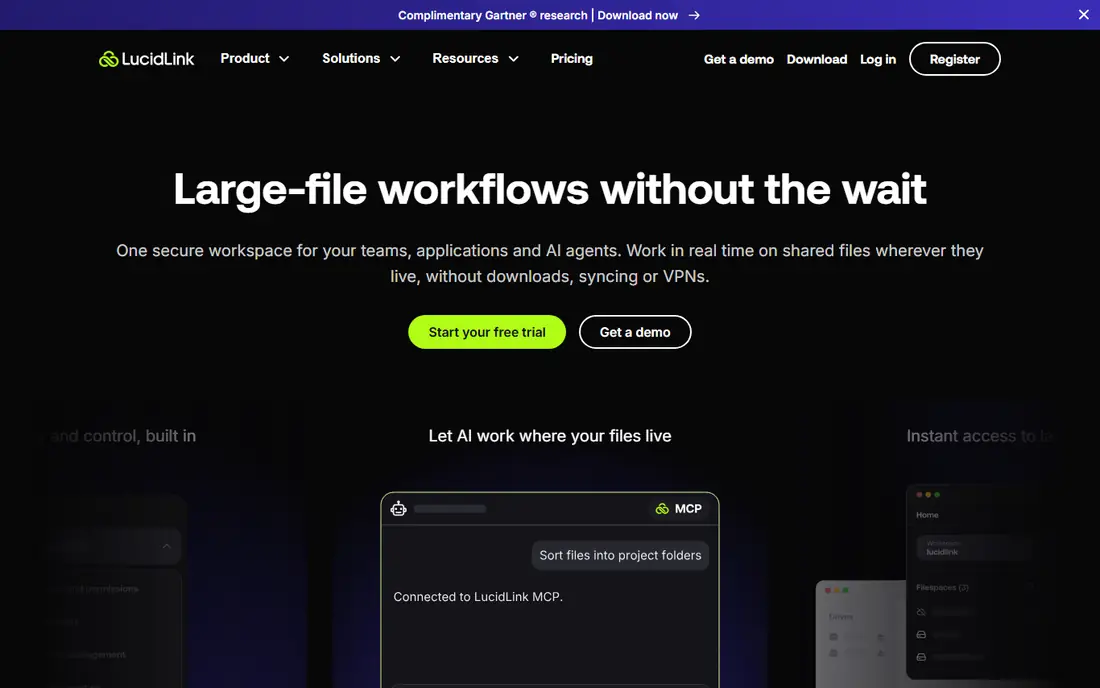
LucidLink is the service to shortlist first when editors work from different cities and still need to cut full-resolution footage. Instead of syncing whole projects before work starts, it presents cloud files as a local drive and streams the parts an editor actually needs. That approach saves hours on large video and design projects, and it avoids the version confusion that comes from passing drives or duplicate folders around.
The trade-off is that LucidLink is storage infrastructure, not a review tool, so most teams pair it with a separate approval system. Pricing also depends on the plan, storage per member and usage terms, so confirm the full cost for your team before committing. For a remote post team that already has a review workflow, LucidLink removes the biggest bottleneck, which is waiting for files.
- Files stream on demand without full downloads
- Works with common editing tools
- Shared filespace for distributed teams
- Storage and download costs need careful budgeting
- No built-in client review player to match Frame.io
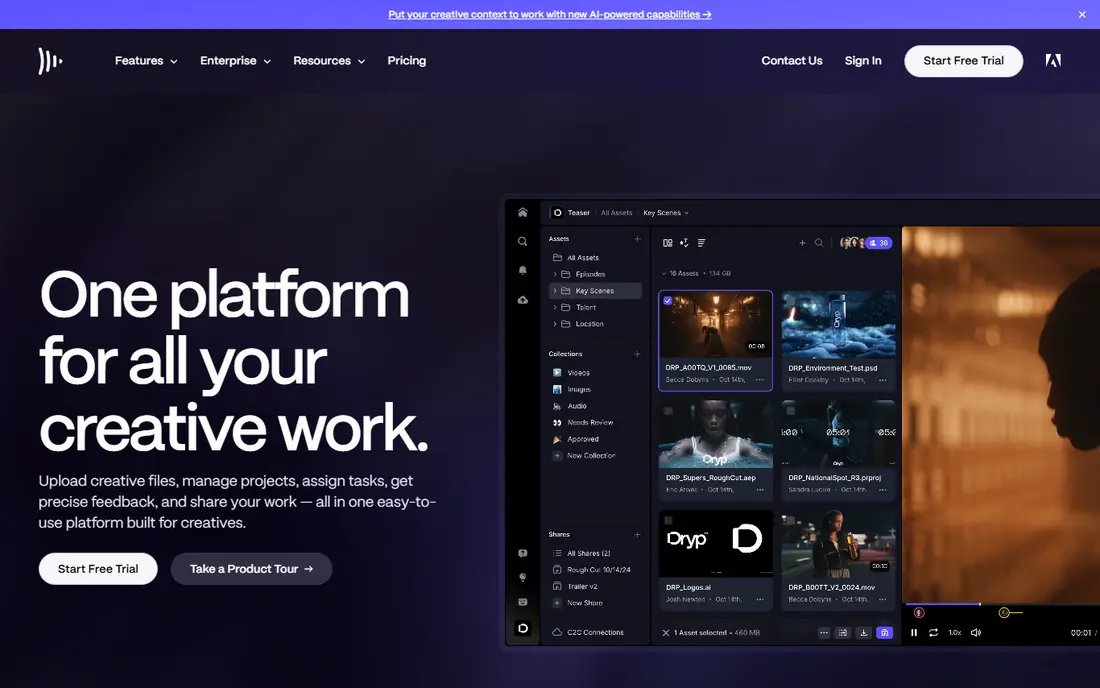
Frame.io, now part of Adobe, is built around one job, which is getting video approved without endless email threads. Reviewers can comment on a precise moment, draw on a frame and mark a version as approved, while editors see that feedback inside their editing tools. The free plan covers up to two members and 2 GB, which is enough to test a small review loop, while Pro starts at $15 per member per month with larger storage.
The limit to watch is scale, because storage is tied to seats and the Team plan caps at 15 members before Enterprise pricing applies. That can surprise a growing production company that adds reviewers as paid seats by mistake. Keep external reviewers on share links where possible, and use Frame.io for review while a separate storage service holds the master archive.
- Time-coded comments on video
- Version comparison
- Camera to Cloud on paid plans
- Storage grows with seats
- Larger teams move to a custom Enterprise plan
Dropbox remains a dependable general choice for creative teams that need files to sync reliably across Mac, Windows and Linux. Its block-level sync helps when a large file changes in only a few places, because only the changed parts need to transfer again. The Plus plan at $9.99 per month on annual billing gives one person 2 TB, while business plans add team storage, longer recovery windows and admin controls.
Dropbox is not a full media asset manager, and it does not offer the same frame-accurate review tools as Frame.io. It also becomes expensive if you need many terabytes for a whole team, so compare it against Google Drive and a specialist archive before buying. For day-to-day project storage, sharing and backup, it is a safe and familiar pick.
- Fast block-level sync for large files
- Strong desktop clients
- Simple sharing controls
- Team plans start at three users on business tiers
- Cost per terabyte is higher than some rivals
Google Drive is the easiest cloud service for a team that already lives in Google Workspace, because storage, email, documents and meetings sit in one account. The free tier gives 15 GB, while Workspace Business Starter starts at $7 per user per month on annual terms, with more storage on higher tiers. Search is a real strength, finding text inside documents and images, and sharing a folder with a client takes only a few clicks.
For heavy media editing, Drive is best treated as a collaboration and delivery layer rather than a direct editing drive. Uploading and syncing very large video projects can be slower and less predictable than streaming from LucidLink, and the free storage fills quickly when shared with email and photos. Use Drive for briefs, scripts, approvals and finished deliverables, and keep active edit media on a specialist service.
- 15 GB free with a Google account
- Strong search
- Docs, Sheets and Slides built in
- Free storage is shared with Gmail and Photos
- Large video files can be slower to manage than on LucidLink
MASV solves a narrow but painful problem, which is getting a finished master or a large camera package to someone else quickly and reliably. It is designed for media files that are too large for email or for general cloud links, and it avoids forcing every recipient to install the same sync client. That makes it useful for deliveries to broadcasters, agencies and clients who only need the file, not ongoing access to a project.
The catch is cost control, because transfer services bill by volume and a few large deliveries can cost more than a month of storage. MASV is also not where you should edit or organise a growing library, since it is a delivery tool first. Keep it for sends and receives, archive masters elsewhere, and confirm current transfer pricing on the official site before a large job.
- Built for very large media transfers
- No recipient account needed in the usual flow
- Transfer tracking for senders
- Transfer pricing can add up at high volume
- Not a long-term editing or asset system on its own
iconik is for teams that have outgrown folders, because it adds search, metadata, proxies and permissions to a media library that may live across cloud storage providers. Editors can find a clip by description, rights or project, rather than opening dozens of folders, and reviewers can work from web proxies instead of downloading masters. That structure pays off once a library reaches thousands of assets or several editors need the same material.
The downside is complexity and cost for small teams, since iconik is a platform to configure, not a simple sync folder. A solo creator or a two-person team may get more value from Dropbox plus Frame.io, and only move to iconik when search and rights management become daily problems. For broadcasters, agencies and post houses with large archives, it is a strong specialist choice.
- Cloud-native media asset management
- Search and metadata for video libraries
- Review and collaboration tools
- Setup and pricing need a sales conversation for larger teams
- Overkill for a solo editor with a small library
Egnyte fits organisations that need control as much as storage, with permissions, audit trails and governance features that matter in regulated or client-heavy work. Teams can share project files, set access by role and keep a clearer record of who changed what, which is harder to do with a consumer sync folder. That governance is the reason larger creative operations and professional services firms consider it over a basic drive.
For pure media editing, Egnyte is not as specialised as LucidLink for streaming large timelines, and the best setup may need planning around local caching and network speed. Pricing also varies by plan and team size, so get a written quote that covers storage, users and any hybrid features. Choose Egnyte when governance and control are as important as the files themselves.
- Central file governance
- Permissions and audit features
- Hybrid cloud options for some plans
- Media editing performance depends on setup
- Pricing is quote-based for many teams
Box is a mature business file platform that suits teams who share media with clients, partners and internal reviewers under clear permissions. It offers admin controls, integrations with common business tools and a familiar folder structure, so adoption is usually quick for office and marketing teams. For finished assets, brand files and campaign material, Box is a dependable home.
The limit for editors is that Box is primarily a storage and sharing platform, not a streaming edit drive or a frame-accurate review system. Large active timelines still need a specialist tool, and Box works best alongside that tool rather than instead of it. Check the storage, upload and feature limits on the plan you are considering, because business tiers differ in ways that matter for video teams.
- Strong admin and security controls
- Wide app integrations
- Reliable sharing for business teams
- Not built as a direct video editing drive
- Storage and feature limits vary by plan
How we picked these
We compared vendor pricing pages, feature documentation and public reviews for October 2026, and we favoured services that are live, supported and genuinely used for media work. We included streaming storage, review, transfer and asset management because no single service covers every stage of a media project well. We did not claim hands-on testing, and we used the phrase See website where a vendor prices by quote or where a published figure could not be confirmed on the vendor page during research.
How to choose the right setup
Start by separating three jobs, which are editing, reviewing and archiving, because one tool rarely does all three well. If editors work remotely on large timelines, prioritise a streaming service such as LucidLink and test it with a real project, a real timeline and your actual internet connection. If clients approve video, prioritise Frame.io or a similar review tool, and check whether reviewers can comment without becoming paid seats.
Next, check file sizes, formats and proxies, because a service that handles documents well may struggle with camera originals. Ask how version history works, how permissions are set for external collaborators, and what happens when a project grows beyond the included storage. Budget for seats, storage and transfers together, and keep a separate archive for finished masters so active project storage does not fill up with old work. A short paid trial with one real project will reveal more than a feature list ever will.
Frequently asked questions
Which cloud service is best for media editing?
For direct editing of large files by a remote team, LucidLink is the strongest specialist choice in this list. For review and approval, Frame.io leads, while Dropbox and Google Drive are better general storage defaults. Many teams use two services together, one for editing and one for review or archive, rather than forcing one tool to do every job.
What is the best cloud service for media editing on a budget?
Google Drive and Dropbox are the lowest-friction budget options, because both offer free tiers and low-cost paid plans for individuals and small teams. They work well for sharing, backup and finished deliverables, but they are less suited to cutting full-resolution video remotely. If remote editing is the main need, test LucidLink on a trial and compare its total cost against the time saved on downloads.
Can I edit video directly from Google Drive or Dropbox?
You can store and sync video projects with both services, and small projects often work fine, but large timelines are usually smoother on a streaming service such as LucidLink. Drive and Dropbox sync files to a local machine, which can mean long waits before editing starts. For heavy projects, keep active media on a streaming drive and use Drive or Dropbox for scripts, briefs and finished files.
Do I need Frame.io if I already use Dropbox?
Not always, because Dropbox covers storage and sharing well for many teams. Frame.io adds value when clients need to comment on specific frames, compare versions and approve a cut in one place. If your review process is already short and simple, Dropbox share links may be enough, but if feedback arrives by email and gets lost, Frame.io will save time.
How much storage does a video team need?
That depends on camera format, project length and how many projects stay active at once, since a single shoot can run into hundreds of gigabytes. Start by measuring one recent project, including proxies and exports, then multiply by the number of active projects you run. Keep finished masters in a separate archive, so active storage reflects current work rather than your whole history.
Is it safe to store client media in the cloud?
Reputable cloud services offer encryption, permissions and access controls, but safety also depends on how your team uses them. Use strong passwords and two-factor authentication, limit external sharing to the people who need it, and set expiry dates on sensitive links where available. For confidential or unreleased material, check the vendor security and compliance pages and agree on handling rules with clients before sharing.
Sources
See where you really rank - block by block
ProMapRanker scans Google Maps across a grid of your service area. Simple monthly plans from $19, white-label on every plan.
Start freeKeep reading
 who has best internet service
Who Has the Best Internet Service in 2026
Who has best internet service for US homes? We compare fiber, cable, fixed wireless and satellite providers on speed, price, availability and terms today.
Read → which survey tool has the best analytics
Which Survey Tool Has the Best Analytics in 2026
Find which survey tool has the best analytics in 2026, comparing Qualtrics, SurveyMonkey, Typeform, Alchemer, and more on reports, text, and stats today.
Read → which streaming service has the best movies
Which Streaming Service Has the Best Movies in 2026
Answering which streaming service has the best movies, with Netflix, Max, Criterion and more compared on libraries, prices and free options in this guide.
Read →