 ProMapRanker
Which Automated Accounting Service Is the Best in 2026


US small businesses and accountant familiarity · Pricing starts at: $38 per month
Key takeaways
- QuickBooks Online is the safest default for US small businesses, mainly because accountants already know it.
- Xero suits teams that want unlimited users and clean bank reconciliation without per-seat maths.
- Wave and Zoho Books cover genuine free starting points, with different limits to check.
- Bench and Pilot suit founders who want a human to do the books, not just software to automate them.
Quick comparison
| Pick | Great for | Pricing starts at | Free tier | |
|---|---|---|---|---|
| QuickBooks Online | US small businesses and accountant familiarity | $38 per month | Yes | Visit |
 Xero | Growing teams wanting unlimited users | $25 per month | Free trial | Visit |
 FreshBooks | Service businesses living on invoices | $23 per month | Free trial | Visit |
 Wave | Pre-revenue and very small businesses | Free | Yes | Visit |
 Zoho Books | Budget teams wanting full double-entry books | $20 per month | Yes | Visit |
 Sage Accounting | Small businesses wanting Sage reporting | See website | Free trial | Visit |
 Bench | Hands-off founders wanting done-for-you books | $199 per month | No | Visit |
 Pilot | Funded startups needing investor-ready books | $99 per month | No | Visit |
 Kashoo | Owners wanting simple books without complexity | $30 per month | Free trial | Visit |
The best automated accounting services
Automated accounting means bank feeds, receipt capture, invoice reminders, and reconciliation rules do routine work for you. The services below automate to different depths, and the right one depends on whether you want software alone or a human bookkeeper as well. This is general information only, not tax advice. Tax rules vary by state and business type, so check with a qualified professional for filing decisions.
QuickBooks Online
Great for: US small businesses and accountant familiarity
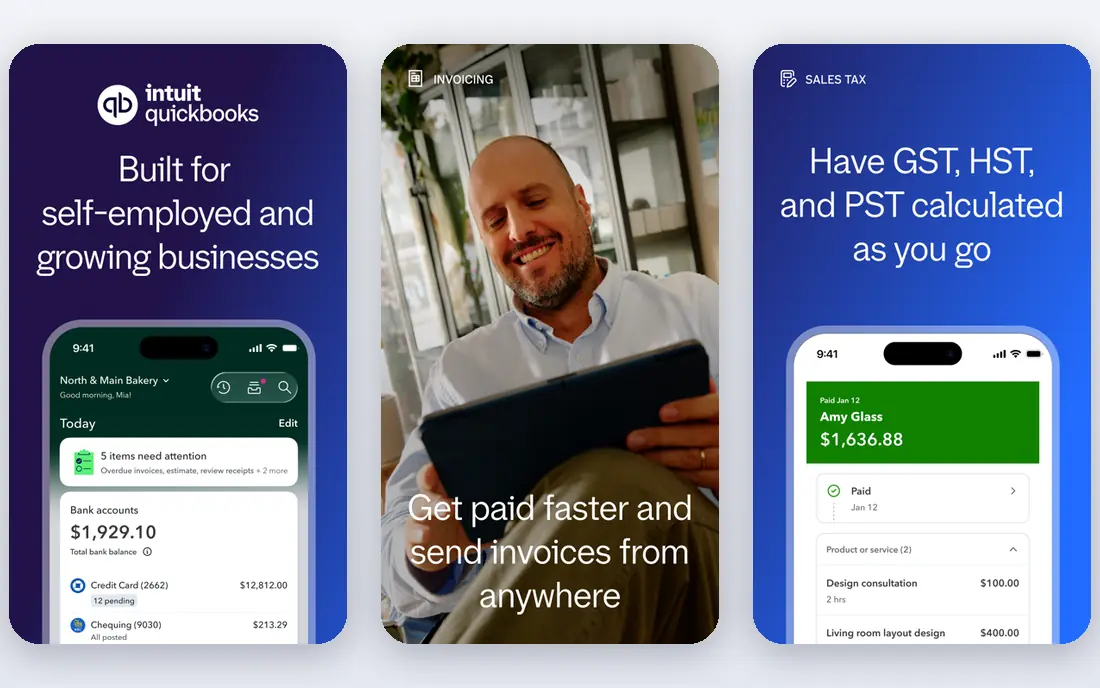
QuickBooks Online is the default answer for a reason that has little to do with design. Most US accountants use it, most payroll and point-of-sale tools connect to it, and most tutorials assume it. Its bank feeds, rules, and receipt capture automate a large share of routine categorisation, and its reports cover profit and loss, cash flow, and sales tax tracking.
The entry plan is narrow, with one user on Simple Start, so growing teams often need Essentials or Plus sooner than expected. If your accountant uses QuickBooks, that familiarity usually outweighs the price. If not, Xero or Zoho Books may give you similar automation for less.
- Widest accountant and app support in the US
- Strong reports and payroll add-ons
- Good bank feed automation
- Entry plan allows only one user
- Price rises steeply on higher plans
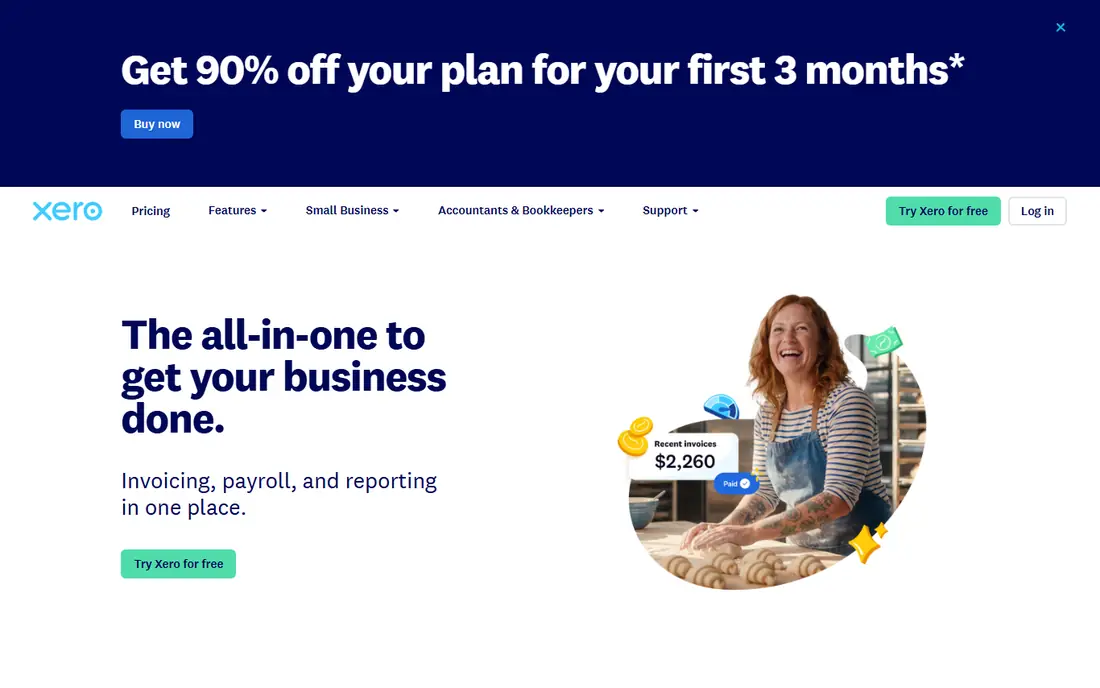
Xero wins on team shape. Unlimited users on every plan means an owner, a bookkeeper, and an accountant can all work without per-seat maths, which is rare at this price. Bank reconciliation is clear and fast, and rules can automate recurring transactions so monthly close takes less chasing.
The Early plan limits invoices and bills, so busy sellers will need Growing or Established. US payroll is less native than QuickBooks payroll, so check that add-on before switching. For service and product businesses with several collaborators, Xero is often the calmer choice.
- Unlimited users on every plan
- Clean reconciliation
- Strong multi-currency support
- Entry plan caps invoices and bills
- Payroll is an add-on in the US
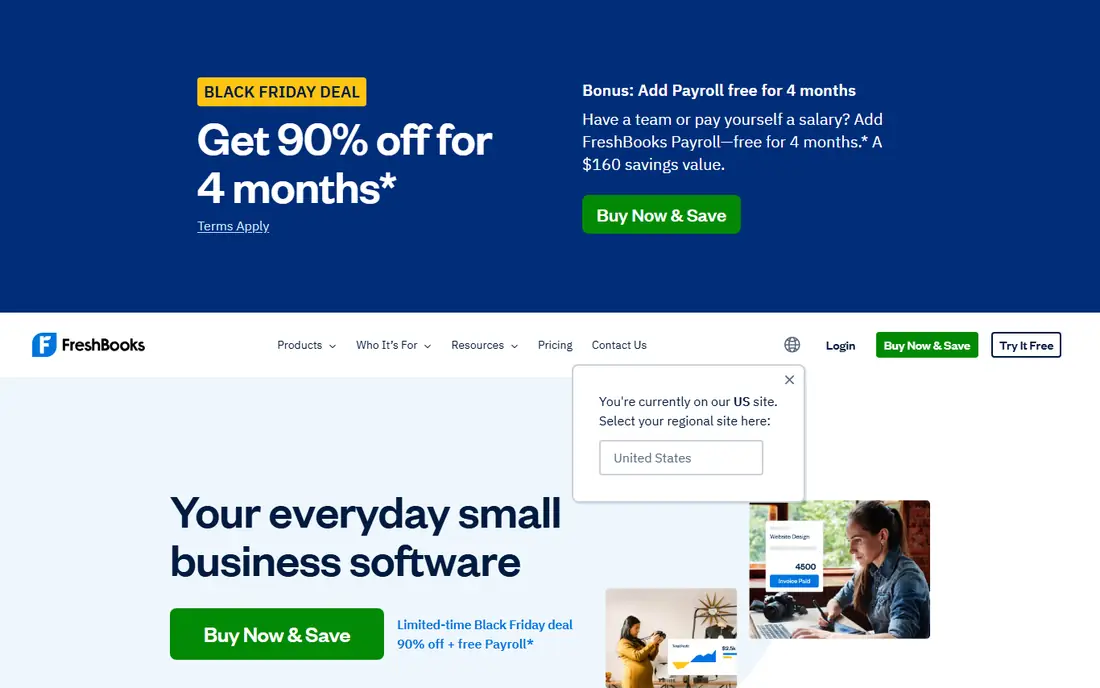
FreshBooks starts from invoicing, not from the general ledger, and that shows in the best way for freelancers and agencies. Time tracking flows into invoices, clients can pay online, and late-payment reminders run without manual follow-up. The interface stays simple even when a business has several ongoing projects.
The catch is client limits on lower plans and thinner inventory support. If you sell services and bill by hour or project, FreshBooks fits well. If you stock products or need deep inventory accounting, QuickBooks or Xero will serve you better.
- Excellent invoicing and time tracking
- Simple interface
- Useful client portal
- Entry plan covers only a few clients
- Less depth for inventory-heavy businesses
Wave is the honest free starting point. Its Starter plan covers unlimited invoices, estimates, bills, and bookkeeping records at no monthly cost, which suits side projects and pre-revenue businesses. The interface is plain and approachable, and paid Pro adds features such as receipt uploads and automated categorisation.
The free plan lacks automatic bank import, so you will enter or upload transactions more often. That is a fair trade at zero cost, but it limits automation compared with paid rivals. Move to a paid tool when transaction volume makes manual entry painful.
- Free starter plan with unlimited invoicing
- Simple income and expense tracking
- No revenue cap on free plan
- No automatic bank import on free starter plan
- Fewer advanced reports
Zoho Books gives you real double-entry accounting at a low price, and its free tier for businesses under $50,000 in annual revenue is genuinely usable. Invoicing, expenses, bank feeds, and reports are included, and it connects well to other Zoho apps for CRM, inventory, and payroll in some regions.
Once revenue passes the free threshold, paid plans still stay competitive. The interface is denser than FreshBooks or Wave, so allow time to learn workflows and settings. For budget-conscious owners who want proper books rather than a simple tracker, Zoho Books is hard to beat.
- Free tier for businesses under $50,000 revenue
- Full double-entry accounting
- Good Zoho ecosystem links
- Free tier ends above the revenue threshold
- Interface takes time to learn
Sage Accounting suits small businesses that want an established accounting name with invoicing, expenses, and cash flow forecasting. Bank feeds and rules automate transaction entry, and reporting covers the core statements a small owner needs each month. Sage also offers a path to larger Sage products as a business grows.
Pricing and exact features vary by country and plan, so confirm the US plan details before you buy. Teams that already use Sage payroll or other Sage tools will get more value than a team starting from scratch.
- Established accounting brand
- Solid invoicing and cash flow tools
- Bank feed automation
- Pricing varies by plan and region
- US feature set differs from UK roots
Bench is not just software. A bookkeeper categorises transactions, reconciles accounts, and prepares monthly financial statements, while the software gives you a dashboard to view them. That suits founders who know bookkeeping will otherwise fall behind, and who would rather pay for completion than learn another tool.
The price reflects human labour, starting well above software-only plans. Owners who enjoy managing books daily may find it restrictive, since changes go through the bookkeeping team. For hands-off founders, Bench trades control for consistency.
- A dedicated bookkeeper does the work
- Monthly statements prepared for you
- Tax-season support options
- Higher cost than software alone
- Less hands-on control for owners who like to edit daily
Pilot targets startups that need books an investor or board can trust. It combines software with a bookkeeping team, with an accrual focus that suits companies recognising revenue and expenses over time rather than only on cash movement. Add-on CFO services can help with budgets, forecasts, and fundraising preparation.
Pricing scales with monthly expenses, so costs grow with the business. A sole trader with simple cash books will not need this depth, but a funded startup approaching a raise often will.
- Bookkeeping plus CFO support options
- Accrual accounting focus
- Investor and board reporting strength
- Price scales with monthly expenses
- Overkill for very small sole traders
Kashoo appeals to owners who find QuickBooks overwhelming but still want proper double-entry books. The interface stays focused on income, expenses, invoicing, and reports, without layers of menus for features you will never use. Bank feeds and categorisation cover routine automation.
Its integration catalog is smaller, and advanced inventory or payroll depth is limited. If simplicity is your main requirement and your business is straightforward, Kashoo delivers it. If you need deep integrations, check that your key tools connect before you commit.
- Simple, clean interface
- Double-entry books without QuickBooks complexity
- Useful invoicing
- Smaller integration catalog
- Fewer advanced features than larger rivals
How we picked these
We compared official pricing pages, automation features, and fit for different business sizes, and we checked that each service is still offered in October 2026. We favoured services with bank feeds, receipt capture, invoicing, and reconciliation automation, and we included both software-only tools and done-for-you services so readers can compare the two models honestly. We did not claim hands-on testing, and prices are starting rates before add-ons and payment processing fees.
How to choose automated accounting software
Start with transaction volume and who does the books. A sole trader with twenty transactions a month needs a different tool from a ten-person company with inventory, payroll, and multi-currency sales. List your monthly invoices, bills, and bank transactions, then check plan caps against those numbers, not against a marketing page.
Check automation where it matters to you
Test bank feed matching, receipt capture, invoice reminders, and recurring transaction rules during a trial. Automation that works for a simple service business may fail for a business with many refunds, partial payments, or inventory movements. Import a month of real transactions if the trial allows it, and see how much manual fixing remains.
Confirm accountant and tax compatibility
Ask your accountant which tools they support, and confirm that year-end reports, sales tax tracking, and any payroll add-on fit your state and business type. A cheaper tool that your accountant cannot easily review may cost more in fees later. This guide is general information only, not tax advice, so confirm filing choices with a professional.
Plan for growth, not just today
Check user limits, invoice caps, inventory support, and upgrade prices before you commit. Moving accounting systems mid-year is disruptive, so pick a tool that can handle your likely size in two years, even if you start on its lowest plan.
Frequently asked questions
Which automated accounting service is the best overall?
For most US small businesses, QuickBooks Online is the safest overall choice because accountants, banks, and apps already support it. Xero is a strong alternative for teams that want unlimited users, and Zoho Books wins on value for budget-conscious owners.
What are the best automated accounting services for freelancers?
FreshBooks suits service freelancers who bill time, Wave suits pre-revenue freelancers at zero cost, and Zoho Books suits freelancers who want full accounting free under the revenue threshold. Choose based on whether invoicing or full double-entry books matter more to you.
Is there a free automated accounting service?
Yes. Wave offers a free Starter plan, and Zoho Books is free for businesses with annual revenue under $50,000. Both have limits, such as bank import or feature depth, so check them against your transaction volume.
Does automated accounting replace an accountant?
No. Automation handles data entry, categorisation, and reminders, but an accountant still helps with tax planning, year-end filing, and unusual transactions. Many owners use software daily and an accountant at quarter-end or year-end.
What is the difference between Bench and QuickBooks?
QuickBooks is software you run yourself, while Bench pairs software with a bookkeeper who does the work for you. Bench costs more, but it suits founders who want completed monthly books without managing the process themselves.
Sources
- https://quickbooks.intuit.com/pricing/
- https://www.xero.com/us/pricing/
- https://www.freshbooks.com/pricing
- https://www.waveapps.com/pricing
- https://www.zoho.com/books/pricing/
- https://www.sage.com/en-us/products/sage-accounting/
- https://bench.co/pricing/
- https://pilot.com/pricing/
- https://www.kashoo.com/pricing/
See where you really rank - block by block
ProMapRanker scans Google Maps across a grid of your service area. Simple monthly plans from $19, white-label on every plan.
Start freeKeep reading
 who has best internet service
Who Has the Best Internet Service in 2026
Who has best internet service for US homes? We compare fiber, cable, fixed wireless and satellite providers on speed, price, availability and terms today.
Read → which survey tool has the best analytics
Which Survey Tool Has the Best Analytics in 2026
Find which survey tool has the best analytics in 2026, comparing Qualtrics, SurveyMonkey, Typeform, Alchemer, and more on reports, text, and stats today.
Read → which streaming service has the best movies
Which Streaming Service Has the Best Movies in 2026
Answering which streaming service has the best movies, with Netflix, Max, Criterion and more compared on libraries, prices and free options in this guide.
Read →