 ProMapRanker
Which App Is Best for Banner Design in 2026

Key takeaways
- Canva is our pick for most people, because it combines the largest template library with a simple editor and brand kits.
- Adobe Express is the best value paid option, at 9.99 dollars a month, especially for users who already use Adobe tools.
- Snappa and VistaCreate suit anyone who needs a banner finished in minutes, not hours.
- Creatopy and Bannerwise-style animation tools matter only if you run paid display ads at volume.
- Start free, and upgrade only when a template, export size or brand feature actually blocks your work.
Quick comparison
| Pick | Great for | Pricing starts at | Free tier | |
|---|---|---|---|---|
 Canva | Most banner designs | $15 per month | Yes | Visit |
 Adobe Express | Adobe-quality assets at low cost | $9.99 per month | Yes | Visit |
 Snappa | Fast, simple banners | $10 per month | Yes | Visit |
 VistaCreate | Colourful templates and animation | $10 per month | Yes | Visit |
 Creatopy | Animated and HTML5 ads | $29 per month | Free trial | Visit |
 Visme | On-brand team banners | $12.25 per month | Yes | Visit |
 Fotor | Photo editing plus banners | See website | Yes | Visit |
 Pixlr | Photo-led banner editing | See website | Yes | Visit |
The best banner design apps
Banner design covers social headers, profile banners, website banners and display ads, and the best tool depends on which kind you make most. We compared official feature pages, pricing pages and public reviews, and we included tools that work in October 2026.
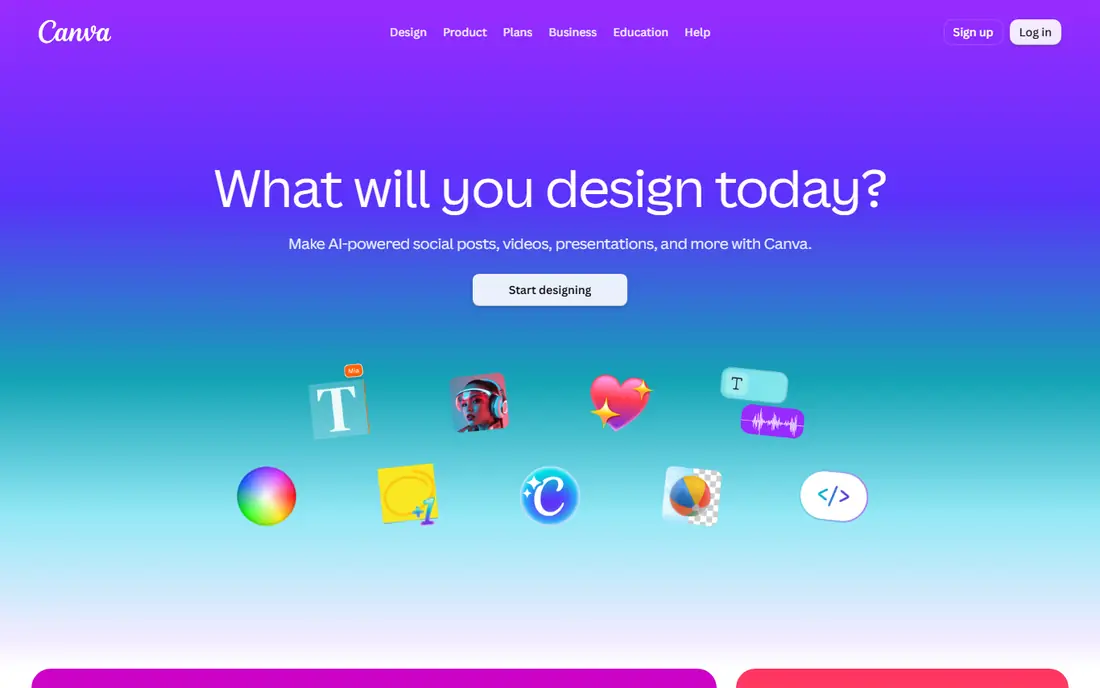
Canva is the fastest path from a blank screen to a finished banner for most users. Templates cover social headers, YouTube banners, website headers and ads, and the editor lets you swap text, colours and images without design training. Brand kits on Pro keep colours, fonts and logos consistent, which matters when several people make banners for one business.
The free plan covers a lot, but premium templates, background removal and full brand controls sit behind Pro at 15 dollars a month. Team pricing is per user, so a larger team should check the total before committing. For a solo creator or a small team, Canva remains the simplest all-round choice.
- Largest template library
- Brand kits
- Easy resizing and sharing
- Pro price has risen
- Team pricing is per user
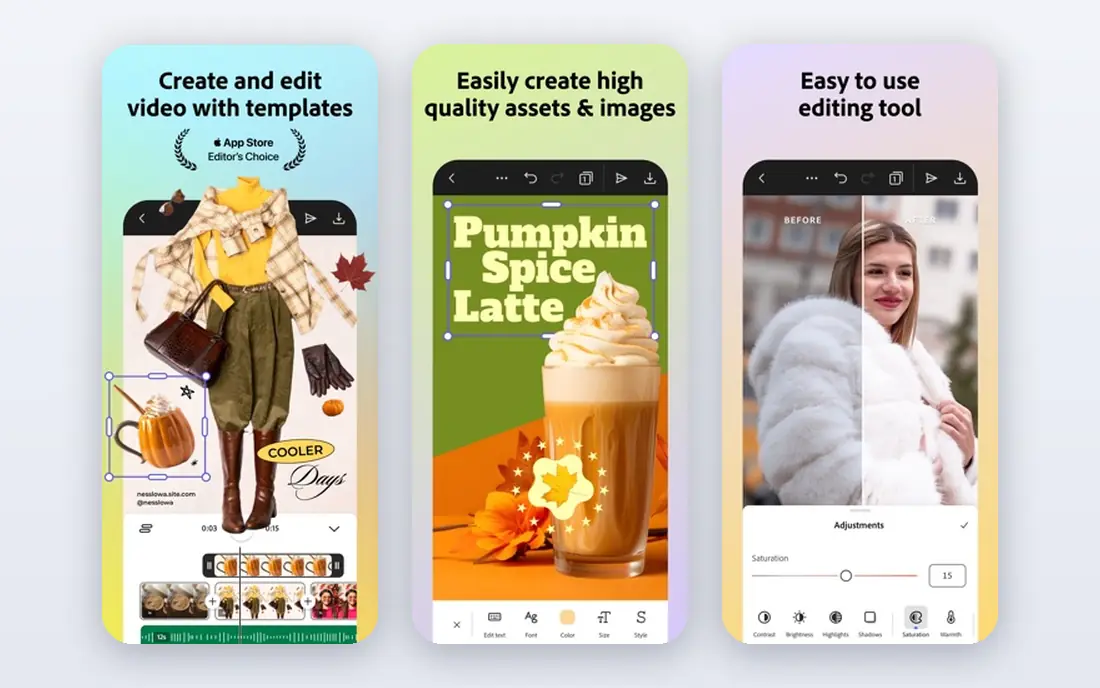
Adobe Express is the best banner design software for users who want Adobe quality without Adobe complexity. Templates, stock photos and fonts are strong, and Firefly tools help generate backgrounds and images for banners. At 9.99 dollars a month for Premium, it undercuts Canva Pro while offering a generous free tier.
The template library is smaller than Canva, and AI image credits are capped each month, so heavy image generation can stall mid-project. Users who already pay for Photoshop, Illustrator or Creative Cloud All Apps may already have Express Premium included, which makes this an easy add-on rather than a new subscription.
- Adobe Stock assets
- Firefly image tools
- Premium included with some Creative Cloud plans
- Smaller template library than Canva
- AI credit limits can bite on heavy use
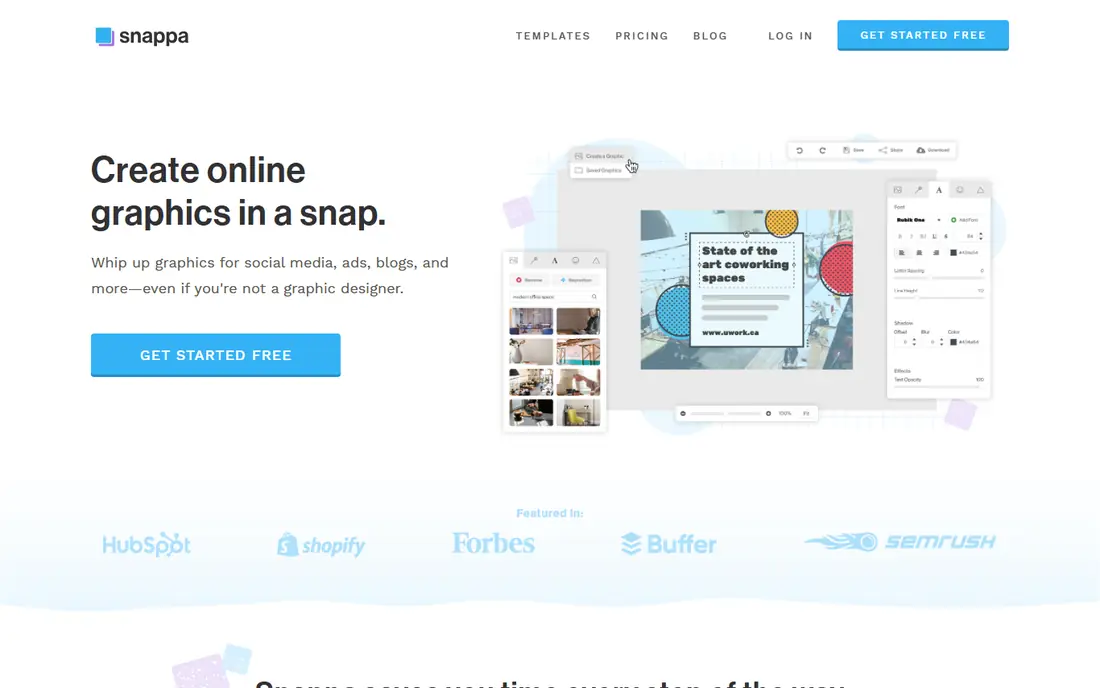
Snappa is built for speed. If you need a social banner in five minutes, you pick a size, pick a template, change the text and download it. One-click resizing is the standout feature, because it turns one design into several platform sizes without rebuilding the layout each time.
The free plan limits downloads per month, so regular users will need Pro at 10 dollars a month. Advanced photo editing and animation are thinner here than in Canva or Adobe Express. For a small business owner who values time over advanced control, Snappa is a strong, low-friction pick.
- Very simple editor
- One-click resizing
- No learning curve
- Free plan limits downloads
- Fewer advanced editing tools
VistaCreate, formerly Crello, suits creators who want bright, expressive banners and simple animations. Templates cover social headers, ads and stories, and animated designs are easy to export for social feeds. The free Starter plan is generous enough to test the tool properly before paying.
The style leans playful, which may not suit a law firm or a financial brand that needs a restrained look. Brand control is also less strict than in Canva or Visme. For creators, influencers and small shops that want colour and motion, VistaCreate offers good value at 10 dollars a month for Pro.
- Large template library
- Animation support
- Strong free Starter plan
- Less suited to strict brand control
- Some templates feel playful rather than corporate
Creatopy is a specialist for display advertising, not just social headers. It builds animated and HTML5 banners, automates resizing across ad formats, and helps teams produce many variants from one design. For an agency or a brand running paid campaigns, that automation saves hours each week.
The entry price, from 29 dollars a month in recent comparisons, is high if you only need occasional banners. The interface also assumes you understand ad formats and campaign workflows. If paid ads are a core channel, Creatopy earns its price. If not, a general design tool is cheaper and simpler.
- HTML5 and animated ad creation
- Automation for many sizes
- Team workflows
- Higher entry price
- Overkill for a single social banner
Visme suits teams that need every banner to stay on brand. Brand kits, locked templates and shared assets help managers control colours, fonts and logos while still letting team members create banners quickly. The tool also covers presentations, infographics and other visual content, so it can replace several single-purpose apps.
The editor feels heavier than a simple banner tool, and a solo user who only makes occasional headers may find it more than needed. Starting at 12.25 dollars a month for paid plans, it sits in the middle of this list on price. For a team that values brand control, that middle price is reasonable.
- Brand kits and template control
- Presentations and graphics in one tool
- Team features
- Editor is heavier than Snappa
- Banner work is part of a broader visual tool
Fotor is a good pick if your banners start from photos. It combines photo editing, AI background removal and banner templates in one browser tool, so you can clean up a product photo and place it in a banner without switching apps. That workflow suits shops, restaurants and creators who photograph their own products.
The design template library is smaller than Canva, and the tool feels more like a photo editor with design features than a design tool with photo features. Pricing has varied across sources, so check the current pricing page before paying. For photo-led banners on a budget, Fotor is a practical choice.
- Strong photo editing
- AI background removal
- Banner and social templates
- Template library is smaller than Canva
- Pricing varies by plan and region
Pixlr suits users who want real photo editing control in a banner tool. It offers layered editing, PSD support and background removal in a browser, which is closer to desktop photo software than most template tools. If your banner needs careful image work, such as cutting out a product or adjusting light, Pixlr gives you that control.
The trade is templates. You will find fewer ready-made banner designs than in Canva or VistaCreate, so you need more design confidence to start from a blank canvas. Ads appear in the free version, and premium pricing varies, so check the current page. For image-heavy banners, Pixlr is a strong, flexible option.
- Photoshop-like editing in a browser
- PSD support
- Background removal
- Ads in the free version
- Fewer ready-made banner templates than Canva
How we picked these
We compared official feature pages, pricing pages and public reviews for each tool. We included tools that cover banner design as a core job, from social headers to display ads, and we checked that each one works in October 2026. Where pricing varied across sources, we wrote See website rather than publishing a figure we could not support.
How to choose a banner design app
Start with the banner type you make most. A social header needs the right size and a clean look on mobile. A website banner needs width, readability and fast loading. A display ad needs animation, HTML5 export and many sizes. A tool that leads on one type may be weak on another, so rank your top type first.
Next, test resizing and export. Make one design, resize it for two other platforms, and export it in the formats you actually use. Check file size, image quality and whether text stays readable at small sizes. A tool that makes resizing painful will cost you time on every campaign, even if its templates look good.
Then check brand control. If several people make banners, you need shared colours, fonts and logos, plus a way to stop off-brand designs from going live. If only you make banners, a simple template library is enough, and paying for team brand controls wastes money.
Finally, watch the subscription trap. Many banner tools offer a free plan that covers occasional use, and many users pay for Pro before they need it. Use the free plan for a month, note which limits you actually hit, and upgrade only for a feature that blocked real work.
Frequently asked questions
Which app is best for banner design for beginners?
Canva is the best beginner pick, because its templates, drag-and-drop editor and large library make a polished banner possible without design training. Snappa is even simpler if you want a banner in minutes, while Adobe Express suits beginners who want Adobe stock assets.
What is the best banner design software for social media?
Canva and VistaCreate lead for social media banners, thanks to platform-sized templates, resizing and animation. Snappa is a faster option for single banners, and Adobe Express offers strong stock assets at a lower paid price. Pick based on whether you need many sizes or just one header.
What is the best software for banner design for display ads?
Creatopy leads for display ads, because it builds animated and HTML5 banners and automates many sizes from one design. Canva and Adobe Express can make static display banners, but they lack Creatopy depth for high-volume ad production. For occasional ads, a general tool is enough.
Can I design banners for free?
Yes. Canva, Adobe Express, Snappa, VistaCreate, Visme, Fotor and Pixlr all offer free plans. Free plans limit downloads, premium templates or exports, so check those limits before starting a large project. For occasional banners, a free plan is often all you need.
Is Adobe Express better than Canva for banners?
Adobe Express is cheaper and offers strong Adobe stock assets, while Canva offers a larger template library and simpler collaboration. If you already use Adobe apps, Express is the natural pick. If you want the widest template choice and the easiest editor, Canva wins.
Sources
See where you really rank - block by block
ProMapRanker scans Google Maps across a grid of your service area. Simple monthly plans from $19, white-label on every plan.
Start freeKeep reading
 top custom software development company
Top Custom Software Development Company in 2026
Looking for a top custom software development company? We compare 9 firms for web, mobile, and enterprise software, covering strengths and fit for 2026.
Read → tableau alternatives
Tableau Alternatives in 2026
Compare the best Tableau alternatives for 2026, from Power BI to Metabase, with prices, hosting options, and picks for small teams and enterprises today.
Read → microsoft teams alternatives
Best Microsoft Teams Alternatives in 2026
Looking for microsoft teams alternatives? We compare 9 chat and video tools for 2026, covering free plans, pricing, meetings, and integrations for teams.
Read →