 ProMapRanker
What Is the Best Job Search Platform in 2026

Key takeaways
- Indeed is the best starting point for most job seekers, because it lists the widest range of roles and lets you apply with a free account.
- LinkedIn wins for professional and senior roles, where networking and recruiter outreach matter as much as the job listing itself.
- Niche boards such as Handshake for students and Dice for tech roles often surface better matches than a general search alone.
- Most platforms are free for job seekers, so the real cost is your time, and that argues for using two or three platforms well rather than ten badly.
- No platform guarantees a job, and listings vary in quality, so always confirm a role on the employer's own careers page before you share personal details.
Quick comparison
| Pick | Great for | Pricing starts at | Free tier | |
|---|---|---|---|---|
 Indeed | Broadest job search | Free | Yes | Visit |
 LinkedIn | Professional roles and networking | Free | Yes | Visit |
 ZipRecruiter | Fast matching and alerts | Free | Yes | Visit |
 Glassdoor | Company research plus listings | Free | Yes | Visit |
 Monster | Classic broad job board | Free | Yes | Visit |
 Handshake | Students and recent graduates | Free | Yes | Visit |
 Dice | Technology roles | Free | Yes | Visit |
 CareerBuilder | Broad search with career tools | Free | Yes | Visit |
 USAJobs | Federal government roles | Free | Yes | Visit |
The best job search platform
The best platform depends on the job you want, not on a single ranking. A general board gives you volume, a professional network gives you access to recruiters, and a niche board gives you relevance. Start with the broad option, then add one specialist board for your field.
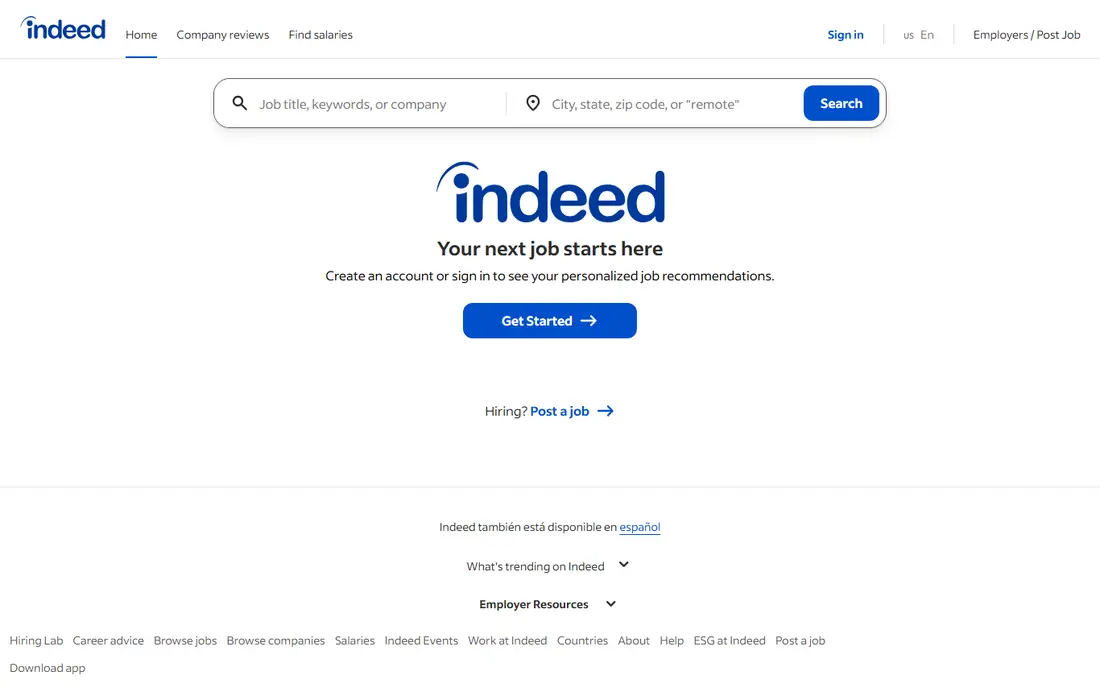
Indeed is the default answer for a reason. It aggregates listings from employers and other boards, covers hourly and salaried work, and lets you search by title, location and salary range without paying. Job alerts keep new matches coming to your inbox, and you can upload a resume once and apply to many roles from it.
The downside is volume. Popular roles attract many applicants, so a generic application rarely stands out. Tailor your resume to each posting, use the salary and company pages to filter, and treat Indeed as your broad net rather than your only tool.
- Largest range of listings
- Free job alerts and saved searches
- Salary information on many postings
- High competition on popular roles
- Sponsored listings can crowd organic results
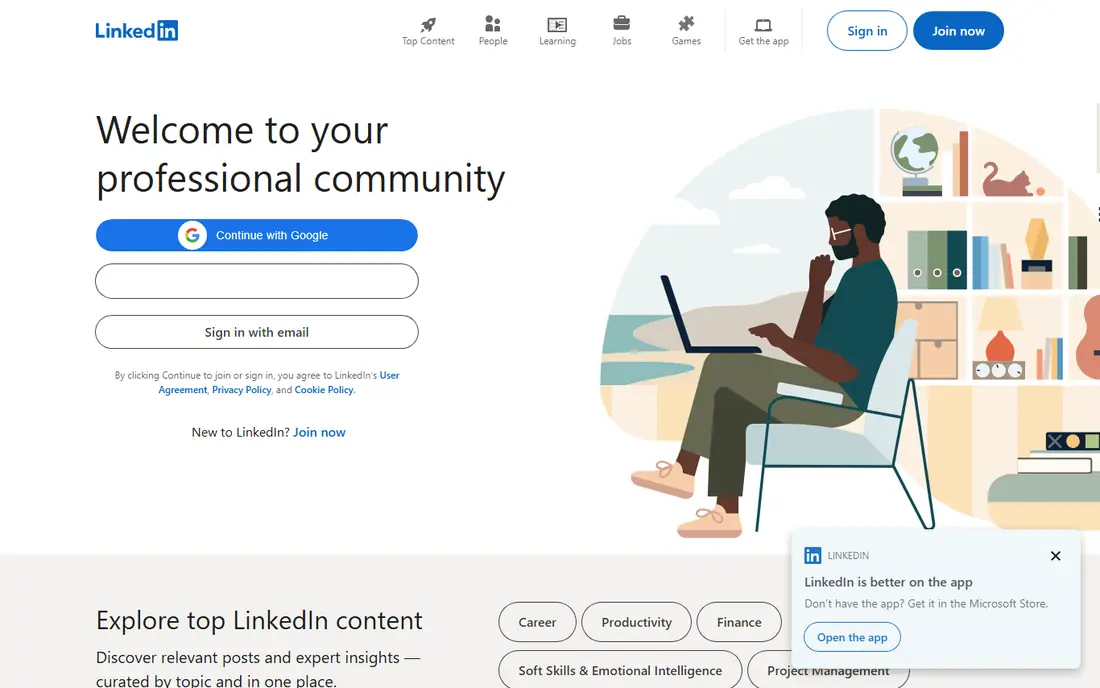
LinkedIn is both a job board and a professional network, and that combination is its strength. Recruiters search profiles directly, so a complete profile with a clear headline can bring opportunities you never applied for. Job postings show how you connect to the company, which helps you find a warm introduction.
The catch is effort. A thin profile gets little recruiter attention, and the paid Premium tier is not required to apply for jobs. Keep the free account, build the profile carefully, and use the Easy Apply option only when the role truly fits, since quick applies can become careless applies.
- Recruiter outreach and networking built in
- Strong for senior and specialist roles
- Company and hiring manager context
- Paid features tempt you to spend
- Feed and networking take time to maintain
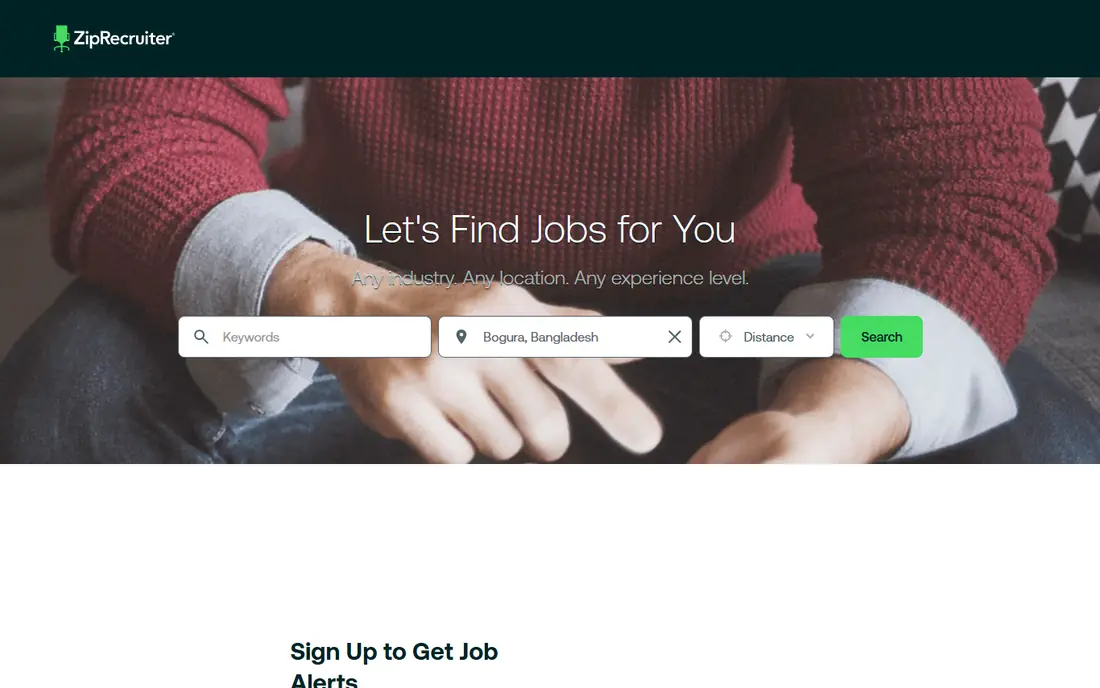
ZipRecruiter pitches itself on matching: you create one profile, and its system suggests roles that fit it. For job seekers who want a steady stream of suggestions without running the same search every day, that is a real time saver. The app is simple, alerts arrive quickly, and applying takes a few taps.
Match quality is uneven, though. In some fields the suggestions are strong, and in others they feel generic. Treat its alerts as leads to check, not as a shortlist, and keep your profile updated so the matching has current skills and locations to work with.
- One profile matched to many roles
- Fast alerts for new matches
- Simple mobile app for job search
- Match quality varies by field
- Some listings duplicate those on larger boards
Glassdoor earns its place because a job search is also a company search. Before you apply, you can read employee reviews, see reported salary ranges, and check interview reports that describe the hiring process. That context helps you avoid a role that looks good on paper and feels wrong in practice.
Reviews need care. People who had a bad exit are more likely to write, and small companies may have only a handful of reports. Read several reviews, look for patterns rather than single complaints, and weigh recent reports more than old ones.
- Salary reports and employee reviews beside listings
- Interview reports for many employers
- Job search included
- Reviews are self-selected and can skew negative or positive
- Some salary data is dated
Monster is one of the oldest job boards still operating, and it still covers a broad range of industries and locations. Its resume builder helps a first-time job seeker shape a resume, and its career advice section covers interviews and salary talks in plain language. For a general search, it remains a solid second board.
The honest limit is freshness. Newer platforms have sharper apps and larger pools in some fields, and many Monster listings also appear on Indeed. Use it as an extra net, especially if you are in a field where it still has depth, and check posting dates before you apply.
- Long-running board with broad coverage
- Resume builder and career advice
- Job alerts by email
- Interface feels dated next to newer apps
- Some listings also appear on larger boards
Handshake is the best job search app for students and recent graduates, because employers come to it specifically to hire early-career talent. It lists internships and entry-level roles, and it runs virtual recruiting events where you can meet employers directly. Your school profile helps employers find you for roles that match your major.
Once you move past entry level, its value drops. Experienced hires will find fewer senior roles here, and some features depend on your school partnership. While you are a student or recent graduate, though, it is the board most likely to surface roles that actually welcome applicants with little experience.
- Built for students and early-career hiring
- Employer recruiting events
- Internships alongside full-time roles
- Less useful once you have several years of experience
- Access tied to student or graduate status
Dice is a specialist board for technology work, covering software, data, security, infrastructure and related roles. That focus helps in two ways: filters match tech skills and tools, and recruiters who search Dice are usually hiring for tech specifically. A well-tagged profile with your stack and location can draw relevant recruiter messages.
Outside technology it has little to offer, which is fine, since that is not its job. If you work in tech, pair Dice with LinkedIn and Indeed. If you do not, skip it and pick a board for your own field instead.
- Focused on tech jobs
- Salary and skill filters for tech roles
- Tech recruiters search the platform
- Narrow scope outside technology
- Smaller pool than general boards
CareerBuilder remains a broad job board with listings across many industries, plus resume help and career resources for job seekers. Its search covers title, location and category, and its advice articles cover resumes, interviews and workplace topics in accessible language. For a general search it is a dependable extra source.
It does not beat Indeed on volume, and its app experience is less polished than the leaders. The sensible use is as a second or third board: run your core search on Indeed or LinkedIn, then check CareerBuilder for roles the big boards missed.
- Broad listings across industries
- Resume and career resources
- Salary and hiring advice
- Smaller pool than the largest boards
- App experience varies by device
USAJobs is the official job site of the United States federal government, and it is the only place to find the full range of federal roles. Listings explain hiring paths, eligibility and required documents in detail, which matters because federal applications follow strict rules. Saved searches and alerts help you track openings across agencies.
The process is the catch. Federal applications ask for detailed work history and documents, and hiring can take months. Read the full posting, follow the document checklist exactly, and apply early. For a federal career, there is no substitute board.
- Official source for federal jobs
- Detailed hiring paths and eligibility
- Saved searches and alerts
- Federal applications are long and formal
- Hiring timelines can be slow
How we picked these
We compared official platform pages, app store listings and public guidance for job platforms that are free for job seekers and still active in October 2026. We favored platforms with broad or clearly specialist coverage, a working app or mobile site, and a real job seeker product rather than an employer-only tool. We did not claim hands-on testing, and we did not repeat traffic or user figures as verified facts where we could not confirm them from the vendor.
How to choose the right platform for you
Start with your job type, not the brand
Hourly and high-volume roles suit Indeed and ZipRecruiter. Professional and senior roles suit LinkedIn. Students suit Handshake, tech workers suit Dice, and federal hopefuls need USAJobs. One general board plus one specialist board beats five general boards.
Use alerts, but check the source
Alerts save time, but a listing can be stale, duplicated or posted by a third party. Open the posting, check the date and the employer name, and confirm the role on the employer careers page when you can. Never pay a fee to apply for a job, and never share bank details during an application.
Make your profile do work
On LinkedIn, Handshake and Dice, recruiters search profiles, so a complete profile matters. Use a clear headline, list real skills and tools, and keep location and work preferences current. A profile that says what you do and what you want will draw better matches than a bare resume upload.
Track applications simply
Keep a short list of roles applied for, dates and next steps, in a note or spreadsheet. That list stops duplicate applications and helps you follow up politely. If a posting asks for something that feels off, such as payment or sensitive personal data early in the process, stop and verify the employer first.
Frequently asked questions
What is the best app for job search?
For most people, Indeed is the best app for job search because it covers the widest range of roles and is free. LinkedIn is the better app if you want recruiter outreach and professional networking alongside listings. Students should add Handshake, and tech workers should add Dice, since specialist boards often match better.
Is LinkedIn or Indeed better for job search?
Indeed is better for breadth and for hourly or high-volume roles, while LinkedIn is better for professional, senior and specialist roles where your network matters. Many job seekers use both: Indeed for volume, LinkedIn for recruiter contact and company context. Neither charges job seekers to apply for standard listings.
Are job search platforms free for job seekers?
Yes, the platforms on this list are free for job seekers to search and apply. Employers pay for postings, promotion or recruiter tools, not the applicant. Paid extras such as LinkedIn Premium exist, but they are optional, and you should not pay for a job search until you know which extra feature you actually need.
How many job platforms should I use?
Two or three is a good number: one general board, one specialist board for your field, and LinkedIn if your field uses it. More boards create more alerts and duplicate listings without adding many new roles. Spend the saved time tailoring applications instead of chasing the same posting on a fifth site.
How do I avoid fake job listings?
Check the employer name, confirm the role on the company careers page, and be wary of vague descriptions, instant offers, or requests for payment or bank details. Real employers do not charge you to apply, and they do not ask for sensitive financial information before an interview. Report suspicious listings to the platform.
Sources
See where you really rank - block by block
ProMapRanker scans Google Maps across a grid of your service area. Simple monthly plans from $19, white-label on every plan.
Start freeKeep reading
 who has best internet service
Who Has the Best Internet Service in 2026
Who has best internet service for US homes? We compare fiber, cable, fixed wireless and satellite providers on speed, price, availability and terms today.
Read → which survey tool has the best analytics
Which Survey Tool Has the Best Analytics in 2026
Find which survey tool has the best analytics in 2026, comparing Qualtrics, SurveyMonkey, Typeform, Alchemer, and more on reports, text, and stats today.
Read → which streaming service has the best movies
Which Streaming Service Has the Best Movies in 2026
Answering which streaming service has the best movies, with Netflix, Max, Criterion and more compared on libraries, prices and free options in this guide.
Read →