 ProMapRanker
Vidu Alternatives in 2026: Prices and Free Plans

Direct answer
Pika leads the list, best for access to several video models. Listed starting prices: Pika from $10 a month and HeyGen from $29 a month. HeyGen fits avatar and talking-head videos; Luma Dream Machine fits planning and iterating creative work. Prices, free plans and limits for all 5 tools follow.
ProMapRanker put together this guide to Vidu for readers who want a clear shortlist without reading every vendor page. It compares 5 tools on starting price, free plans, who each one suits and where each one falls short.
Key takeaways
- Pika sits first on this list: access to several video models.
- Only 2 of the 5 tools have a free plan (Pika, HeyGen), so check the caps.
- Pika has the lowest monthly starting price in this list: $10 per month.
- Kling AI is the one to check for Multimodal video and image generation.
- What to know about Pika first: model availability may change over time.
Quick comparison
| Pick | Great for | Pricing starts at | Free tier | |
|---|---|---|---|---|
 Pika | Access to several video models | $10 a month | Yes | Visit |
 HeyGen | Avatar and talking-head videos | $29 a month | Yes | Visit |
 Luma Dream Machine | Planning and iterating creative work | See website | Not stated | Visit |
 Adobe Firefly | Creative suites and several models | See website | Not stated | Visit |
 Kling AI | Multimodal video and image generation | See website | Not stated | Visit |
Vidu profiles

Pika works best for access to several video models. Pika presents itself as a creative product for AI video, images and audio.
Its homepage names multiple external models, including Seedance, Kling, Veo and Wan, available within the same environment. What you pay to start with Pika: $10 per month. Free access exists with Pika.
Watch-outs: Model availability may change over time.
- One product for mixed media
- Bundles multiple named video models
- Feature depth varies between models

HeyGen is aimed squarely at avatar and talking-head videos. HeyGen centres on creating AI videos with a personal avatar, using your own face and voice so you can produce clear, confident presenter videos without filming each time.
What to check first: Not made for abstract or cinematic scenes.
It suits trainers, marketers and teams that require consistent spoken content, like explainers or updates, instead of artistic or cinematic footage. HeyGen pricing: $29 per month. You can start on HeyGen without paying.
- Clear positioning for presenter videos
- Pitched at repeatable video production
- Narrower than general video generators
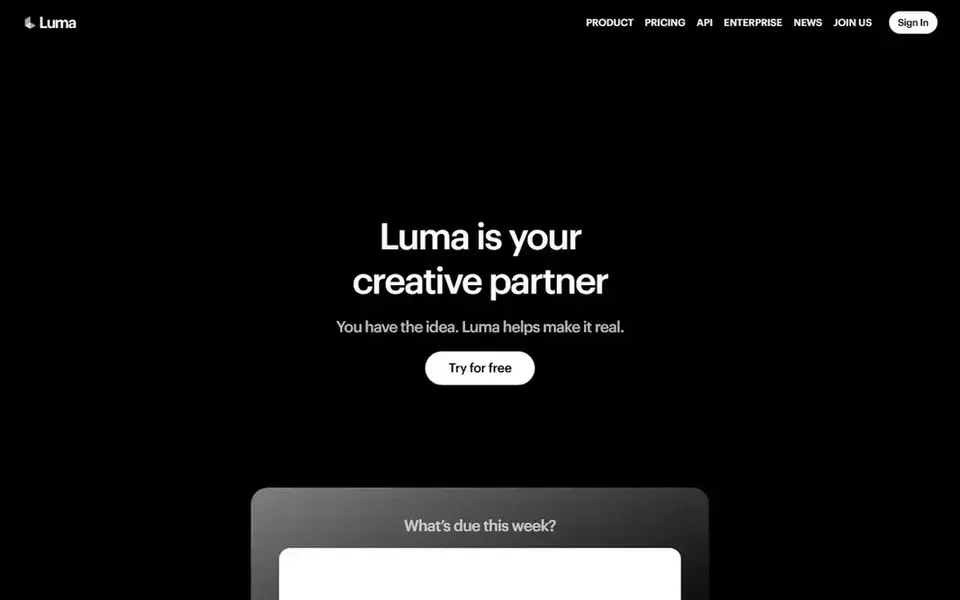
Luma Dream Machine is designed for planning and iterating creative work. The emphasis on agent-driven iteration means the tool rewards users with a clear creative direction; casual users wanting a quick one-shot clip may find the workflow heavier than needed.
What to check first: May suit iterative workflows over fast one-off clips.
- Supports create and refine loops
- Keeps context across stages
- Less explicit detail on output formats
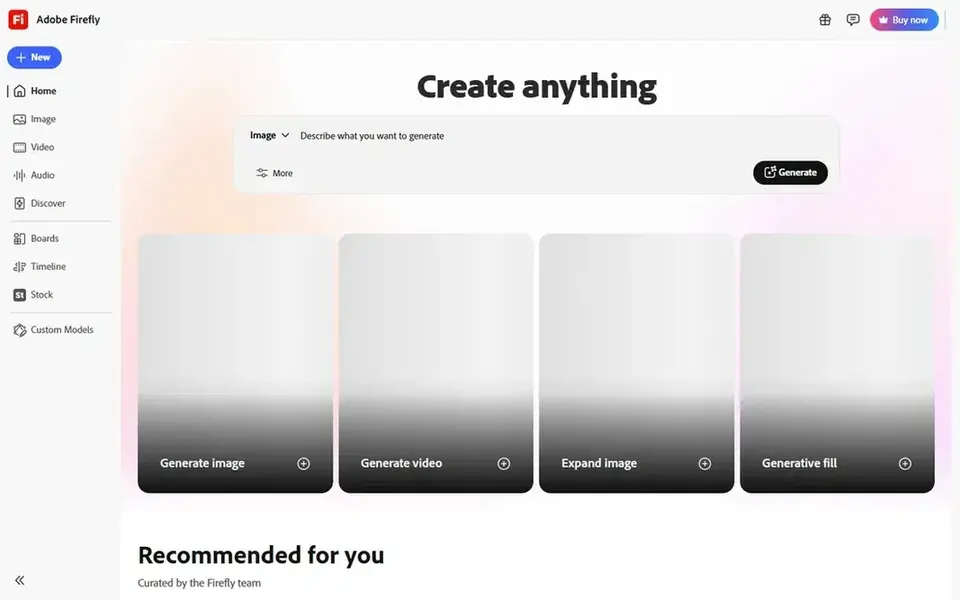
Adobe Firefly targets creative suites and multiple models. It suits designers and editors already working inside Adobe tools who want generative capability across media types instead of a standalone video generator.
More specifically, since Firefly spans images, audio and video, its video capabilities are one part of a broader offering and may not match dedicated video generators for every shot type. Pricing for Adobe Firefly is not stated here, so ask the vendor for current figures. Free options: Not stated.
What works well: Suits Adobe-centric workflows.
Drawbacks to consider: Spread across several media types.
- Spans images
- Audio and video
- Video may not be the deepest focus

Kling AI is aimed squarely at Multimodal video and image generation. Results depend heavily on prompt and reference quality.
If you primarily need scripted avatar videos or tight integration with design software, a more specialized tool may suit you better. Kling AI is a next-generation AI video and image generator that turns text, images and references into multimodal creative content inside one studio. Pricing for Kling AI is not stated here, so ask the vendor for current figures. Free options: Not stated.
Where it is weaker: Less centred on avatar or talking-head video.
- Takes care of both video and image output
- Accepts text
- Output quality varies by prompt
Selection criteria
ProMapRanker used vendor pricing pages and product documentation as the base, then compared plans, free access and documented limits for 5 tools. Prices and plan limits come from vendor pages and can change, so confirm them on the vendor site before you buy. Tools are placed by general fit for Vidu, with price clarity and free access as tie-breakers. A different team can reasonably rank them differently.
Before you commit
- Ask Luma Dream Machine, Adobe Firefly and Kling AI for a written quote, since no starting price is shown.
- Look at free plan limits closely: Pika and HeyGen have one, and the caps decide whether it is usable for real work.
- Before choosing Pika, weigh its main limit: model availability may change over time.
- Ask whether Kling AI integrates with your current software, and whether that comes standard or as an add-on.
- A short pilot of Adobe Firefly with your real workflow tells you more than a feature table.
Frequently asked questions
Which options for Vidu have a free plan?
Pika and HeyGen offer a free plan in this list. Free plans usually cap users, projects or features, so check the limits on the vendor page. For the full picture, the cards above cover all 5 entries of this Vidu alternatives list, including price, free plan and limits.
Which alternative is a good match for talking-head or presenter videos?
For most readers this guide would start with Pika, built for access to several video models. HeyGen is the alternative for avatar and talking-head videos, and Luma Dream Machine for planning and iterating creative work. The right answer depends on budget and workflow.
Can I try these tools before paying?
Often, yes. Pika and HeyGen have a free plan. Use your own data and a real task during the test, and check what the free tier or trial limits before you rely on it. Prices, free plan details and limits for all 5 tools in this Vidu alternatives roundup sit on the individual cards above.
What is the cheapest option for Vidu in this list?
On published monthly entry prices, Pika is the lowest here at $10 per month. Entry price is only part of the cost, because seats, add-ons and billing terms can change the total. Each of the 5 options in this Vidu alternatives guide has its own card above with the price, free plan and limits.
How are the tools for Vidu ordered?
The order follows typical fit for Vidu, with Pika first and Kling AI last, then price clarity and free access. It is editorial judgement, not a score, so another team could rank the tools differently.
What is the closest general-purpose alternative to Vidu?
Kling AI is a solid general-purpose choice since it manages text, image and reference inputs for both video and image output.
Sources
See where you really rank - block by block
ProMapRanker scans Google Maps across a grid of your service area. Simple monthly plans from $19, white-label on every plan.
Start freeBrowse all guides
← Regie.ai Alternatives: 5 Tools Compared in 2026AI Tools for Prototyping SaaS Apps: Best Picks of 2026 →
 polybuzz ai alternatives
Best Polybuzz AI Alternatives in 2026
Comparing Polybuzz AI alternatives? 5 contenders, each with entry cost, free tier and best-fit buyer. Includes honest limits for each tool. Pick by budget.
Read → otterly alternatives under $100/month
Best Otterly Alternatives in 2026
Weighing otterly alternatives under $100/month? We lined up 5 products by cost, free access and fit. Short verdicts, no fluff. A comparison table is included.
Read → best overall ai platform
Overall AI Platform in 2026: Top 5 Compared
Best overall AI platform: 5 contenders ranked by fit, with entry costs and free tiers. Where a tool struggles is spelled out. A comparison table is included.
Read → claude ai alternatives
Best Claude AI Alternatives in 2026
Best claude ai alternatives compared here: nine chatbots for writing, research, coding, and Google or Microsoft work, with free tiers and paid prices.
Read → best ai headshot app
Best AI Headshot App in 2026: 9 Apps Compared
We compared the best AI headshot apps for professional profile photos, checking price, photo count, turnaround and likeness to help you pick a tool that fits.
Read → best direct mail companies
Best Direct Mail Companies in 2026
Compare the best direct mail companies for 2026, with eight firms reviewed on print, mailing, automation, targeting, and the campaigns each one fits best.
Read →More in AI Tools · All guides A to Z by date · Latest guides