 ProMapRanker
Best Claude AI Alternatives in 2026

Key takeaways
- ChatGPT is the closest all-round swap, with image generation, voice, and broad tool support that Claude does not match in one place.
- Google Gemini is the natural pick for Google Workspace users, while Microsoft Copilot fits people who live in Word, Excel, and Teams.
- Perplexity leads for research with cited sources, and DeepSeek leads for strong reasoning at no cost in its free app.
- Mistral Le Chat suits readers who prefer a European provider, and NotebookLM suits work built around your own documents.
- Claude itself is not listed here, because this guide covers alternatives to it, not Claude again.
Quick comparison
| Pick | Great for | Pricing starts at | Free tier | |
|---|---|---|---|---|
 ChatGPT | All-round writing, images, and coding | Free | Yes | Visit |
 Google Gemini | Google Workspace and long documents | Free | Yes | Visit |
 Microsoft Copilot | Microsoft 365 work | Free | Yes | Visit |
 Perplexity | Research with cited sources | Free | Yes | Visit |
 DeepSeek | Free reasoning and coding | Free | Yes | Visit |
 Mistral Le Chat | European privacy-conscious choice | Free | Yes | Visit |
 Grok | Current events and X-linked context | Free | Yes | Visit |
 Meta AI | Chat inside WhatsApp and Instagram | Free | Yes | Visit |
 Google NotebookLM | Research from your own files | Free | Yes | Visit |
The best Claude AI alternatives
Claude is strong for writing, long documents, and coding, so a good alternative must be judged on the job you actually do. Some tools here beat it on price, some on images or live web access, and some on working inside an ecosystem you already use. The nine below cover those different strengths without repeating Claude itself.
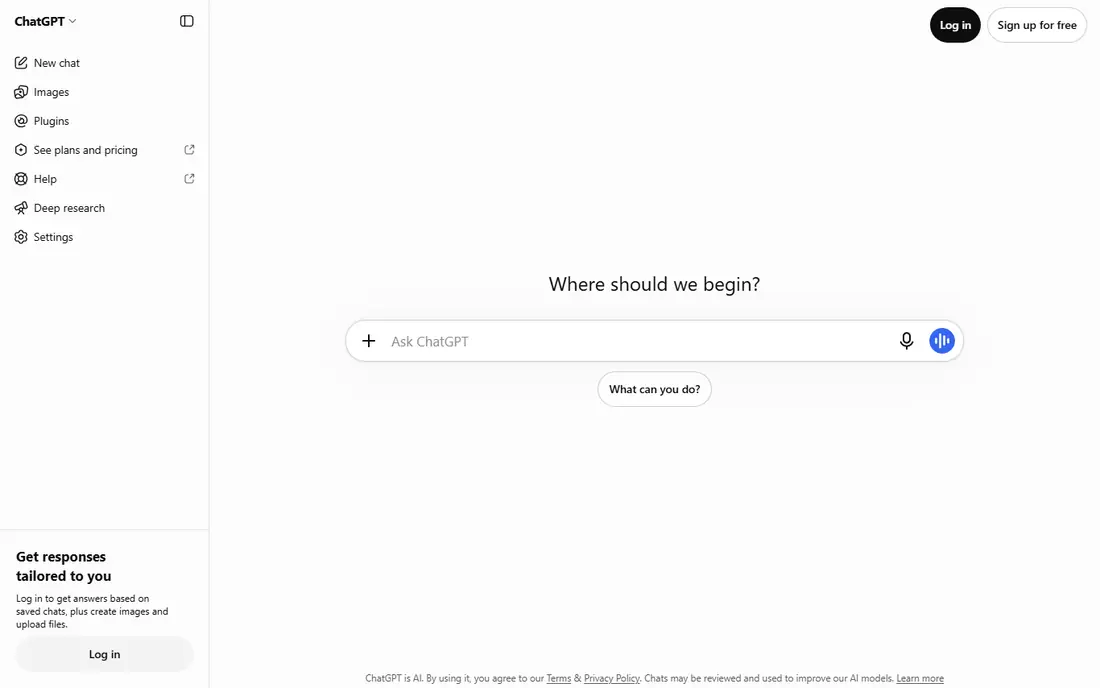
ChatGPT is the safest first alternative for most Claude users, because it covers the widest range of tasks in one app. Writing, brainstorming, coding help, image generation, and voice conversation all sit in the same place, which reduces the need to switch tools during a project. Its free tier now handles everyday text chats well, while paid plans add stronger models and higher limits.
The trade-off is choice overload. ChatGPT offers many plans and model options, and the right one is not always obvious. Start on the free tier, note where you hit limits, and only upgrade when a specific task, such as frequent image work or heavy coding, clearly needs more capacity.
- Broadest mix of text, image, and voice features
- Large tool ecosystem
- Free tier for everyday chats
- Paid plans vary widely in price
- Free tier limits on advanced models and image generation
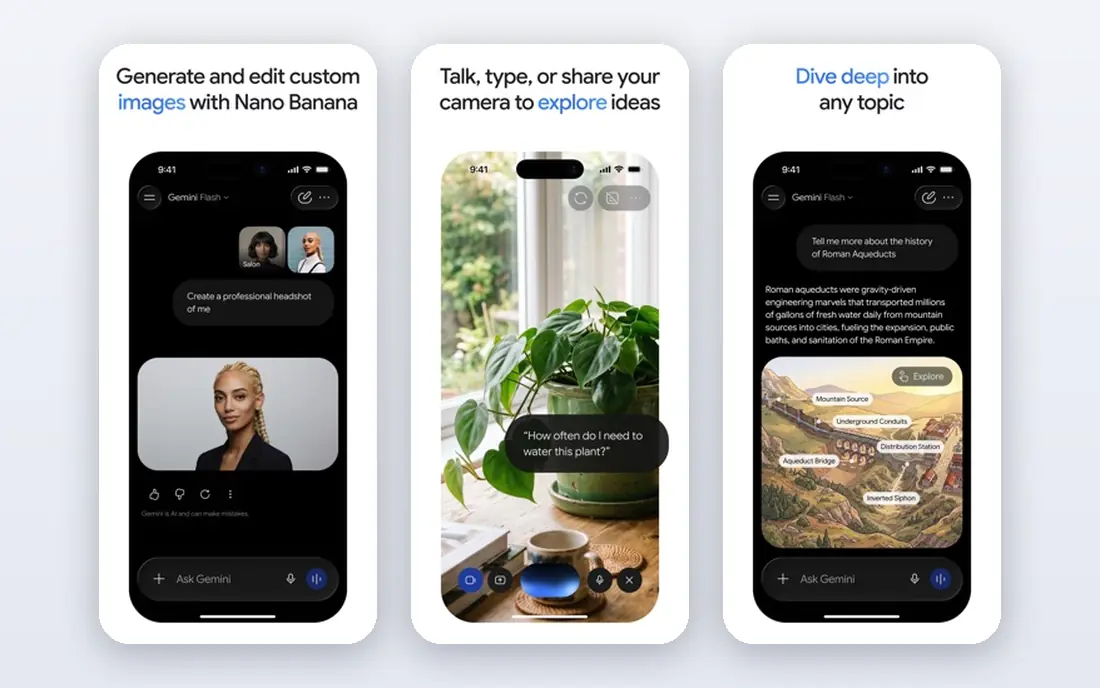
Gemini makes sense the moment your work already lives in Google tools. It can draw on Gmail, Docs, and Drive, summarise long files, and draft inside documents without constant copying and pasting. For research-heavy work, the long context on paid plans helps when a report, a transcript, or a set of papers must be held in mind at once.
Writing tone is the main adjustment for former Claude users. Gemini is capable and clear, but some writers find its drafts need more editing for voice. If your priority is research, organisation, and Google integration, that trade is usually worth making.
- Deep Gmail, Docs, and Drive integration
- Very long document context on paid plans
- Free tier included
- Paid pricing has changed across tiers
- Style can feel less literary than Claude for some writers
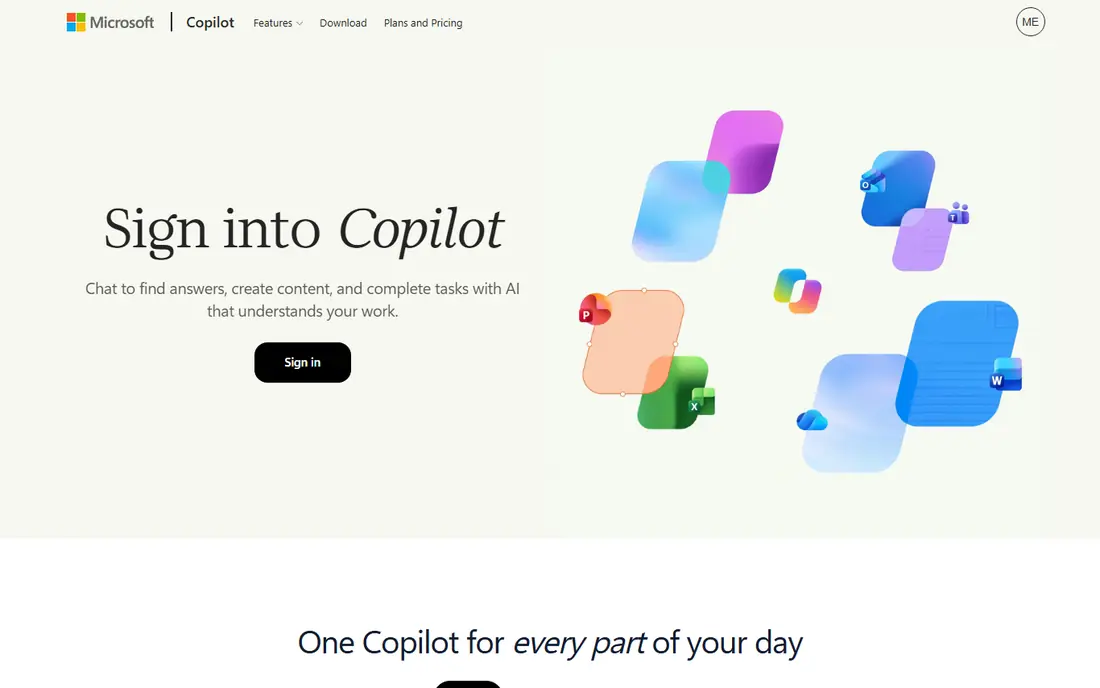
Copilot is the practical alternative for offices built on Microsoft 365. With a paid plan, it can summarise meetings in Teams, draft in Word, and help analyse spreadsheets, all with company controls that IT teams expect. That workplace fit is something a standalone chatbot cannot copy easily, even when its writing is strong.
On the free web version, expect a capable general chatbot without the deep Office integration. That is still useful for drafting and questions, but the real reason to choose Copilot is the paid Microsoft 365 connection. Judge it on that basis, not on the free chat alone.
- Works inside Word, Excel, Outlook, and Teams on paid plans
- Free web chat
- Business controls
- Full Microsoft 365 features require a paid plan
- Free web version is more limited
Perplexity answers a different question than a general chatbot: not just what to think, but where the claim came from. Each answer points to sources you can open and check, which makes it strong for market research, news follow-up, and any task where a wrong fact would be costly. It also handles follow-up questions well, so a broad topic can narrow quickly.
For long-form creative writing, Perplexity is less satisfying than ChatGPT or Gemini. Treat it as a research partner first, and move polished drafts to a writing-focused tool. Used in that role, it can save hours of manual searching.
- Answers link to sources
- Fast web research
- Good for fact-checking unfamiliar topics
- Less suited to long creative writing
- Paid plan needed for frequent pro searches
DeepSeek is the standout for readers who want strong performance without a monthly fee. Its free app handles reasoning, maths, and coding tasks that would sit behind a paywall elsewhere, and its API pricing is low for developers who build with it. For students, solo developers, and budget-conscious teams, that combination is hard to ignore.
The ecosystem is thinner than ChatGPT or Gemini. You will find fewer ready-made integrations and workplace features, and you may need to pair DeepSeek with another tool for images or document workflows. If raw reasoning per dollar matters most, DeepSeek still leads this list.
- Free app with strong reasoning
- Good for maths, logic, and coding
- Low-cost API for developers
- Smaller ecosystem of integrations
- Fewer built-in tools than larger rivals
Mistral Le Chat appeals to users who want a capable assistant from a European company, with open-weight models behind it. It is fast, clear, and well suited to everyday writing, summarising, and coding help. For organisations with European data concerns, having that option in the mix matters, even when larger rivals offer more extras.
Expect a leaner product. Le Chat does not try to match every feature of ChatGPT or Gemini, and its paid tiers have shifted as new products launch. Check the current plan page, and pick it for focus and provenance rather than for the longest feature list.
- European provider with open-weight models
- Fast chat
- Privacy-focused positioning
- Smaller feature set than the largest chatbots
- Paid plan details change with new tiers
Grok, from xAI, is built for the present moment. It draws on real-time web and X context, which helps when a story is still developing or a public discussion is moving fast. Its tone is more direct and informal than Claude, which some users enjoy and others find less suited to formal writing.
Pricing and access have changed with X and standalone plans, so confirm the current free and paid terms before you rely on it. Grok works best as a news and current-events companion alongside a calmer writing tool, rather than as the only assistant for polished work.
- Real-time web and X context
- Direct tone
- Voice and agent features on paid plans
- Paid pricing varies by plan
- Moderation style differs from Claude
Meta AI wins on convenience. It lives inside WhatsApp, Instagram, Messenger, and the standalone Meta AI app, so a quick question, a caption idea, or an image prompt does not require opening another service. For casual use and social content, that placement removes friction entirely.
It is not a direct replacement for Claude on long documents, complex coding, or careful research. The tool is best viewed as an everyday helper that is always at hand, with a stronger specialist tool kept for serious work. That split keeps expectations realistic.
- Already inside Meta apps
- Free to use
- Good for quick questions and image ideas
- Less suited to long documents and deep coding
- Tied to Meta accounts and apps
NotebookLM solves a specific problem well: answering questions from your own material. Upload papers, reports, transcripts, or notes, and it summarises, answers, and cites the sources you gave it. That grounding reduces the drift that can happen when a general chatbot answers from broad training data alone.
It is not an open-ended brainstorming partner in the same way as ChatGPT. Prompts work best when they point at the uploaded sources. For students, researchers, and teams preparing from a defined set of documents, NotebookLM is one of the most useful free tools available.
- Grounded answers from your uploaded sources
- Audio overviews
- Good for study and research
- Built for source-based work, not open-ended chat
- Upload and source limits apply
How we picked these
We compared official pricing pages, feature descriptions, and public reviews for general chatbots and research assistants that are live in October 2026. We excluded Claude itself, and we required each tool to offer a free way to try it, a clear strength over a generic chatbot, and a real use case for former Claude users. Prices are listed as starting points only, because plans and model tiers change often.
How to choose between them
Start with the ecosystem you already pay for. Google Workspace users should test Gemini and NotebookLM first, Microsoft 365 users should test Copilot, and Meta app users already have Meta AI at hand. That single choice often matters more than small differences in writing quality, because integration saves time every day.
Next, split your work by type. Use Perplexity for research that must be sourced, DeepSeek for free reasoning and coding, and ChatGPT when one tool must cover writing, images, and voice. Keep Claude-style long writing in mind: if your drafts need a careful, literary tone, test each candidate on a real document before switching, since tone is personal and hard to judge from a feature list.
Finally, check privacy and data rules for work that involves client material or sensitive files. Read the provider privacy page, note whether chats are used for training, and choose paid or business controls where the work requires them. A free tier is convenient, but it is not always the right tier for confidential work.
Frequently asked questions
What is the best alternative to Claude AI?
ChatGPT is the best all-round alternative to Claude AI, because it covers writing, coding, images, and voice in one app. Gemini is better for Google users, Copilot is better for Microsoft 365 users, and Perplexity is better for sourced research. The best pick depends on the work you do most, not on a single ranking.
What is the best free alternative to Claude AI?
DeepSeek offers strong reasoning and coding in a free app, which makes it a strong free pick. ChatGPT, Gemini, Copilot, Perplexity, Mistral Le Chat, Grok, Meta AI, and NotebookLM also offer free tiers. Free limits differ, so test the tool on your own tasks before relying on it daily.
Which Claude alternative is best for coding?
DeepSeek and ChatGPT are both strong for coding help, with DeepSeek leading on free access and ChatGPT leading on ecosystem and tool support. Gemini and Mistral Le Chat also handle coding tasks well. For work inside a code editor, a dedicated coding assistant may still be worth adding alongside a general chatbot.
Which alternative is best for research with sources?
Perplexity is best for research with sources, because its answers link to pages you can open and verify. NotebookLM is best when the research must stay grounded in your own uploaded documents. Use Perplexity for the open web and NotebookLM for a defined set of files.
Do Claude alternatives include image generation?
Some do and some do not. ChatGPT, Gemini, Grok, and Meta AI include image generation in various forms, while Perplexity and NotebookLM focus on text and research. If images are a regular need, choose a tool that lists image generation on its own feature page rather than assuming it is included.
Can I use more than one Claude alternative?
Yes, and many people do. A common setup is one general chatbot for writing, Perplexity for sourced research, and NotebookLM for document-based study. Using two or three focused tools often works better than forcing one tool to cover every job poorly.
Sources
See where you really rank - block by block
ProMapRanker scans Google Maps across a grid of your service area. Simple monthly plans from $19, white-label on every plan.
Start freeKeep reading
 zoho inventory alternatives
6 Alternatives to Zoho Inventory, Compared on Price and Fit
Zoho Inventory alternatives: 6 tools compared on price, free plans and fit. Katana leads the list for manufacturers. Fit and flaws are laid out for each entry.
Read → zoho crm alternatives
Best Zoho CRM Alternatives (2026)
Need Zoho CRM alternatives? We compare 7 tools on cost, free access and who each suits. Every pick gets a straight assessment. Built for quick decisions.
Read → zelle alternatives
Best Zelle Alternatives in 2026
Compare the best Zelle alternatives for sending money to friends, paying sellers and moving funds abroad, with honest notes on fees, speed and safety in 2026.
Read →