 ProMapRanker
Best User Testing Alternatives in 2026

Key takeaways
- Maze and Lyssna are the fastest routes to unmoderated results, and both offer a free plan for early work.
- Lookback is our pick for live moderated interviews, with observers able to join sessions in real time.
- UXtweak and Optimal Workshop cover card sorting and tree testing that many simpler tools skip.
- Participant costs often matter more than subscription prices, so check panel fees and incentive rules before you commit.
- Dscout fits longer diary studies, while Userbrain and Useberry suit quick, one-off usability checks.
Quick comparison
| Pick | Great for | Pricing starts at | Free tier | |
|---|---|---|---|---|
 Maze | Rapid prototype testing | $99 per month | Yes | Visit |
 Lyssna | Fast unmoderated tests | $166 per month | Yes | Visit |
 Lookback | Live moderated interviews | $25 per month | No | Visit |
 UXtweak | All-in-one research methods | See website | Yes | Visit |
 Optimal Workshop | Information architecture testing | $199 per month | No | Visit |
 Userbrain | Quick unmoderated video tests | $49 per month | No | Visit |
 Useberry | Prototype and website testing | See website | Yes | Visit |
 Dscout | Diary studies and longitudinal research | See website | No | Visit |
 Great Question | Own-customer research and repository | $129 per user per month | No | Visit |
The best user testing alternatives
UserTesting is a strong platform, but its pricing and contract style do not suit every team. These nine user testing alternatives cover the same core jobs in different ways, from prototype tests to live interviews and diary studies.

Maze is built for design teams that want answers before a product is built. You can run tests directly on Figma prototypes, and results arrive as task success rates, misclicks, and time on task rather than a pile of raw video to watch. That structure makes it easy to share findings with stakeholders who want numbers alongside quotes.
The trade-off is scope. Maze is less suited to open-ended moderated interviews, where a researcher needs to follow up in the moment. If your main job is validating flows and screens, it is hard to beat for speed. If you run mostly live interviews, pair it with a moderated tool or pick a broader platform.
- Strong Figma integration
- Fast unmoderated results
- Clear quantitative metrics
- Narrower for moderated interviews
- Panel costs add up on larger studies
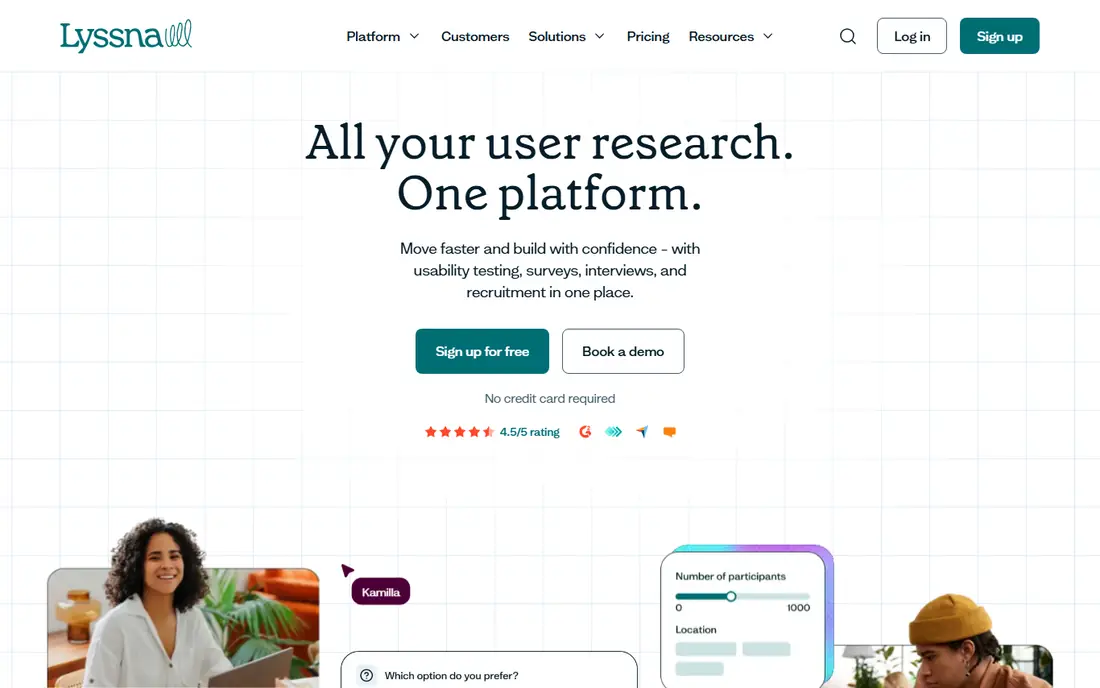
Lyssna, formerly UsabilityHub, focuses on getting directional feedback in hours rather than weeks. Five-second tests show whether a design communicates its purpose at a glance, while first-click tests reveal where people expect to find things. Those small methods answer many design questions without a full usability study.
For teams that run tests often, the paid plan pays for itself in speed, but occasional users may find the monthly price steep for a handful of tests. The free plan helps here, since you can try the core methods before committing. Lyssna is our pick for small teams that want quick, low-friction feedback on designs and copy.
- Quick setup
- Five-second tests and first-click tests
- Free plan for small studies
- Paid plan is a jump from the free tier
- Less depth for long interviews
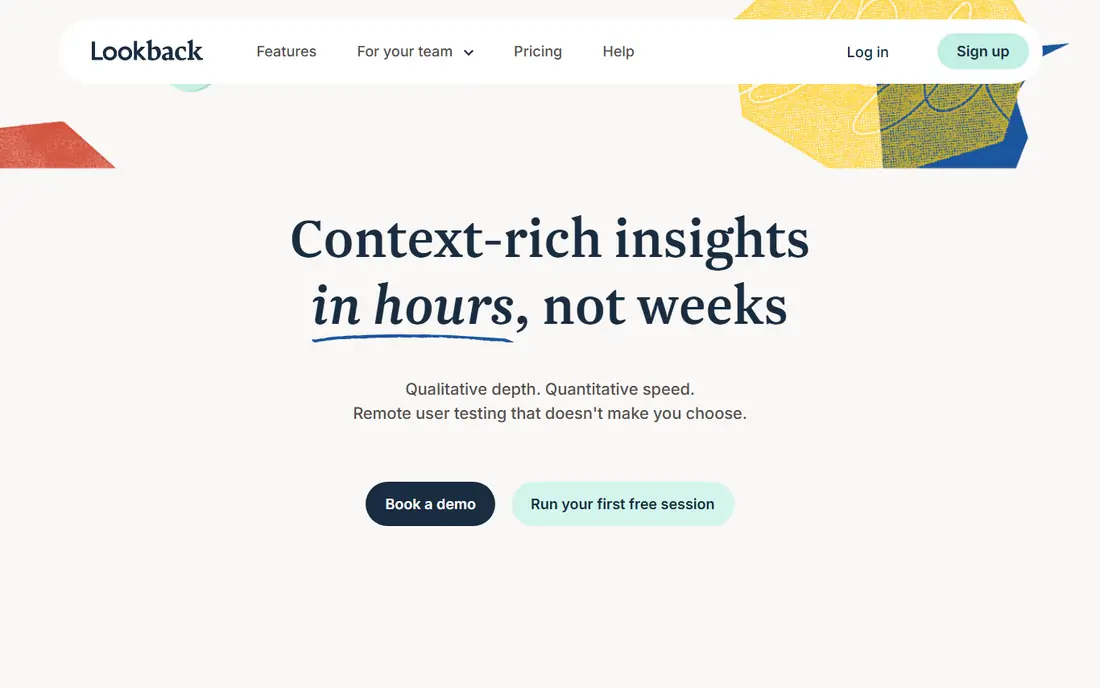
Lookback is the tool we would choose first for moderated research. Observers can watch live sessions, take timestamped notes, and discuss what they see without interrupting the participant. Recordings make it easy to clip moments for a readout, and the interview flow feels natural for both researcher and participant.
It is not trying to be an all-in-one research suite, so teams that also need large unmoderated studies will need a second tool. For interview-led work, though, that focus is a strength. The entry plan is affordable for freelancers and small teams, and the experience for participants is notably smooth.
- Real-time observer rooms
- Live and recorded sessions
- Simple session sharing
- No free plan
- Limited unmoderated testing depth
UXtweak packs an unusually wide set of methods into one platform. Alongside website and prototype usability tests, you get card sorting, tree testing, surveys, and session recordings. That breadth matters when a team studies both navigation structure and individual screens, since it avoids buying separate tools for each job.
The downside is complexity. With so many methods available, new users can take a while to find the right setup for a given question. The free plan is a good way to learn the platform on a small study. For teams that want one subscription to cover most research methods, UXtweak is a strong value choice.
- Wide method range including tree testing and card sorting
- Free plan available
- Session recordings included
- Pricing details require checking the site
- Interface takes time to learn
Optimal Workshop does one family of jobs extremely well. Its card sorting and tree testing tools help teams decide how content should be grouped and labelled, and its analysis shows where participants disagree or get lost. For a site redesign or a large content migration, that evidence is hard to replace with guesswork.
Outside information architecture, the platform is thinner than general usability tools, so it works best as a specialist addition rather than a sole research tool. The price reflects that specialist depth. If navigation is your current problem, it is worth the cost. If you need broad usability testing, start elsewhere.
- Best-in-class card sorting and tree testing
- Clear analysis for navigation decisions
- Trusted by large research teams
- Higher starting price
- Narrow focus outside information architecture
Userbrain keeps unmoderated video testing simple. You set a task, testers record themselves completing it while thinking aloud, and you get video back quickly. That format is ideal for catching confusion on a checkout flow, a signup form, or a new feature, without scheduling live sessions.
The method range is narrower than platforms such as UXtweak, and there is no free plan to try it with. Still, the entry price is modest compared with enterprise research tools, and the speed suits teams that test every release. For recurring quick checks, Userbrain is a practical, low-overhead choice.
- Fast turnaround on video tests
- Simple test setup
- Affordable entry plan
- No free plan
- Smaller method range than larger suites
Useberry is a good fit for teams that test prototypes and live websites in the same place. It supports Figma and other prototype formats, adds heatmaps to show where people click, and records sessions for review. The combination helps a team move from a design question to evidence without switching tools.
Pricing is not fully transparent on the surface, so check the current plans before budgeting, and remember that recruiting participants can add cost beyond the subscription. The free plan lets you run a small study first. For prototype-heavy teams on a budget, Useberry deserves a shortlist spot.
- Strong prototype testing
- Free plan for early work
- Heatmaps and video recordings
- Pricing requires checking the site
- Panel recruitment costs are separate
Dscout is built for research that happens over days or weeks, not in a single session. Participants capture moments on their phones as they happen, answer prompts, and upload photos or video from real life. That in-context material reveals habits and frustrations that a lab-style test would miss.
Because pricing is custom and the platform is aimed at larger research programs, it is not the right pick for a quick usability check. Teams studying onboarding, habit formation, or product use over time will get the most value. If your question is about how behavior changes across weeks, Dscout is the specialist tool here.
- Strong diary study format
- Mobile in-context capture
- Good for behavior over time
- Custom pricing only
- Overkill for one-off usability tests
Great Question suits teams that mainly research their own customers rather than buying panel participants. It combines a research CRM, interview and survey tools, and a repository where insights stay searchable over time. That setup reduces the usual problem of findings living in scattered docs and recordings.
The per-seat price is higher than simpler testing tools, and teams that need a large external panel may still need a separate source. For product teams building a lasting research practice around their own users, though, the all-in-one approach saves coordination time. It is our pick for teams that want research to accumulate instead of starting fresh each study.
- Combines recruitment, research methods, and repository
- Good for teams with their own customers
- AI-assisted synthesis
- Higher per-seat price
- Smaller external panel than some rivals
How we picked these
We compared official pricing pages, product documentation, and public reviews for each tool, and we checked that each one is live and actively sold in October 2026. We favored tools that cover a distinct research job, from prototype testing to moderated interviews and diary studies, rather than listing near-identical options. Prices shown are starting prices from vendor pages or reputable pricing roundups where the vendor does not publish a simple rate, and panel or recruitment costs are noted separately because they change total spend.
What to check before you choose
Start from the question, not the feature list. A prototype test, a live interview, and a diary study need different tools, and buying a broad suite for a narrow question wastes money. Run a small paid or free study on your real product before committing, and watch how long analysis takes, not just how fast sessions are collected.
Check who you will test with. Some tools include a panel, some help you recruit your own customers, and some expect you to bring participants yourself. Panel quality, incentive rules, and screening options affect results more than most feature differences. Also confirm privacy and consent handling, especially for recorded sessions, and confirm how clips and transcripts can be shared inside your company.
Finally, model total cost for a typical month. Add the subscription, panel fees, and the time your team spends on analysis. A cheaper subscription with expensive participants can cost more than a pricier plan with included recruitment, and the reverse is also true for teams with their own users.
Frequently asked questions
What are the best user testing alternatives for small teams?
Maze and Lyssna are strong starting points for small teams because both offer free plans and fast unmoderated results. Userbrain is also affordable for quick video tests. Pick based on whether you test prototypes, live websites, or both.
Are there free user testing alternatives?
Yes. Maze, Lyssna, UXtweak, and Useberry all offer free plans, though limits apply to studies, responses, or features. Free plans suit early work and small tests, while regular research usually needs a paid plan or panel budget.
What is the best alternative for moderated user interviews?
Lookback is our pick for moderated interviews, thanks to its live observer rooms and smooth session experience. Great Question also covers interviews well when you research your own customers and want findings stored in a repository.
Do these tools include participants?
Some do, some do not. Maze, Lyssna, Userbrain, and Dscout offer panel recruitment, while Lookback and Great Question work best when you bring your own users or arrange recruitment separately. Always check panel fees before budgeting.
How much do user testing alternatives cost?
Starting prices here range from $25 per month for Lookback to $199 per month for Optimal Workshop, with several tools using custom pricing. Participant incentives and panel fees are often extra, so ask for a total quote for a typical study.
Can I replace UserTesting with just one tool?
It depends on your methods. A broad tool such as UXtweak or Great Question can cover most jobs, but specialist needs such as diary studies or information architecture testing are better served by Dscout or Optimal Workshop alongside a general tool.
Sources
See where you really rank - block by block
ProMapRanker scans Google Maps across a grid of your service area. Simple monthly plans from $19, white-label on every plan.
Start freeKeep reading
 who has best internet service
Who Has the Best Internet Service in 2026
Who has best internet service for US homes? We compare fiber, cable, fixed wireless and satellite providers on speed, price, availability and terms today.
Read → which survey tool has the best analytics
Which Survey Tool Has the Best Analytics in 2026
Find which survey tool has the best analytics in 2026, comparing Qualtrics, SurveyMonkey, Typeform, Alchemer, and more on reports, text, and stats today.
Read → which streaming service has the best movies
Which Streaming Service Has the Best Movies in 2026
Answering which streaming service has the best movies, with Netflix, Max, Criterion and more compared on libraries, prices and free options in this guide.
Read →