 ProMapRanker
Best Website Builder Software with Great Support in 2026

Creative firms that value refined design and dependable email support · Pricing starts at: $19 a month (Basic, billed yearly)
Direct answer
If you need creative firms that value refined design and dependable email support, Squarespace is the first tool to look at here. Listed starting prices: Squarespace from $19 a month (Basic, billed yearly), GoDaddy from $24.99 a month (AI Builder Professional, billed yearly) and Jimdo from $11 a month (Start, billed annually). GoDaddy fits absolute beginners who want phone support and AI to do the heavy lifting; Jimdo fits European solopreneurs who want quick sites and quick support responses. Prices, free plans and limits for all 7 tools follow.
Choosing website builder software with great support usually comes down to price, fit and limits. This ProMapRanker guide sets 7 tools side by side on those three points, with the facts kept short and checkable.
Key takeaways
- The list opens with Squarespace, aimed at creative firms that value refined design and dependable email support.
- Check the limits for GoDaddy before you commit: AI-built sites need more editing than competitors for a refined result.
- Hostinger is the lowest-priced starter here at $2.99 per month.
- Framer is the one to check for designers who think in Figma and want that canvas for the live web.
Quick comparison
| Pick | Great for | Pricing starts at | Free tier | |
|---|---|---|---|---|
| Squarespace | Creative firms that value refined design and dependable email support | $19 a month (Basic, billed yearly) | Free trial (14 days) | Visit |
 GoDaddy | Absolute beginners who want phone support and AI to do the heavy lifting | $24.99 a month (AI Builder Professional, billed yearly) | Yes | Visit |
 Jimdo | European solopreneurs who want quick sites and quick support responses | $11 a month (Start, billed annually) | Yes | Visit |
 Duda | Agencies and freelancers building sites for clients | $19 per month (Basic, billed yearly) | Free trial (14 days) | Visit |
 Wix | Small firms that want everything in one place with round-the-clock help | $17 a month (Light, billed yearly) | Yes | Visit |
 Hostinger | Budget buyers who want AI-built sites with 24/7 expert help | $2.99 a month (Premium, promotional; renews at $10.99) | 30-day money-back guarantee (no free plan) | Visit |
 Framer | Designers who think in Figma and want that canvas for the live web | $5 per month (Mini, billed annually) | Yes | Visit |
The best website builder software with great support
Squarespace
Great for: Creative firms that value refined design and dependable email support

Pick Squarespace if this describes you: creative companies that value refined design and dependable email support. Squarespace built its reputation on design. If you are someone who solves problems by talking them through, that matters.
Points against: No phone support on any plan.
Also, the gap is phone support: there is none. Worth adding: the templates are consistently the best-looking among mainstream builders, and the Blueprint AI tool creates full sites with tailored copy in minutes. Squarespace starts at: $19 per month. Trial and free access: Free trial (14 days).
- Built-in scheduling and commerce tools
- 24/7 email support with live chat during business hours
- No free level beyond the 14-day trial
GoDaddy
Great for: Absolute beginners who want phone support and AI to do the heavy lifting
GoDaddy was built for absolute beginners who want phone support and AI to do the heavy lifting. The Airo AI builder produces a complete site from a description, and GoDaddy Guides supply personalized help.
Watch-outs: AI-built sites need more editing than competitors for a refined result.
The Professional plan at $24.99 a month annually brings payments, bookings, and SEO tools. From a buyer's view, the builder is quick but less design-flexible than Wix, and the ecosystem is full of add-on upsells. Starting cost for GoDaddy: $24.99 per month. You can start on GoDaddy without paying.
- Airo AI builder builds a site in minutes
- Free plan lets you start with no card
- Upsells for email, domains, extras add up
Jimdo
Great for: European solopreneurs who want quick sites and quick support responses
Choose Jimdo for European solopreneurs who want fast sites and quick support responses. The AI builder produces a site with copy, images, and bookings in under five minutes, and the product bundles invoices, payment links, and local listing management. It is made in Germany, with GDPR compliance built in from day one.
The support story is tiered and transparent: standard support responds within one or two working days. Meanwhile, the $45 a month Unlimited plan gets premium support within an hour. In practice, the main limit is scope: with few templates and restricted customization, growing companies frequently outgrow it. Jimdo cost at the entry level: $11 per month. You can start on Jimdo without paying.
Points against: Only 16 templates and restricted customization.
- GDPR-ready with EU-based servers
- AI builds a complete business site in minutes
- The free plan presents ads and skips search indexing
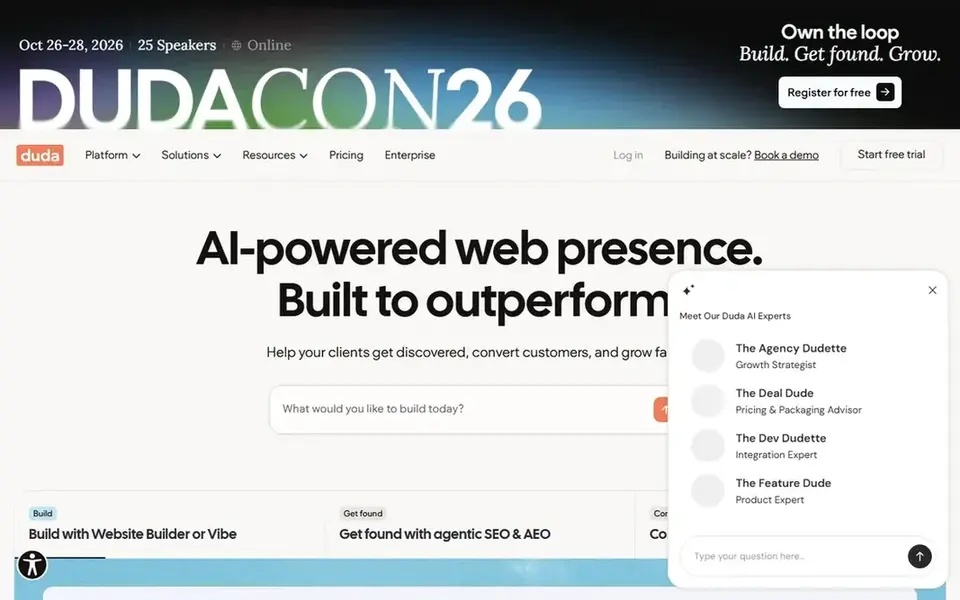
In short, Duda is for agencies and freelancers building sites for clients. Duda is not really a DIY builder; it is a builder for people who build sites for others.
More specifically, a bakery owner building one site gets features like client permissions and white-label dashboards that sit unused. For everyday use, pricing runs $19 to $149 a month, with additional sites billed individually. Entry price for Duda: $19 per month. Free plan details: Free trial (14 days).
Limits to weigh: Support on the Basic plan is email only.
- Client management and permissions built in
- Email support from the Team plan up
- Designed for agencies, so solo site owners pay for features they will never use
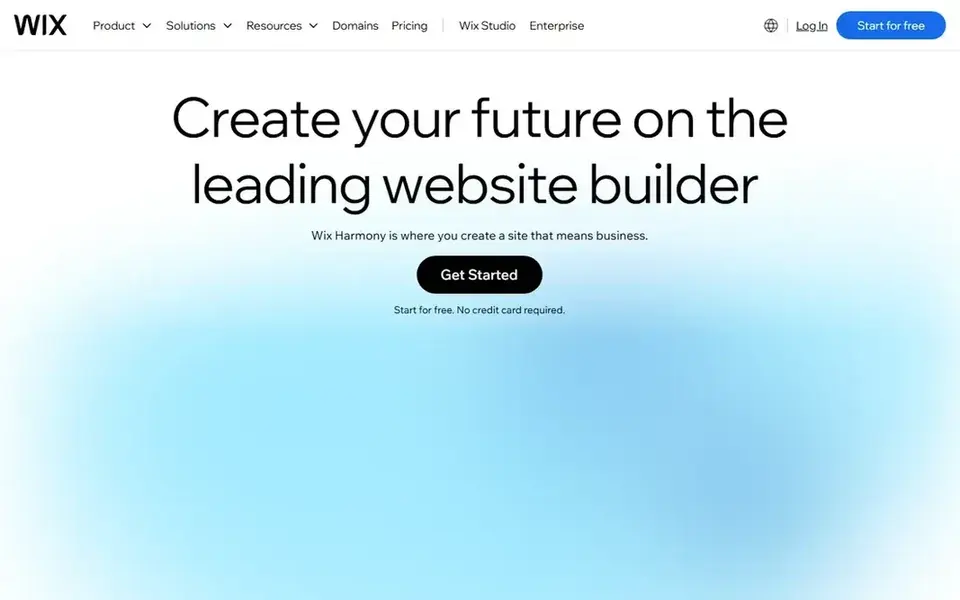
Wix is designed for small firms that want everything in one place with round-the-clock help. The product handles ecommerce, bookings, blogs, and portfolios in one dashboard, and the AI builder can create a working site from a short description.
Where it falls short: The free plan presents Wix ads and cannot take payments.
Support runs around the clock through chat and callbacks, which is exactly what a small business owner needs when something breaks outside office hours. Wix cost at the entry level: $17 per month. Free access exists with Wix.
- Over 2,000 templates and a mature app market
- 24/7 customer care on every plan
- Renewal prices jump from promo rates

For budget buyers who want AI-built sites with 24/7 expert help, Hostinger is a natural candidate. Hostinger has evolved from a budget host into a full AI website system. In practice, the AI builder builds sites and web apps from a description, and hosting, domains, business email, and ecommerce all live in the same account.
The main drawbacks: No free plan, so testing needs a premium signup.
For everyday use, the pricing is aggressive: $2.99 a month to start, but renewals jump to $10.99 and higher, so budget the real number. As for the details, every plan bundles 24/7 priority expert support, which at these prices is unusual. Hostinger starts at: $2.99 per month. Free access: 30-day money-back guarantee (no free plan).
- Email in one account
- ISO 27001 certified
- Introductory pricing jumps sharply at renewal
Framer
Great for: Designers who think in Figma and want that canvas for the live web

Framer is built with designers who think in Figma and want that canvas for the live web in mind. Framer started as a design tool and became a website builder, and it displays in the best way. For designers, the creative ceiling justifies it; for everyone else, the ramp-up time is real.
Watch-outs: Per-site pricing multiplies for multi-site owners.
Worth adding: the canvas feels like Figma, AI produces refined sites in seconds. The built-in CMS, SEO tools, and A/B testing cover most needs without plugins. The pricing quirk is per-site billing: Mini at $5 a month includes one site. So a portfolio plus a marketing site means two plans. On cost, Framer starts like this: $5 per month. Framer includes a free tier.
- Active community and solid documentation
- Free plan publishes real sites
- Support is community and email based, with no phone choice
Things to verify first
- Check the vendor page for the current price: Hostinger starts at $2.99 per month here, and seats or billing terms can move it.
- Check what the free option really includes: GoDaddy, Jimdo, Wix and Framer offer a free plan, and usage caps differ.
- Run a trial of Squarespace and Duda with real work before paying for a year; your own workflow is the best test.
- Before choosing Squarespace, weigh its main limit: no phone support on any plan.
- Check whether the features you need in GoDaddy sit on the entry plan or only on higher tiers.
- Confirm minimum seats and billing terms with Wix before you commit to an annual plan.
Frequently asked questions
Can I try these tools before paying?
Often, yes. GoDaddy, Jimdo, Wix and Framer have a free plan and Squarespace and Duda offer a free trial. Use your own data and a real task during the test, and check what the free tier or trial limits before you rely on it.
Which website builder has the best customer support?
Squarespace comes first here and is built for creative firms that value polished design and dependable email support. Buyers with other needs may prefer GoDaddy (for absolute beginners who want phone support and AI to do the heavy lifting) or Jimdo (for European solopreneurs who want quick sites and quick support responses). Compare costs and limits first.
Which options for website builder software with great support have a free plan?
On this list, GoDaddy, Jimdo, Wix and Framer include a free plan. Caps on seats, usage or features are common, so test the free plan against your real workload. Several others offer a trial instead.
What happens to my site if I cancel?
Your site goes offline or reverts to a free plan with ads, depending on the builder. Export your content, images, and customer data before canceling, and keep your domain registered separately so you can point it at a new system.
Is Squarespace the right pick for everyone comparing website builder software with great support?
No single tool suits every team. Squarespace comes first because it fits creative businesses that value polished design and dependable email support, while GoDaddy suits absolute beginners who want phone support and AI to do the heavy lifting and Jimdo suits European solopreneurs who want fast sites and fast support responses. Match the tool to your own size, budget and workflow before deciding.
How are the tools for website builder software with great support ordered?
The order follows typical fit for website builder software with great support, with Squarespace first and Framer last, then price clarity and free access. It is editorial judgement, not a score, so another team could rank the tools differently.
Sources
See where you really rank - block by block
ProMapRanker scans Google Maps across a grid of your service area. Simple monthly plans from $19, white-label on every plan.
Start freeBrowse all guides
← 8 Best WordPress Hosting Platforms for 2026
 best website builders for small business
Best Website Builders for Small Business in 2026
Shortlisting the best website builders for small business? 6 products compared on cost, free access and ideal buyer. Short verdicts, no fluff. Start here.
Read → best website builder for law firms
Best Website Builder for Law Firms (2026)
6 best website builder for law firms, with entry costs, free tiers and the buyer each one serves. Each listing flags where it falls short. Start here.
Read → best website builder for chiropractors
6 Best Website Builder for Chiropractors in 2026
6 best website builder for chiropractors, with entry costs, free tiers and the buyer each one serves. Verdicts stay brief and factual. Budget notes included.
Read → best hosting platforms
Best Hosting Platforms in 2026
Compare the best hosting platforms for apps and websites in 2026, with free tiers, starting prices, and trade-offs between ease and scale and our verdict.
Read → best company earnings websites
Best Company Earnings Websites in 2026
Compare the best company earnings websites in 2026 for calendars, estimates, transcripts, and results, framed as data sources, not advice for investors.
Read → hostgator alternatives
HostGator Alternatives in 2026
HostGator alternatives compared for WordPress, shared, and managed hosting, with starting prices, renewal warnings, and the best fit for each site in 2026.
Read →More in Websites & Hosting · All guides A to Z by date · Latest guides