 ProMapRanker
Top Rated Construction Asset Tracking Software in 2026

Key takeaways
- Tenna and Samsara lead for heavy equipment fleets that need GPS, telematics and utilisation views across many sites.
- Fleetio suits mixed fleets of vehicles and equipment, with clear per-vehicle pricing that helps smaller teams budget.
- ShareMyToolbox and Asset Panda suit tool and small-equipment tracking, where checkouts and accountability matter more than engine data.
- HCSS Equipment360 suits large contractors that already use HCSS for estimating, job costing and heavy civil work.
- Start with the asset type that loses you the most money, whether that is idle machines, missing tools or late maintenance.
Quick comparison
| Pick | Great for | Pricing starts at | Free tier | |
|---|---|---|---|---|
 Tenna | Heavy equipment fleets with GPS | See website | No | Visit |
 Fleetio | Mixed vehicle and equipment fleets | $4 per month | Free trial | Visit |
 HCSS Equipment360 | Large contractors and heavy civil | See website | No | Visit |
 Samsara | Telematics-driven fleet operations | See website | No | Visit |
 Asset Panda | Flexible general asset tracking | See website | Free trial | Visit |
 ShareMyToolbox | Small contractors tracking tools | $100 per month | Free trial | Visit |
 UpKeep | Maintenance plus equipment tracking | $24 per month | Free trial | Visit |
 EZO | Equipment rental and inventory | See website | Free trial | Visit |
The best construction asset tracking software
We compared tools that help contractors know where assets are, who has them, when they need service, and what they cost to run. Heavy machines, vehicles and hand tools need different tracking, so the list below mixes GPS fleet tools with checkout and maintenance tools.
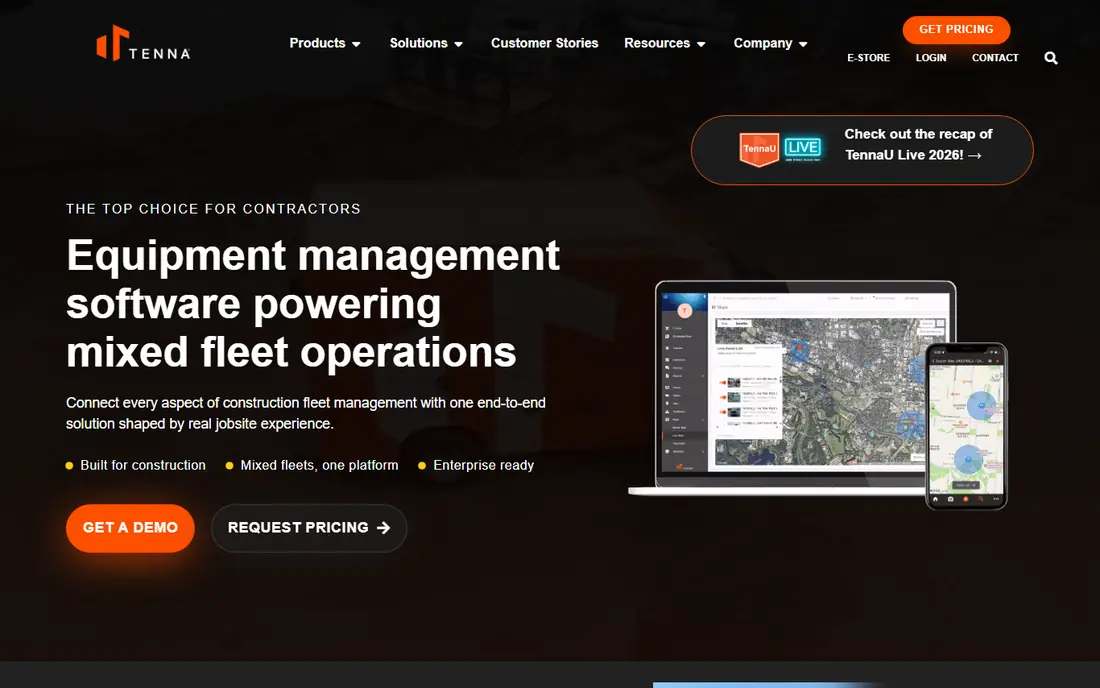
Tenna is built for construction equipment, not adapted from a generic asset tool. It combines GPS location, telematics, maintenance schedules and utilisation views, so a fleet manager can see which machines are working, idle or in transit across sites. That visibility helps cut rental costs, since an idle owned machine is easy to miss without a central view.
Pricing is quoted, and a large fleet rollout needs hardware and onboarding planning. For a mid-size or large contractor with heavy equipment across several jobs, Tenna is a natural first demo. For a small crew tracking mainly tools, a simpler checkout tool will cost less and deploy faster.
- Purpose-built for construction fleets
- GPS and telematics views
- Maintenance and utilisation tracking
- Quoted pricing
- Setup for large fleets takes planning
- More than a small tool-only team needs
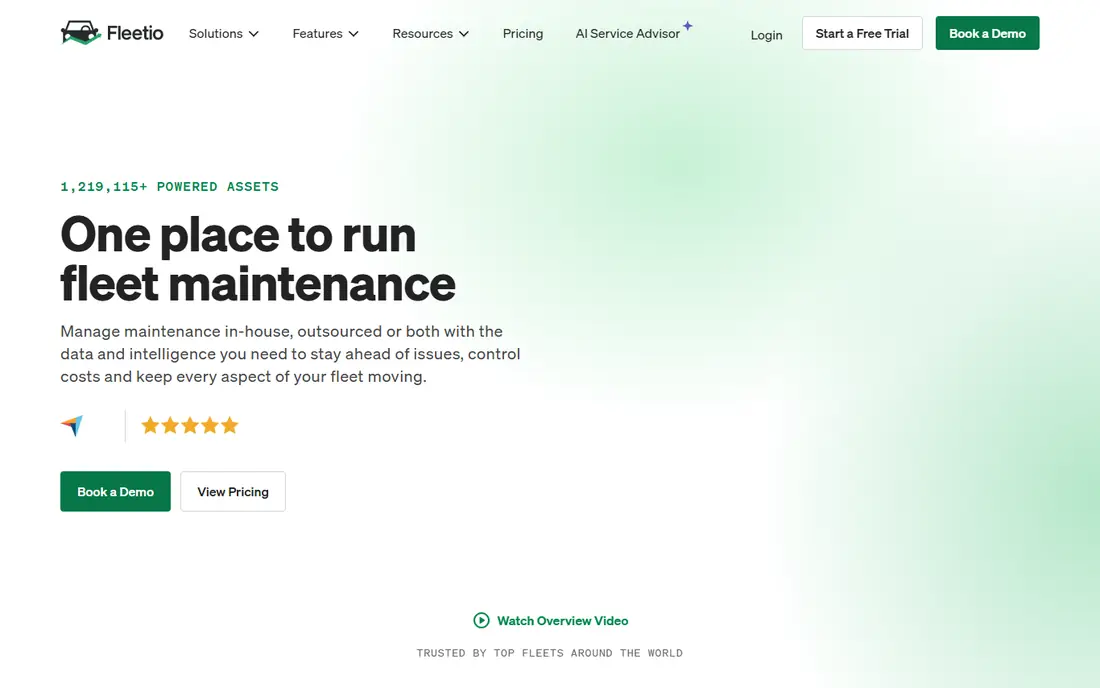
Fleetio suits a contractor with both road vehicles and equipment, since it tracks both in one system. Its per-vehicle pricing, starting at 4 dollars per vehicle per month on annual billing, makes budgeting clearer than quoted fleet tools. Maintenance reminders, inspections and work orders help a shop stay ahead of breakdowns rather than reacting to them.
Telematics depth depends on the GPS provider you connect, so check your makes and models before you commit. Fleetio is strongest when you want one clean system for vehicles, equipment and maintenance, and less specialised than Tenna for pure heavy fleet telematics.
- Clear per-vehicle pricing
- Maintenance reminders and work orders
- Many GPS integrations
- Heavy equipment telematics depth varies by integration
- Advanced features need higher plans
- Setup needs clean asset data
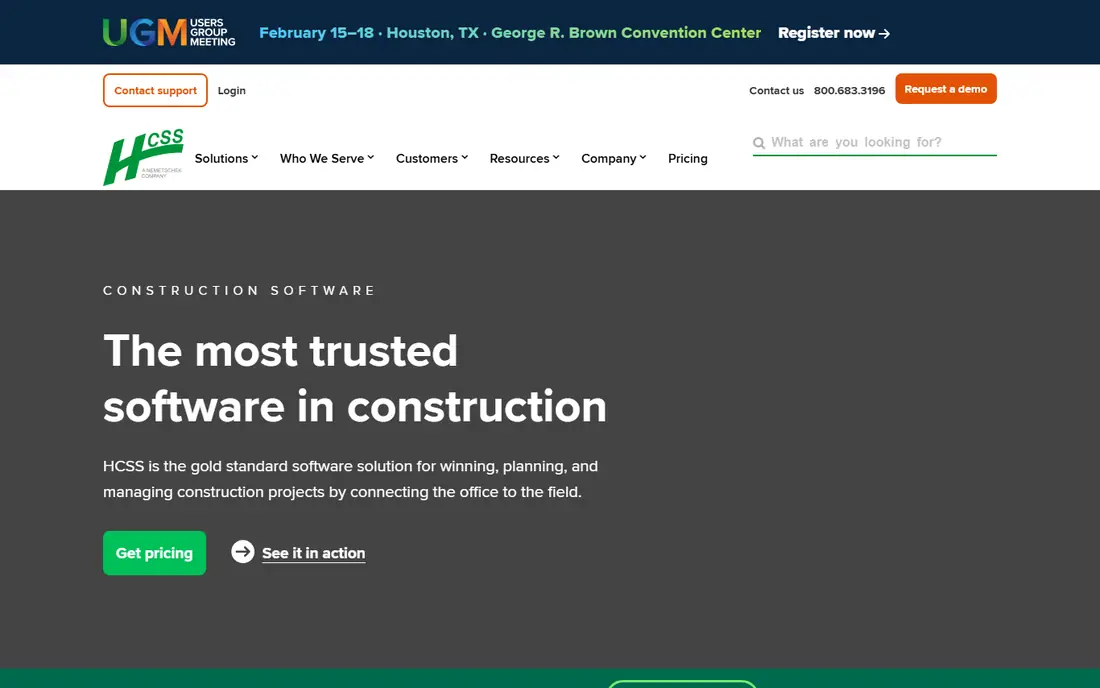
HCSS Equipment360 is the pick for a large contractor already using HCSS tools. It ties equipment location and telematics to repair orders, parts, labour and job costs, so a manager can see what a machine really costs per hour on a job. That link to estimating and job costing is its main advantage over a standalone tracker.
A firm outside the HCSS suite may get less value, since much of the benefit comes from shared data across HCSS products. Pricing is quoted, and rollout for a large fleet needs planning. For heavy civil work at scale, Equipment360 is a serious, if committed, choice.
- Deep fit for heavy civil contractors
- Repair workflow and cost tracking
- Links to HCSS estimating and job costing
- Quoted pricing
- Best value inside the HCSS suite
- Implementation for large firms takes time
Samsara is a large telematics platform that covers vehicles, equipment and site operations with live tracking, fault codes and maintenance alerts. Its strength is real-time visibility at scale, with dashboards that show a whole fleet at a glance and alerts that flag faults before they become breakdowns. Safety and compliance features add value for firms with road fleets as well as yard equipment.
Cost and contract length are the trade-offs, since Samsara is quoted and aimed at larger operations. A small contractor with a handful of machines may find Fleetio or Tenna more proportionate. For a larger fleet where live telematics drives daily dispatch, Samsara is a top-tier option.
- Strong live GPS and telematics
- Fault alerts and maintenance views
- Broad fleet and safety features
- Quoted pricing
- Contract terms can be long
- More than a small contractor needs
Asset Panda suits a contractor who tracks more than machines: tools, IT gear, yard stock and vehicles in one flexible system. You can design fields, workflows and checkouts to match how your crew actually works, and use barcodes or QR codes for fast scans in the field. That flexibility helps firms with varied assets that do not fit a single fleet template.
GPS and telematics depth is thinner than Tenna or Samsara, so a heavy fleet team should not expect the same live machine data. For mixed assets, accountability and custom workflows, Asset Panda's flexibility is its main strength. Plan the fields carefully before rollout, since a messy setup will follow you.
- Flexible fields and workflows
- Barcode and QR tracking
- Mobile app for field checkouts
- Quoted pricing in many cases
- GPS depth is thinner than fleet tools
- Setup needs clear field design
ShareMyToolbox is made for the tool problem many small contractors know well: tools move between crews, trucks and sites, and nobody knows who has what. Its checkout system, accountability views and simple app help a foreman track tools without a complex fleet platform. Published pricing, starting at 100 dollars per month for a first admin plus a per-employee fee, helps a small firm budget with confidence.
Heavy equipment teams will need more GPS and maintenance depth than ShareMyToolbox offers. For a small or mid-size contractor whose main loss is tools and small equipment, it is one of the clearest and most focused picks here.
- Clear pricing for small contractors
- Tool checkout and accountability
- Simple field app
- Less GPS and telematics depth
- Aimed at tools, not heavy fleets
- Per-employee costs add up as crews grow
UpKeep bridges maintenance and asset tracking, which suits a contractor whose main pain is breakdowns and missed service. It manages work orders, preventive maintenance, inspections and asset history, with a mobile app technicians can use on site. When a machine needs service, the history, parts and labour stay linked to that asset.
Live GPS is not UpKeep's core, so a fleet team that needs real-time location should pair it with a telematics tool or pick a fleet-first option. For a shop-led operation where maintenance drives the work, UpKeep's workflow focus is a strong fit, starting at 24 dollars per user per month on its Essential plan.
- Maintenance work orders and preventive schedules
- Mobile app for technicians
- Asset history in one place
- GPS tracking is not its core strength
- Higher plans needed for advanced features
- Setup needs clean maintenance data
EZO, formerly EZOfficeInventory, suits contractors who rent equipment, manage inventory, or run an internal equipment pool. It handles reservations, checkouts, returns and stock levels, with barcode and QR scanning for fast field use. That rental logic helps a firm that lends machines between sites or hires equipment out to customers.
Telematics for heavy machines is not its main strength, so a fleet-first team should look at Tenna or Samsara. For rental, inventory and checkout discipline, EZO gives a contractor a clear system without the cost of a full telematics platform.
- Rental and inventory workflows
- Barcode and QR tracking
- Checkout and reservation tools
- Pricing is quoted in many cases
- Heavy telematics depth is limited
- Setup needs inventory discipline
How we picked these
We compared official pricing pages, product documentation and public feature descriptions for construction asset tools that still work in October 2026. We favoured tools with a verifiable vendor site, a clear construction or fleet use case, and current availability. Generic IT asset tools without field, checkout or fleet features were left out. Where pricing is quoted, we wrote See website rather than guessing a figure.
Choosing the right tracking software
Start with the asset that costs you the most when it goes missing, sits idle or breaks down. A heavy fleet needs GPS, engine hours and utilisation. A tool crib needs checkouts, accountability and fast scanning. A shop needs maintenance schedules, work orders and parts history. One tool rarely leads on all three, so pick for the biggest pain first.
Then test the field workflow, not just the dashboard. Ask a foreman or technician to check out a tool, log a fault and complete an inspection on a phone, on site, with poor signal if possible. If that flow is slow or confusing, the system will not be used, no matter how good the reports look in the office. Finally, confirm hardware costs, since GPS units, tags and readers sit on top of software pricing for many fleet tools.
Frequently asked questions
What is the top rated construction asset tracking software for heavy equipment?
Tenna and Samsara lead for heavy equipment fleets, with Tenna more construction-specific and Samsara broader across fleet and safety. HCSS Equipment360 is a strong pick for large heavy civil firms already using HCSS.
What is the best construction asset tracking software for tools?
ShareMyToolbox is our first pick for small contractors tracking tools, with Asset Panda and EZO as flexible alternatives for mixed assets and rental workflows. All three focus on checkouts and accountability, which matter more than GPS for hand tools.
How much does construction asset tracking software cost?
It varies widely. Fleetio starts at 4 dollars per vehicle per month, UpKeep starts at 24 dollars per user per month, and ShareMyToolbox starts at 100 dollars per month for a first admin, while Tenna, Samsara and HCSS quote pricing. Add hardware costs for GPS units and tags where needed.
Do I need GPS for every asset?
No. GPS suits machines and vehicles that move between sites. Tools and yard stock usually need barcode or QR checkouts instead, since GPS units cost more and need power. Match the tracking method to the asset value and movement.
Can asset tracking software help with maintenance?
Yes, especially Fleetio, UpKeep, Tenna and HCSS Equipment360, which link maintenance schedules to engine hours, mileage or dates. Preventive schedules, work orders and asset history together reduce breakdowns and give a clearer cost per asset.
Sources
See where you really rank - block by block
ProMapRanker scans Google Maps across a grid of your service area. Simple monthly plans from $19, white-label on every plan.
Start freeKeep reading
 who has best internet service
Who Has the Best Internet Service in 2026
Who has best internet service for US homes? We compare fiber, cable, fixed wireless and satellite providers on speed, price, availability and terms today.
Read → which survey tool has the best analytics
Which Survey Tool Has the Best Analytics in 2026
Find which survey tool has the best analytics in 2026, comparing Qualtrics, SurveyMonkey, Typeform, Alchemer, and more on reports, text, and stats today.
Read → which streaming service has the best movies
Which Streaming Service Has the Best Movies in 2026
Answering which streaming service has the best movies, with Netflix, Max, Criterion and more compared on libraries, prices and free options in this guide.
Read →