 ProMapRanker
5 Best AI Software for Video Content Marketing in 2026

Direct answer
CapCut is the first pick on this list for social-first editing with templates. Listed starting prices: HeyGen from $29 per month, Synthesia from $19 per month and Descript from $16 per person a month. HeyGen fits personal avatar presenter videos; Veed fits all-in-one AI video workflow. The other 2 tools in the list cover narrower or pricier cases.
If you are comparing AI software for video content marketing, this page covers 5 tools in one place: what each is best for, what it costs to start, whether it has a free plan, and the main limit to know about.
Key takeaways
- CapCut sits first on this list: social-first editing with templates.
- Starting prices begin at $16 per person per month with Descript.
- Descript fits text-based video and audio editing.
- 4 of 5 tools offer a free plan: CapCut, HeyGen, Synthesia, Descript.
- HeyGen comes with a trade-off: avatar realism may vary by use case.
Quick comparison
| Pick | Great for | Pricing starts at | Free tier | |
|---|---|---|---|---|
 CapCut | Social-first editing with templates | See website | Yes | Visit |
 HeyGen | Personal avatar presenter videos | $29 per month | Yes | Visit |
 Veed | All-in-one AI video workflow | See website | Not stated | Visit |
 Synthesia | Business and training videos | $19 per month | Yes | Visit |
 Descript | Text-based video and audio editing | $16 per person a month | Yes | Visit |
Tool-by-tool breakdown
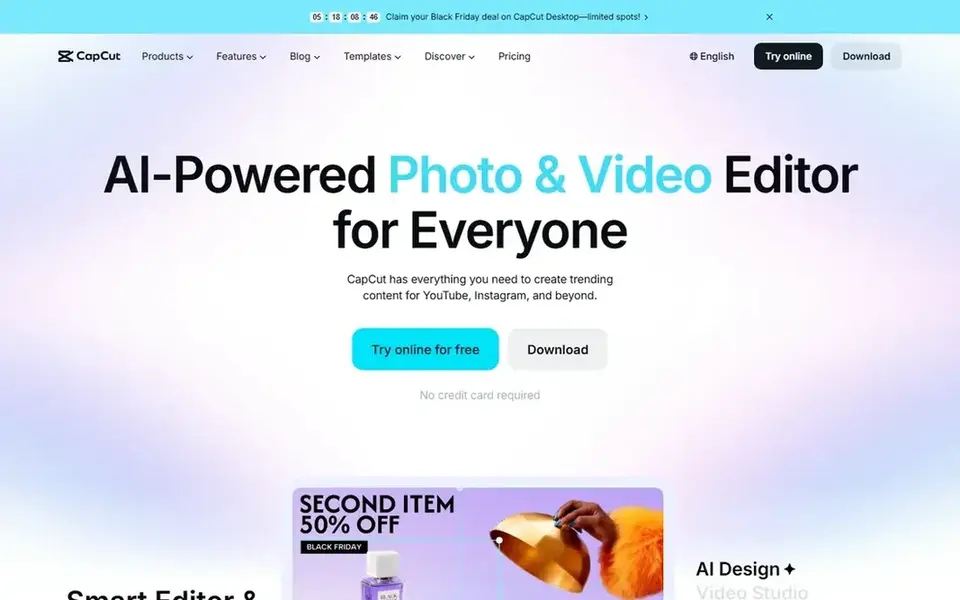
Choose CapCut for social-first editing with templates. It runs on desktop, mobile, and online, making it a practical choice for marketers producing frequent short-form clips who want speed and built-in creative assistance.
In daily use, CapCut leans toward social and template-driven editing instead of complicated film production. CapCut shows no starting price here, so confirm the cost on the vendor site. CapCut has a free plan.
Watch-outs: Advanced post-production is restricted.
- Geared to YouTube and Instagram
- Smart templates and effects
- Template look can feel repetitive

HeyGen is aimed squarely at personal avatar presenter videos. HeyGen lets users build AI videos with a Personal Avatar that reflects their own face and voice, so marketing teams can produce presenter-led content without filming each time.
In daily use, as an avatar-focused tool, HeyGen is less oriented toward complicated editing, effects, or multi-track post-production. If your workflow demands heavy compositing or in-depth audio mixing, a dedicated editor is a better fit alongside it. HeyGen starts at: $29 per month. HeyGen has a free plan.
The main drawbacks: Avatar realism may vary by use case.
- Personal avatar with your face and voice
- Avoids filming every video
- Not a full post-production suite
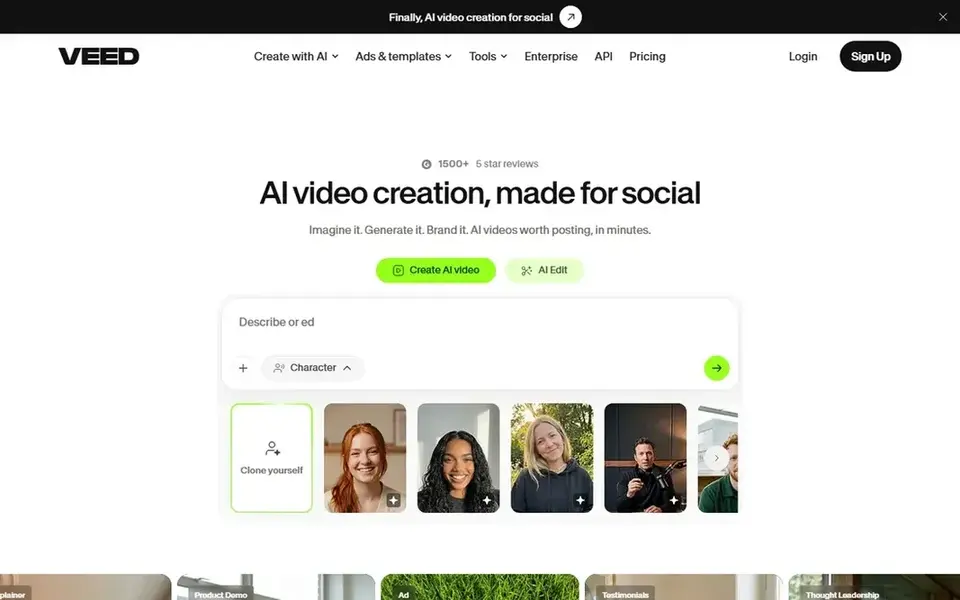
In short, Veed is for all-in-one AI video workflow. Because Veed includes numerous tasks, it may not match specialized editors for advanced post-production.
Trade-offs to know: Feature set is wide instead of specialized.
Veed shows no starting price here, so confirm the cost on the vendor site. Free plan details: Not stated.
- Aimed at marketers and solopreneurs
- Dubbing and subtitles included
- May lack deep cinematic controls

Synthesia makes the most sense for business and training videos. Synthesia is an AI video system geared toward business communication, training, and upskilling.
Its homepage flags AI avatars and support for well over a hundred languages, making it a fit for marketing teams that require consistent, multilingual explainer or onboarding videos without a camera crew. The starting price for Synthesia: $19 per month. You can start on Synthesia without paying.
Where it is weaker: Avatar style may feel formal for social trends.
- Aimed at team communication
- Supports plenty of languages
- Less suited to complicated cinematic editing
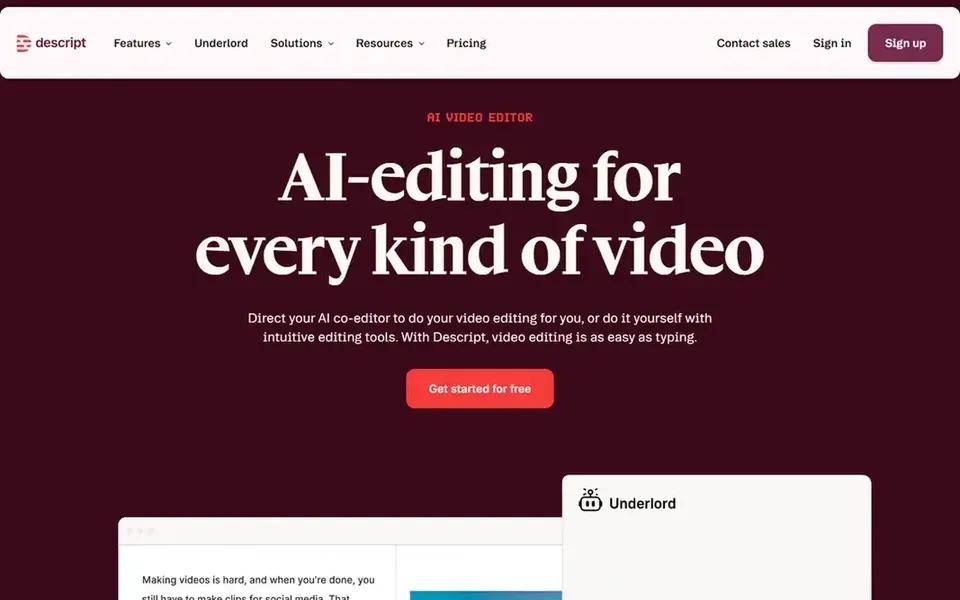
Descript works best for text-based video and audio editing. Descript is an AI video and audio editor that makes editing as simple as editing text.
Trade-offs to know: May feel different from timeline editors.
Worth adding: Descript prioritizes text-based editing over cinematic control, so teams needing granular effects or multi-cam workflows may find it limiting. What you pay to start with Descript: $16 per person per month. Free access exists with Descript.
- Transcription built in
- Edit video by editing text
- Advanced effects are restricted
Questions to settle before buying
- Get a written quote from CapCut and Veed; the list shows no starting price for them.
- Check what the free option really includes: CapCut, HeyGen, Synthesia and Descript offer a free plan, and usage caps differ.
- Read the limits listed for CapCut first: advanced post-production is restricted.
- Confirm minimum seats and billing terms with Synthesia before you commit to an annual plan.
- Confirm the exact Veed plan that includes your must-have features.
Frequently asked questions
Is CapCut the right pick for everyone comparing AI software for video content marketing?
No single tool suits every team. CapCut comes first because it fits social-first editing with templates, while HeyGen suits personal avatar presenter videos and Veed suits all-in-one AI video workflow. Match the tool to your own size, budget and workflow before deciding.
How are the tools for AI software for video content marketing ordered?
CapCut sits first and Descript last because the order follows typical fit for AI software for video content marketing, then price clarity and free access. It is a judgement call, so read each profile for fit and limits.
Do these tools publish their prices?
Not all of them. CapCut and Veed publish no starting price, so expect a quote request for those. The rest, HeyGen included, show a starting price, though seats and billing terms still change the final cost.
Which options for AI software for video content marketing have a free plan?
On this list, CapCut, HeyGen, Synthesia and Descript include a free plan. Caps on seats, usage or features are common, so test the free plan against your real workload.
Sources
See where you really rank - block by block
ProMapRanker scans Google Maps across a grid of your service area. Simple monthly plans from $19, white-label on every plan.
Start freeBrowse all guides
← 5 EverWebinar Alternatives Compared (2026)6 AI Content Repurposing Tool for Podcasters Ranked for 2026 →
 best webinar software with crm integration
Webinar Software with CRM Integration: Best Picks of 2026
Compare 6 picks for the best webinar software with CRM integration, with prices, free plans and who each fits. Includes honest limits for each tool. No hype.
Read → best webinar software for large enterprises
Webinar Software for Large Enterprises: Best Picks of 2026
Best webinar software for large enterprises: 5 contenders ranked by fit, with entry costs and free tiers. Real limits included. Last reviewed November 2026.
Read → best webinar platforms for lead generation
2026 Guide to the Best Webinar Platforms for Lead Generation
6 tools for the best webinar platforms for lead generation, compared on pricing, free plans and best-fit use. Hidden costs and gaps are flagged. Quick to scan.
Read → best chatting apps
Best Chatting Apps in 2026: 9 Apps Compared
The best chatting apps for text, voice and video chats in 2026, compared on privacy, group features, call quality and free features for everyday use today.
Read → best podcast platform for monetization
Best Podcast Platform for Monetization in 2026
Compare the best podcast platform for monetization in 2026, from Spotify and Patreon to Acast and Substack, and find the best podcast platform to make money.
Read → best text to video ai tools february
Best Text to Video AI Tools in 2026
Compare the best text to video ai tools february readers asked for, updated for October 2026, with current pricing, free plans, and honest limits for creators.
Read →More in Video, Audio & Podcasts · All guides A to Z by date · Latest guides