 ProMapRanker
Best Chatting Apps in 2026: 9 Apps Compared

Key takeaways
- WhatsApp is the best default pick for most people, because contacts are already there and personal chats use end-to-end encryption.
- Signal is the best privacy pick, with end-to-end encryption by default, open-source code and minimal metadata collection.
- Telegram suits large groups, channels and bots, but regular chats are not end-to-end encrypted by default.
- Discord suits communities and live voice, with servers, channels and low-latency voice for groups that chat daily.
- Threema suits users who want a paid, phone-number-free option with end-to-end encryption and no ads.
Quick comparison
| Pick | Great for | Pricing starts at | Free tier | |
|---|---|---|---|---|
 WhatsApp | Everyday chatting for most contacts | Free | Yes | Visit |
 Telegram | Large groups and channels | Free | Yes | Visit |
 Signal | Privacy-first messaging | Free | Yes | Visit |
 Discord | Communities and live voice | Free | Yes | Visit |
 Facebook Messenger | Chatting with Facebook contacts | Free | Yes | Visit |
 Viber | Calls and international chats | Free | Yes | Visit |
 WeChat | Chats plus everyday services in China | Free | Yes | Visit |
 Snapchat | Visual chats with close friends | Free | Yes | Visit |
 Threema | Paid private messaging | See website | No | Visit |
The best chatting apps
We compared privacy models, group limits, call quality, platform support and pricing pages for chatting apps live in October 2026. The best app is often the one your contacts already use, so this list mixes mass-market apps, privacy-first apps and community apps, and each entry notes the privacy trade-off plainly.
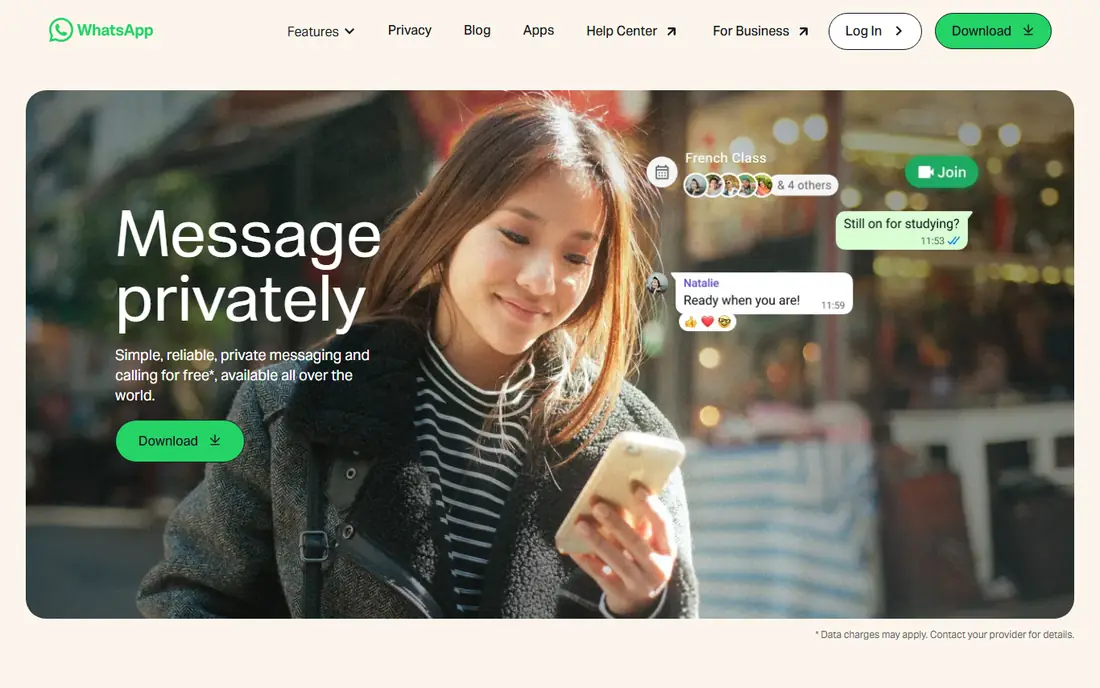
WhatsApp is the practical default for most readers because it is where friends, family and many small businesses already chat. Personal messages and calls use end-to-end encryption, groups support text, photos, voice notes, documents and polls, and multi-device support lets you chat on a phone, web browser or desktop app. Status updates, channels and communities add social features without leaving the app. For everyday chatting, that reach matters more than any single feature.
Privacy is the honest catch. WhatsApp is owned by Meta, and while message content in personal chats is encrypted, metadata such as who you contact and when can still be collected under Meta policies. A phone number is also required, which some users prefer to avoid. If your contacts are on WhatsApp and you want simple, reliable chatting, it remains the easiest choice. If privacy is your top concern, pair it with Signal for sensitive threads.
- Huge contact reach
- End-to-end encryption for personal chats
- Voice, video and group calls
- Owned by Meta with metadata collection
- Needs a phone number
- Business messages have different rules
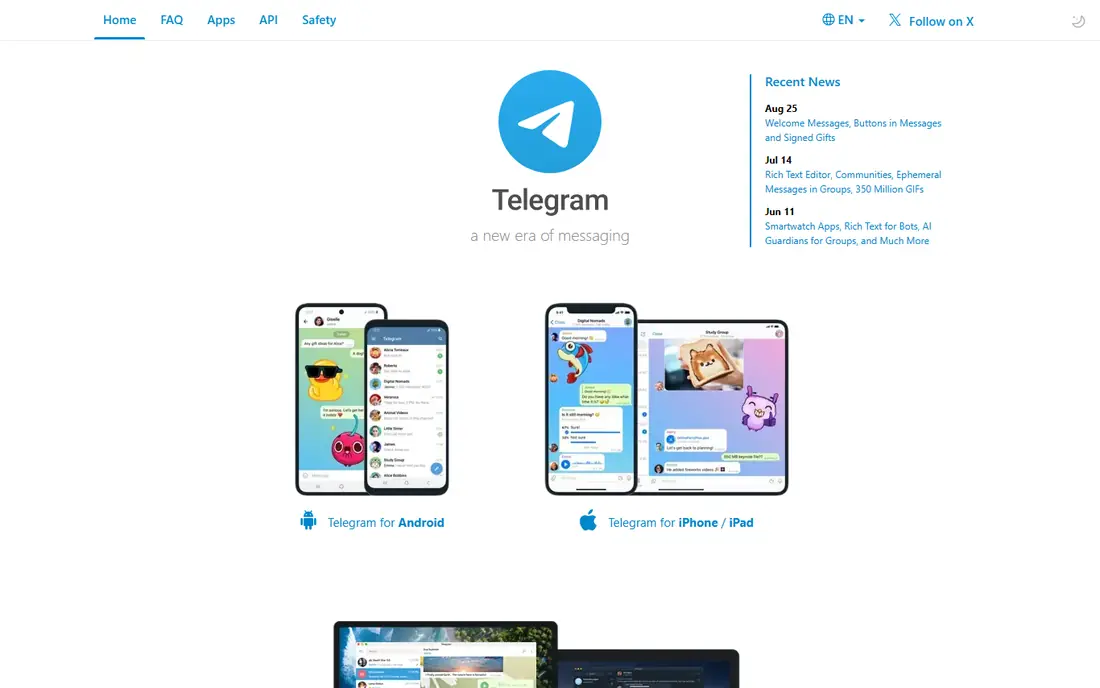
Telegram suits communities, clubs, classes and broadcast audiences that outgrow a normal group chat. Groups can hold very large member counts, channels let one sender reach many readers, and bots handle polls, reminders, files and simple automation. Cloud sync means your chats appear on every device without a phone link, and file sharing limits are generous compared with many rivals. A free tier covers the core app, with Premium around 4.99 dollars per month in published guides for extra features.
The privacy trade-off needs plain language. Regular Telegram chats use cloud encryption, not end-to-end encryption by default, so Telegram servers can technically access them. Secret Chats add end-to-end encryption, but they are opt-in and tied to one device. Use Telegram for large communities and public channels, and use Signal or a Secret Chat for conversations that need stronger privacy.
- Very large groups and channels
- Cloud sync across devices
- Bots and file sharing
- Regular chats are not end-to-end encrypted by default
- Secret Chats are device specific
- Premium features cost extra
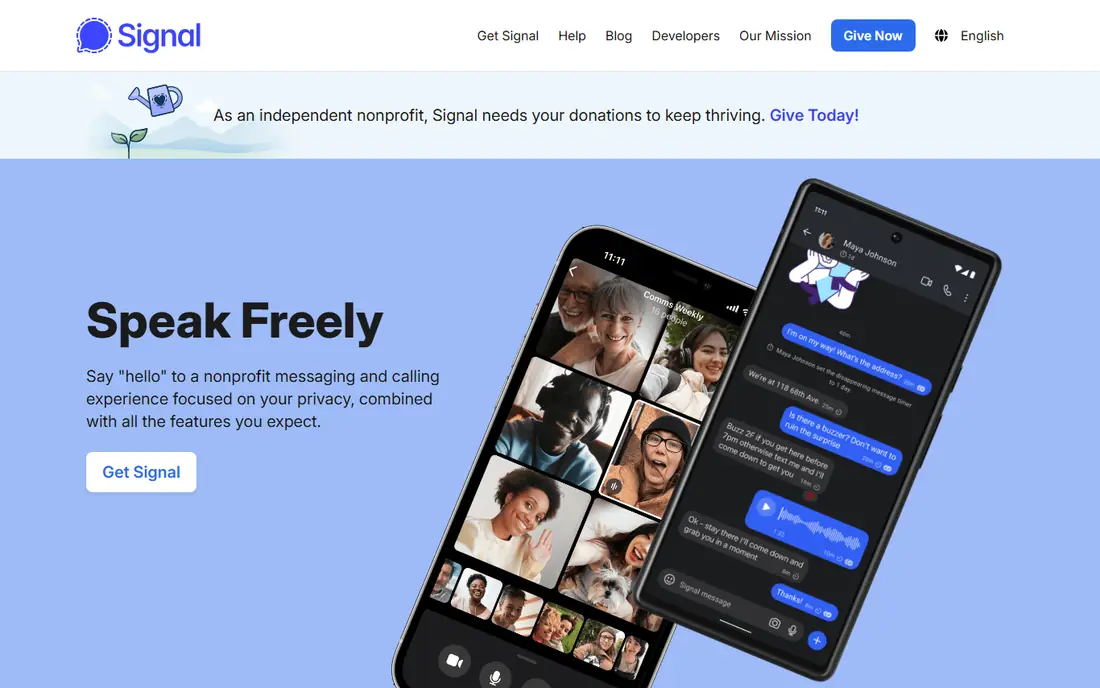
Signal is our privacy pick, and the reasons are clear in its own documentation. Messages and calls use end-to-end encryption by default, the protocol is open source and widely reviewed, and Signal collects minimal metadata compared with large social platforms. Features cover text, voice and video calls, group chats, disappearing messages, stories and desktop apps, with no ads and no tracking-based business model. The app is run by a nonprofit and funded by donations, which shapes its privacy stance.
The limit is reach. Many contacts will not have Signal installed, so you may need to invite friends or keep WhatsApp for everyday chats. Signal also requires a phone number for registration, which privacy purists note as a trade-off. For sensitive conversations, family groups that value privacy, and work threads with personal data, Signal is the strongest default choice in this list.
- End-to-end encryption by default
- Open-source protocol
- Minimal metadata and no ads
- Smaller contact base than WhatsApp
- Needs a phone number
- Fewer social and community features
Discord suits groups that chat every day, not only one-to-one friends. Servers organise text channels, voice channels, roles and permissions, so a gaming group, study group, hobby club or support community can keep many conversations in one place. Voice channels with low latency, screen sharing, streaming and bots make live hangouts easy, and the free tier covers core chatting, voice and video. Nitro, listed around 9.99 dollars per month in published guides, adds larger uploads, better video and custom profiles.
Privacy and simplicity are the catches. Discord messages are not end-to-end encrypted by default, and the server layout can feel busy for a simple private chat. Bots in a server can also collect data depending on their settings, so community owners should check bot permissions. Use Discord for communities and live voice, and use Signal or WhatsApp for private one-to-one chats.
- Servers with channels and roles
- Low-latency voice and video
- Bots and streaming for communities
- Messages are not end-to-end encrypted by default
- Can feel busy for one-to-one chats
- Nitro needed for larger uploads
Facebook Messenger is the easiest pick if your friends and family are already on Facebook. You can message contacts without exchanging phone numbers, make voice and video calls, share photos and videos, react to messages, and chat on web, mobile and desktop. Group chats, polls and shared albums suit family planning and event chats, and the app integrates with Facebook events and Marketplace messages. For many US users, Messenger is already installed and ready.
Privacy is the main weakness. Messenger is owned by Meta, data collection is broad, and end-to-end encryption coverage has varied by chat type and rollout stage, so check the encryption label on a specific thread before sharing sensitive details. Ads and AI features also appear in the app. Use Messenger for convenience with Facebook contacts, and move sensitive conversations to Signal.
- Large Facebook contact base
- Voice and video calls
- Easy photo and video sharing
- Meta data collection
- End-to-end encryption rollout varies by chat type
- Ads and AI features in the app
Viber suits international chats and calls, especially for users with family abroad. It offers free text, voice and video chats with end-to-end encryption for personal conversations, group chats, channels and communities, plus Viber Out for calling phone numbers that do not use Viber. That calling option helps when a relative has no app installed or only a landline. The app works on mobile, desktop and web, with stickers, GIFs and shared media for casual chats.
The US user base is smaller than WhatsApp or Messenger, so many American contacts will not have Viber installed. Some features and prices for Viber Out also vary by country, so check the current rate before a paid call. Use Viber when your main contacts already use it, or when international calling is a regular need, and keep a mass-market app for local friends.
- Free calls and chats
- End-to-end encryption for personal chats
- Viber Out for calling non-users
- Smaller US user base
- Some features vary by country
- Stickers and extras can clutter the app
WeChat is essential for chatting with contacts in China, and it is far more than a messaging app there. It combines text, voice and video chats with payments, mini programs, official accounts, moments and everyday services, so many users in China handle daily tasks inside WeChat. For US readers with family, colleagues or business contacts in China, WeChat is often the only practical way to stay in touch, with group chats, calls and file sharing included free.
Outside China, the user base is smaller, and many services are built for Chinese users, payments and merchants. Data handling also falls under Chinese rules, which privacy-conscious users should consider before sharing sensitive details. Use WeChat for China contacts and for services that only exist there, and use a US-focused app for local chats.
- Huge user base in China
- Chats, payments, mini programs and services in one app
- Voice and video calls
- Smaller US user base
- Data handling under Chinese rules
- Many services are China focused
Snapchat suits visual chatting with close friends, where a photo, a short video or a quick snap says more than a long text. Snaps, stories, filters, Bitmoji and disappearing messages make casual chats feel light, and group chats, voice and video calls cover everyday contact. The app is free, with Snapchat Plus around 3.99 dollars per month in published guides for extra features. For younger users and close friend groups, Snapchat is often the daily chat app, not a secondary one.
It is less suited to long, searchable text conversations, work chats or large community management, where WhatsApp, Telegram or Discord work better. Safety settings also need attention: check who can contact you, who can see your location, and how snaps are saved, especially for younger users. Use Snapchat for visual chats with trusted friends, and keep important plans and documents in a text app where they are easy to find later.
- Visual snaps, stories and filters
- Disappearing messages
- Easy close-friend chats
- Not built for long text threads
- Privacy and safety settings need care
- Premium features cost extra
Threema suits users who want private messaging without a phone number and without an ad-based business model. It offers end-to-end encryption for messages, calls, group chats and files, generates a Threema ID instead of requiring a phone number or email, and hosts its servers in Switzerland. There are no ads, and the app is bought once rather than subscribed to, with published US prices around 3.99 to 7.49 dollars depending on store and region in recent guides. That model appeals to privacy-focused users and small groups.
The trade-off is reach and convenience. Threema has a smaller user base than WhatsApp or Signal, so inviting contacts takes effort, and messages are not cloud synced in the same way as Telegram, which affects moving to a new device. Check the current store price before buying, since regional prices vary. For a private group that values anonymity and a paid model, Threema is a strong and honest choice.
- End-to-end encryption by default
- No phone number required
- No ads and Swiss hosting
- Paid one-time purchase
- Smaller user base
- No cloud sync for messages
How we picked these
We compared vendor privacy pages, encryption models, group and call features, platform support and pricing pages for chatting apps live in October 2026. We kept apps with a large active user base or a clear privacy or community advantage, and we left out workplace-only chat tools and dating apps. Where encryption coverage varies by chat type, we say so plainly, since that detail matters more than a marketing claim.
How to choose a chatting app
Start with your contacts. The best privacy app is of little use if no one you talk to has it installed, so keep a mass-market app for everyday reach and add Signal or Threema for sensitive threads. Next, check the privacy label on the threads you actually use: end-to-end encryption by default, opt-in encryption and cloud encryption are different, and they affect what a provider can access. Then test calls, group chats and file sharing on your phone and desktop, since call quality and sync vary by app and network.
Also set safety basics on any app you choose. Review who can contact you, who can see your profile photo and location, and how disappearing messages and backups work, since backups can change encryption protection. For children and teens, use family safety settings, keep location sharing off by default, and talk about not sharing personal details with strangers. A good chatting app makes contact easy, and good settings keep that contact safe.
Frequently asked questions
What is the best chatting app?
WhatsApp is the best default for most people because contacts are already there, Signal is the best privacy pick, and Discord is the best community pick. The right app depends on who you chat with, how much privacy you need, and whether you need large groups or live voice.
Which chatting app is most private?
Signal is the most private mass-market pick in this list, with end-to-end encryption by default, open-source code and minimal metadata. Threema is also strong, with no phone number required and a paid model, but it has a smaller user base. Always check backup settings, since cloud backups can affect encryption.
Is Telegram end-to-end encrypted?
Regular Telegram chats are cloud encrypted, not end-to-end encrypted by default. Secret Chats add end-to-end encryption, but they are opt-in and tied to one device. Use Secret Chats or Signal for conversations that need stronger privacy.
Are chatting apps free?
Most core chatting apps here are free, including WhatsApp, Telegram, Signal, Discord, Messenger, Viber, WeChat and Snapchat, with optional paid tiers for extra features. Threema is the exception, with a one-time purchase price that varies by store and region.
What is the best app for online chatting with large groups?
Telegram suits very large groups and channels, Discord suits organised communities with voice channels and roles, and WhatsApp Communities suit large groups drawn from existing contacts. Choose Telegram for broadcast reach, Discord for live community life, and WhatsApp for groups of people you already know.
Sources
See where you really rank - block by block
ProMapRanker scans Google Maps across a grid of your service area. Simple monthly plans from $19, white-label on every plan.
Start freeKeep reading
 zoro.to alternatives
Best Zoro.to Alternatives in 2026
We compare the best zoro.to alternatives in 2026, listing only legal licensed anime streaming services, from Crunchyroll to free options for fans today.
Read → zip alternatives
Best Zip Alternatives in 2026
We compare the best zip alternatives for buy now, pay later in 2026, covering pay-in-4 plans, fees, spending limits, and credit reporting options today.
Read → yesware alternatives
Best Yesware Alternatives in 2026
Compare the best yesware alternatives for sales email tracking, templates, and sequences, with current pricing and honest tradeoffs for small sales teams.
Read →