 ProMapRanker
Best Text to Video AI Tools in 2026


Cinematic clips with native sound · Pricing starts at: $19.99 per month
Key takeaways
- Google Veo and Runway lead on cinematic quality, while Kling AI gives the strongest free starting point for daily short clips.
- Most tools charge by credits, so a low monthly price does not always mean many finished videos.
- Avatar and stock-based tools suit training and marketing videos better than pure text-to-video generators.
- Check clip length, watermark rules, and commercial use terms before you pay, because they vary widely.
- We did not include Sora as a live consumer product, since its consumer app closed in April 2026.
Quick comparison
| Pick | Great for | Pricing starts at | Free tier | |
|---|---|---|---|---|
| Google Veo | Cinematic clips with native sound | $19.99 per month | Yes | Visit |
 Runway | Creative editing and control | $15 per month | Yes | Visit |
 Kling AI | Everyday value and motion | $10 per month | Yes | Visit |
 Pika | Short social clips and effects | $8 per month | Yes | Visit |
 Hailuo AI | Reference-based clips | $14.99 per month | Yes | Visit |
 Luma Dream Machine | Cinematic camera movement | $30 per month | Yes | Visit |
 Adobe Firefly | Brand-safe commercial work | $9.99 per month | Yes | Visit |
 InVideo AI | Fast marketing videos | $9 per month | Yes | Visit |
 Pictory | Script to finished video | $29 per month | Free trial | Visit |
The best text to video AI tools
These are current text-to-video AI tools available in October 2026, not a ranking frozen in February. We compared official pricing pages, feature pages, and public documentation for each tool below.
Veo is our pick for most people who want a polished short clip from a plain sentence. The model handles people, light, and movement with fewer odd distortions than many rivals, and its built-in audio saves a separate editing step. You can start with text, extend a clip, or work from an image, which makes it useful for ads, product shots, and short story scenes.
The catch is cost control. Free access is limited, and higher-quality generations use more credits, so a busy week can burn through a monthly allowance. If you need long videos or dozens of variants, plan your prompts in advance and test at lower quality first. For a single strong clip, though, Veo is hard to beat right now.
- Strong realism and prompt accuracy
- Native dialogue, sound effects, and ambience
- Works through Gemini and Flow
- Credits run out fast at higher quality
- Full quality tiers cost more
- Visible branding rules vary by plan
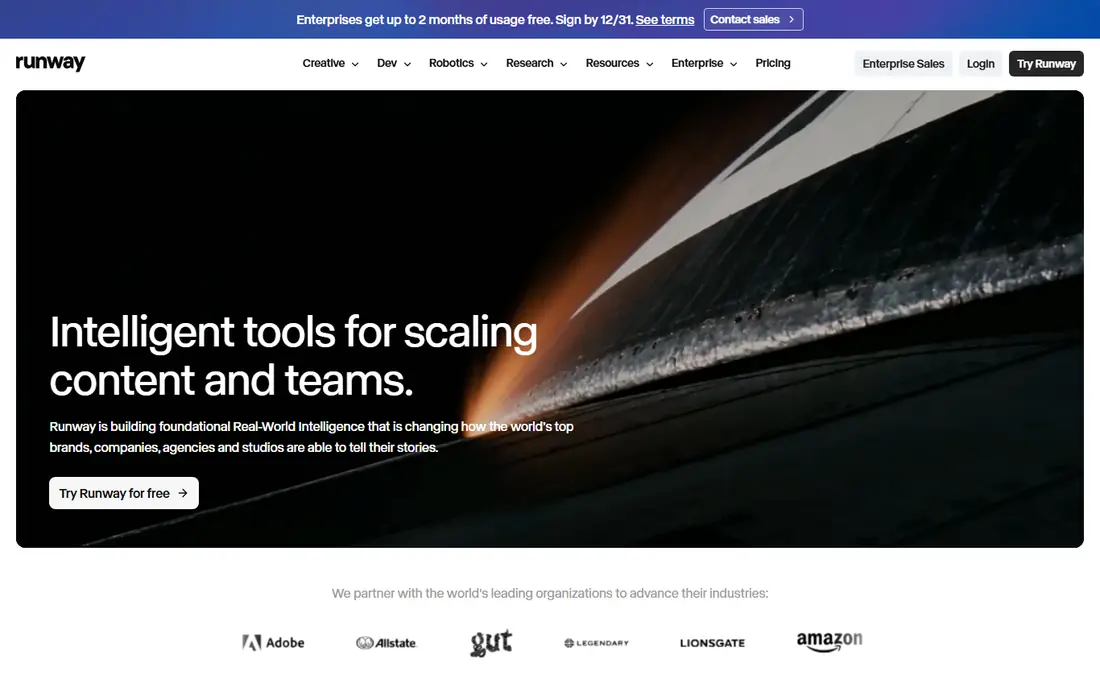
Runway suits creators who want to shape a video, not just accept the first result. Its Gen models sit beside editing, inpainting, and motion tools, so you can fix a shot, extend a scene, or build a sequence in one place. That depth matters when a client brief needs a specific look rather than a generic clip.
The downside is that beginners may feel lost at first, and the free allowance does not refill each month. Treat the free credits as a test, then choose a plan based on how many finished seconds you need. Teams that already edit video will get more from Runway than casual users will.
- Broad creative toolset beyond generation
- Good control over shots and edits
- Useful for filmmakers and agencies
- Free credits are one-time only
- Paid plans still use credits
- Learning curve is steeper than simple tools
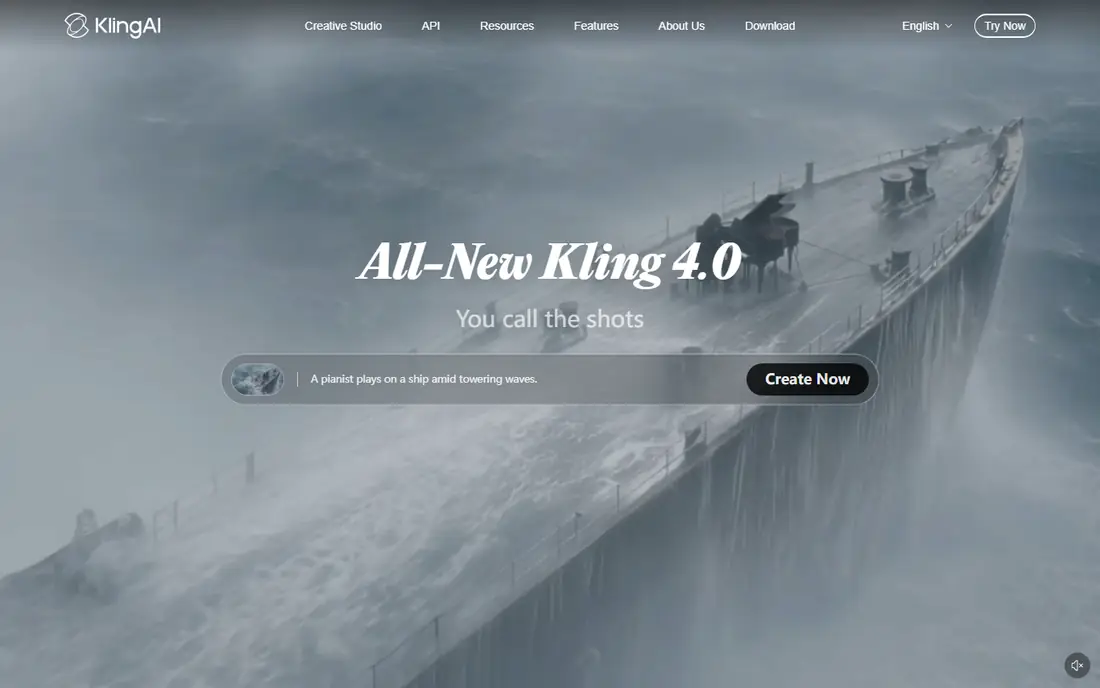
Kling AI is the tool we would try first if budget matters. Its daily free credits let you test ideas without paying, and its motion handling for people and animals is often smoother than cheaper rivals. For social posts, product demos, and short explainers, it covers most everyday needs.
Paid plans add more credits and higher quality, but the price jumps sharply at the top end. Keep prompts specific about movement, camera angle, and setting, because vague prompts still produce vague results. Kling rewards careful wording more than long, rambling descriptions.
- Daily free credits for regular testing
- Strong human motion
- Good value at the entry paid tier
- Free output carries a watermark
- Higher tiers cost much more
- Quality can vary by prompt
Pika works best for creators who publish often and want speed. Its effects, lip sync options, and short-form focus make it a natural fit for reels, ads, and memes. The interface is direct, and you can move from idea to a shareable clip in minutes.
The trade-off is scope. Pika is less suited to long narrative scenes or detailed cinematic work, and the free tier is more of an account than a usable monthly allowance. Buy credits or a paid plan only after you have tested if its style fits your feed.
- Low entry price on annual billing
- Fun effects and transitions
- Quick results for social formats
- Free account starts with no monthly credits
- Short clips suit social better than long stories
- Effects can look gimmicky if overused
Hailuo AI, from MiniMax, is a solid middle option for creators who want a subject or image to stay consistent across clips. That control helps with product videos, characters, and repeated scenes, where a changing face or object would break the result. Its standard plan is priced in line with rivals.
Free users should expect limits, since the trial credits do not refill in the same way as a daily allowance. If you plan to use Hailuo regularly, compare the credit cost per clip with Kling and Runway before you commit. For occasional projects, the trial is enough to judge quality.
- Useful reference and subject controls
- Good motion for everyday scenes
- Clear tier structure
- Free access is a one-time trial allowance
- Watermark on free output
- Top plans are costly
Luma Dream Machine appeals to creators who care about how a shot moves. Its camera controls and sense of depth give short clips a filmed feel, which suits trailers, mood pieces, and product reveals. If your work lives or dies on visual polish, that quality can justify the price.
The entry cost is the main barrier. At $30 per month, it costs more than Kling, Pika, or Firefly to start, so casual users may prefer a cheaper tool for drafts. Use Luma for final hero shots and a lower-cost tool for rough ideas.
- Strong camera moves and scene depth
- Good for dramatic short shots
- Image-to-video support
- Entry paid price is higher than rivals
- Free tier is limited
- Not the cheapest choice for bulk clips
Adobe Firefly is the safer pick for businesses that worry about rights and brand use. Adobe positions Firefly around commercially safe training and clear usage terms, which matters when a video will run in paid ads or on a company site. Integration with Adobe apps also helps teams that already edit in that system.
Pure video creators may find Firefly less flexible than Runway or Veo for complex scenes. It works best as part of a wider design workflow, not as a standalone film studio. If you already pay for Adobe tools, check what video credits your plan includes before buying a separate generator.
- Designed for commercial use
- Fits Adobe Creative Cloud workflows
- Clear credit-based plans
- Video features are narrower than specialist generators
- Credits limit heavy use
- Best value if you already use Adobe tools
InVideo AI suits small businesses that need a finished video today, not a raw clip to edit later. You enter a prompt, and it builds scenes, voiceover, captions, and music into a complete piece. That speed is valuable for ads, social posts, and product announcements.
The catch is originality. Template-driven videos can look similar to each other, so you should still rewrite the script, change visuals, and add your own branding. For teams without an editor, though, InVideo closes the gap between an idea and a publishable video.
- Turns a prompt into a full edited video
- Large stock and template library
- Good for marketers without editing skills
- Results can feel template-driven
- Less control than pure generators
- Paid tiers vary by seat and billing
Pictory is different from the pure generators above, because it builds videos from text you already have. A blog post, script, or long article becomes captioned scenes with stock footage and narration. That makes it a strong choice for course creators, agencies, and teams with a content archive.
It is not the tool for inventing a cinematic scene from one sentence. The visuals come largely from stock, so the result feels like a polished explainer rather than a filmed short. If your goal is to turn writing into video at scale, Pictory earns its higher price.
- Turns blog posts and scripts into video
- Automatic captions and voiceover
- Good for repurposing written content
- No free plan, only a trial
- Higher starting price
- Stock visuals suit explainers better than cinematic work
How we picked these
We compared official pricing pages, feature descriptions, and app or platform documentation for tools that generate video from text in October 2026. We kept only tools that were live, accepted new users, and produced video from a text prompt or script. We left out Sora as a live consumer product because its consumer app closed in April 2026, and we left out tools that only edit existing footage without text-to-video generation.
What to check before you pay
Start with clip length, because most tools cap a single generation at a few seconds. If you need a 60-second ad, you will stitch clips together or choose a tool like InVideo or Pictory that builds longer videos from a script. Next, check credits. A plan that looks cheap can run out after a handful of high-quality clips, while a higher plan may include far more usable output.
Also confirm watermark rules, commercial use, and disclosure rules for AI-generated people. Some free outputs carry a watermark, and some tools require you to label AI content on certain platforms. Test with the free tier or trial, generate the same prompt in two tools, and compare motion, faces, and sound before you pay for a year.
Frequently asked questions
What are the best AI text to video tools in February?
The February search term now points to the same current tools in October 2026, led by Google Veo, Runway, and Kling AI for pure generation, plus InVideo and Pictory for script-based videos. Choose by clip length and budget, not by the month in the search phrase. A free trial will tell you more than any ranking about which style fits your work.
Can I use these tools for free?
Yes, most tools on this list offer a free tier or trial, but the allowances differ. Kling offers daily credits, Runway offers one-time credits, and Pictory offers a trial rather than a free plan. Free output often carries a watermark, so check the export rules before you publish.
Which text to video tool is best for small businesses?
InVideo and Pictory suit small businesses that need finished marketing videos without editing skills. Veo or Kling suit businesses that need a striking short clip for an ad or product page. Pick the tool that matches the video you publish most often.
Do I own the videos I generate?
Ownership and commercial use terms vary by tool and plan, so read the terms on the vendor site before commercial use. Adobe Firefly is marketed for commercial work, while other tools set limits by plan or require disclosure for AI-generated content. Keep a copy of the terms for any video used in paid advertising.
Why is Sora not on this list?
We did not list Sora as a live consumer product because its consumer app closed in April 2026, as noted in our research. Listing it as a current option would mislead readers who need a tool they can sign up for today. If OpenAI relaunches a consumer video product, we will reassess it on its new terms.
How long are AI-generated video clips?
Most pure generators produce clips of a few seconds to under a minute per generation, while script-based tools can build longer finished videos. Check the maximum length on the pricing or feature page, and plan to join clips for longer stories. Longer clips usually cost more credits.
Sources
See where you really rank - block by block
ProMapRanker scans Google Maps across a grid of your service area. Simple monthly plans from $19, white-label on every plan.
Start freeKeep reading
 zoho inventory alternatives
6 Alternatives to Zoho Inventory, Compared on Price and Fit
Zoho Inventory alternatives: 6 tools compared on price, free plans and fit. Katana leads the list for manufacturers. Fit and flaws are laid out for each entry.
Read → zoho crm alternatives
Best Zoho CRM Alternatives (2026)
Need Zoho CRM alternatives? We compare 7 tools on cost, free access and who each suits. Every pick gets a straight assessment. Built for quick decisions.
Read → zelle alternatives
Best Zelle Alternatives in 2026
Compare the best Zelle alternatives for sending money to friends, paying sellers and moving funds abroad, with honest notes on fees, speed and safety in 2026.
Read →